UwUI
- By
Description
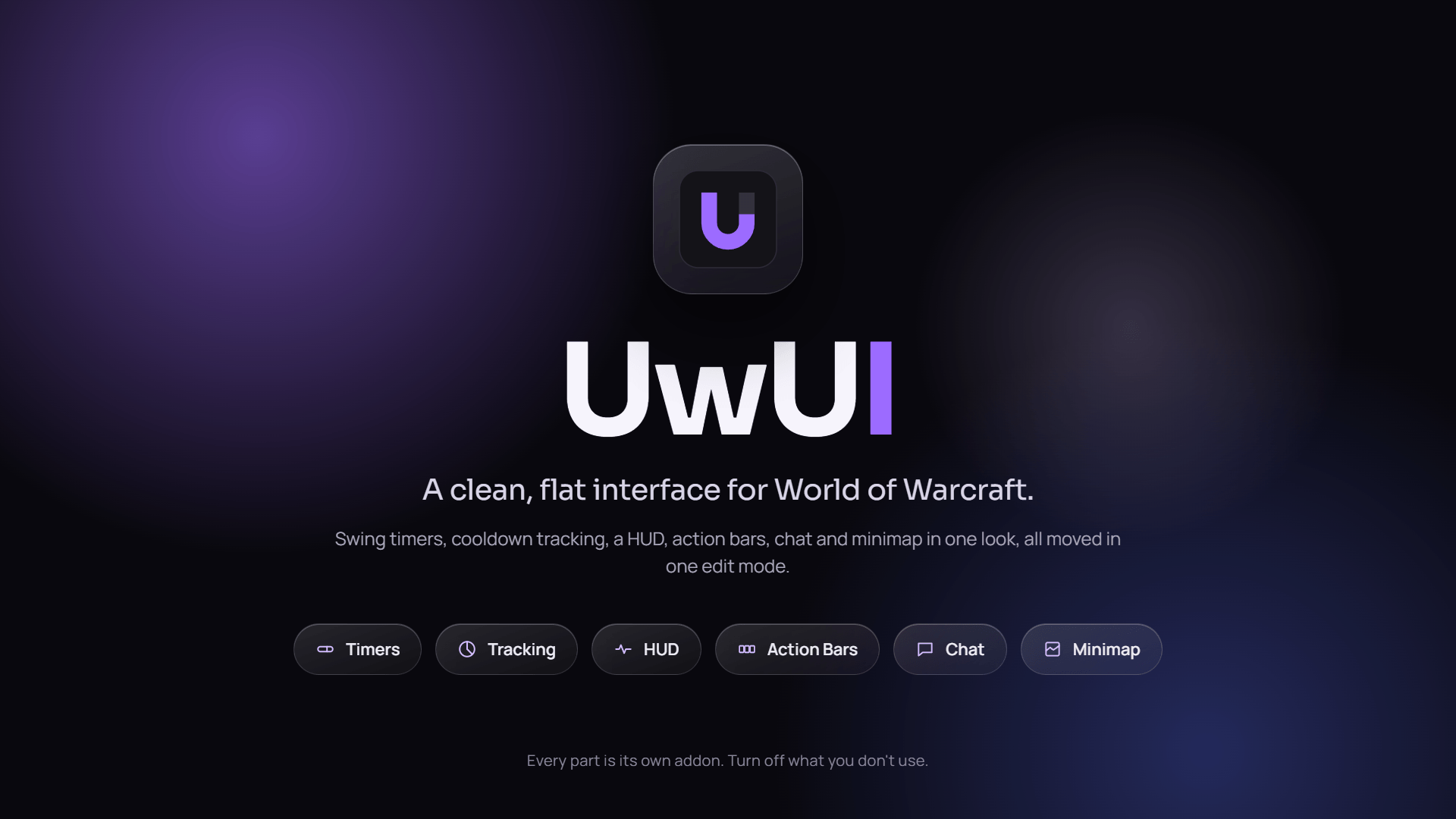
UwUI is a clean, pixel-perfect interface for WoW Forever. Every swing, cast, cooldown, proc, aura and resource sits beside flat action bars, chat and minimap, all in one look. It comes as a suite: each part is its own addon, every feature switches on and off by itself, and everything is built to be light, sharp and quick to set up.
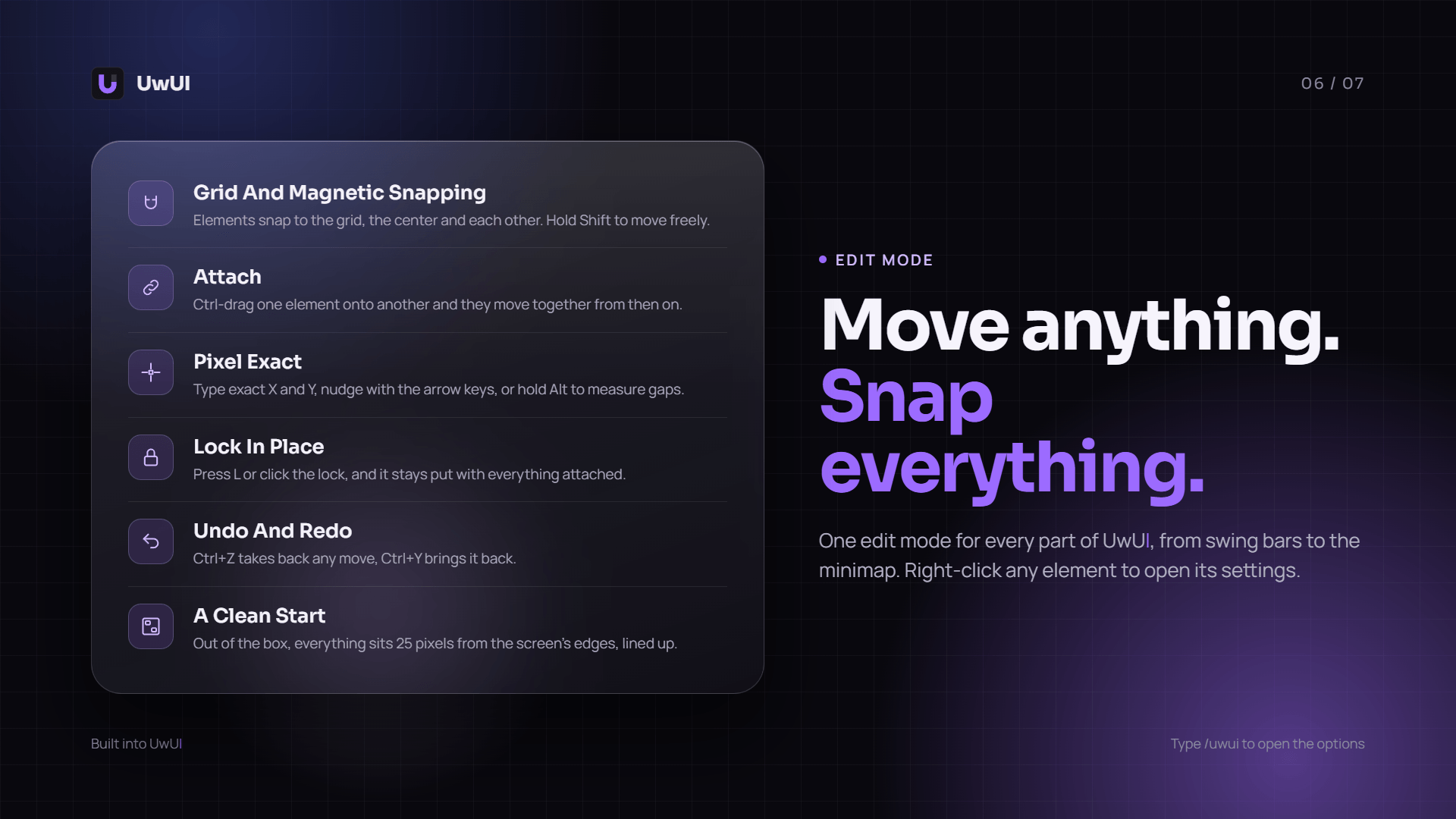
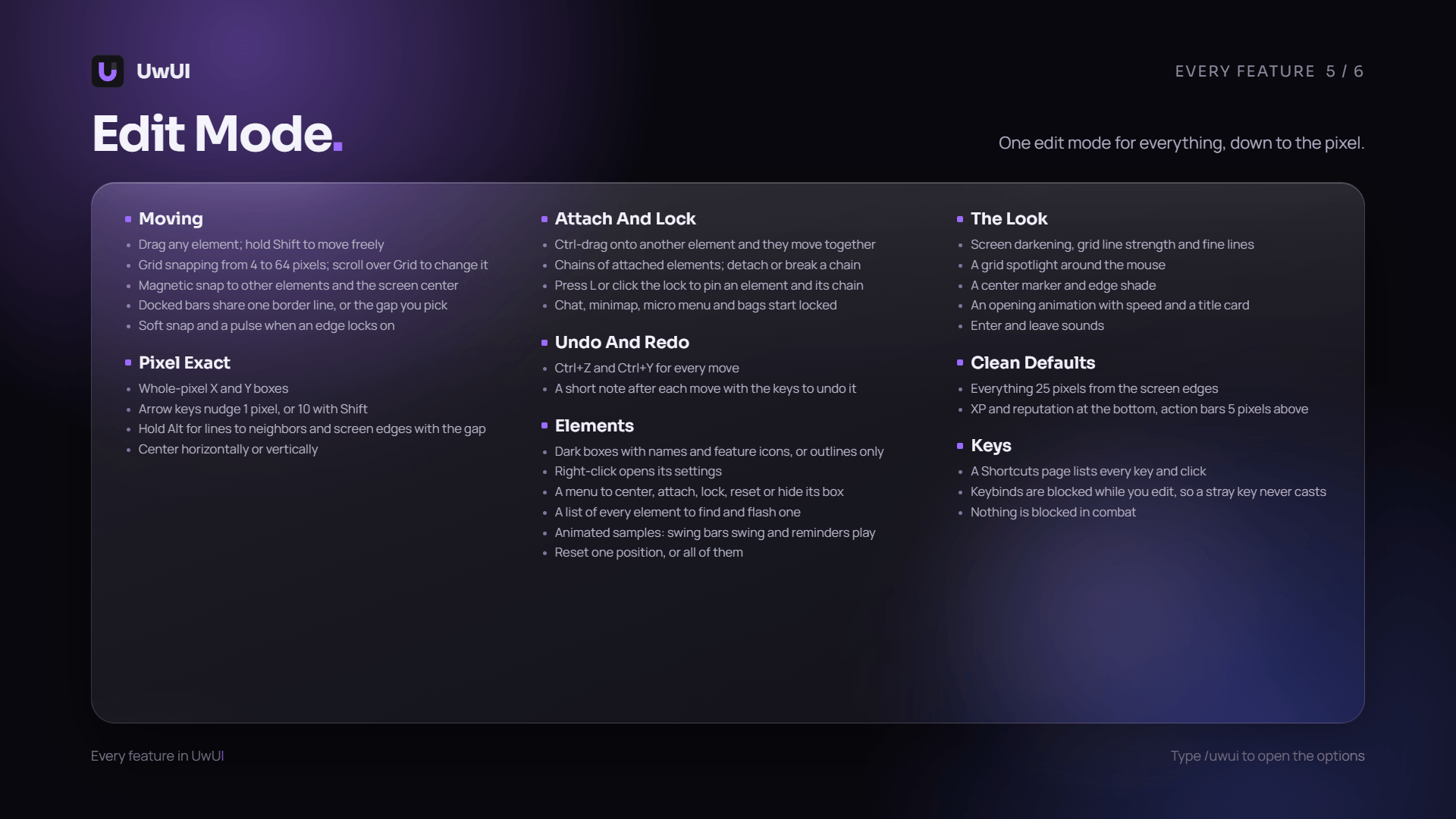
At its center is Edit Mode, a visual editor where every element plays a live sample of itself while you place it. Drag it, snap it to the grid or to other elements, attach elements into chains that move together, and lock them in place. A short setup on your first login gets you playing right away, and whether you want a few bars or a whole new interface, UwUI lets you build it in minutes.
Bugs & Feedback
Found a bug or have an idea? Reach out on Discord: @4ukai, or by email from the Contact page in the options. Create Bug Report on that page puts everything the author needs into one text, ready to paste.
Ready in a Minute
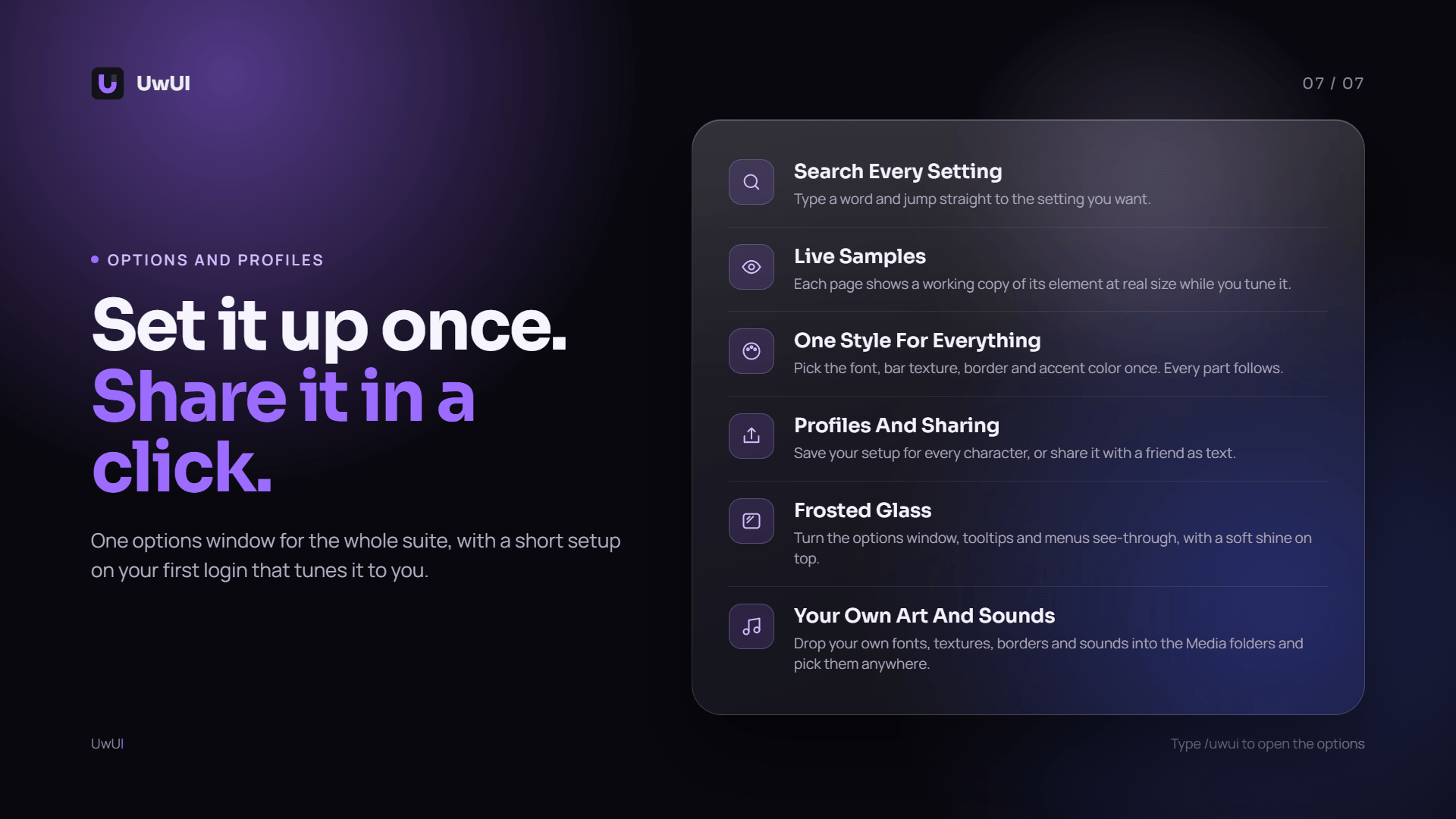
A setup screen on your first login walks you through your features, look and layout, then a short tour shows you around the options window. Run either again any time from the Profiles page.
Visual Edit Mode
Drag, snap, nudge, attach and lock anything, with grid and magnetic snapping, distance lines, undo and redo, and exact pixel positions. Pick any element from a list, even one hidden behind another. Every element moves while you edit it, drawn with your own settings, so you see the result as you place it.
Your Whole Screen, One Look
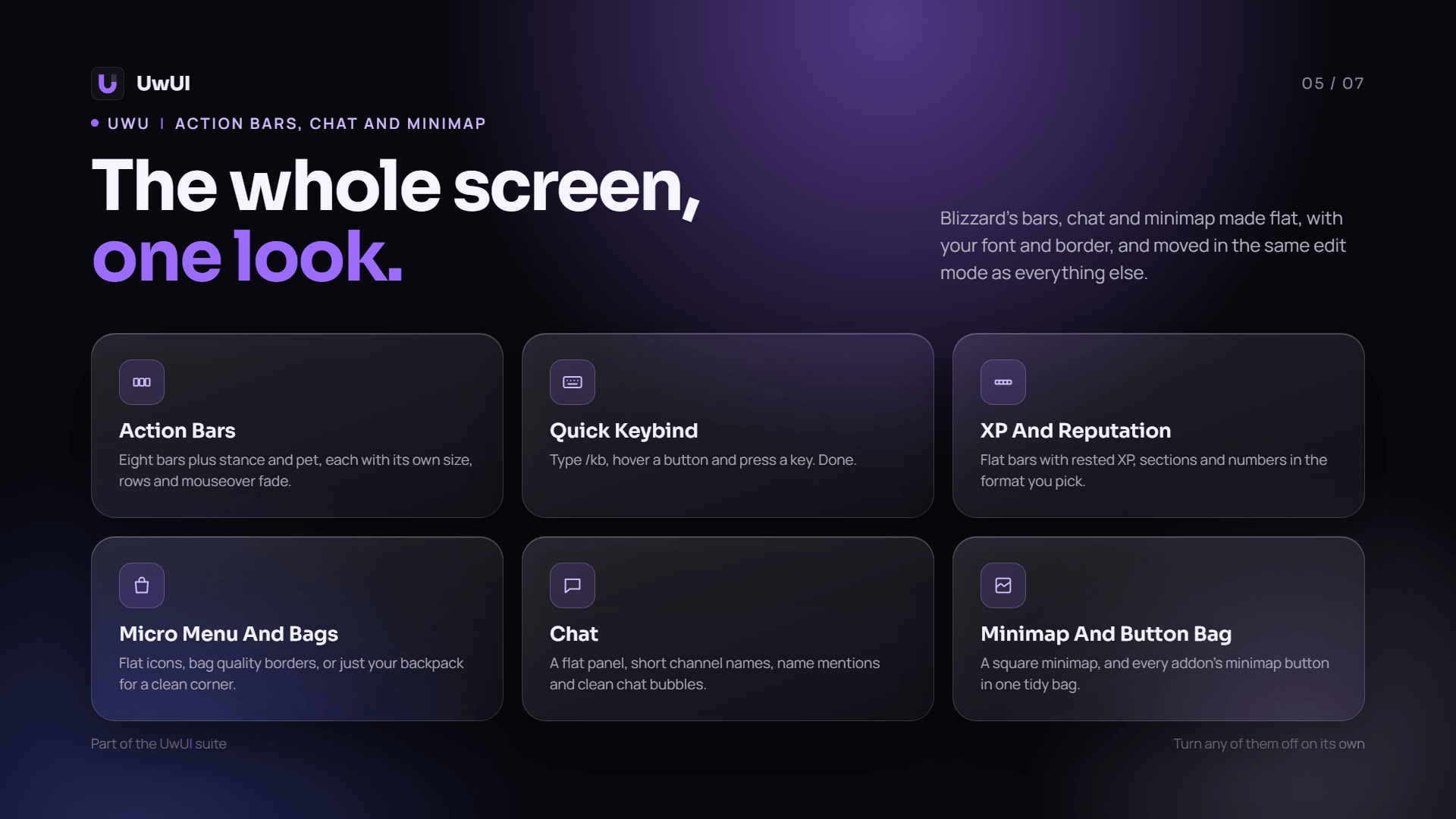
UwUI's action bars, XP and reputation bars, micro menu, bags, chat and minimap replace Blizzard's with flat versions in your font and border, moved in the same edit mode as everything else. Type /kb to bind keys by hovering a button, and every addon's minimap button tucks into one bag.
Options That Show You
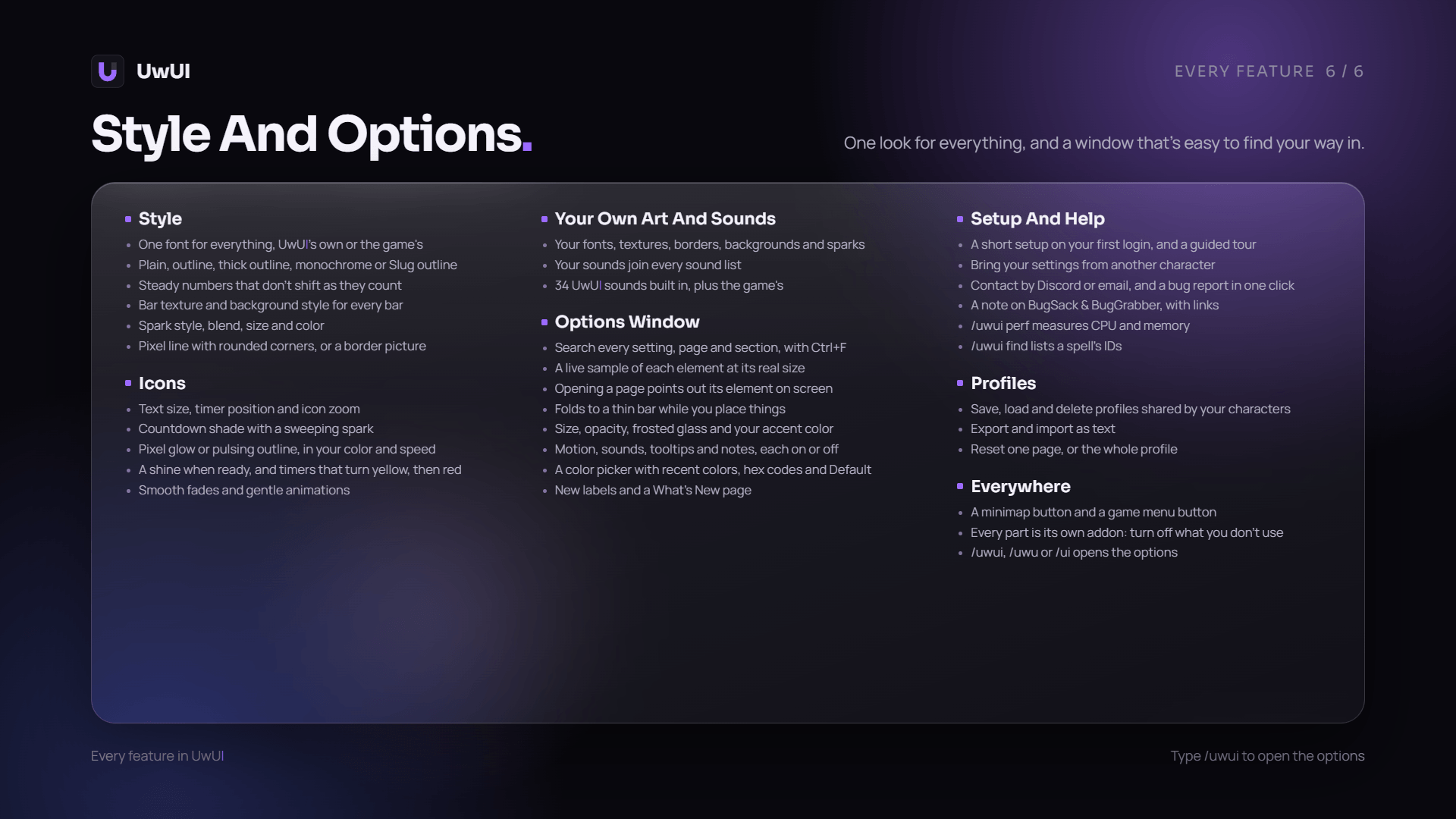
Every page plays a small live copy of its element that changes as you change the settings. Find any setting with Ctrl+F, pick colors with UwUI's own color picker, and choose from 34 soft sounds made for UwUI. Turn on Frosted Glass for a see-through options window. New settings wear a NEW tag, and What's New lists every change.
Pixel-Perfect by Design
Bars, borders and icons sit on whole screen pixels at any resolution or UI scale. 1-pixel borders stay crisp, bars stacked together share one clean line, and out of the box everything sits 25 pixels from the screen's edges, neatly lined up.
Built to Stay Light
Anything with nothing to show goes to sleep, and everything updates the instant something changes. Type /uwui perf to see exactly how much UwUI asks of your game while you play.
Made for Combat
Buffs and target debuffs keep counting down in combat with their real timers. Only debuffs that really landed on your target show, and a missing one keeps its place in the row so you notice it.
Never Miss a Proc or a Rare
Reactive abilities like Overpower, Revenge, Riposte, Counterattack and Mongoose Bite light up the moment you can use them. Rare mobs are spotted as soon as their nameplate appears or anyone in your group targets one, marked with a flashing silver dragon, posted in chat with a map pin, and one click on the Target button targets them.
One Style for Everything
Pick one font, bar texture, border, spark, glow and icon look, and every element follows it, from your swing timer to your chat. Add your own fonts, textures, borders, sparks and sounds.
Only What You Want
Timers, Tracking, HUD, Action Bars, Chat and Minimap are separate addons under UwUI in your addon list, and every feature has its own switch. Turn off what you do not use and it stays out of your way, with your settings kept.
Included Features
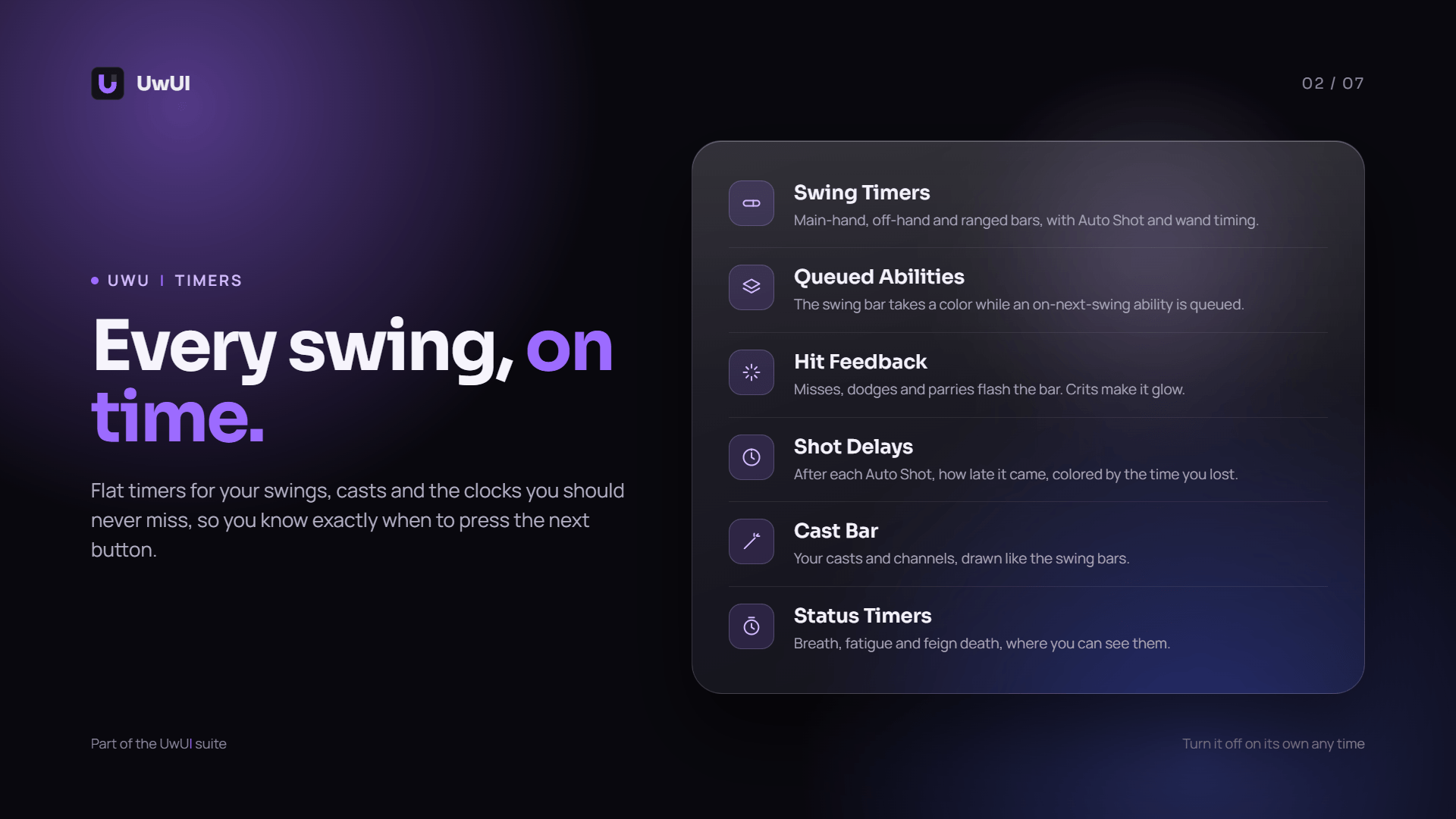
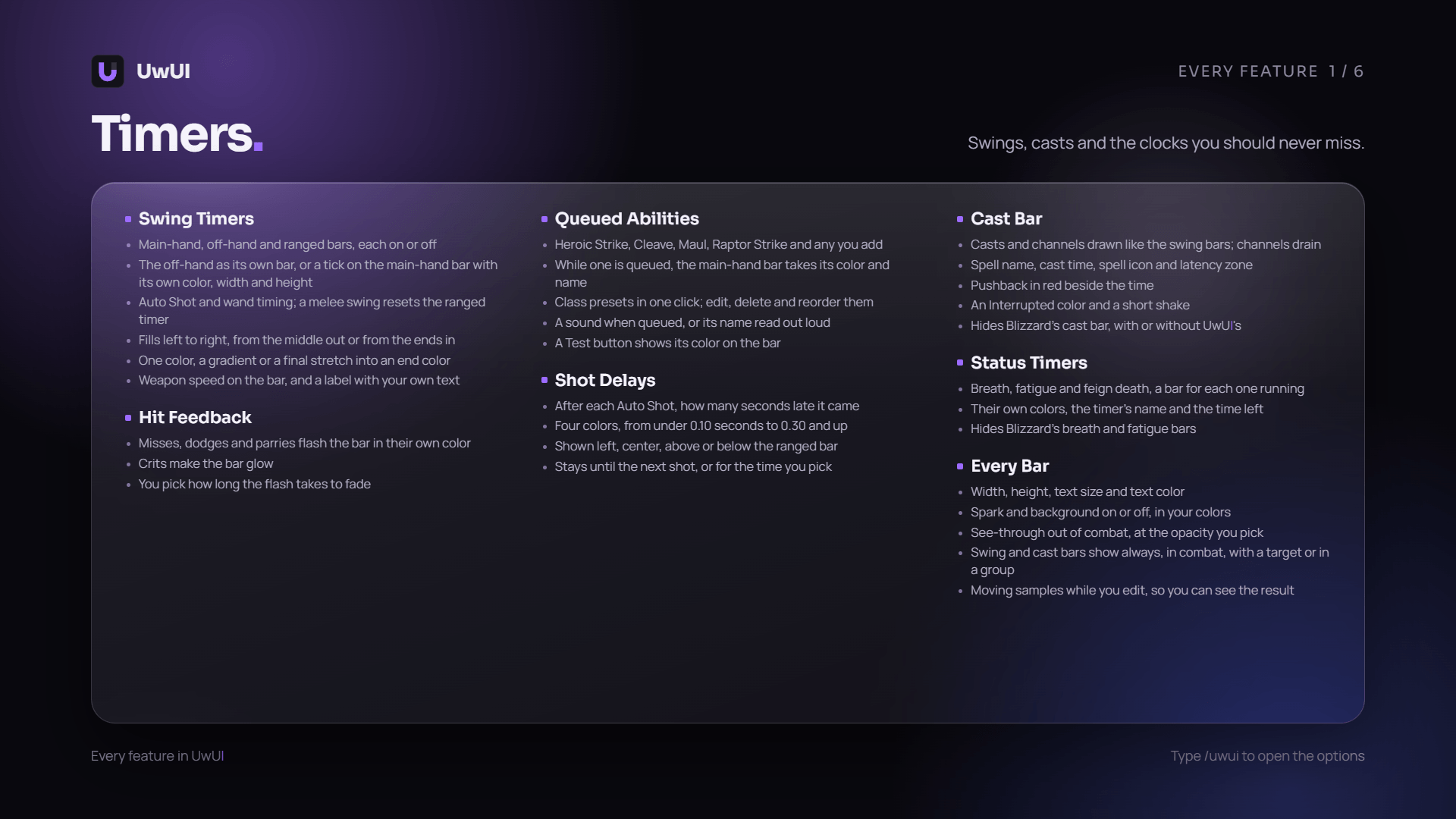
- Swing Timers (main-hand, off-hand and ranged, colored by your queued ability, with hit feedback)
- Auto Shot Delays (how late each shot came)
- Cast Bar (your lag at the end of the bar, pushback, channels and a shake when a cast is interrupted)
- Status Timers (breath, fatigue and feign death)
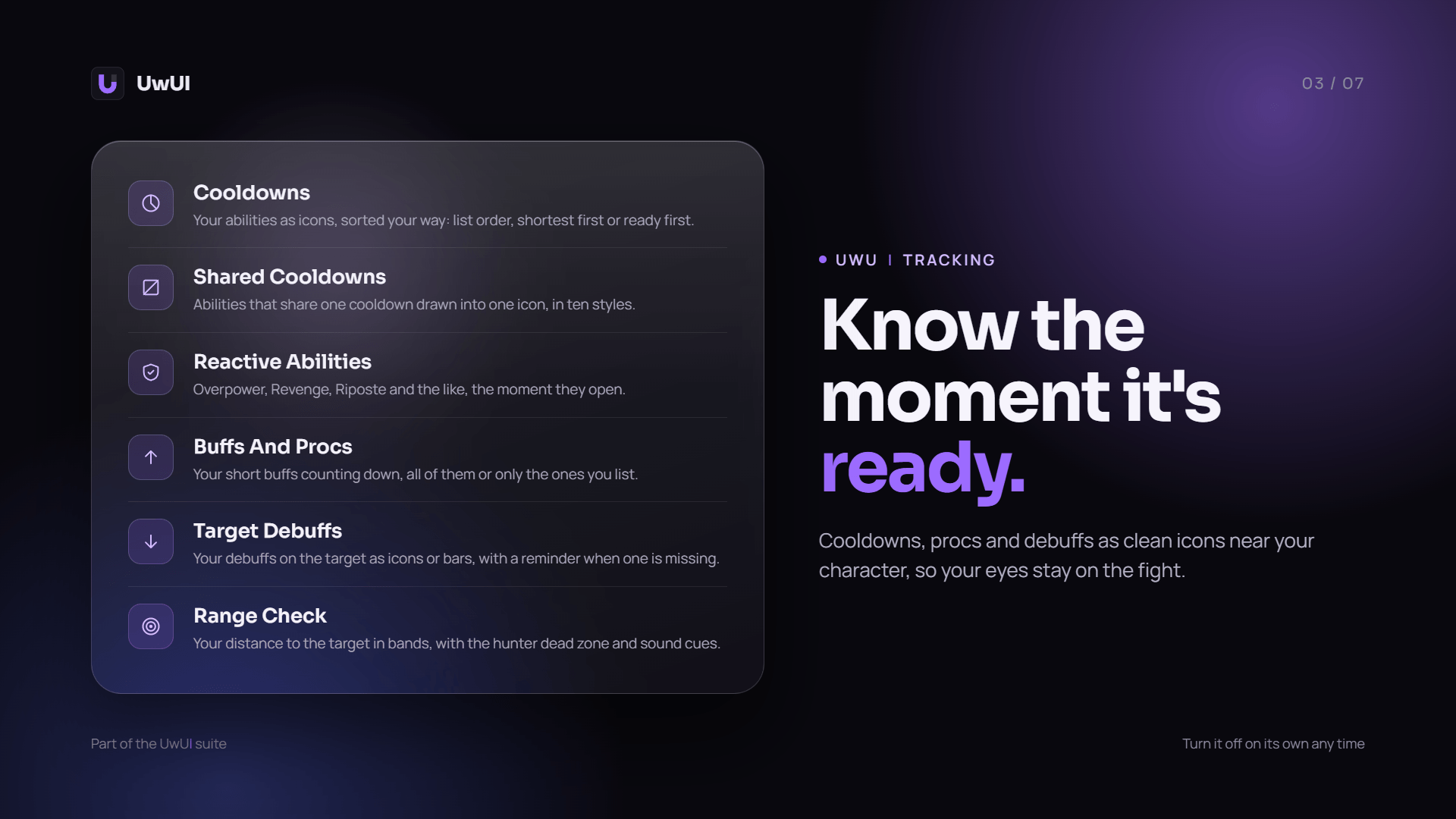
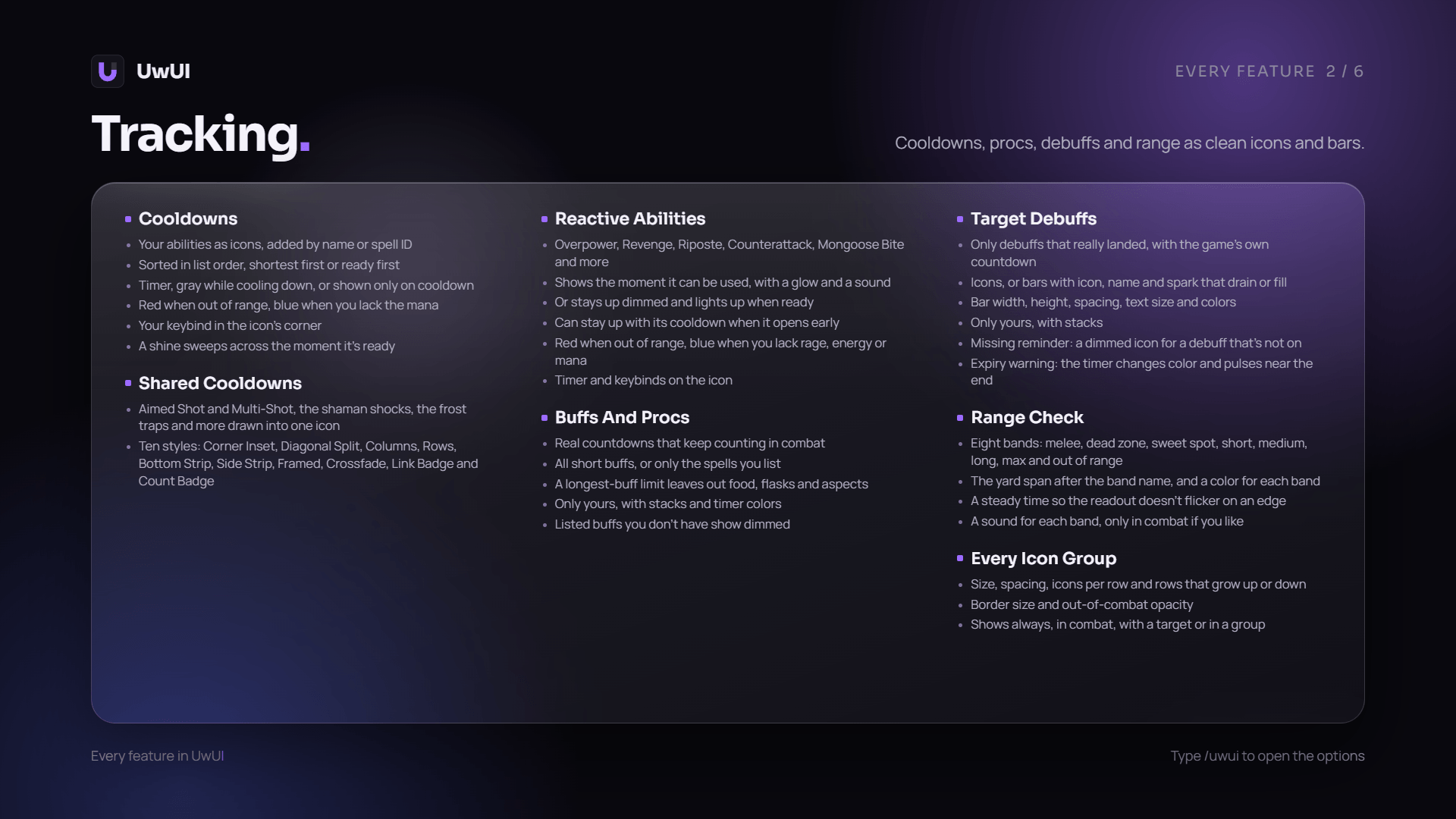
- Cooldowns (keybinds, range and mana tint, a glow and shine when ready, several ways to show shared cooldowns)
- Reactive (abilities that open up after a dodge, parry or block, set up for your class)
- Buffs (your procs and short buffs, with a reminder for missing ones)
- Target Debuffs (your debuffs on the target as icons or bars, with real timers, missing reminders and an expiry warning)
- Range Check (eight distance bands, including the hunter dead zone)
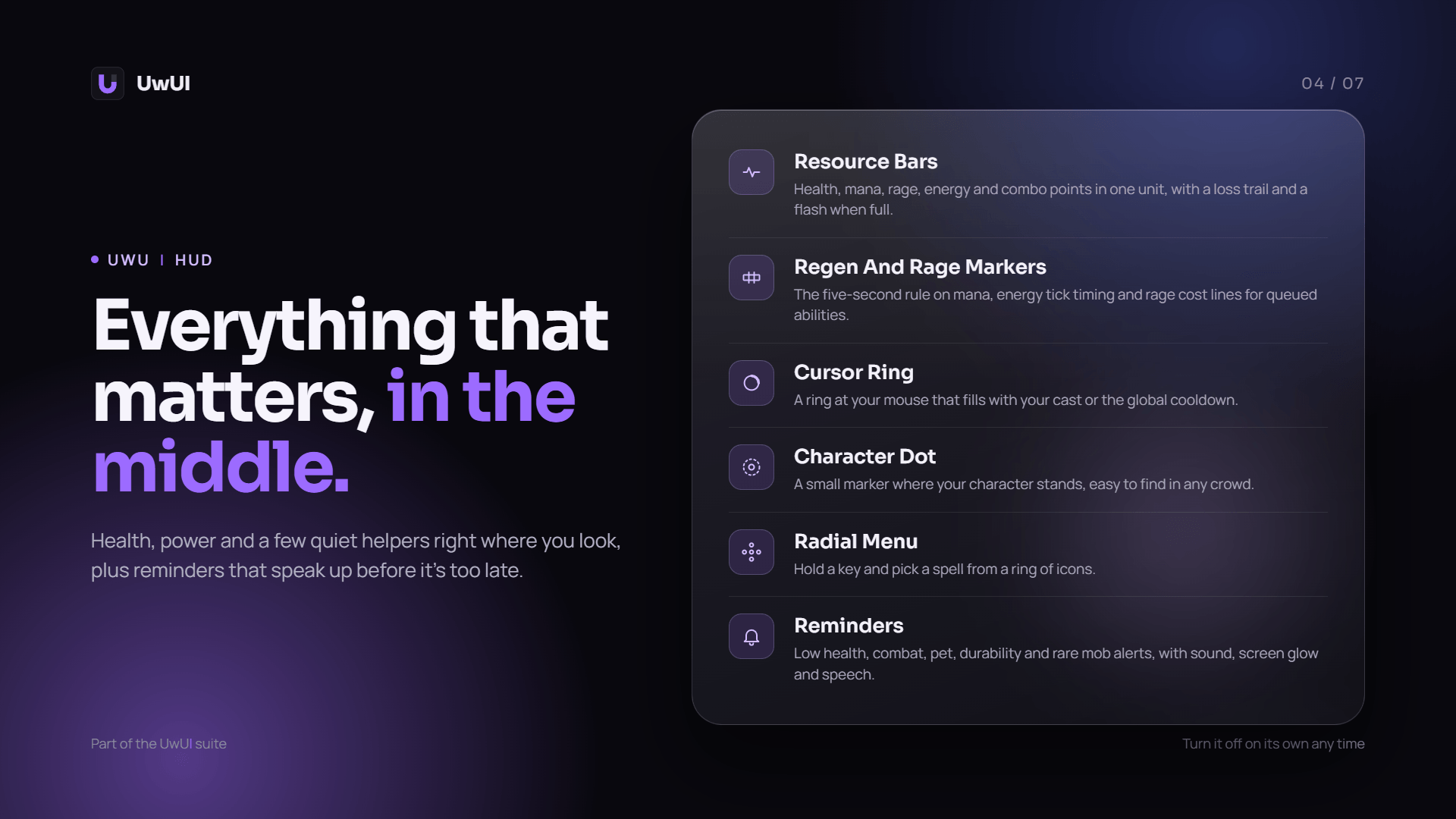
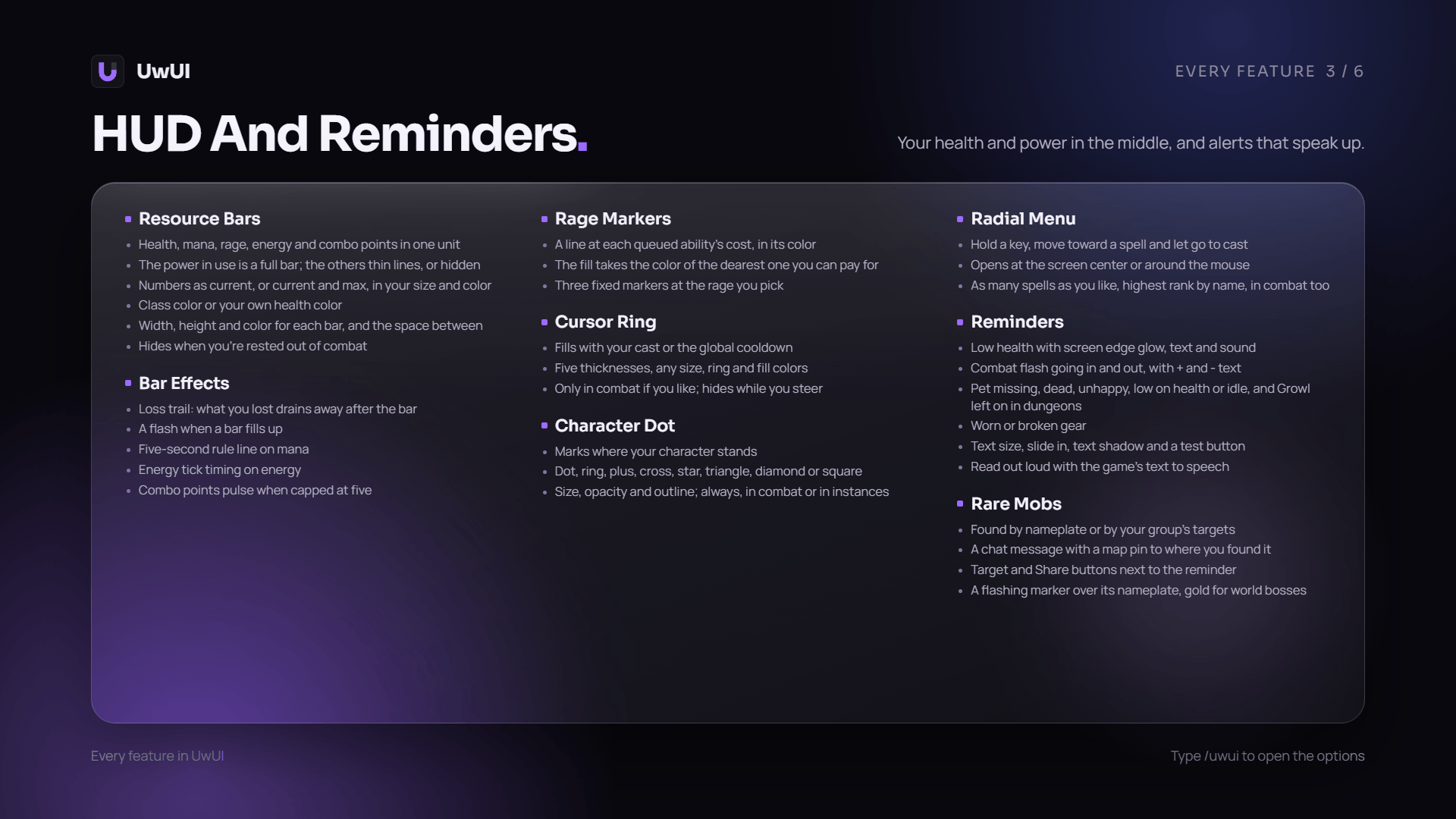
- Resource Bars (health, mana, rage, energy and combo points, with regen ticks, rage cost markers, a loss trail and a flash when full)
- Character Dot (a small marker where your character stands, in the shape, size and color you like)
- Cursor Ring (your cast and global cooldown at the mouse)
- Radial Menu (hold a key, pick a spell, even in combat)
- Reminders (low health, combat, pet, durability and rare mobs with a marker, Target button and chat pin, read out loud if you like)
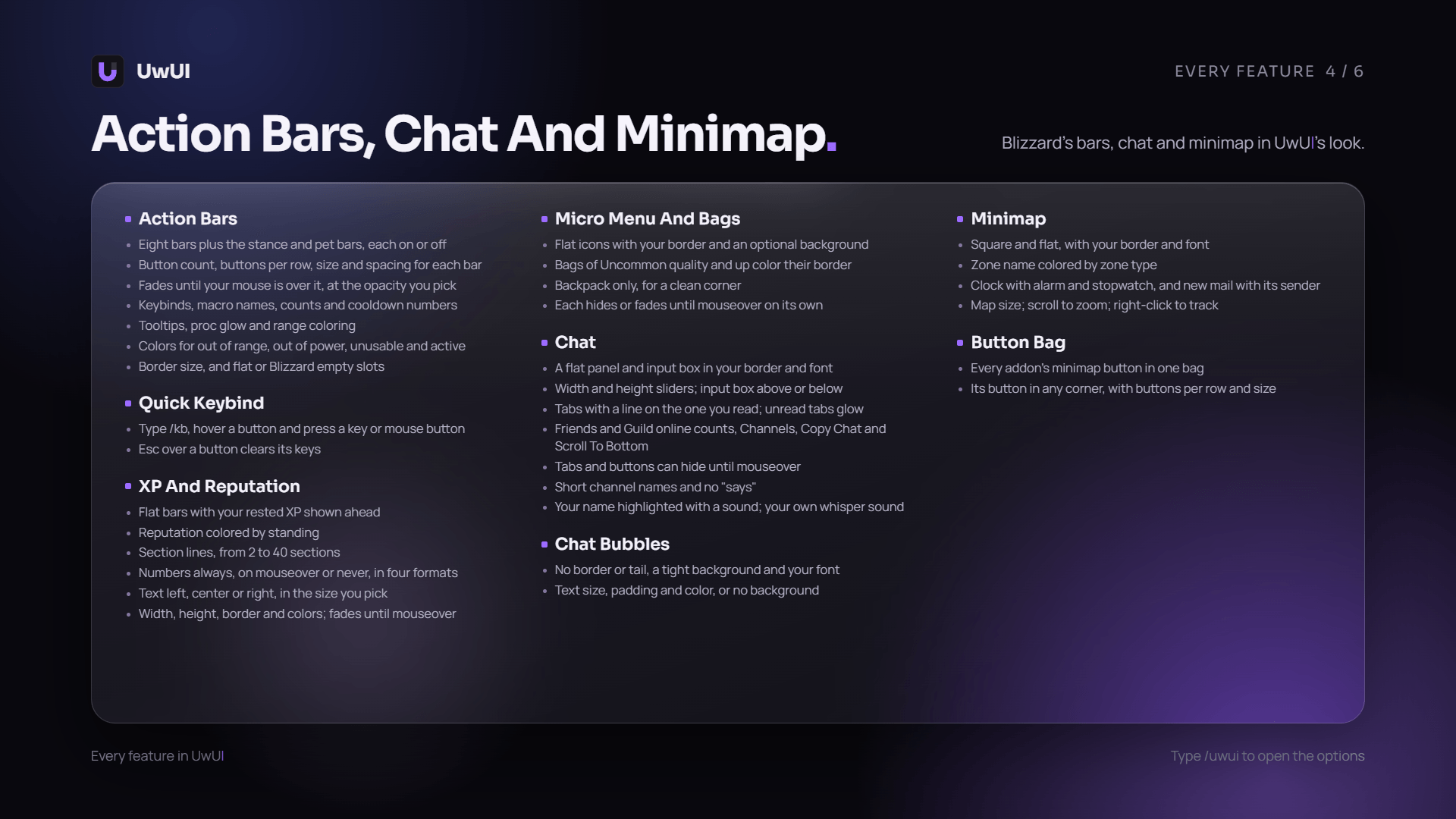
- Action Bars (eight bars plus stance and pet, each with its own size, layout and mouseover fade)
- Quick Keybind (type
/kb, hover a button and press a key) - XP & Reputation Bars (rested XP, standing colors, sections and numbers your way)
- Micro Menu & Bags (flat icons, bag quality borders or just your backpack)
- Chat (a flat panel, UwUI tabs and buttons, short channel names, name mentions and your own whisper sound)
- Chat Bubbles (no border or tail, a tight background and your font)
- Minimap (square and flat, with zone colors, a clock and new mail)
- Button Bag (every addon's minimap button in one bag)
- Profiles (save your setup and share it as text)
UwUI Team