Camera & Pose Studio | TransPose
- By
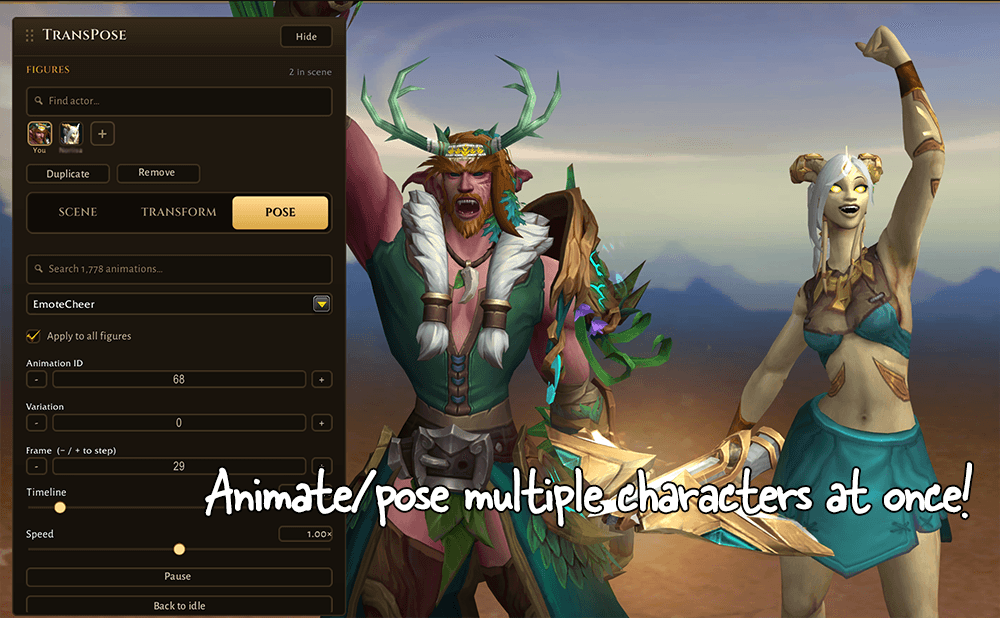
Turn World of Warcraft into your own photo studio. Stage characters, mounts, and pets, pose them frame-by-frame, set the perfect camera and backdrop, and capture clean screenshots for group pose (gpose)
multicharpose.png
druidposition.png
backgroundcontrols1.png
savepose1.png
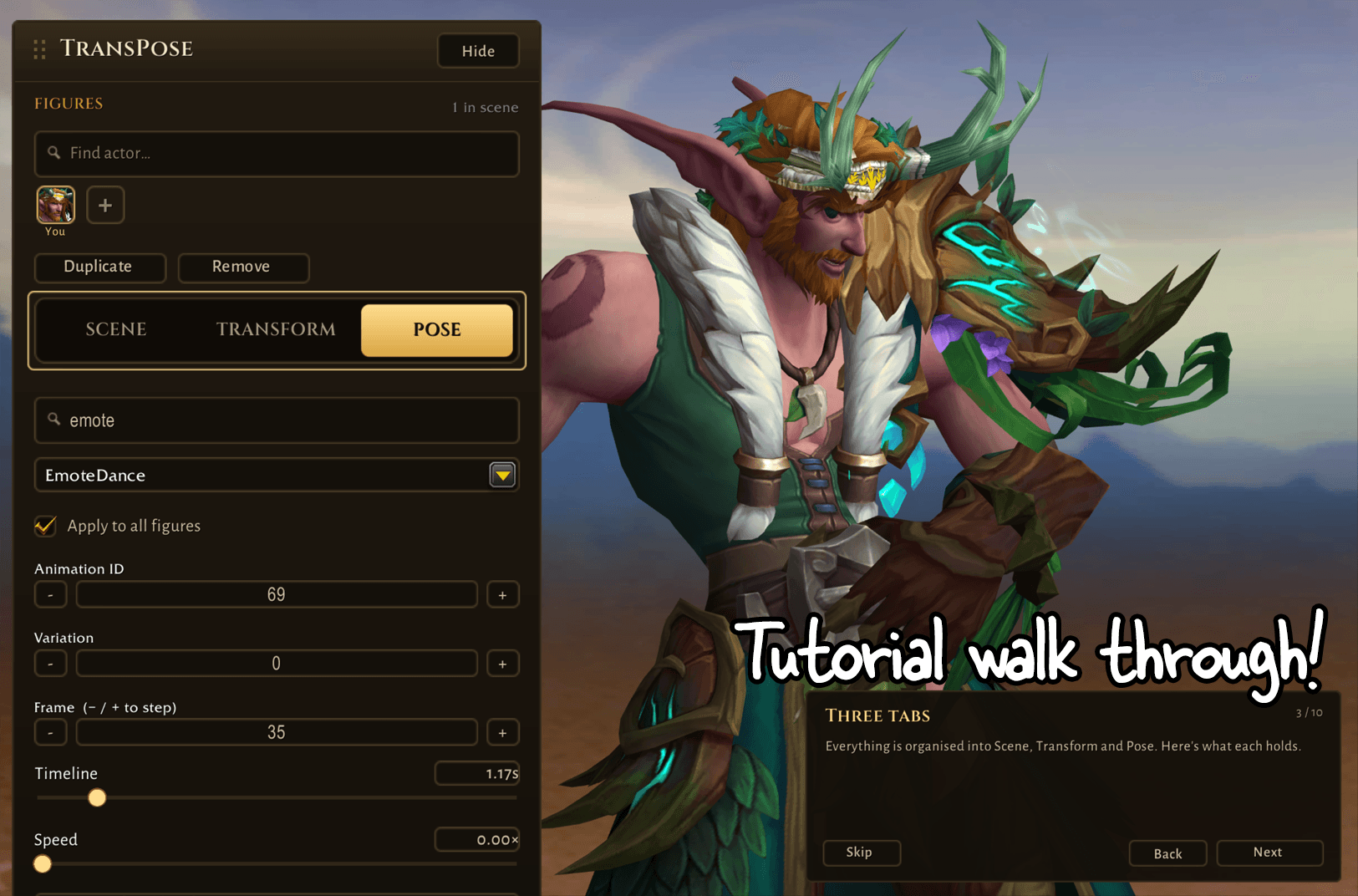
tutorial1.png
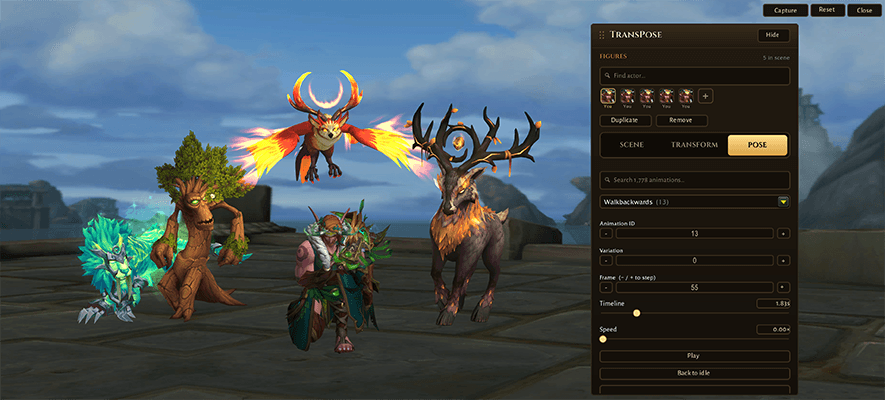
SS3_small.png
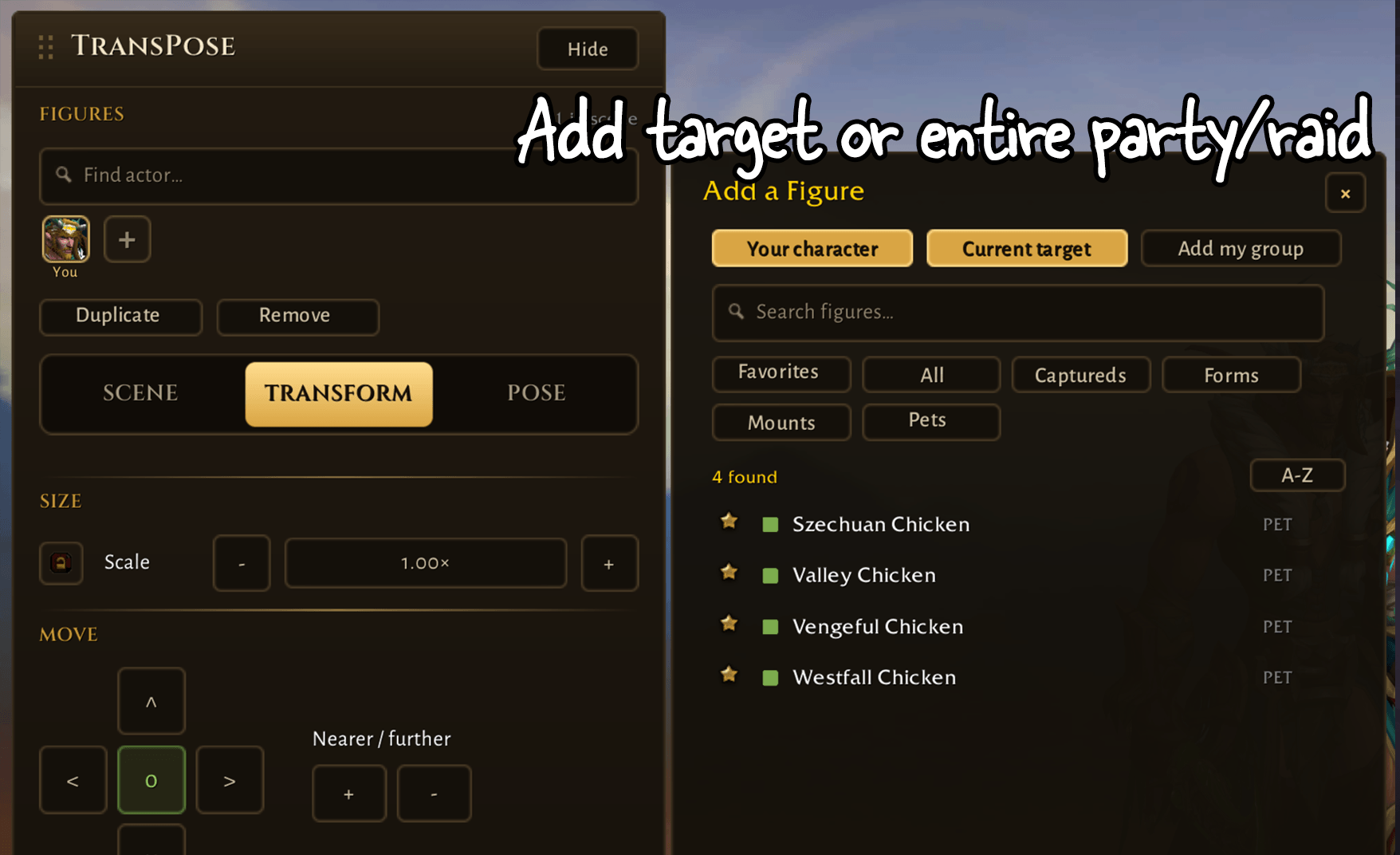
addtarget.png
Description
Screenshot & Pose Studio (TransPose) 📸
Version 1.0 — out of beta. (huge update!)
Turn World of Warcraft into your own photo studio. Stage characters, mounts, and pets, pose them frame-by-frame, set the perfect camera and backdrop, and capture clean screenshots with no UI or gameplay getting in the way.
Ever wanted the perfect group shot, transmog showcase, or roleplay scene without the HUD and other players ruining the frame? 📸 TransPose turns the game into a little photo studio: assemble a cast, apply poses, dial in the camera, drop in a backdrop, and shoot.
✨ Features
- 🎭 Stage a full cast: place up to 30 figures in one 3D scene with real depth and spacing — your character, raid group, mounts, and battle pets.
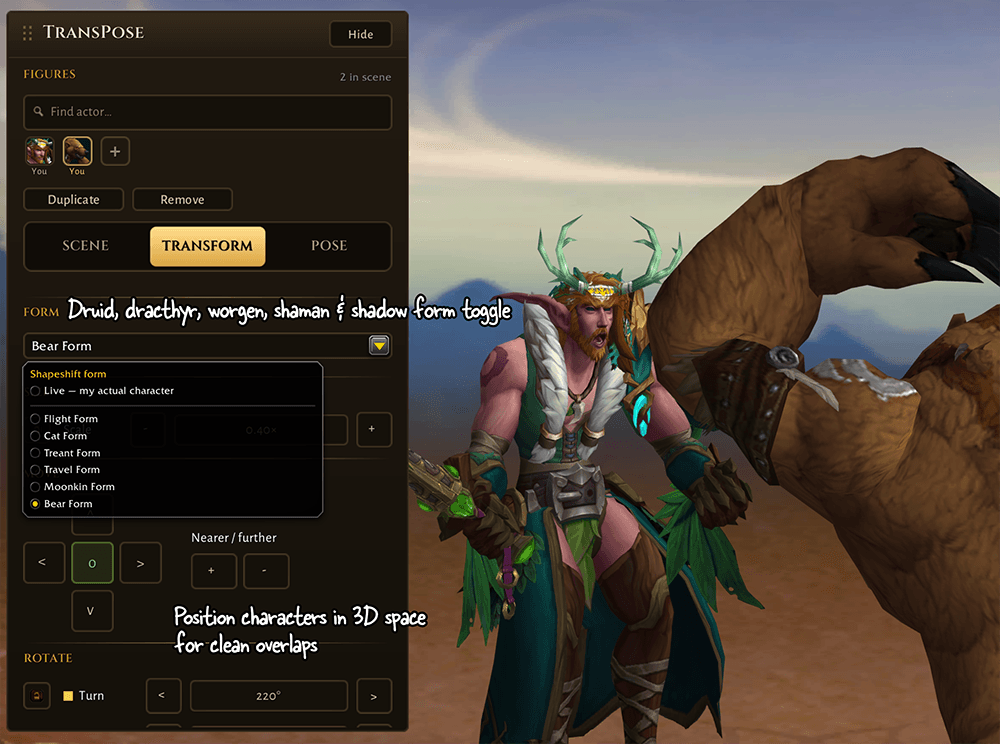
- 🐺 Auto-saves special forms: records and restores your Druid, Worgen, and Dracthyr transformations so they're ready to pose.
- 🎚️ Precise transform controls: move, depth-shift, rotate (yaw/pitch/roll), and scale every figure, with per-axis locking so nothing drifts.
- 🎥 Full camera system: field-of-view and distance controls, freeze locks, orbit/spin/zoom, and one-click auto-framing.
- 📷 In-game camera button: an optional floating shutter that lives on your screen. One click snaps your current target into the studio and opens it. Draggable, resizable, hides during combat, and fully toggleable in settings.
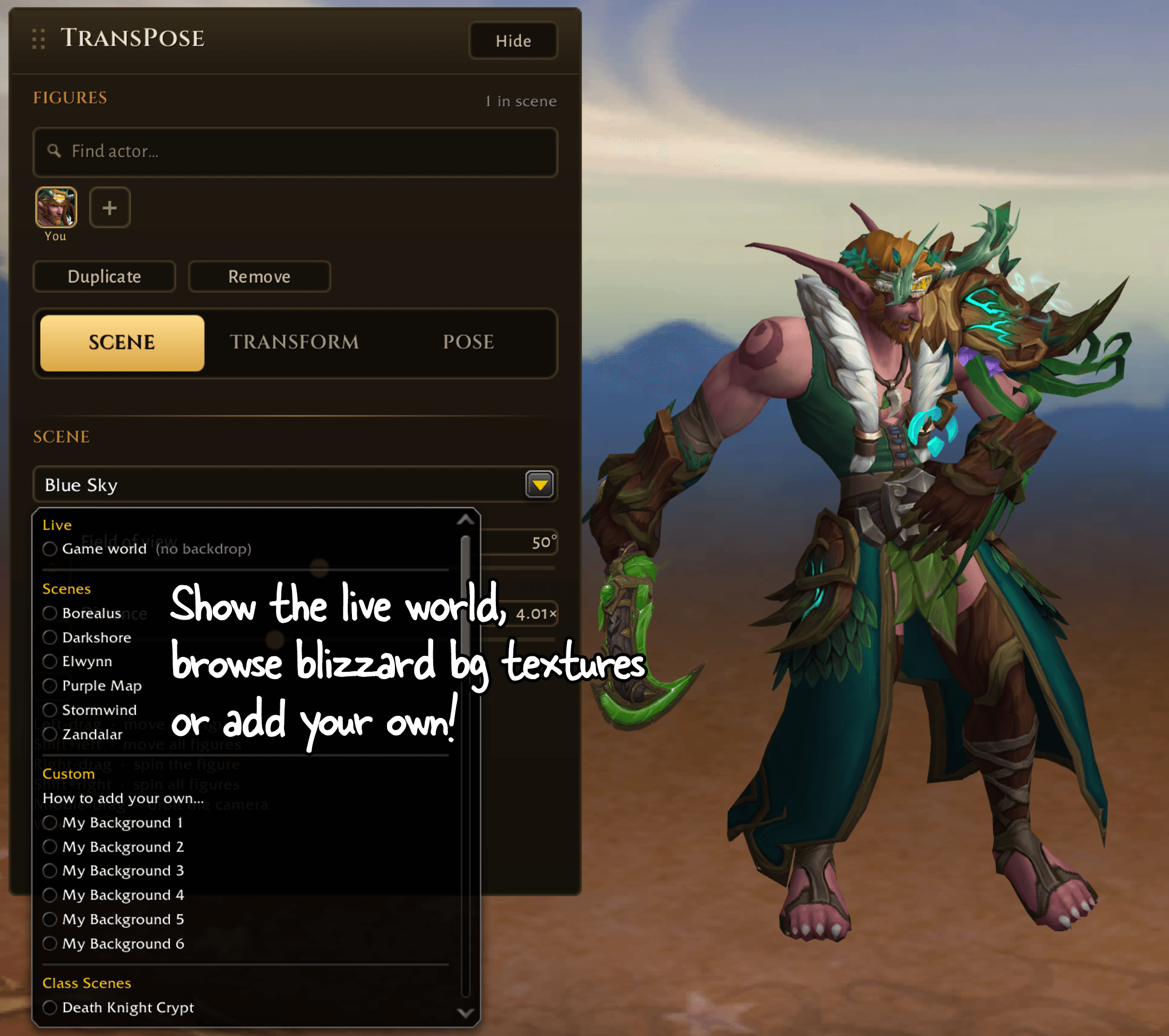
- 🖼️ Any backdrop you want: studio solids including green and blue screens, in-game locations, class/faction scenes, or the live game world behind your cast.
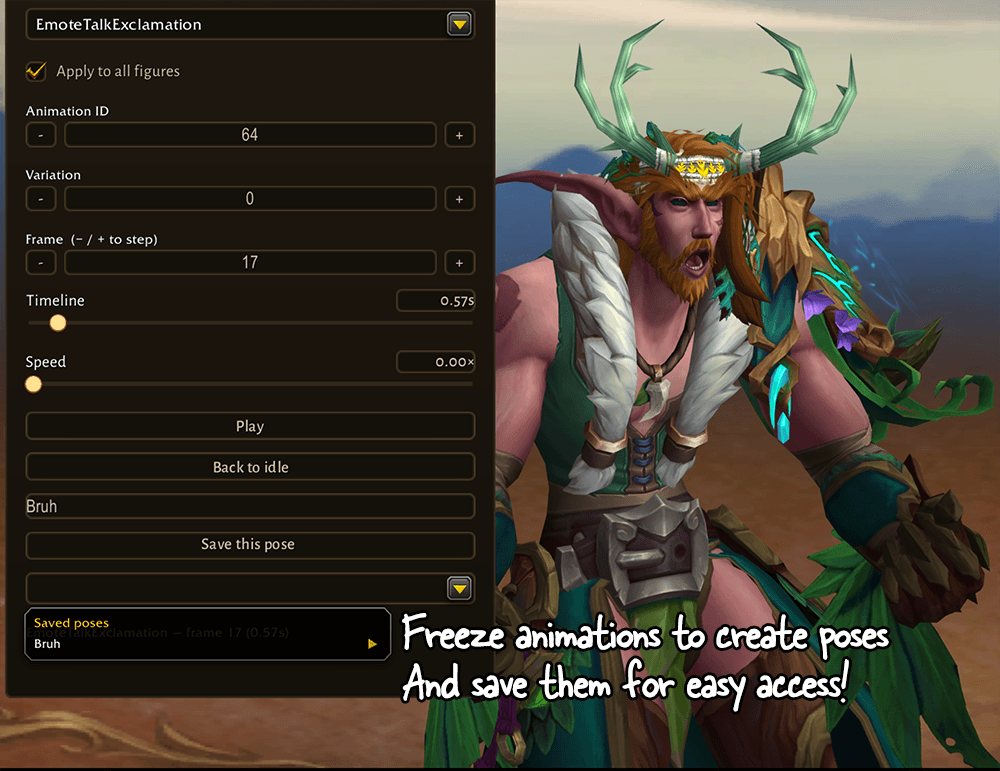
- 🎬 Searchable animations: find any pose by name, step frame-by-frame and save your favorite poses.
- 🐉 A huge cast to draw from: a bundled library of 13,000+ figures by display id — creatures, NPCs and even world props (plants, portals, banners) — searchable by name and type, plus dungeon and raid bosses straight from the Encounter Journal (labelled and searchable by their raid), mounts, and battle pets.
- ⌨️ Fast controls: a minimap button and studio-only keyboard shortcuts (play/pause, move, depth, cycle figures, capture, reset) that only bind while the studio is open.
- 💾 Clean export: capture straight to JPEG, PNG or TGA.
🔮 Please look forward to…
Already in the works for future updates:
- 🕺 Pre-saved poses — a growing library of ready-made poses to drop onto any figure.
- 🌄 More & better backdrops — richer environments to shoot against.
Compatibility
- World of Warcraft Retail (patch 12.0.7+)
- Classic (BETA): Classic Era (1.15), Burning Crusade Anniversary (2.5), and Mists of Pandaria Classic (5.5). Download the matching Beta file for your client.
- No dependencies required — works standalone
Also known as "TransPose." A screenshot studio, character posing tool, in-game camera and photo mode, transmog showcase, and roleplay scene builder for World of Warcraft. Inspired by "GPOSE" feature in FF14 and a "TransMog" pun.
📄 License
TransPose is All Rights Reserved. It's a huge passion project in active development. This is what I've been building toward all along, with my other addons as the learning path that got me here. Please don't reupload, redistribute, or reuse its code or assets without permission.
Want to build on it or collaborate? Reach out, I'm happy to talk.
🙏 Credits & Attribution
Reference addons — API verification only, no code or assets copied
- TransPose was developed with other shipped addons open as reference for how Blizzard's own APIs behave — the same way you'd read official documentation.
- The APIs (
GetDisplayInfo,HasAnimation,OnModelLoaded,SetModelByUnit's form flags,GetActiveBoundingBox, the ModelScene camera calls) belong to Blizzard, not to any addon. - No code was copied, and no art or other assets were taken. Every implementation here is written from scratch against my architecture.
Addons consulted:
| Addon | What was learned (behaviour of a Blizzard API) |
|---|---|
| Narcissus | that GetDisplayInfo returns a display id off a scratch CinematicModel; that HasAnimation is a Model-family method; the camera Euler convention |
| DialogueUI | that a hidden ModelScene will not stream; the SetModelByUnit(unit, sheathe, autoDress, hideWeapon, useNativeForm) argument shape; that OnModelLoaded is a real actor script |
| Plumber | corroboration of OnModelLoaded usage |
The Camera & Pose Studio | TransPose Team