Transmog Atlas
- By
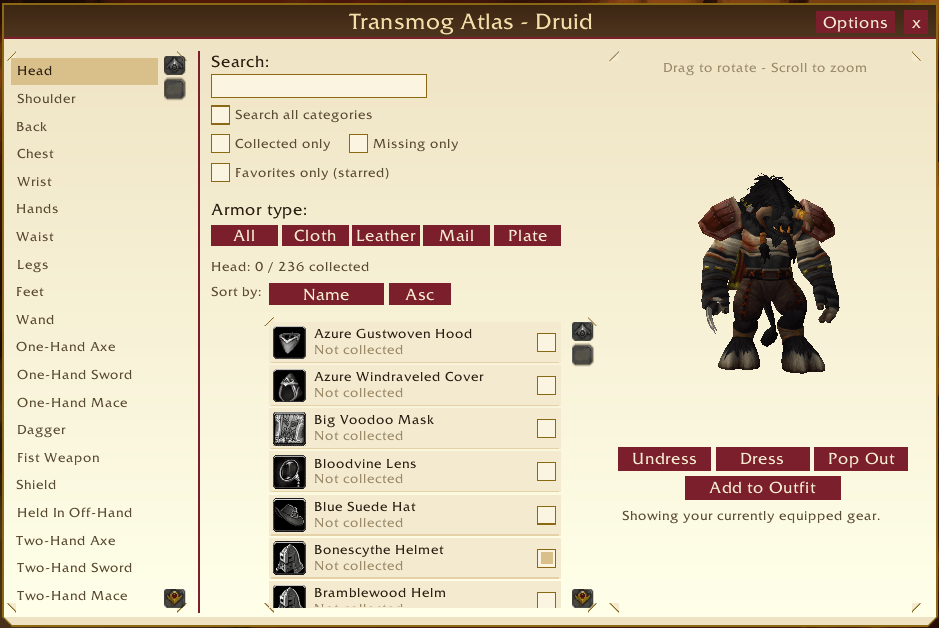
Transmog Atlas is a transmog browser and collection tracker that lets you search every appearance your class can wear, preview it live on your own character, and track down what you're still missing to complete your collection.
Main_Page.png
Dark_Mode_Main.png
Main_Page_Collected.png
Main_Page_Favorites.png
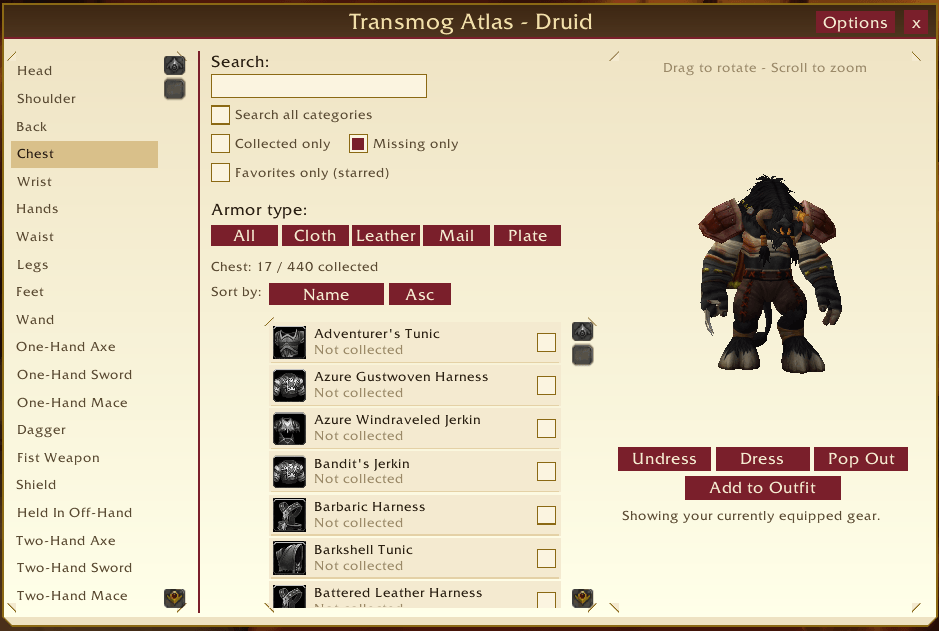
Main_Page_Missing_Only.png
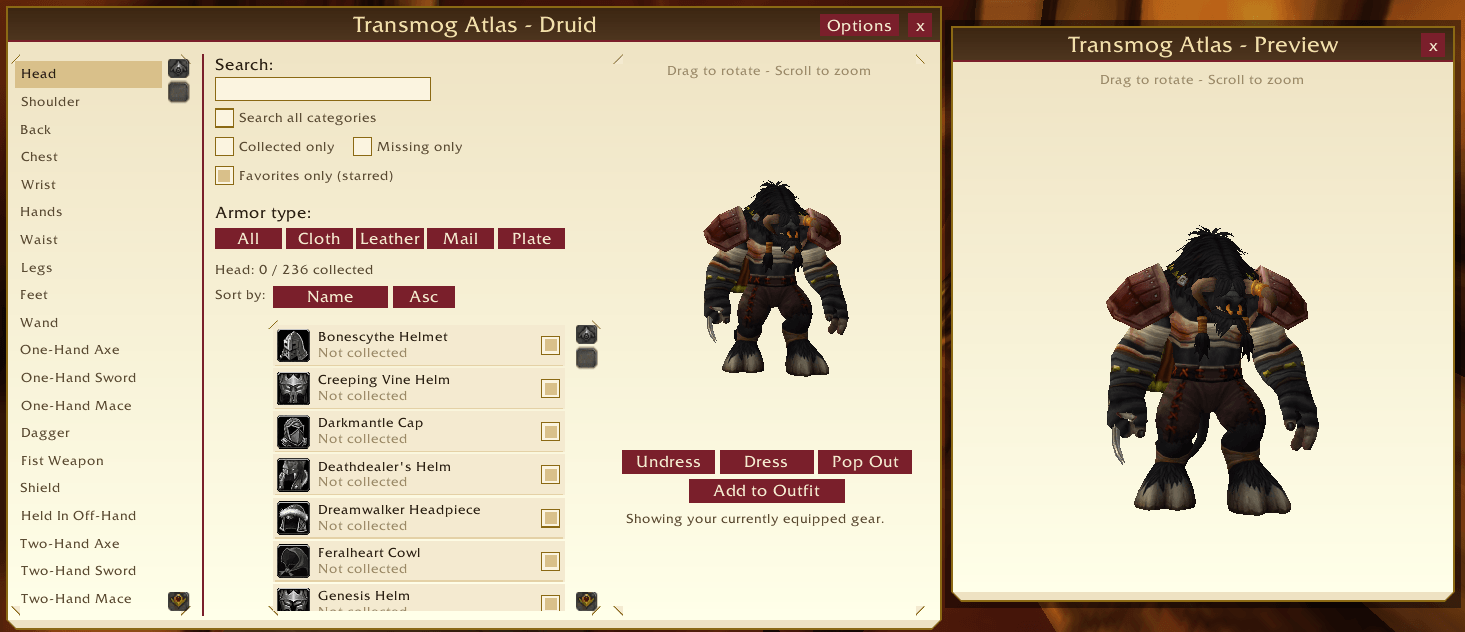
Main_Page_Popout.png
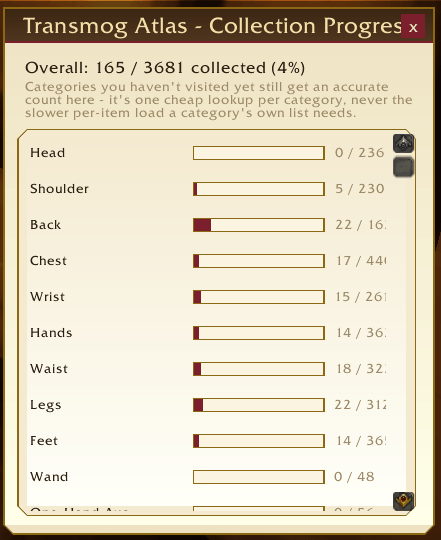
Tansmog_Collection_Progress.png
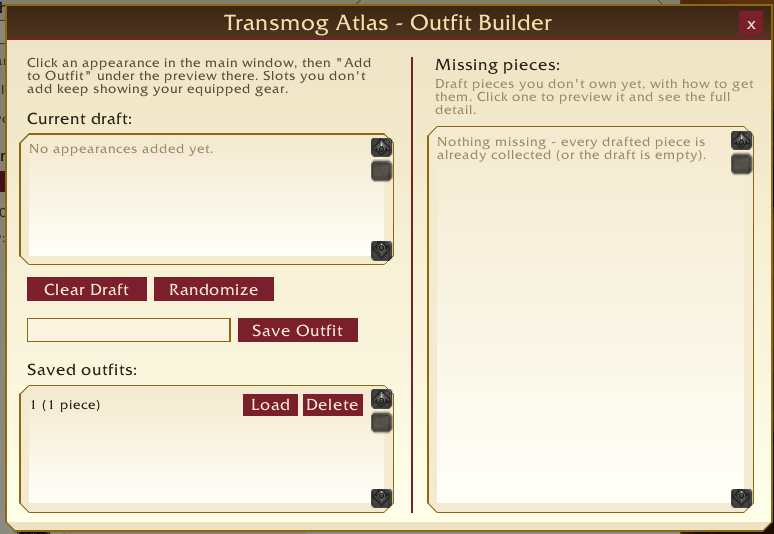
Transmog_Outfit_Builder.png
Transmog_Sets.png
Transmog_Settings.png
Dark_Mode_Settings.png
Description
Transmog Atlas
Browse every transmog appearance and item set, preview them on your character, learn how to obtain them, and track your collection – all from one window.
Transmog Atlas is a full transmog browser and collection tracker for the WoW Forever beta client. Search every appearance your class can wear, try any of them on your actual character model, see how to get the ones you're missing, browse complete tier / PvP / dungeon sets, build and save outfits, and watch your progress climb.
Features
Browse and find
- Every slot and weapon type, matching the game's own Wardrobe categories, limited to what your class can wear. The first category loads automatically when you open the window.
- Search inside a category, or tick Search all categories to search everything at once.
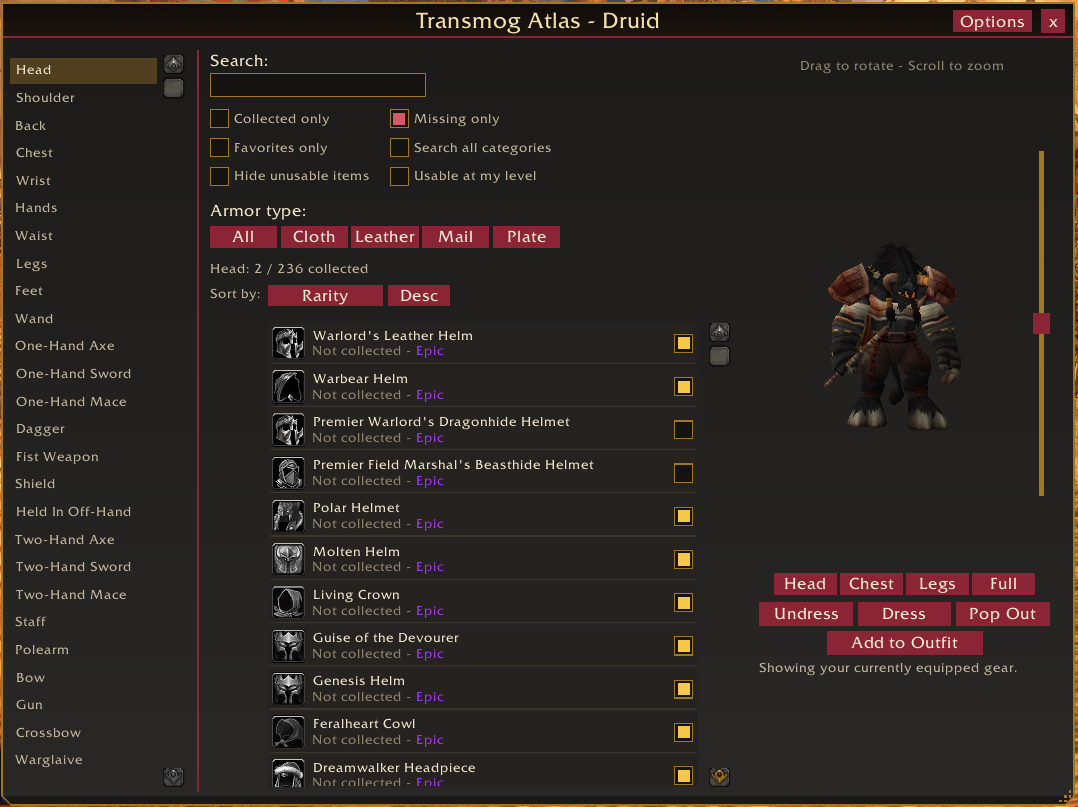
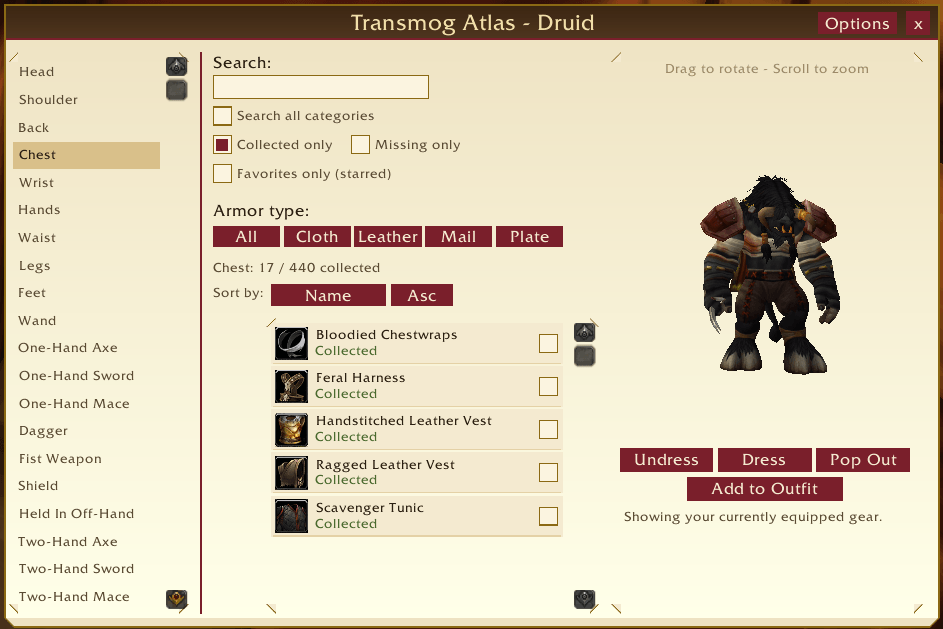
- Filters – Collected only, Missing only, Favorites only, armor type; Hide unusable items and Usable at my level use armor type and class restrictions.
- Sort by name, rarity or level, ascending or descending.
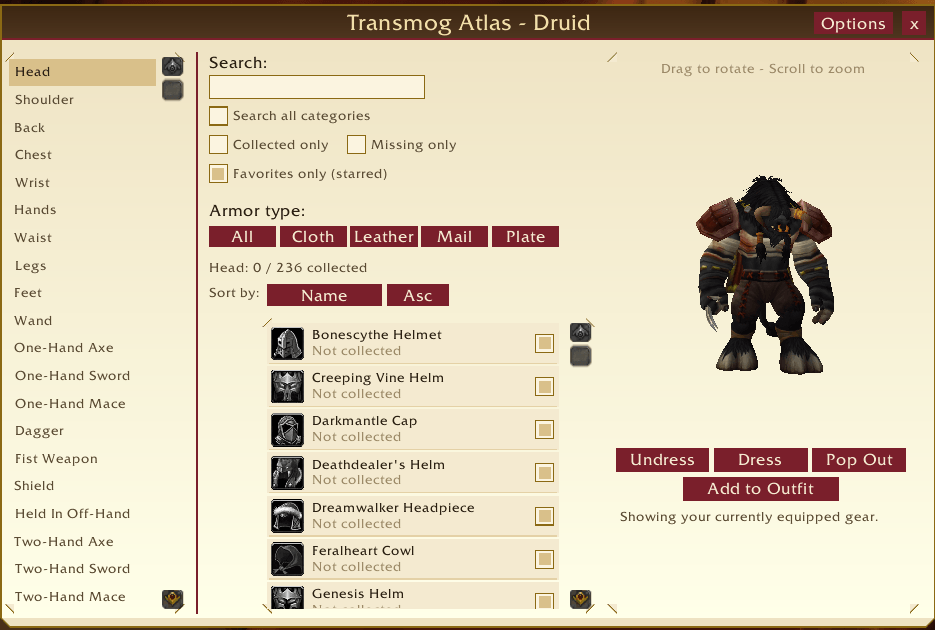
- Favorites / wishlist – star any appearance and filter down to your stars.
- NEW tags on appearances that became obtainable since you last looked.
- Obtain info – vendor, quest, drop, achievement and more, from a community-editable source list plus automatic capture of vendors and quests you meet while playing.
Preview
- Live character preview – drag to rotate, right-drag to pan, scroll to zoom, Dress / Undress to compare with your equipped look.
- Camera slider and Head / Chest / Legs / Full presets.
- Pop Out – move the preview into its own window; the main window tucks away and returns when you close or Dock it.
Transmog Sets
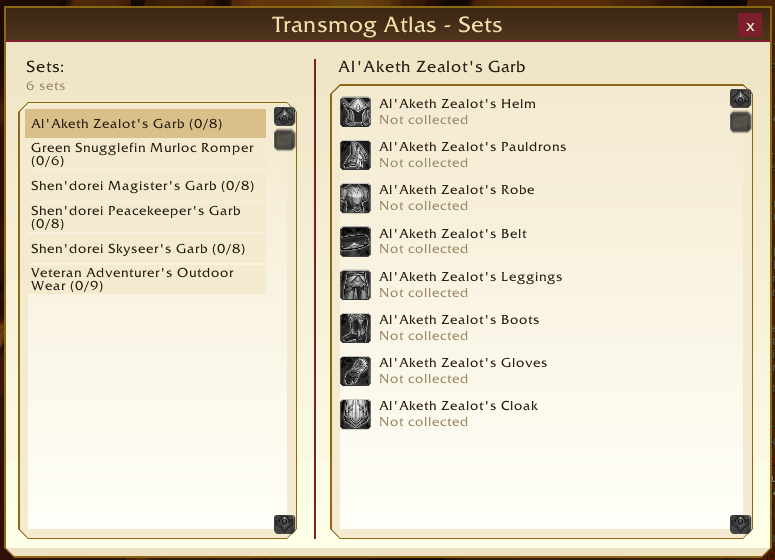
- Tier, PvP, dungeon, raid and profession sets with every piece listed, including pieces the game's wardrobe doesn't show – about 260 sets built in.
- Usable by me shows only sets for your class (or with no class restriction) whose armor your class can wear. All sets shows everything, tagged by class. Tier / Class shows your class's sets only.
- Per-set collected/total counts, piece-by-piece list, and search by name or class.
- Sets Pop Out – see the whole set on your character in its own window.
- Same-named PvP set versions are listed separately ("Name (v2)").
Outfits and progress
- Outfit Builder – assemble a full outfit, preview it, save it by name, reload it later. Randomize fills slots with random collected pieces; Missing pieces shows what's left to collect, with obtain info.
- Collection dashboard – overall completion plus per-category progress bars, also shown in the minimap button tooltip.
- Experimental: apply a saved outfit to your real transmog (off by default, always asks first, only appears if the API is confirmed).
Interface
- Resizable windows – drag the corner grip; sizes are remembered.
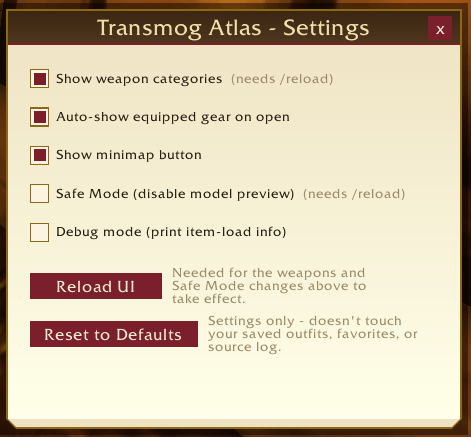
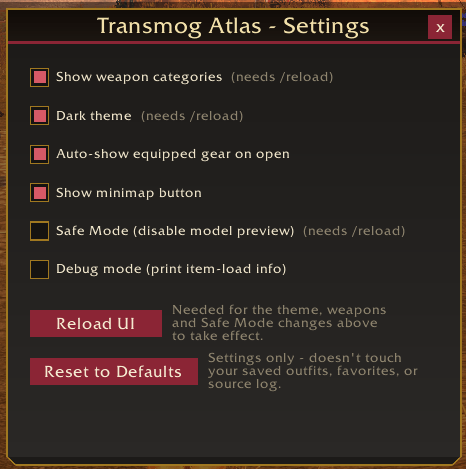
- Dark theme – switch in Settings.
- Smooth scrolling on huge lists.
Getting started
- Open with the minimap button,
/mogatlasor/tmatlas. - Click a category on the left, click a row to preview it. The Options button holds Sets, Progress, Outfits and Settings.
- Favorites, outfits and the source log are saved per account.
Good to know
- Built for the WoW Forever beta client, not retail.
- "Load out of date AddOns" – on a fast-moving beta the interface number can lag behind. Tick it once at the character-select AddOns list and no addon is disabled by a version mismatch again.
- Obtain info is best-effort, not a guaranteed database.
- Vanilla Tier 1/2 sets aren't present on this client under their classic item IDs; sets shown are what the client actually contains.
- Some items have no server data; their set pieces show an "Item #id" name but still preview.
- Safe Mode (
/mogatlas safemode, needs/reload) disables the 3D preview widgets and restores click-to-load lists if you ever hit a problem. - Weapon categories are on by default; their slot mapping hasn't been fully verified on every build – turn them off with
/mogatlas weaponsif one looks wrong.
Slash commands
Work with /mogatlas or /tmatlas.
| Command | What it does |
|---|---|
/mogatlas |
Open / close the main window |
/mogatlas minimap |
Show / hide the minimap button |
/mogatlas theme |
Switch light / dark theme (needs /reload) |
/mogatlas safemode |
Toggle Safe Mode (needs /reload) |
/mogatlas weapons |
Toggle weapon categories (needs /reload) |
/mogatlas automodel |
Toggle auto-showing your equipped gear on first open |
/mogatlas set <name> |
Show what the addon knows about a set's pieces |
/mogatlas diag |
Print a diagnostic report – paste it into bug reports |
/mogatlas debug |
Toggle per-item debug output |
/mogatlas harvest [maxID] |
Developer tool: scan the client's item data into SavedVariables |
Everything else is in Options → Settings, including Reset to Defaults.
Feedback, bug reports and obtain-info corrections are welcome – the addon is under active development.
Support development
If Transmog Atlas has been useful to you, donations help support continued development of this and other addons: Donate via PayPal
Transmog Atlas Team