

![Titan Panel [Farm Buddy] logo](https://media.forgecdn.net/avatars/thumbnails/1921/28/64/64/639197013167319043.png)
Titan Panel [Farm Buddy]
- By
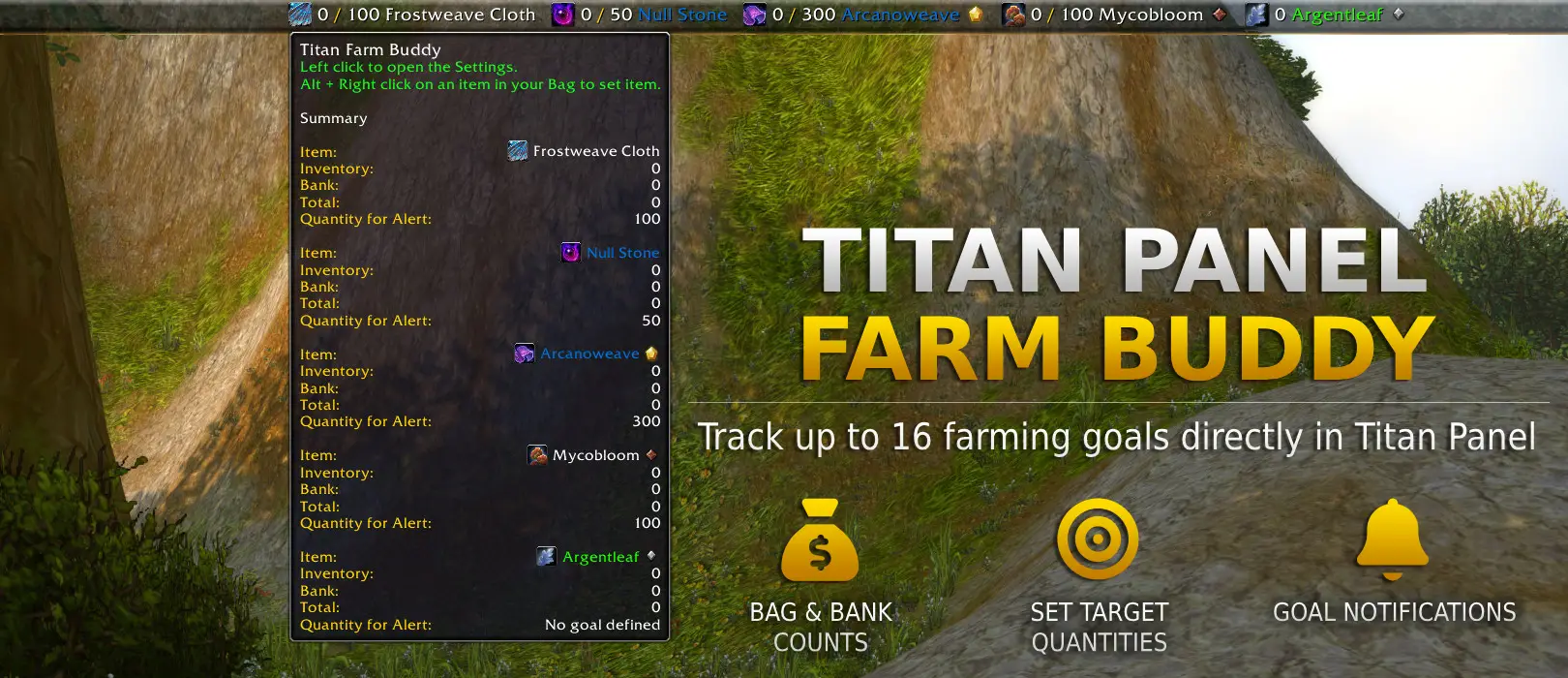
Track up to 16 farming goals in Titan Panel, including bag and bank counts, optional targets, and completion alerts.


Description
Titan Panel [Farm Buddy]
A lightweight farm-goal tracker for Titan Panel.
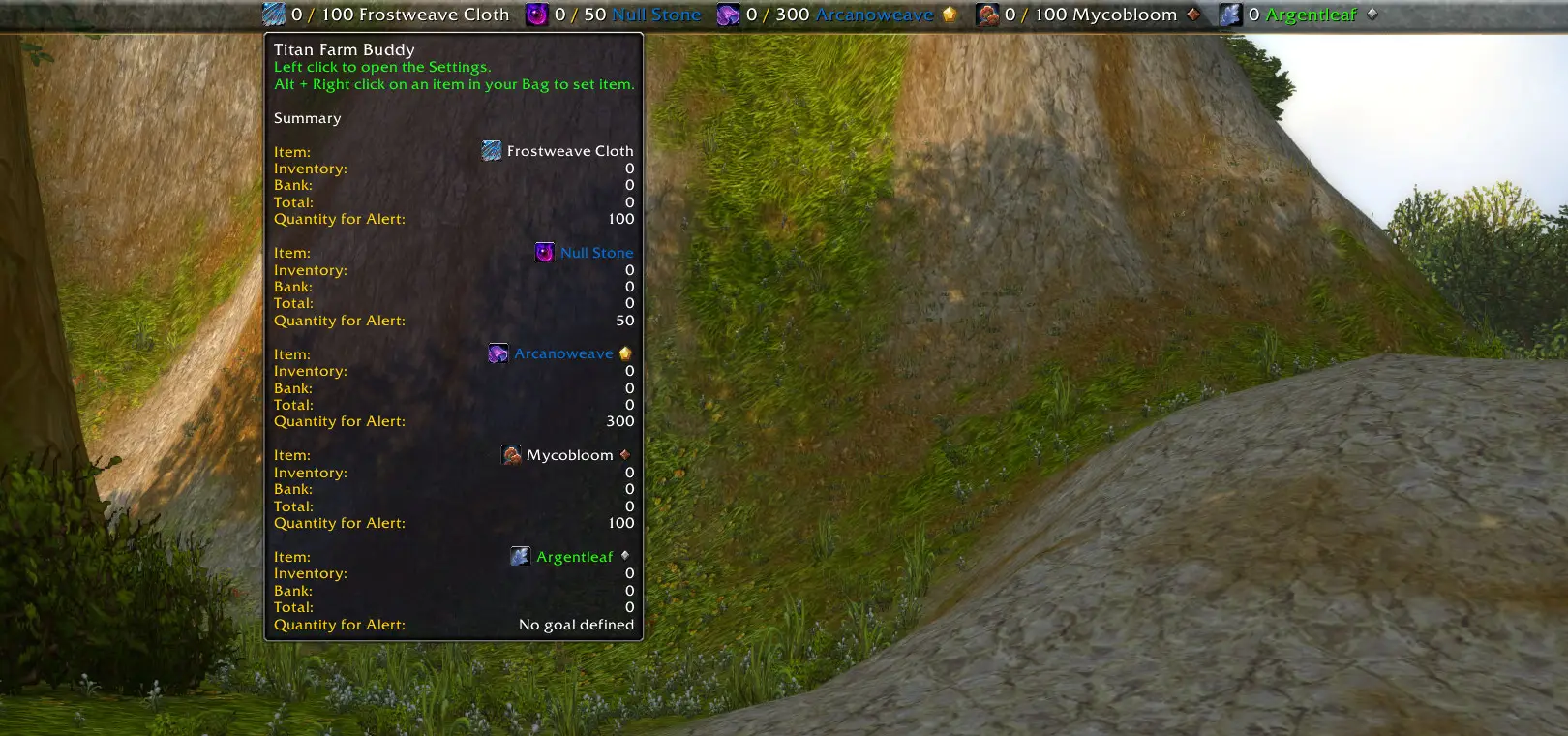
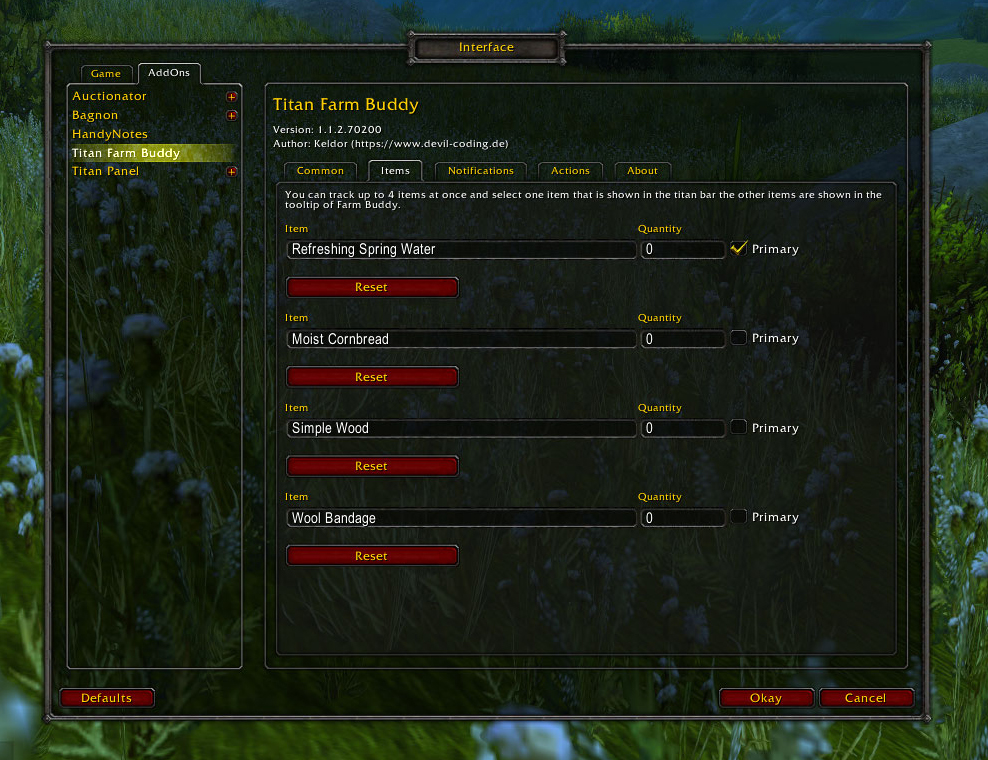
Track up to 16 items directly in your Titan Panel bar and see your farming progress at a glance, without repeatedly opening your bags or bank.
Farm Buddy can count items in your bags only or in both your bags and bank. Set an optional goal for every tracked item and get notified as soon as you reach it.
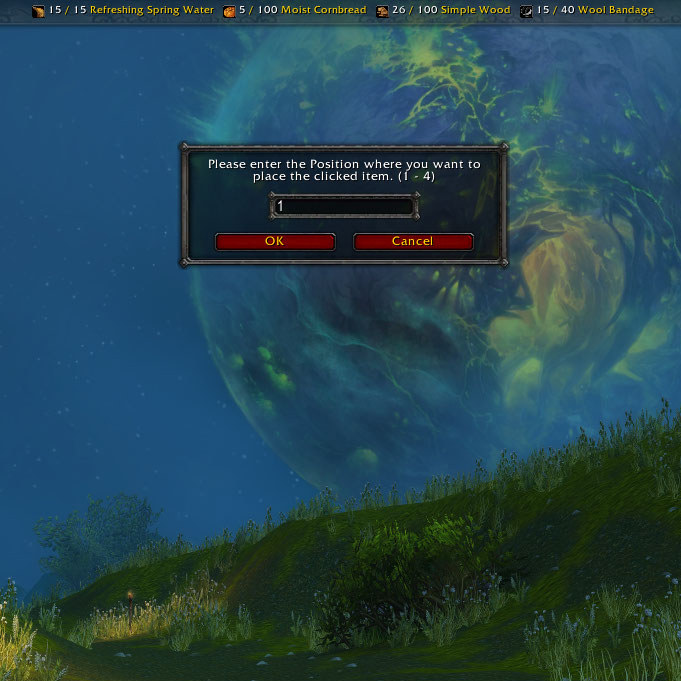
Quickstart: Hold Alt and right-click an item in your bags or bank to start tracking it. You can change this shortcut in the AddOn settings.
Why Farm Buddy?
Whether you are farming materials, event currencies, transmog items, or working toward a crafting goal, Farm Buddy keeps your current progress visible while you play.
- Track up to 16 farmed items in the Titan Panel bar
- See your current quantity without opening bags or the bank
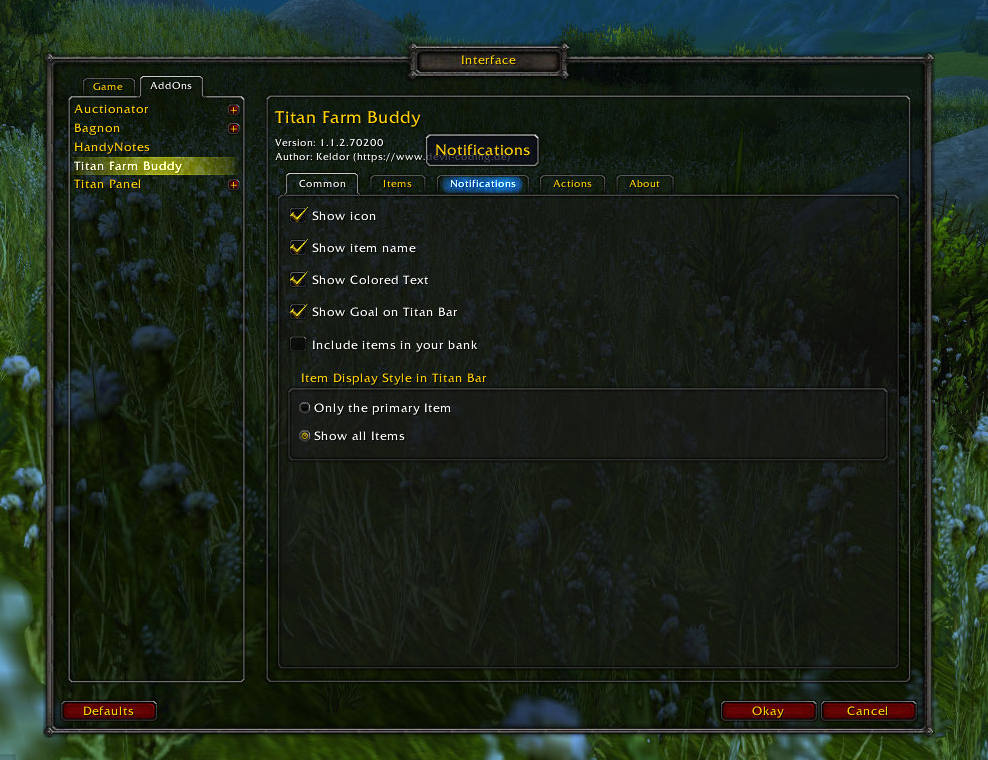
- Optionally include items stored in your bank
- Set individual target quantities for each item
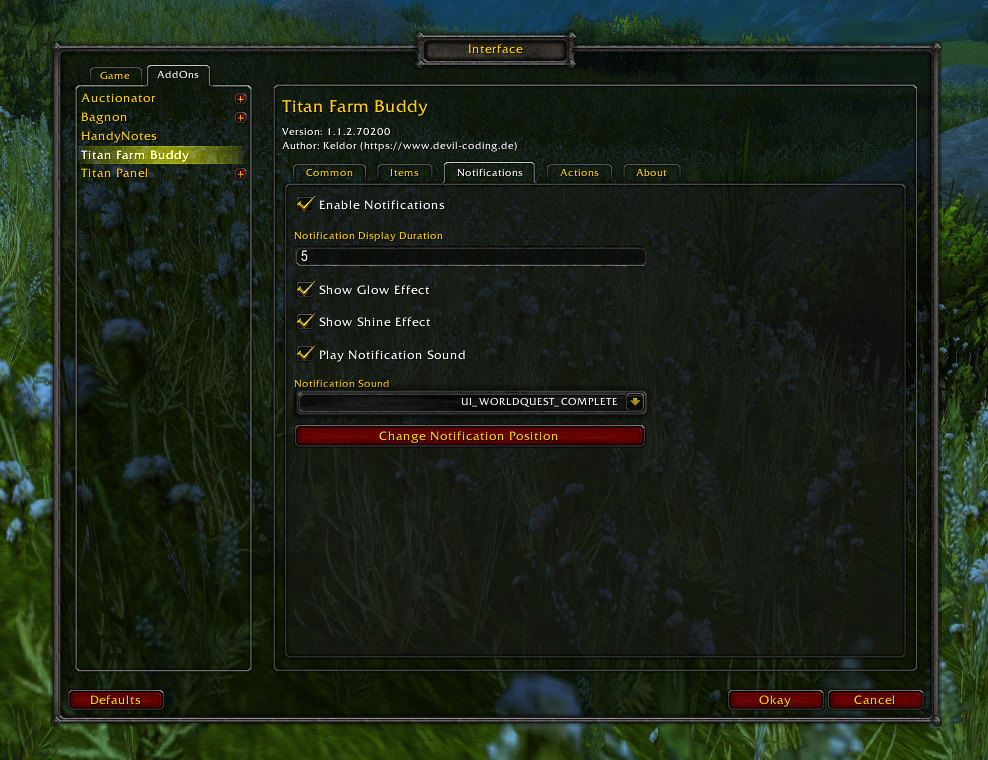
- Get a visual and optional sound notification when a target is reached
Features
Tracking
- Track items from your bags or bank with Alt + right-click
- Add items manually by item name, item ID, or item link
- Count items in your inventory only, or in your inventory and bank
- Display item icons directly in the Titan Panel bar
- Select which tracked item is shown as the primary Titan Panel entry
Goals and notifications
- Set an optional target quantity for every tracked item
- Receive a notification when you reach a target
- Choose an optional notification sound
- Customize notification effects
Display and customization
- Display colored item counts and target quantities
- Choose between different item display modes
- Configure your own shortcut for fast tracking
- Available in English and German
How to Use
- Install Titan Panel and Titan Panel [Farm Buddy].
- Hold Alt and right-click an item in your bags or bank.
- Choose whether to count items in your bags only or in both bags and bank.
- Optionally set a target quantity and notification options.
- Keep farming — your progress is always visible in Titan Panel.
You can also add an item manually in the Farm Buddy settings.
Known Item Limitation
Due to World of Warcraft API limitations, Farm Buddy can only track items already known to your game client.
Usually, an item becomes known after it has appeared in a tooltip, your inventory, or your bank. If an item name is unknown or invalid, Farm Buddy will show a notification.
Chat Commands
/fb track <slot 1-16> <item ID | item name | item link>— Set the tracked item for a slot/fb quantity <slot 1-16> <quantity>— Set the target quantity for a slot/fb primary <slot 1-16>— Set the primary Titan Panel entry/fb settings— Open the AddOn settings/fb testNotification— Triggers a test for the finish notification/fb reset <all | items>— Reset Farm Buddy settings or tracked items/fb version— Show the installed Farm Buddy version/fb help— Show all available chat commands
Feedback and Support
Found a bug or have a feature request? Please use the CurseForge issue tracker.
If you would like to support Farm Buddy's development, you can support me on Patreon.
The Titan Panel [Farm Buddy] Team


Owner


![Titan Panel [Trash Cash] project image](https://media.forgecdn.net/avatars/thumbnails/1921/39/256/256/639197016986427799.png)