Screenshot 2026-09-24 110119.png
Screenshot 2026-09-24 110151.png
Screenshot 2026-09-24 110218.png
Screenshot 2026-09-24 110238.png
Screenshot 2026-09-24 110251.png
Description
TinkerBox Forever
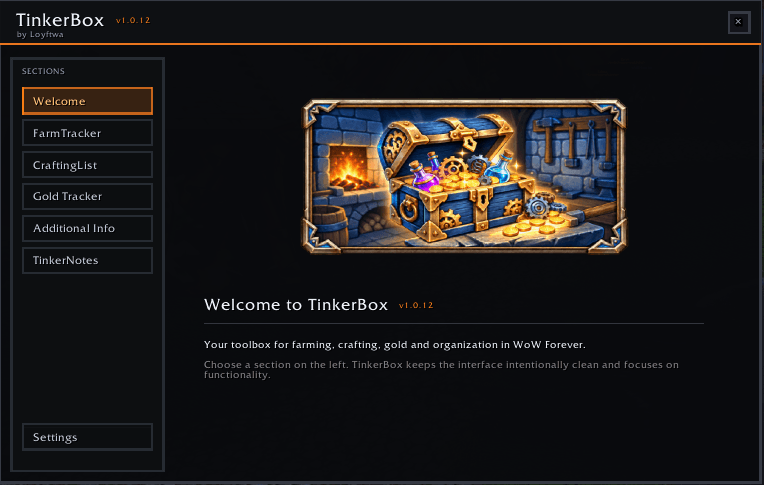
TinkerBox Forever is a modular utility toolbox built specifically for World of Warcraft Forever.
It combines farming, crafting, gold tracking and personal organization tools in one consistent in-game interface.
Features
FarmTracker
Track your farming sessions directly in-game.
-
Start, pause, resume and reset farming sessions
-
Track multiple farming targets
-
Automatic kill tracking
-
Track target items and drops
-
Item picker
-
Compact movable Mini Tracker
-
Farm favorites
-
Farm session history
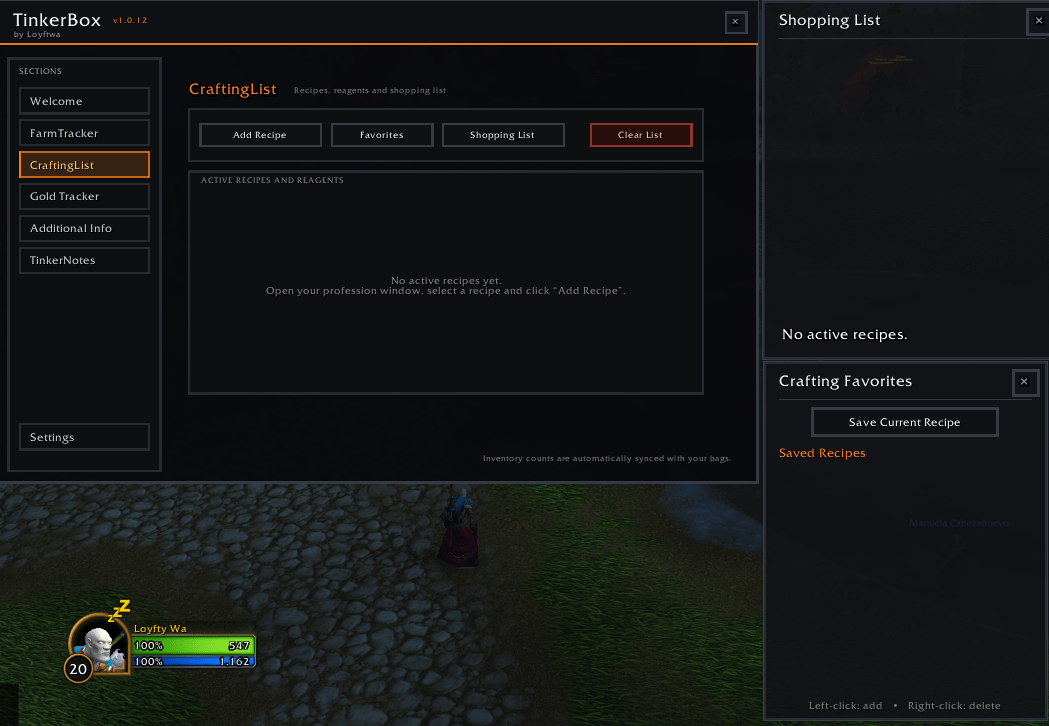
CraftingList
Keep track of recipes and required crafting materials.
-
Add and manage crafting recipes
-
Track required reagents
-
Compare required materials with your inventory
-
Adjustable recipe quantities
-
Combined shopping list
-
Crafting favorites
-
Persistent saved data
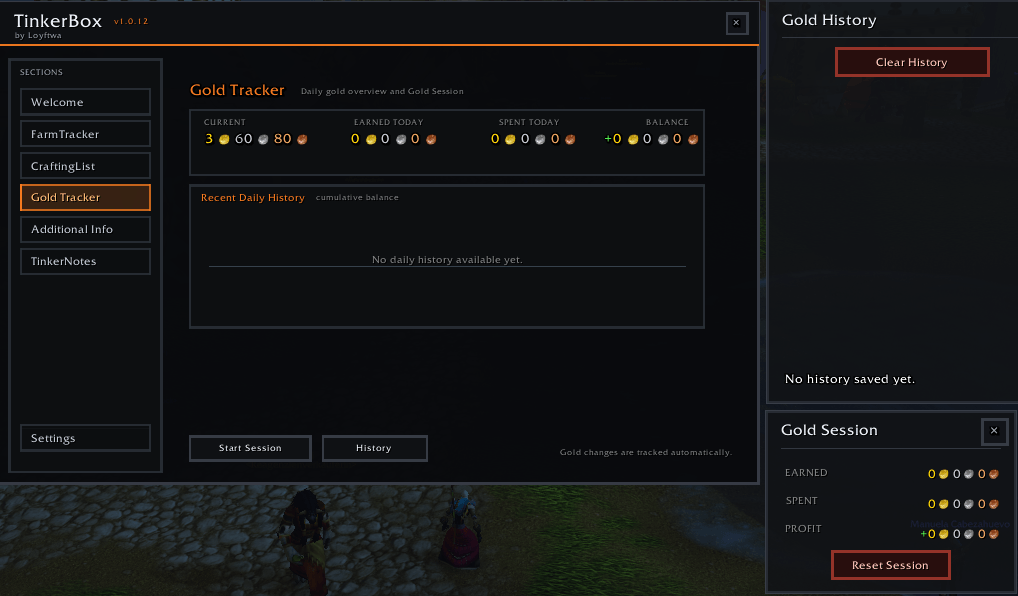
GoldKasse
Keep an overview of your gold activity.
-
Track income and expenses
-
Daily balance
-
Persistent gold sessions
-
Gold history
-
Multi-day overview
-
Movable Gold Session window
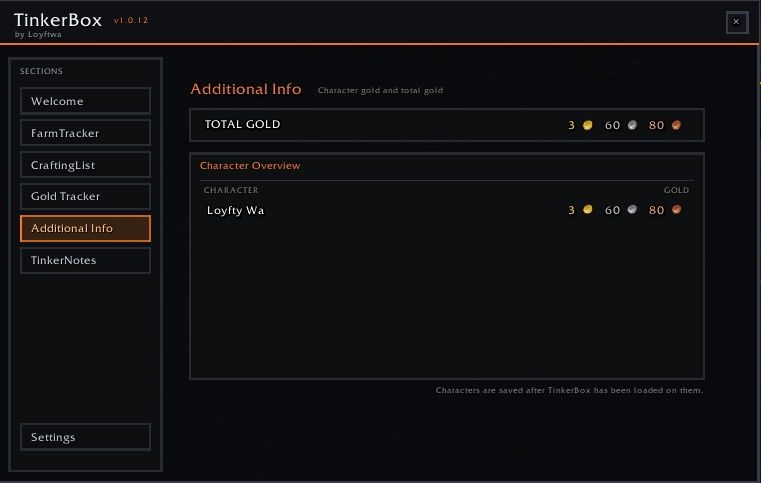
Character & Realm Overview
View stored character gold information for your current realm.
-
Character gold overview
-
Total realm gold
-
Character-based saved information
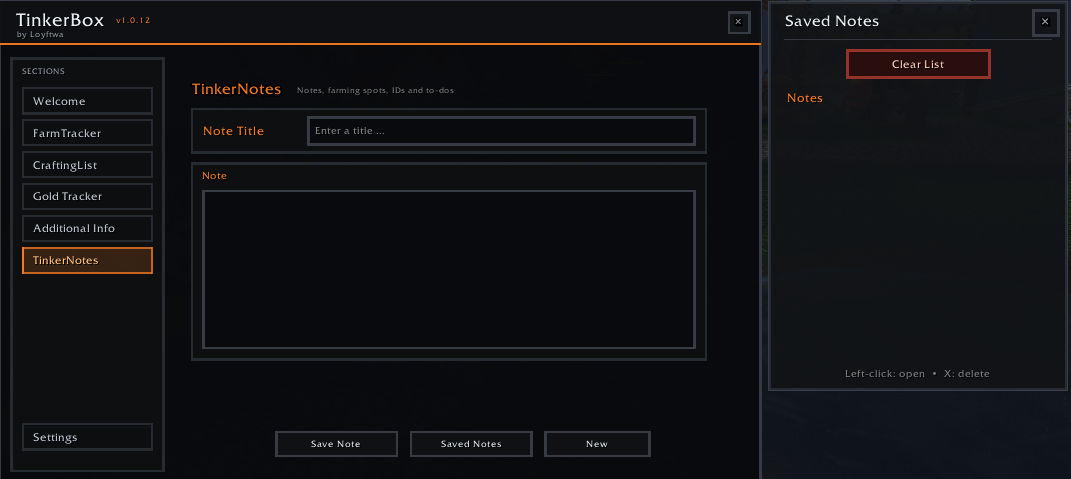
TinkerNotes
Create personal in-game notes for things you want to remember.
Useful for:
-
Farming locations
-
Item and NPC IDs
-
To-do lists
-
Personal reminders
-
General gameplay notes
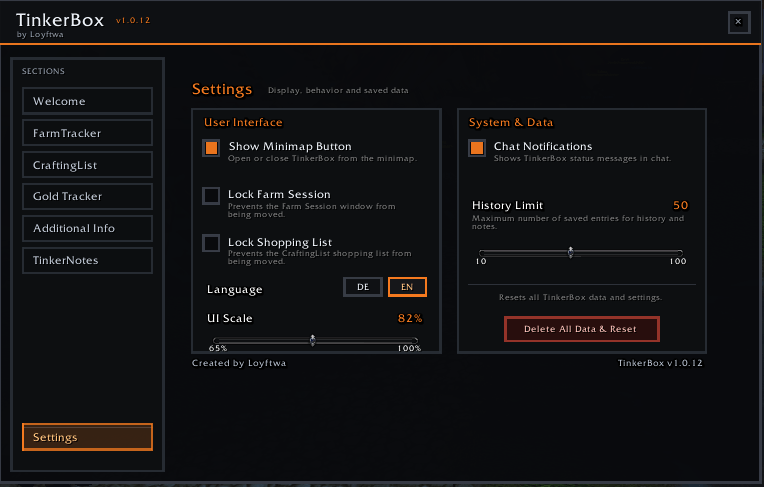
Minimap Integration
TinkerBox Forever includes its own embedded LibDataBroker / LibDBIcon minimap system.
-
Left-click to open or close TinkerBox
-
Right-click to open Settings
-
Drag the button around the minimap
-
Position is saved automatically
-
Supports different minimap sizes and shapes
-
Position persists after
/reloadand game restarts
All required libraries are embedded directly inside the addon.
No external dependency is required.
You do not need to install:
-
LibDBIcon
-
LibDataBroker
-
LibStub
-
Ace3
-
BugSack
-
Any other library addon
Compatibility
This version of TinkerBox is intended specifically for:
World of Warcraft Forever
For the Midnight version, please use the separate TinkerBox Midnight project.
Installation
-
Download TinkerBox Forever.
-
Extract the
TinkerBoxfolder into your WoW ForeverInterface/AddOnsdirectory. -
Start or reload World of Warcraft.
-
Open TinkerBox using the minimap button.
When installed through the CurseForge App, installation and updates are handled automatically.
Created by Loyftwa
The TinkerBox Forever Team