


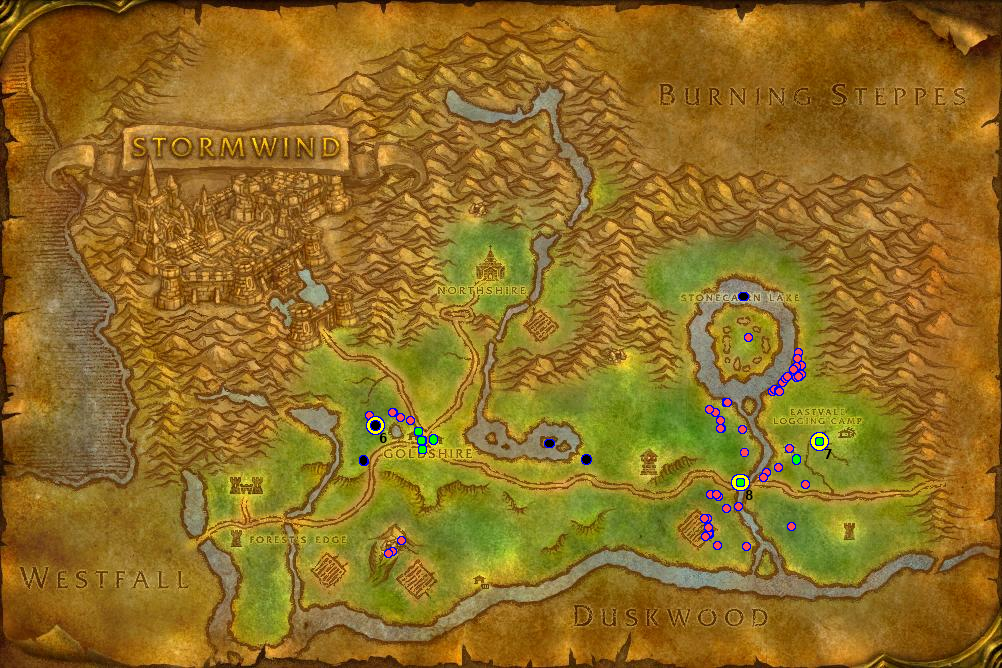
Only notable events. Purple dots are mob kills. Green dots are quest completions. Black dots are deaths. Big yellow dots are level ups with the new level noted in the bottom right. Twice I leveled up by completing quests so there are smaller green dots on
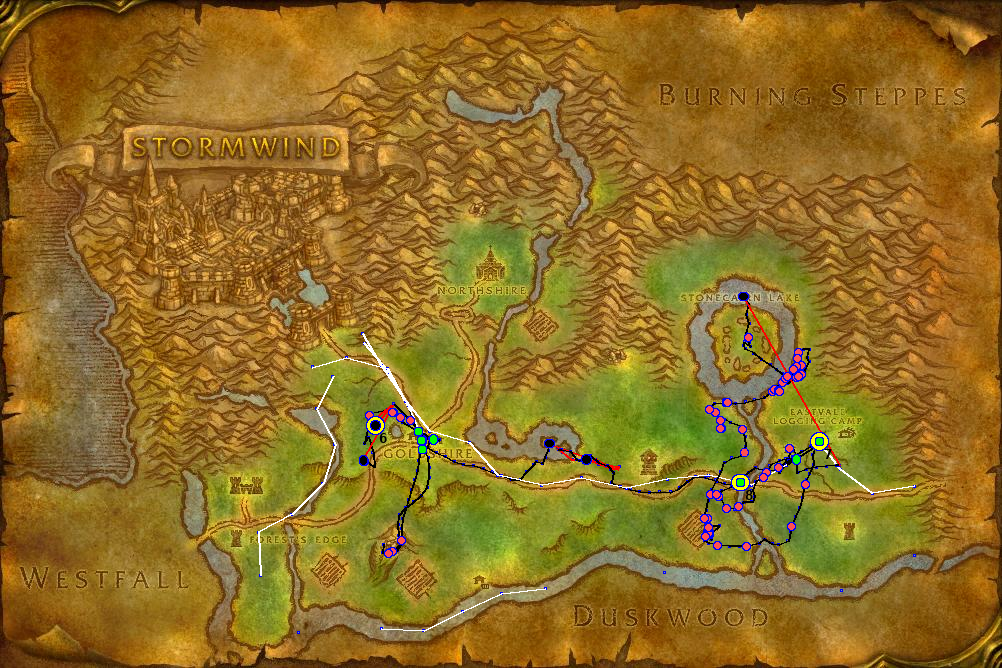
This map combines both of the previous datasets and gives a complete overview over the play session. This is pretty messy so it is usually not an optimal way of displaying the data but is included for completeness.
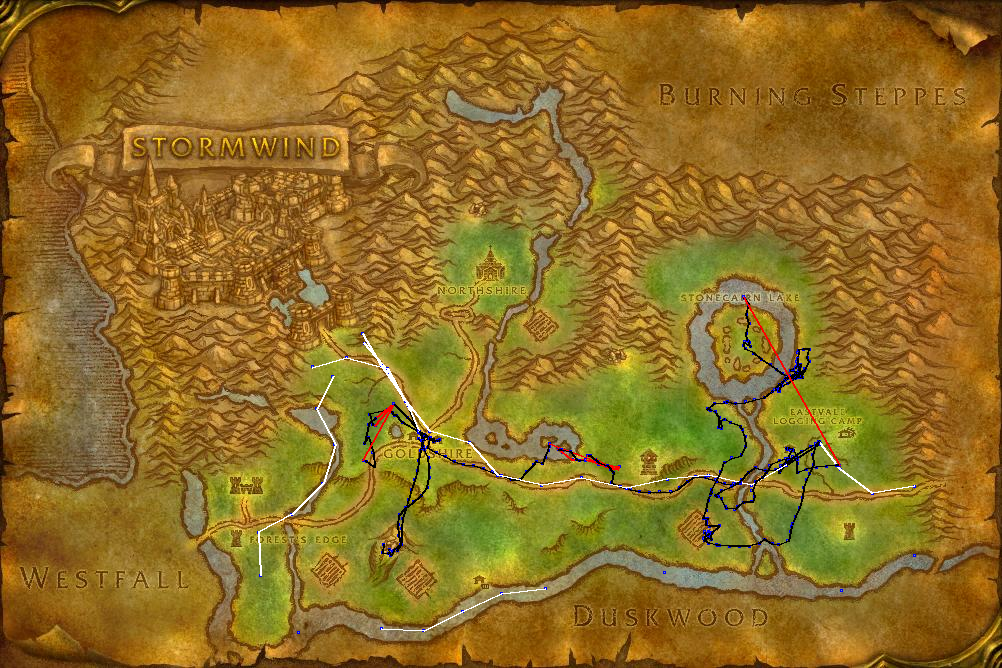
This is a map of periodic log entries to track position. Blue lines indicate normal running. Red lines show when the player is dead. White lines are flying on flight paths.
Description
Tale records the history of World of Warcraft characters. Whenever a character is played it will keep a running log of many types of notable events along with a location history.
The log files for a character can be found in your World of Warcraft directory under _classic_/WTF/Account/ACCOUNTNAME/REALMNAME/CHARACTERNAME/SavedVariables/Tale.lua
Types of events
These are the events that are logged at the current time. More may be added over time:
- Deaths
- Level ups
- Quest turn ins, along with information about which quest was handed in
- Kills
- Boss kills in instances
- PvP kills
- Battleground results
- Changes to group composition - effectively keeps track of party members
Screenshots
Along with making log entries Tale is also able to take screenshots when most of these events occur. It is possible to configure which events will be logged and screenshot respectively in the addon options.
Periodic logging
Periodically Tale will make a note of the player's current state and position. The frequency of these log entries can be changed in the addon options. All in all this information can be used to very precisely reconstruct a character's journey through Azeroth and, for example, display it on a map. See images or this link for some proof of concepts of how the data can be used: https://imgur.com/a/iAlvQEB
Attribution
This addon is a modification of the Memoria screenshot addon by Shadnix. If you like the idea of screenshots at key moments during your character's life but don't care about the log I suggest you go check it out! https://www.curseforge.com/wow/addons/memoria
Documentation
The log format is documented in more detail in the github repository. If you want to develop your own parsing of the log I suggest you start there.
The Tale Team
