SwapTalents
- By
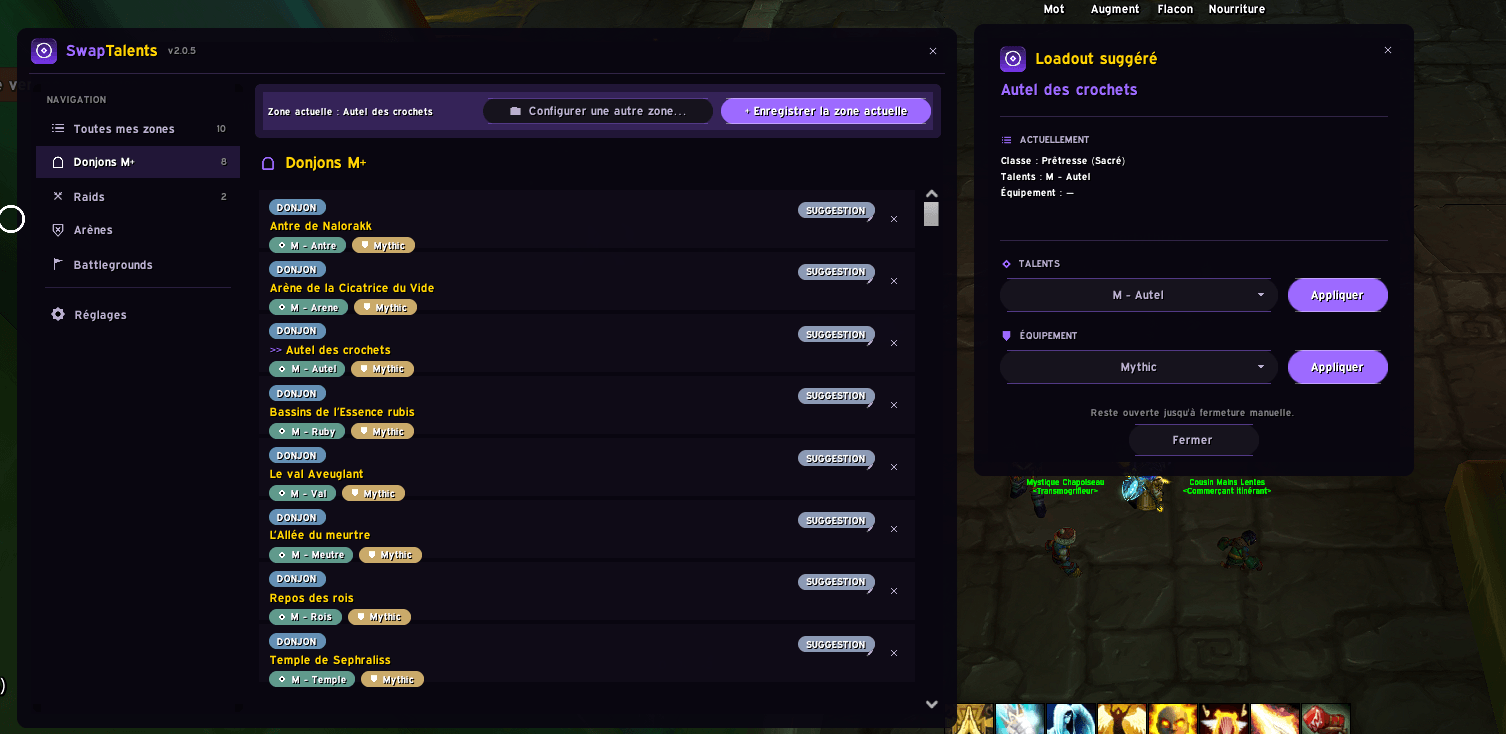
SwapTalents remembers a native Blizzard talent loadout and/or equipment set for each zone, Mythic+ dungeon, raid, raid boss, arena, or battleground — and applies it (or suggests it) the moment you arrive.
Capture d'écran 2026-08-31 143715.png
Capture d'écran 2026-08-31 143721.png
Description
# SwapTalents
**Automatically switch talents and gear based on where you are.**
SwapTalents remembers a native Blizzard talent loadout and/or equipment set for each zone, Mythic+ dungeon, raid, raid boss, arena, or battleground — and applies it (or suggests it) the moment you arrive.
## Why SwapTalents?
- **100% native, zero lock-in.** SwapTalents doesn't invent its own loadout system. It only reads and applies the talent loadouts you already create in the standard Talents window, and the equipment sets you already create in the standard Character window. Nothing proprietary, nothing to migrate if you stop using the addon.
- **Smart about when to auto-apply.** Auto mode (silent, instant application on arrival) is available for Mythic+ dungeons only, where the encounter order is predictable. Everywhere else — raids, individual raid bosses, arenas, battlegrounds — SwapTalents only *suggests*, via a clear on-screen notification, and never changes anything without a click.
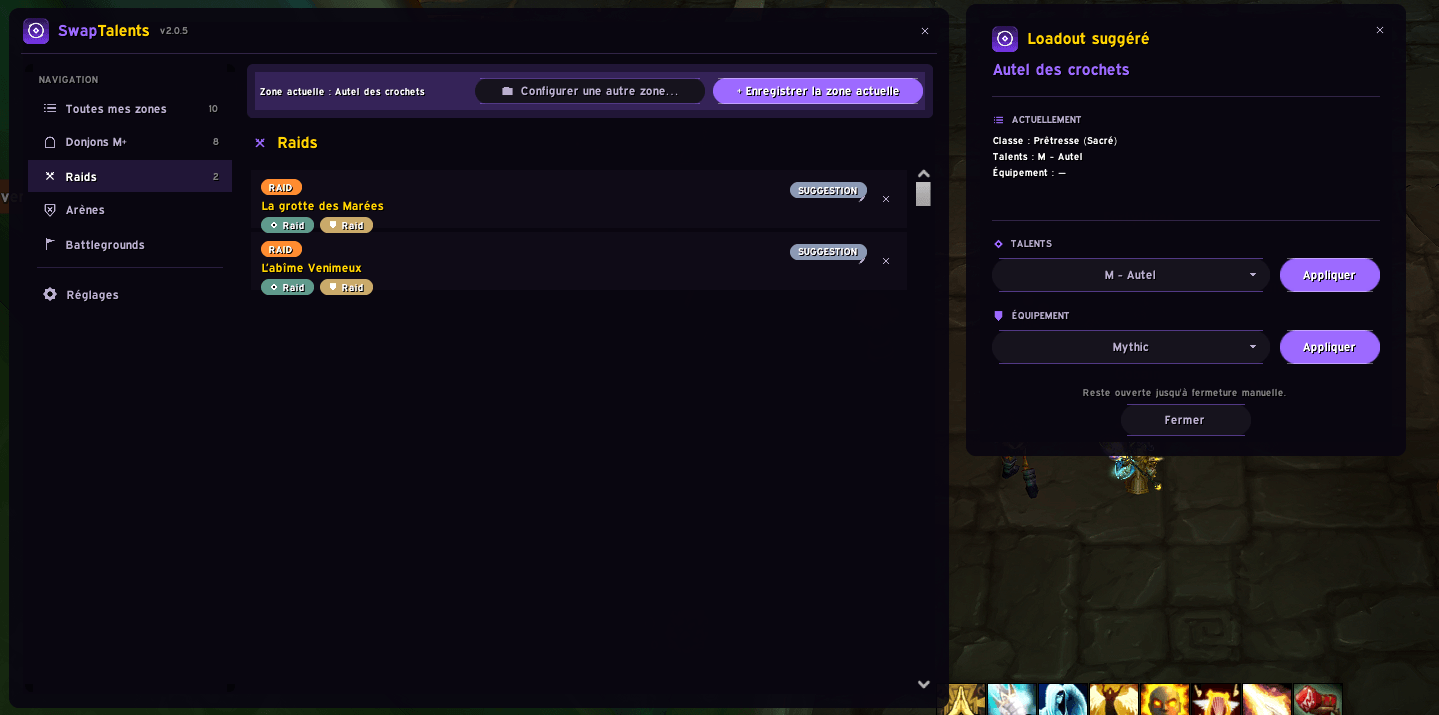
- **Per-boss precision.** Set one loadout for an entire raid, and override it for specific bosses. Boss overrides are grouped visually under their parent raid, so your list stays organized even with a dozen fights configured.
- **Configure from anywhere.** No need to physically stand in a dungeon or raid to set it up — browse the current season's Mythic+ dungeons, raids (with every boss), arenas, and battlegrounds directly from the addon window.
- **A suggestion window that actually helps.** When SwapTalents suggests something, it shows your current class, spec, active talents, and equipped gear right next to the suggestion — with independent dropdowns and Apply buttons for talents and gear, so you're never guessing.
- **Fully localized.** Available in French, English, German, Spanish (Spain & Mexico), Italian, Portuguese (Brazil), Russian, Korean, Simplified Chinese, and Traditional Chinese.
- **A UI worth looking at.** Custom violet-accented interface with a sidebar navigation menu, hand-drawn icon set, and an equipment/talent color scheme designed to be readable at a glance.
## Quick start
1. Create the talent loadouts and equipment sets you want to use, in Blizzard's normal Talents and Character windows.
2. Open SwapTalents (`/swap` or the minimap button).
3. Enter a zone (or use "Configure another zone…" to do it remotely) and click "Save current zone" / pick an instance or boss.
4. Choose your talent loadout and/or equipment set, and whether it should apply automatically or just be suggested.
That's it — SwapTalents takes it from there.
## Commands
- `/swap` — open/close the main window
- `/swap suggest` — recall the last suggestion for your current zone/boss
- `/swap minimap` — show/hide the minimap button
SwapTalents Team