SubLoot
- By
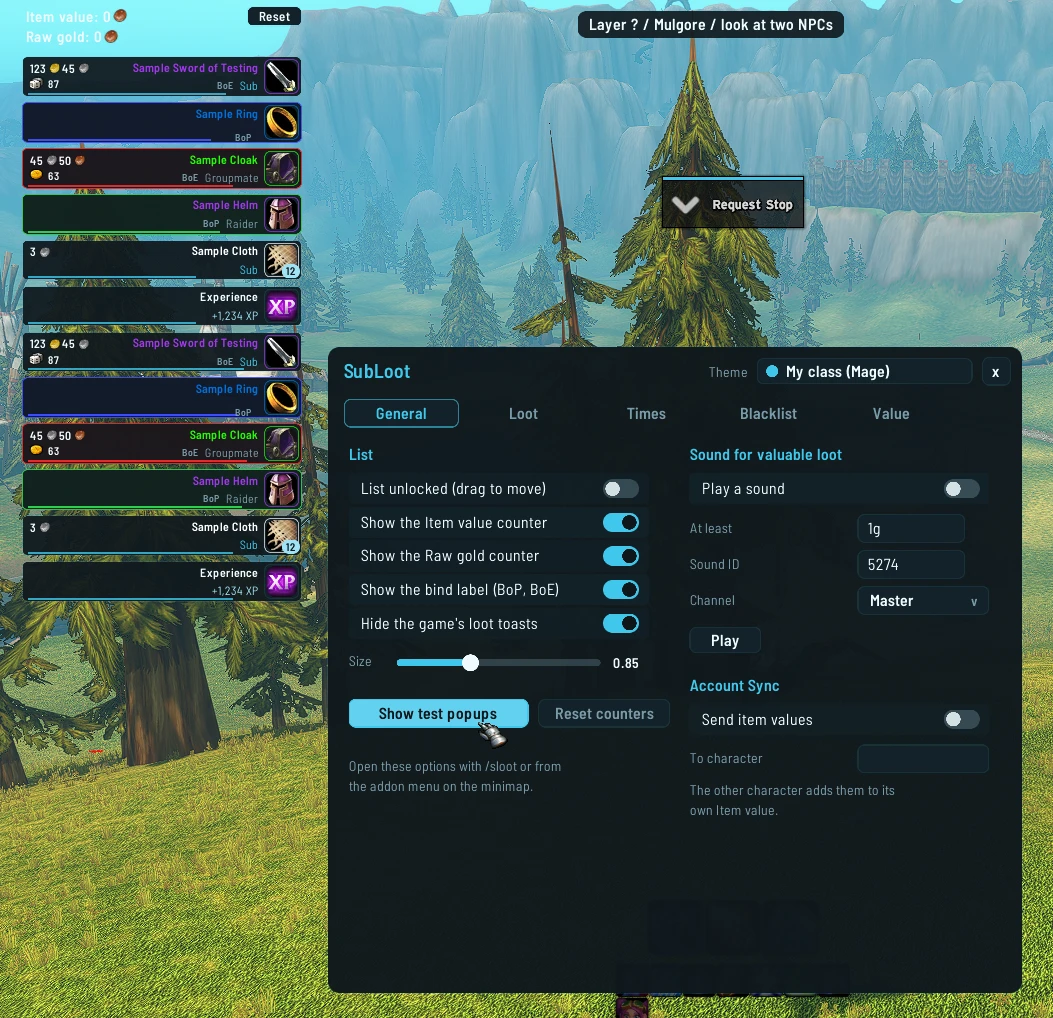
Clean loot popups with item value, group rolls, money, reputation and experience, plus counters for what your loot is worth.
SubLoot-shot1.webp
Description
SubLoot
See every drop at a glance. SubLoot shows a small popup for each thing you or your group loot, with what it is worth.
What it does
- A popup for each item: name in its quality colour, who got it in their class colour, how it binds and what it is worth.
- Popups for money, currencies, reputation, honor and experience. The same thing looted twice adds up in one popup.
- Group rolls show while they run, then the winner and the roll. Loot council awards from RCLootCouncil and Gargul show too.
- Two counters above the popups: the value of the items you looted and the gold you picked up. They stay until you press Reset, per character.
- A sound for valuable loot, off by default.
- Hide the game's own loot toasts if you like (on by default).
Item value
SubLoot asks your price addons in an order you choose: TSM, then Auctionator. The first one with a price wins. The vendor price is always last. By default it picks the best way to sell each item: vendor, auction house or destroy (destroy value from TSM). You can switch to the plain price.
Settings
Type /sloot or use the addon menu.
- Which popups show, for which item qualities.
- How long a popup stays, per quality, for solo, group and raid.
- A blacklist for items you never want to see (healthstones, conjured food and so on are in it already).
- No popups while the mailbox, a trade or a vendor is open.
- Size and place of the popups. Type
/sloot unlockto drag them,/sloot lockwhen done. - You can pick a theme in the window ("My class" by default).
Good to know
- Made for WoW Forever.
/sloot testshows sample popups.- Account Sync (off by default) sends your item values to another character you play at the same time, for example a second account.
SubLoot Team