Soundstone – Azeroth Audio
- By
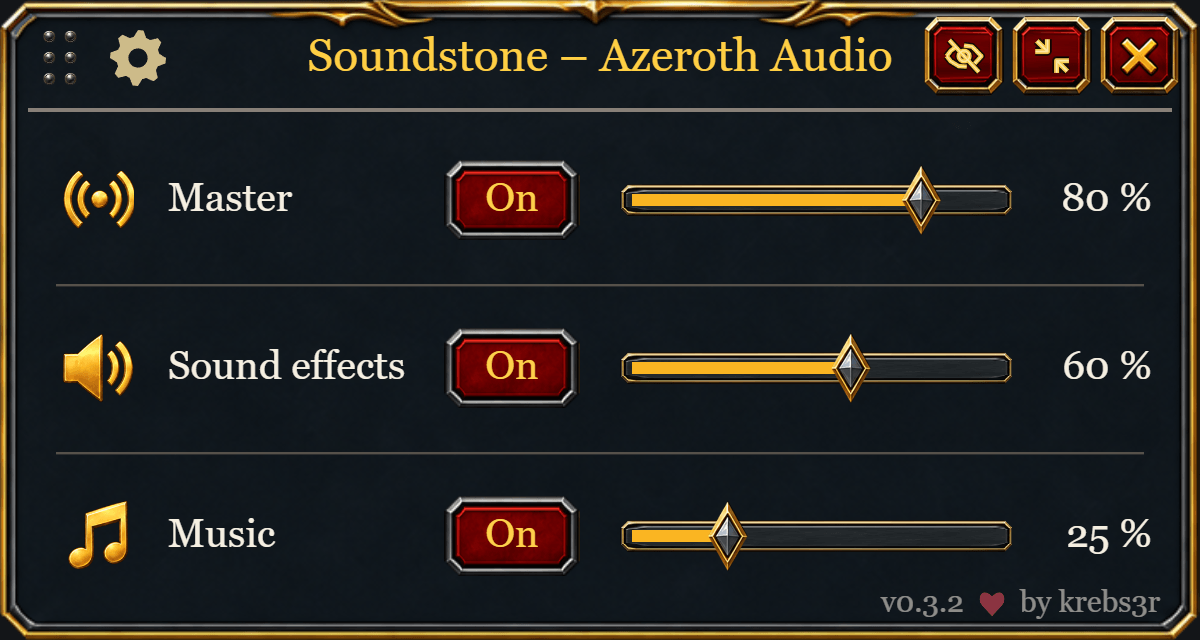
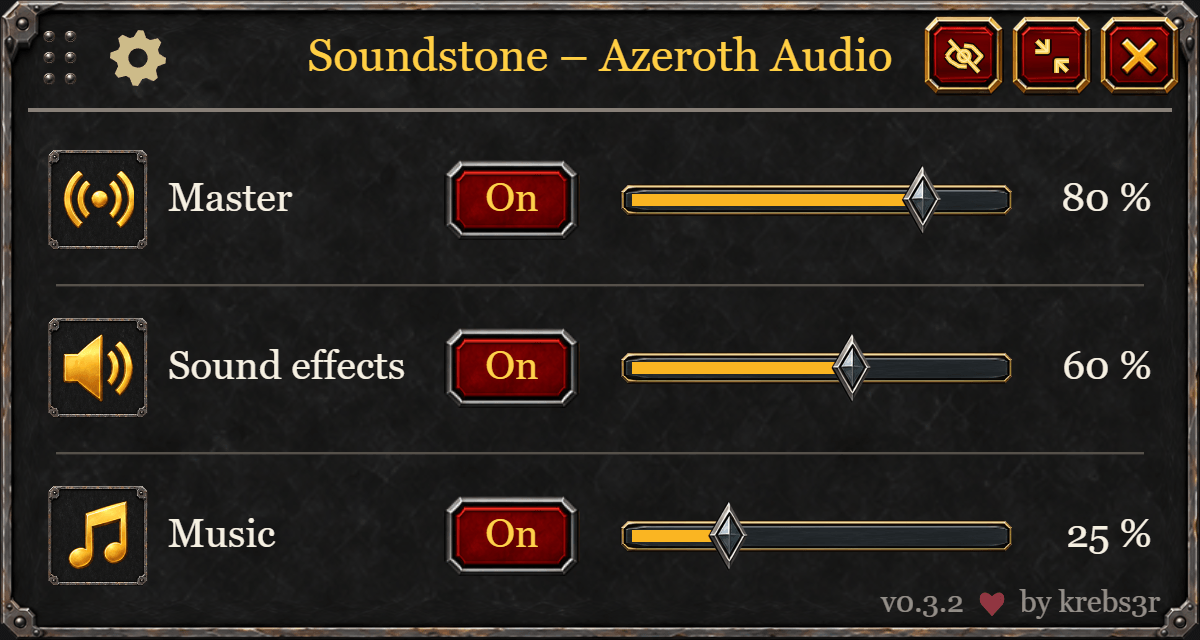
Control master volume, sound effects, music and your audio output device from a compact, movable mixer.
Soundstone – Azeroth Audio
Keep your game audio within reach. Soundstone adds a compact volume bar and an expandable mixer for master volume, sound effects and music.
Features
- Adjust volume with sliders or the mouse wheel; click an audio icon to mute or unmute.
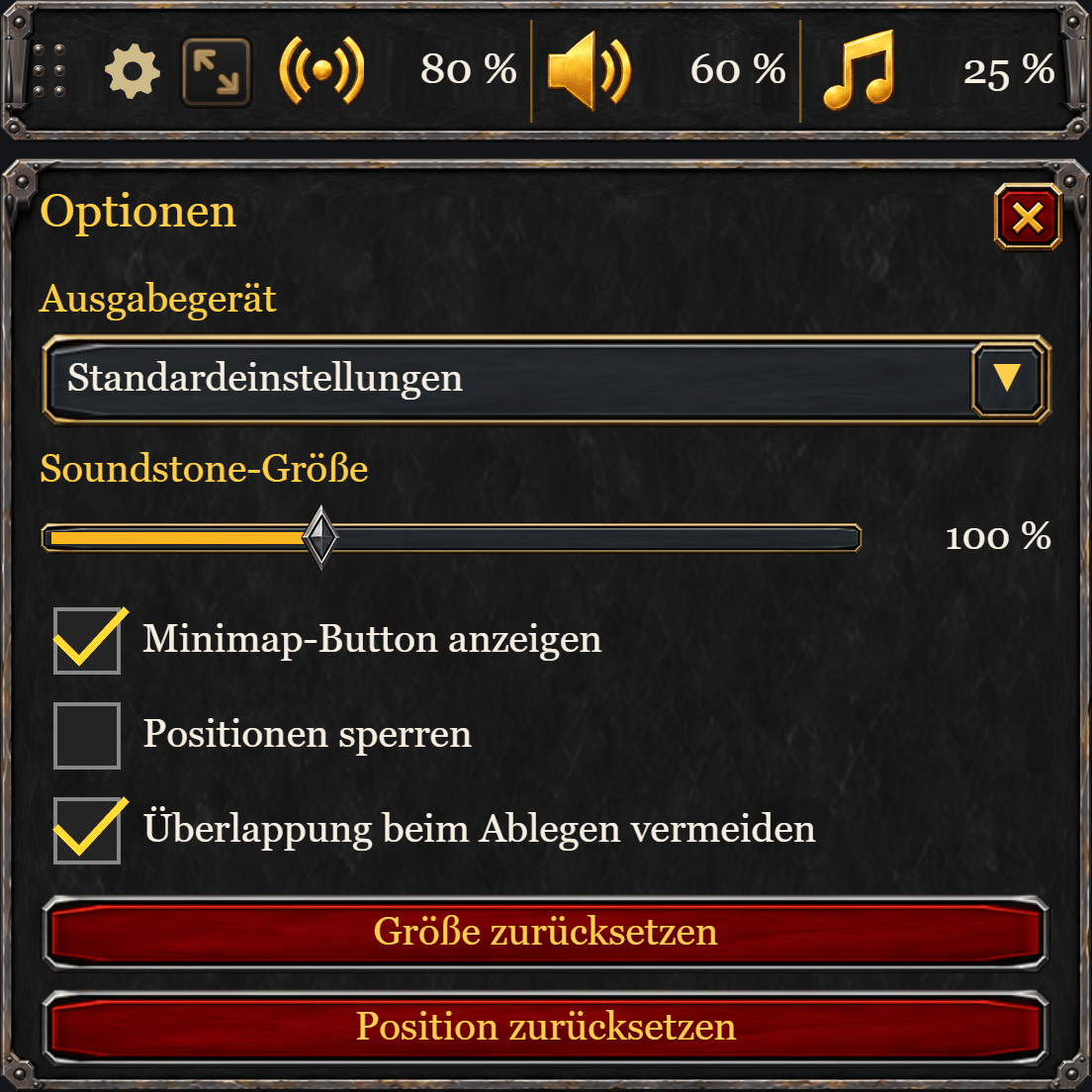
- Switch between a compact bar and an expanded mixer.
- Select WoW's audio output device when the client supports it.
- Move and scale the controls, lock their position, and show or hide the minimap button.
- Restore the last positive volume when enabling a channel set to zero.
- English and German interface, with no required companion addons.
The sound-effects group controls effects, ambience and dialogue together. Voice chat remains separate. Soundstone reads your current WoW audio settings and does not apply default volume levels when you log in.
Screenshots
Retail — Audio Mixer
Classic — Audio Mixer
Compact — Quick Controls and Options
Getting started
Install the file for your supported WoW client through CurseForge. For manual installation, extract the downloaded ZIP into that client's Interface/AddOns directory. The final path must be Interface/AddOns/Soundstone/Soundstone.toc.
Enter /soundstone to open the controls. Use /soundstone show to restore a hidden window and /soundstone help for commands. The mouse wheel changes volume by 5%; hold Shift for 1% steps. Optional key bindings are available in WoW's Key Bindings menu.
Compatibility
Use the game versions and client flavors listed on the selected CurseForge file. Additional client families are added after in-game testing. Device selection depends on the audio APIs exposed by your client. We do not claim support for every WoW version or game mode.
Deutsch
Soundstone bietet eine kompakte Lautstärkeleiste und einen aufklappbaren Mixer für Gesamtlautstärke, Soundeffekte und Musik. Regle die Lautstärke mit Schiebereglern oder dem Mausrad und schalte einzelne Gruppen per Klick stumm. Die Soundeffekt-Gruppe umfasst Effekte, Umgebung und Dialoge; der Sprachchat bleibt separat.
Installiere die zu deinem WoW-Client passende Datei über CurseForge. Öffne das Addon mit /soundstone, blende es mit /soundstone show wieder ein und zeige mit /soundstone help die Befehle an. Das Mausrad ändert die Lautstärke um 5 %, mit Umschalt um 1 %. Position, Größe und Minimap-Schaltfläche lassen sich anpassen. Weitere Addons sind nicht erforderlich.
Support and source
Please report problems through GitHub Issues, including your WoW client/build, Soundstone version, reproduction steps and any Lua error text.
Source code · MIT license. Original project artwork includes AI-generated source art; provenance is documented in the repository. Soundstone is an independent community addon and is not an official Blizzard product.
Soundstone – Azeroth Audio Team