screenshot-20261101-223337.png
Description
SmartVoidcore asks before a Void Core is spent on a bonus roll and shows what the roll is about:
- Confirmation: a popup before the roll, and one before passing (can be switched off). Only the roll frame's Roll and Pass buttons are taken over.
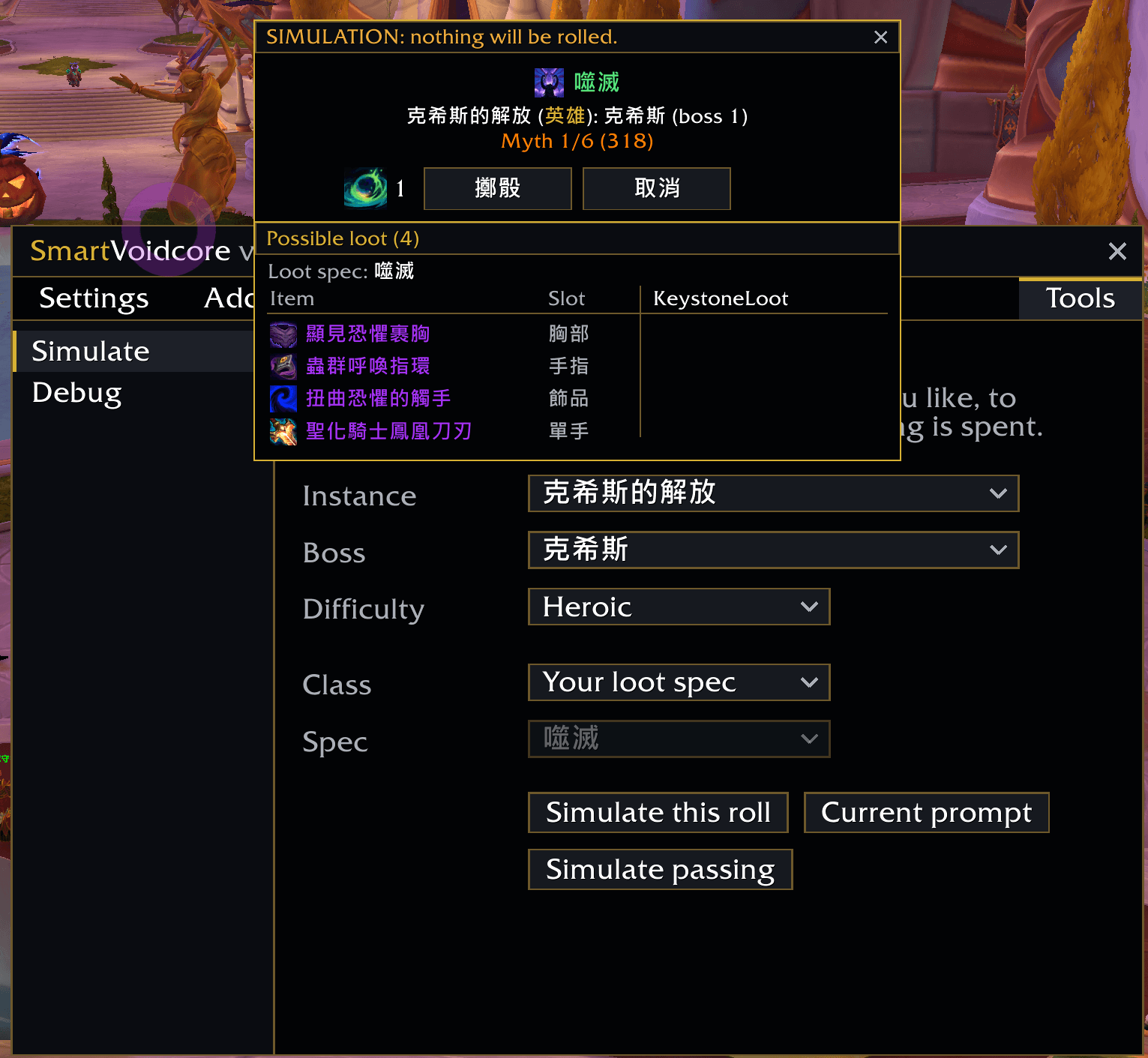
- What the roll is about: the loot spec it awards for, the difficulty and boss or the keystone level, the reward track, and how many Void Cores you hold.
- The loot list: every item the roll can give for your loot spec, in slot order. Items you already took are greyed, and a Remaining count shows what is left in the pool.
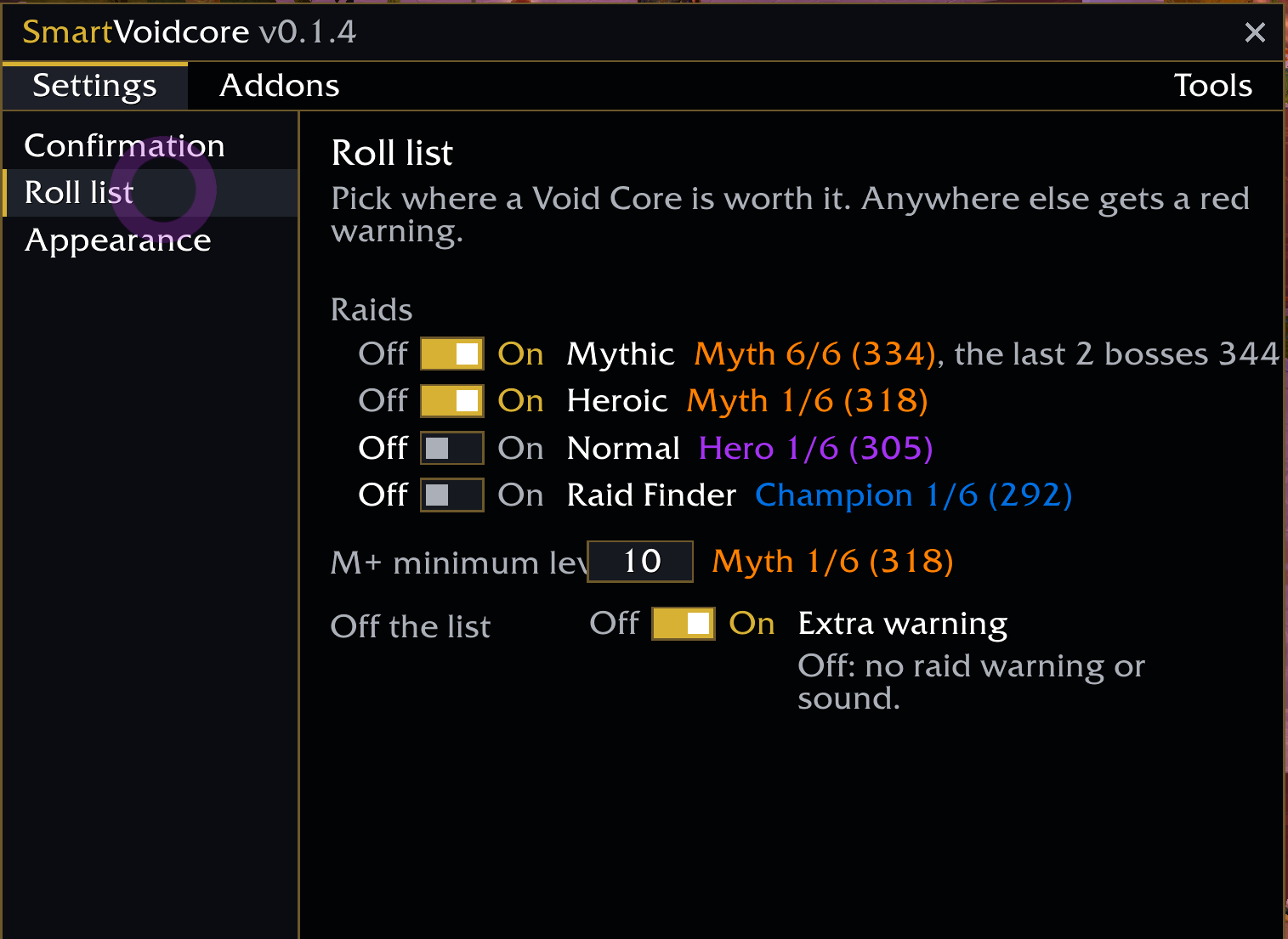
- Roll list: which raid difficulties and from which keystone level a core is worth it. A source off the list gets a red warning, a raid warning and a sound.
- Prey Hunts and Delves: the roll window is closed outright, nothing is spent (an option, on by default).
- KeystoneLoot (optional): items you marked there show their tier in the list.
/smartvc opens the settings; so do the addon compartment and Options > AddOns. Tools > Simulate shows the confirmation for any of this season's dungeons or raid bosses without spending anything. Two themes: Tide (blue) and Obsidian (black-gold). English and 繁體中文. Supports World of Warcraft Retail (Midnight).
Another addon that confirms bonus rolls would ask a second time; keep one of them.
SmartVoidcore Team