promotional bannermobile promotional banner

SmartTotem 3.3.27

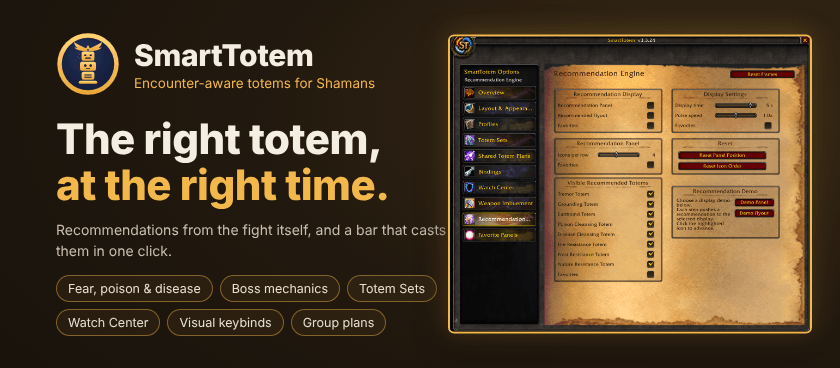
SmartTotem is a custom World of Warcraft TBC Anniversary addon designed specifically for Shamans to provide intelligent raid-based totem recommendations during encounters.
Back to Files

SmartTotem3.3.27.zip

File nameSmartTotem3.3.27.zip
Uploaded
Oct 18, 2026
Downloads
412
Size
3.8 MB
Flavors
Classic TBCForever
File ID
9243475
Type
R
Release
Supported game versions
  • 2.5.6
  • 2.5.5
  • 1.60.1

What's new

SmartTotem 
The right totem, at the right time.

SmartTotem watches the fight, your party and known boss mechanics and tells you which totem to drop, with a bar that casts it in one click. Totem Sets, shield and mana watches, visual keybinds and group totem plans come with it.
 
How it works

1. Open SmartTotem: left-click the minimap button or type `/st options`.
2. Pick your totems: on **Totem Sets**, choose your Air, Earth, Fire and Water totems. The Main Bar casts them; rest your mouse on an element to pick another totem of that element.
3. Play: when Fear, Poison, Disease or a supported boss ability shows up, the Recommendation Panel or flyout lights up the totem to drop. Click it.
4. Tune it: turn on the watches you want in Watch Center, and star your most-used options to keep them on Favorite Panels.
 

Highlights

- Encounter-aware recommendations: reacts to Fear, Poison, Disease, resistance mechanics, party conditions and supported boss abilities. Poison Cleansing is suggested once three party members are poisoned.
- Recommendation Panel or flyout: a persistent panel or a compact flyout. Choose which totems it may suggest and put them in the order you like.
- Combat-safe Main Bar: one secure button per element plus Totemic Call, in your own order, with timers.
- Totem Sets and Profiles: save your four totems as a set and swap with one click, or switch a whole profile with every setting, frame position and favorite.
- Visual keybinds: pick a totem or action in a spellbook-style picker, then click a key on the keyboard and mouse picture. Alt, Ctrl and Shift combos and mouse buttons work, and Alt, Ctrl and Shift clicks on the element buttons too.
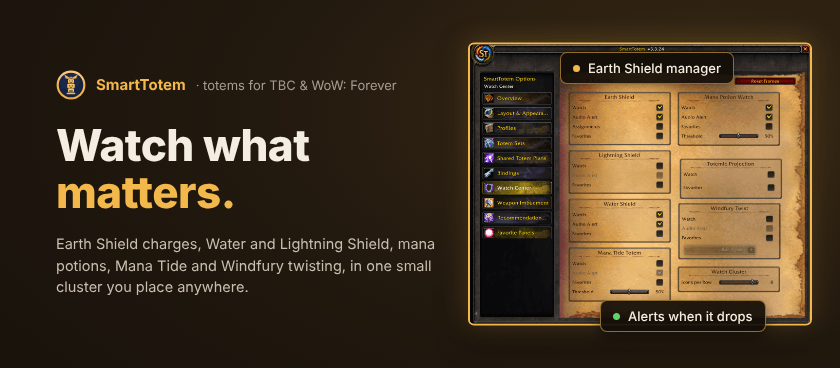
- Watch Center: Earth Shield with a manager for your targets, charges and missing-shield alerts; Water Shield and Lightning Shield reminders; a Mana Potion watch; Mana Tide; and a Windfury twisting helper with audio cues. All in one Watch Cluster you can place anywhere.
- Cooldown tracking: Mana Tide, Fire Elemental and Earth Elemental cooldowns after their totems expire.
- Weapon Imbuement bar: main-hand and off-hand imbues with presets and an optional timer.
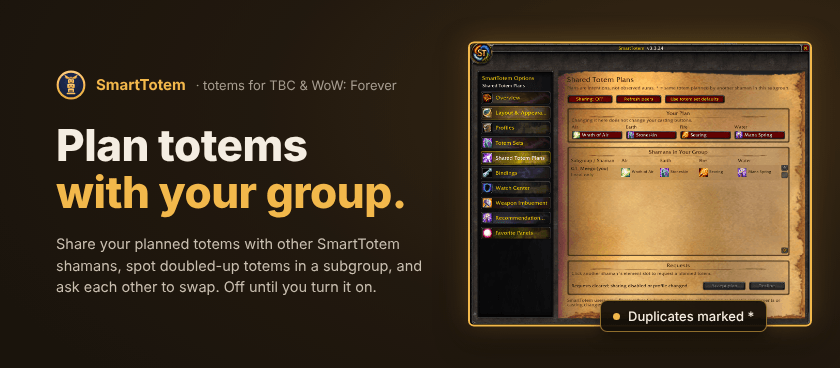
- Shared Totem Plans: share planned totems with other SmartTotem shamans in your group, spot doubled-up totems in a subgroup, and request a swap that they accept or decline. Off until you turn it on, and it never changes your casting buttons.
- Your layout: move, snap and scale every SmartTotem frame together, and reset anything to its factory place.
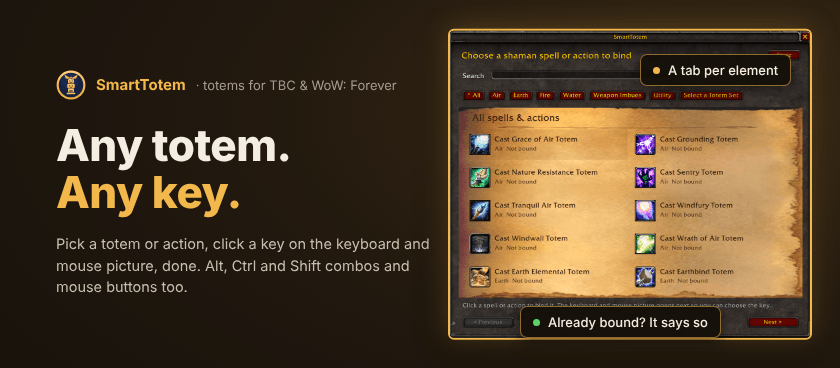


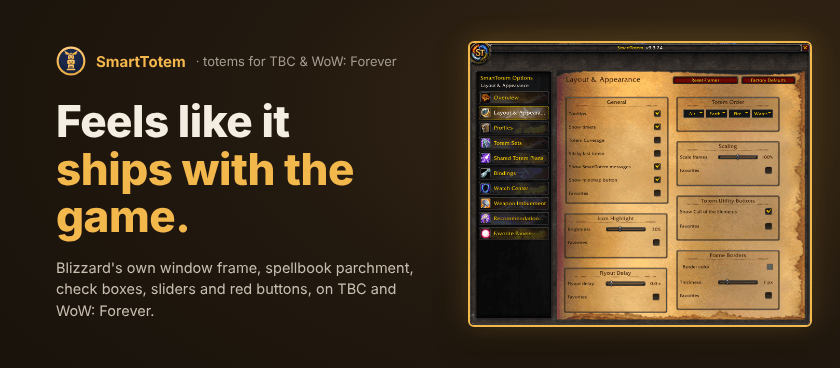
SmartTotem is built from Blizzard's own interface: the game's window frame and red buttons, spellbook parchment pages, the game's check boxes and sliders, and talent-tree art on the menu tabs.

 
Commands

`/st options` opens SmartTotem · `/st minimap` shows or hides the minimap button · `/stplans` opens Shared Totem Plans

Layout: `/st resetpos` resets gameplay frame positions · `/st resetlayout` resets the options pages' layouts · `/st fixanchors` repairs broken saved frame positions

Problems? `/st diag` gives a copyable diagnostics report.

Good to know

- **Options for spells your game version doesn't have are hidden,** like Totemic Projection on TBC. Spells you haven't learned yet show greyed out.
- **The options window opens out of combat.** If you open it mid-fight, it opens the moment combat ends.
- **Feedback and bug reports are welcome** on the project page. Including the `/st diag` report helps a lot.