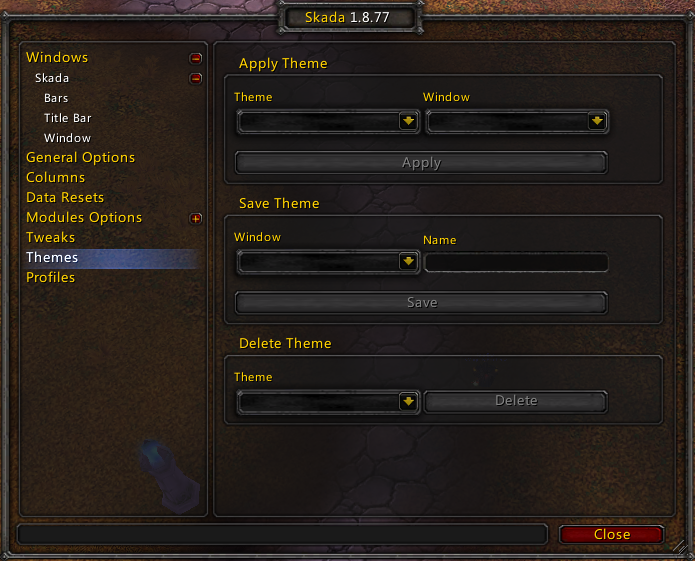
Only works for Bar Display system and allows you save, apply or delete themes. Customize your window then save its theme, you can apply it later to any other windows.
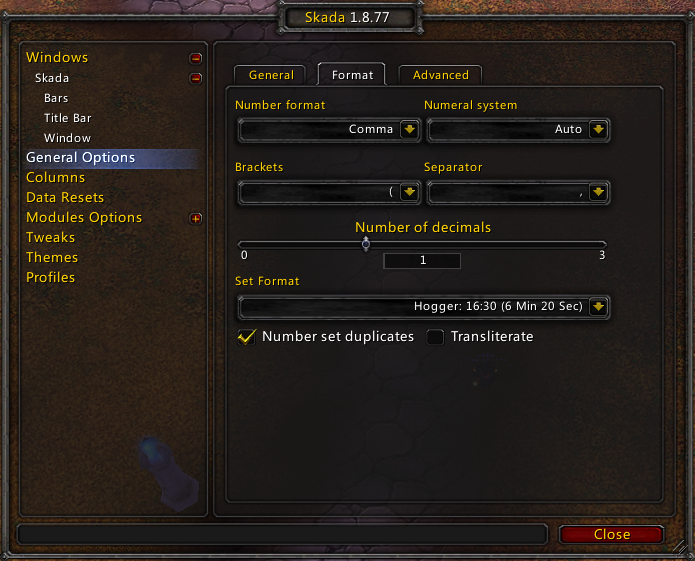
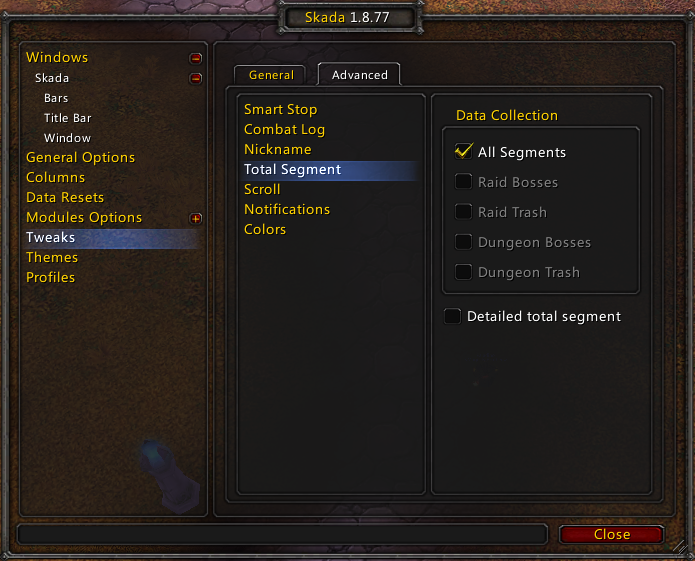
Allows you to control what's recorded to the total segment, and since this latter only records total numbers, you can set it so it contains as many details as other segments.
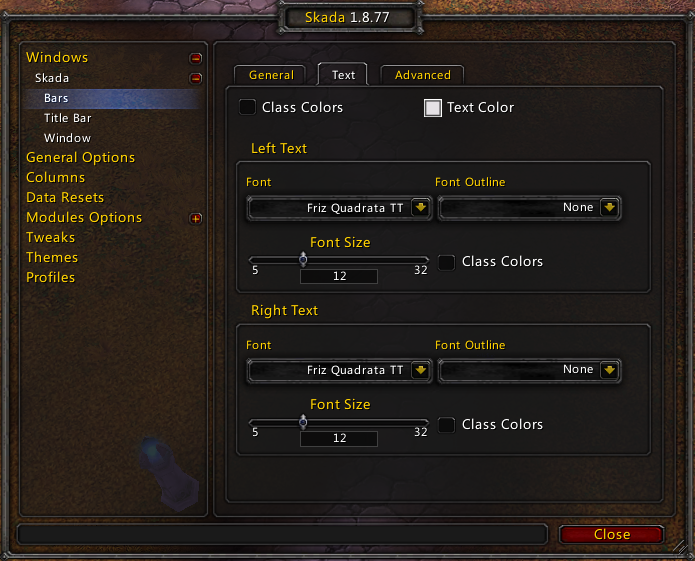
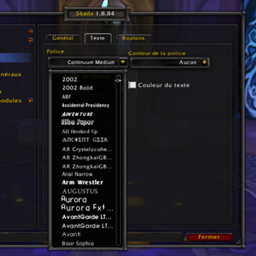
You can cutomize labels and values fonts separately.
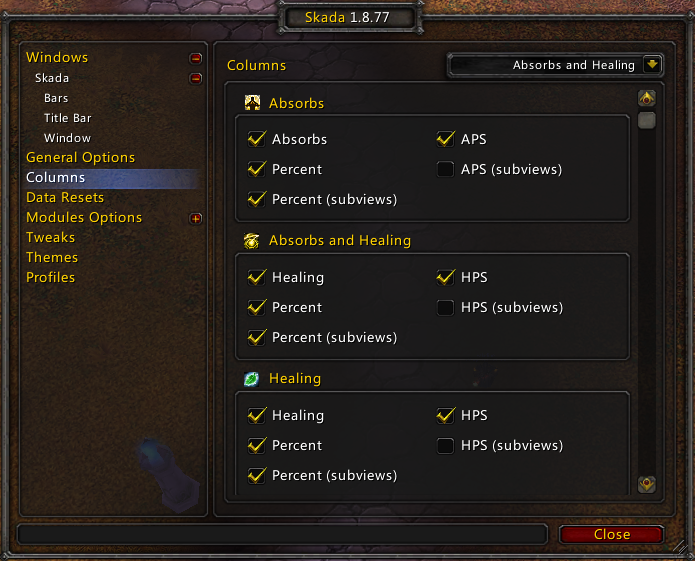
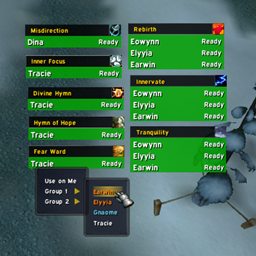
Some modules have two layers of columns: main mode and submodes shown on the screenshot as subviews.

People like to use Nicknames especially if they are playing on their alts. This feature was inspired from NickTag.

Provides some tweaks that are considered "out of general options". Created modules can add their options there instead of adding them to Modules Options or General Options.
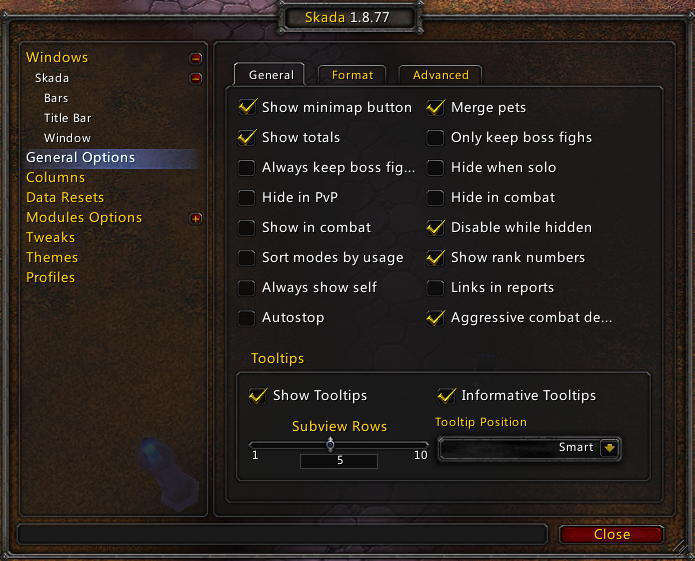

This panel allows you to configure bars appearance.
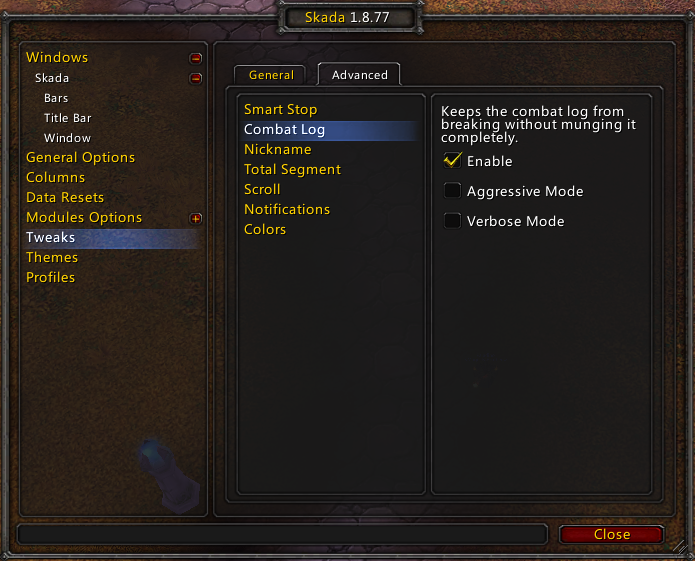
These options allow you to fix combat log in case it breaks, it can be set to Aggressive mode (acts like CLFix addon) or Conservative, which clears combat log only if it breaks.

Here you can customize Skada default class colors, custom colors as well as death log and arena teams colors if Deahs and PvP modules are enabled.
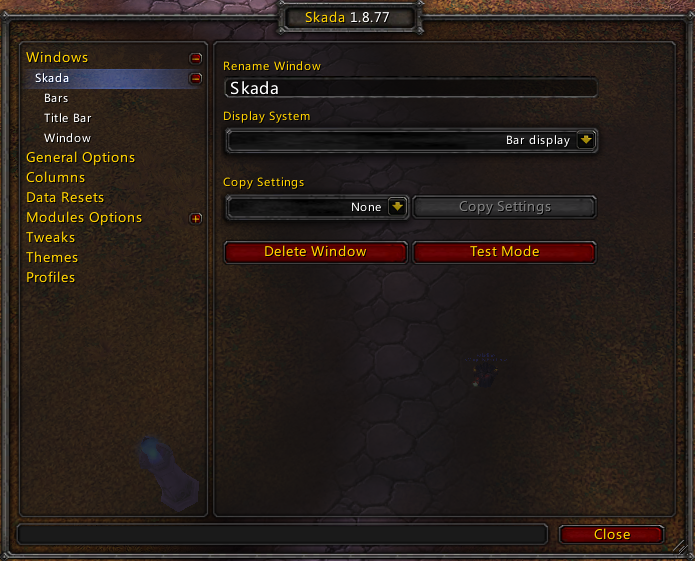
The group of options per window
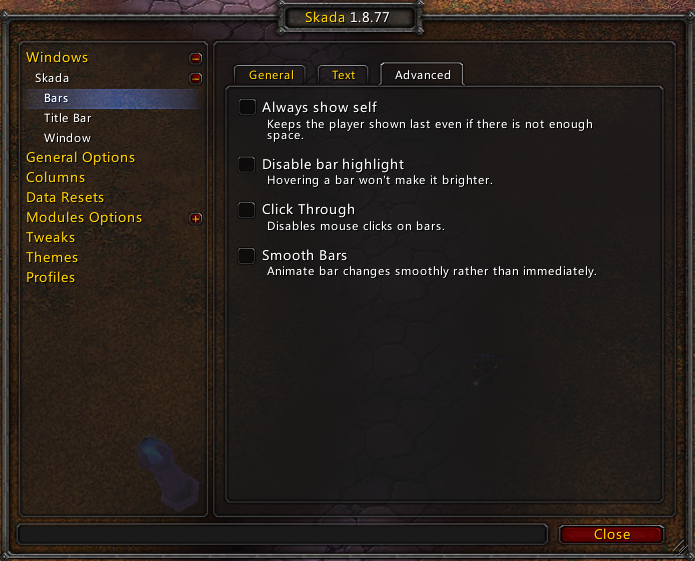
There is one hidden option from on the panel because its corresponding global options is enabled: Show totals.
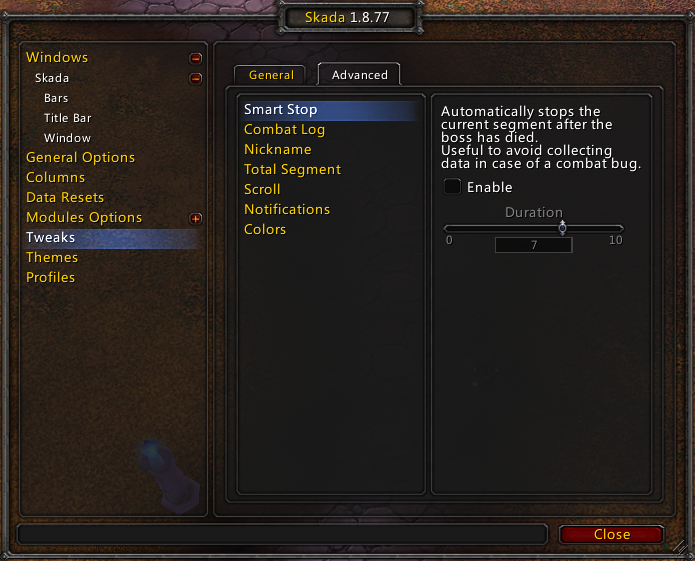
Smart Stop allows instant data collection upon boss death, preventing any extra data to be collected.
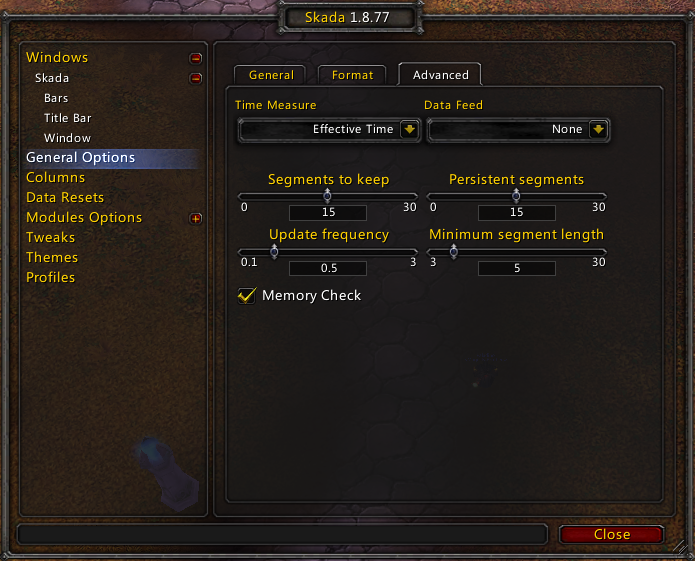
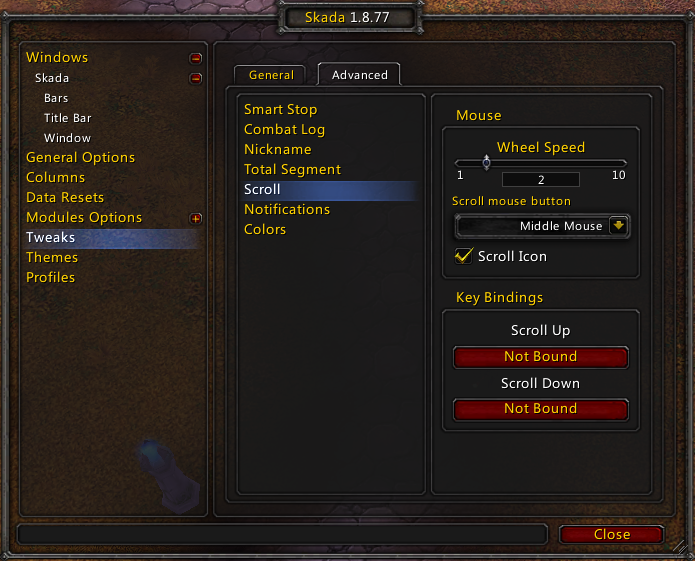
If you have a broken mouse wheel or just like to scroll using keys or a different mouse button, this feature helps.
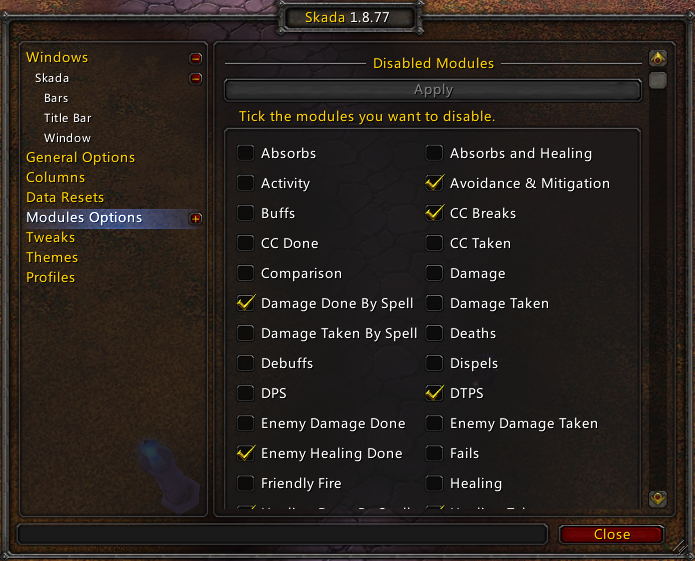
This panels main frame shows the list of available modules. You can enabled and disable modules as you please. Modules that have options will be list under if you open the "plus" button.
Description
Skada - Revisisted
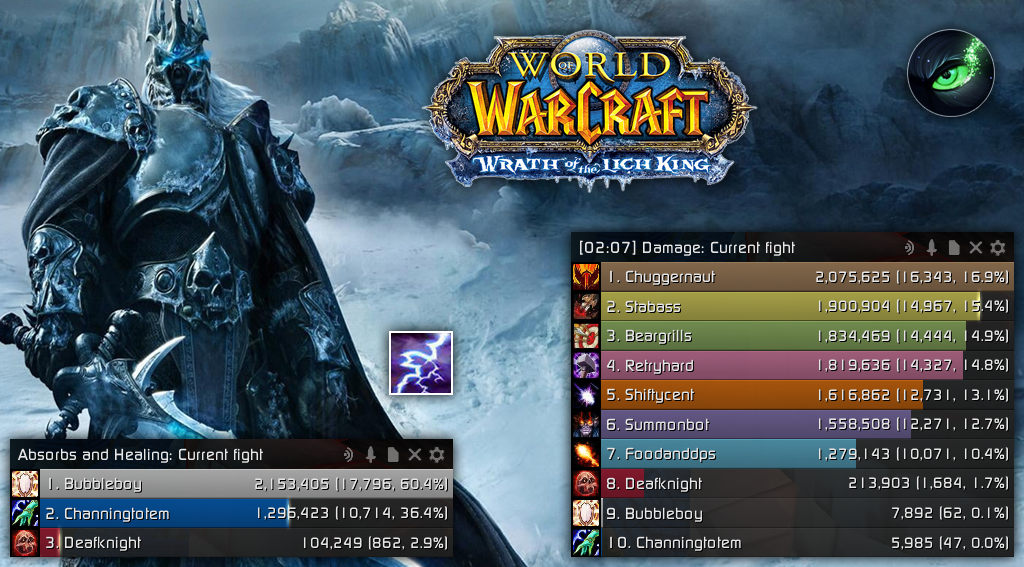
Skada is a modular damage meter with various viewing modes, segmented fights and customizable windows. It aims to be highly efficient with memory and CPU.
Available for various game version: 3.3.5, 4.3.4, 5.8.4, Retail and Classic Wrath.
IMPORTANT: How to install
- Choose your game version (expansion) !IMPORTANT!
- If you used the default on Skada before, please make sure to delete all its files from
Interface\AddOnsfolder as well as all its SavedVariables fromWTFfolder (just delete allSkada.luaandSkada.lua.bakfor this folder. Use the search box for quick delete). If you are new, skip this step. - Download the package.
- Extract or drag and drop the unique folder
Skadainto yourInterface\AddOnsfolder.
What's the difference?
This version of Skada is a mix between the old default version available for WotLK and the latest retail version. Everything was fully rewritten to provide more detailed spell breakdowns and more. Here is why it is better than the old default version:
- An All-In-One addon instead of having modules seperated into addons. Most of the modules can be enable or disabled on the options panel.
- Lots of new modules were added, some found on the internet and others were requested by the community.
- Windows are resizable using the resize grips/handles found at both bottom corners. Holding SHIFT when resizing changes widths while holding ALT changes heights.
- Bars are more fancy, colored by not only class but also spell school colors.
- Bars can display players/enemies classes, roles or specializations unlike the default old version. Spells also had their icons changed to display info tooltips (spell tooltips).
- The most (if not the only) accurate combat log parser for WotLK, whether it is for damage, healing or absorbs thanks to months and gigabytes of combat log parsing.
- Profiles importation/exportation as well as dual-spec profiles.
- Under consistent, free and solo development thanks to WotLK community and their feedbacks (helps and pull requests are most welcome).
- An annoying number of options available for more advanced players.
Extensions
- Skada: Storage: This small extension (addon) moves fights storage to its own scope instead of Skada's which by consequence ease's the latter's memory usage, especially if you use multiple windows and profiles.
- Skada: Improvement: This extension (addon) saves your character's successful boss fights data to track your improvement over time if you do not want to compare numbers with other players.
Skada Damage Meter (Revisited) Team

Owner