Simple Defensive Feedback
- By
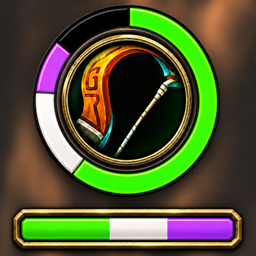
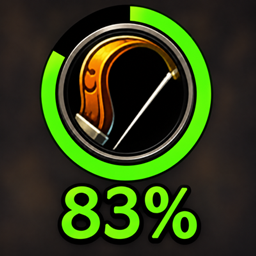
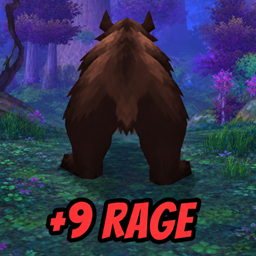
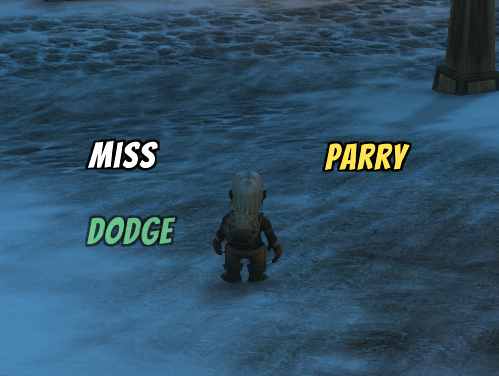
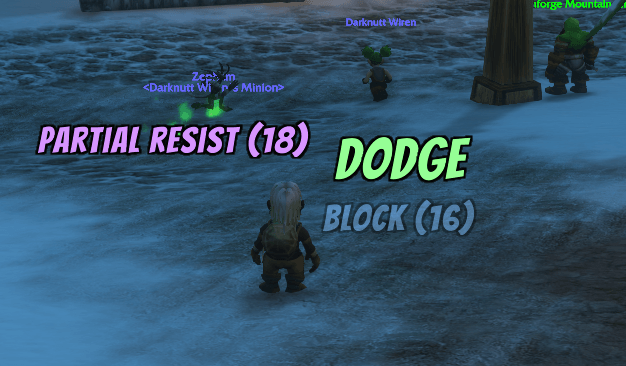
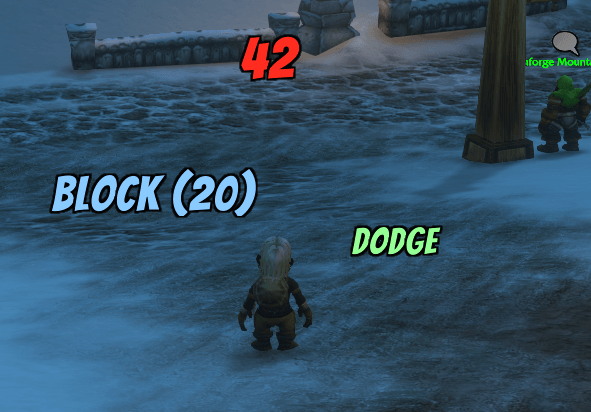
Shows the dodges, parries, misses, blocks, resists and absorbs against you as bold comic-style text around your character, with optional sounds and big numbers for crits taken.
bda0fe8f-ea99-4f70-94be-f0fffca2a12b.png
fb861369-2f9b-4a9b-b910-8de457fdbc15.png
ef4558bf-3b51-4f89-bae1-bdf31a4c0866.png
f8f87a08-3e96-4a0c-95f4-fc7f5d8658b3.png
e24c3f26-eb6a-4b55-8dba-d59ce97089ab.png
Description
Simple Defensive Feedback
The dodges, parries, blocks, misses, resists and absorbs against you, as big comic-style text popping around your character.
Built for WoW Forever only (interface 16001). It is not tested on, nor meant for, Retail or the Classic clients.
What it shows
- Dodge, Parry, Miss, Block, Resist, Absorb, plus Immune, Evade, Deflect and Reflect. Each has its own colour, in the Bangers font with a thick outline.
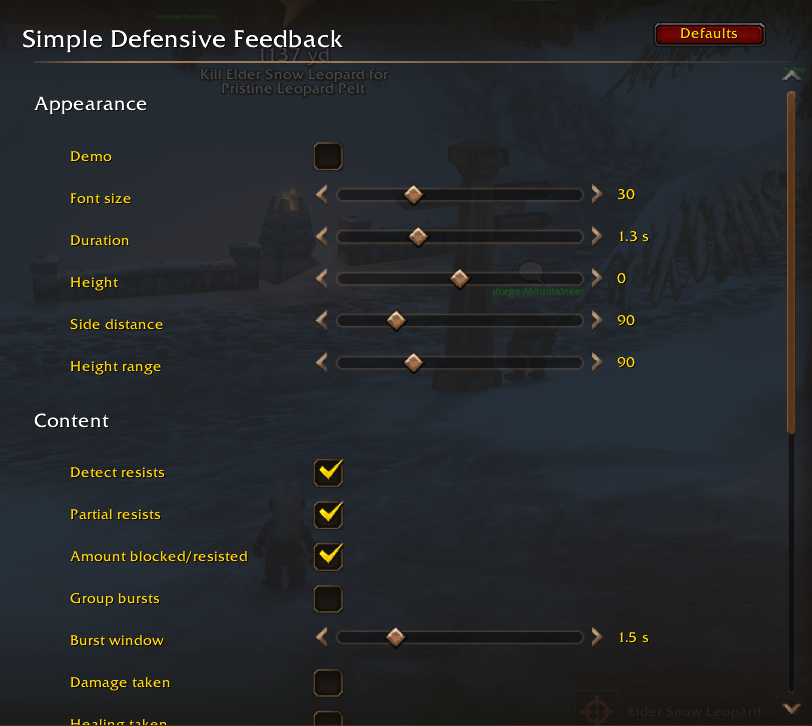
- Partial resists: a resist becomes "Partial resist" when part of the spell gets through (optional).
- Amount blocked, resisted or absorbed (optional): "Block (3)", "Partial resist (11)", "Absorb (45)".
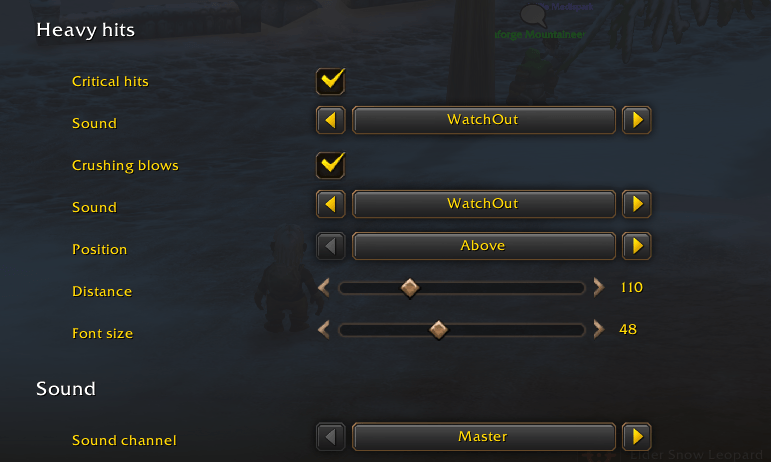
- Heavy hits: critical hits and crushing blows you take show as a big red number above or below your character, each with its own sound.
- Normal damage and healing stay hidden unless you turn them on.
- Texts pop and fade in place, alternating left and right of the character at a random height, so quick events never pile up.
- Group bursts (optional): the same event again within a short window adds to the text already on screen ("Dodge x3").
- A sound per event type: choose from the game's sounds or any sound shared by other addons through LibSharedMedia.
- Demo mode: random events at a combat-like pace, so you can tune everything without fighting.
Commands
/sdfopens the options (Options > AddOns > Simple Defensive Feedback). The per-type switches and sounds are on its "Event types" page./sdf demostarts or stops the demo./sdf testshows a few sample texts./sdf helplists the rest.
Detect resists
Forever does not let addons read the combat log. Only Blizzard's floating combat text feed tells resists apart and carries the amounts blocked, resisted and absorbed.
Detect resists (on by default) turns that feed on and hides what Blizzard draws, so you only see this addon's texts. It takes effect after a /reload. Turn it off to get Blizzard's own combat text back, as you had it.
Known limits
- Spells that miss because of the level difference show as "Miss": the game reports them like a missed swing. "Resist" comes from your resistances.
- Grouped bursts show no amount, because the game does not let addons add up these numbers. A hit fully absorbed by a shield carries no amount at all.
- The spell's name is not available to addons, so a resist cannot say which spell it was.
- The texts are placed around the centre of the screen, where your character is with the default camera. Height, side distance and spread are adjustable.
- The first time you install it, restart the game (not just
/reload) to load the comic font.
Crushing blows and full resists have not been seen in game yet. If one shows nothing, turn on /sdf probe, let it happen, /reload, and post the SimpleDefensiveFeedback.lua file from your SavedVariables in a comment.
Languages: English and Spanish.
Free and open source (MIT). Bangers font under the SIL Open Font License 1.1.
He cambiado el último paso del probe: en vez de "envía el fichero", ahora pide colgarlo en un comentario, porque en CurseForge no hay otro canal. Si tienes un repo con issues, pon ahí el enlace.
Simple Defensive Feedback Team