Shard Limit
- By
Deletes the Soul Shards that Drain Soul creates above a limit you set, and shows your shard count on a small icon you can drag anywhere.


Set a limit for your Soul Shards, and the extra ones from Drain Soul are deleted on your next key press or click, in combat too.
How to use
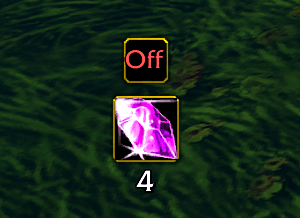
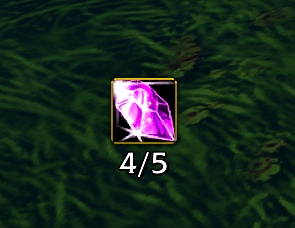
- The shard icon shows your count and limit:
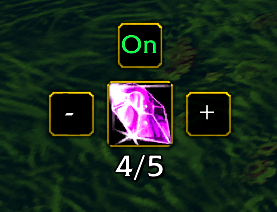
4/5 - Click the icon for
-,+andOn/Off, or type/sl 5and/sl off - An orange count means a shard goes on your next key press or click
- Crossed swords mean it waits for the end of a boss fight, a challenge mode or a PvP match
- Drag the icon anywhere, and
/sl resetputs it back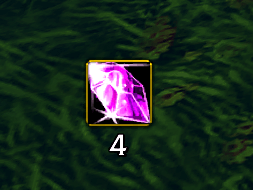
Good to know
- Deletion is permanent. Lowering the limit also removes the shards you carry above it.
- A limit of
0deletes every new shard. - Nothing is deleted until you set a limit.
Shard Limit Team