SeeneeneeUI
- By
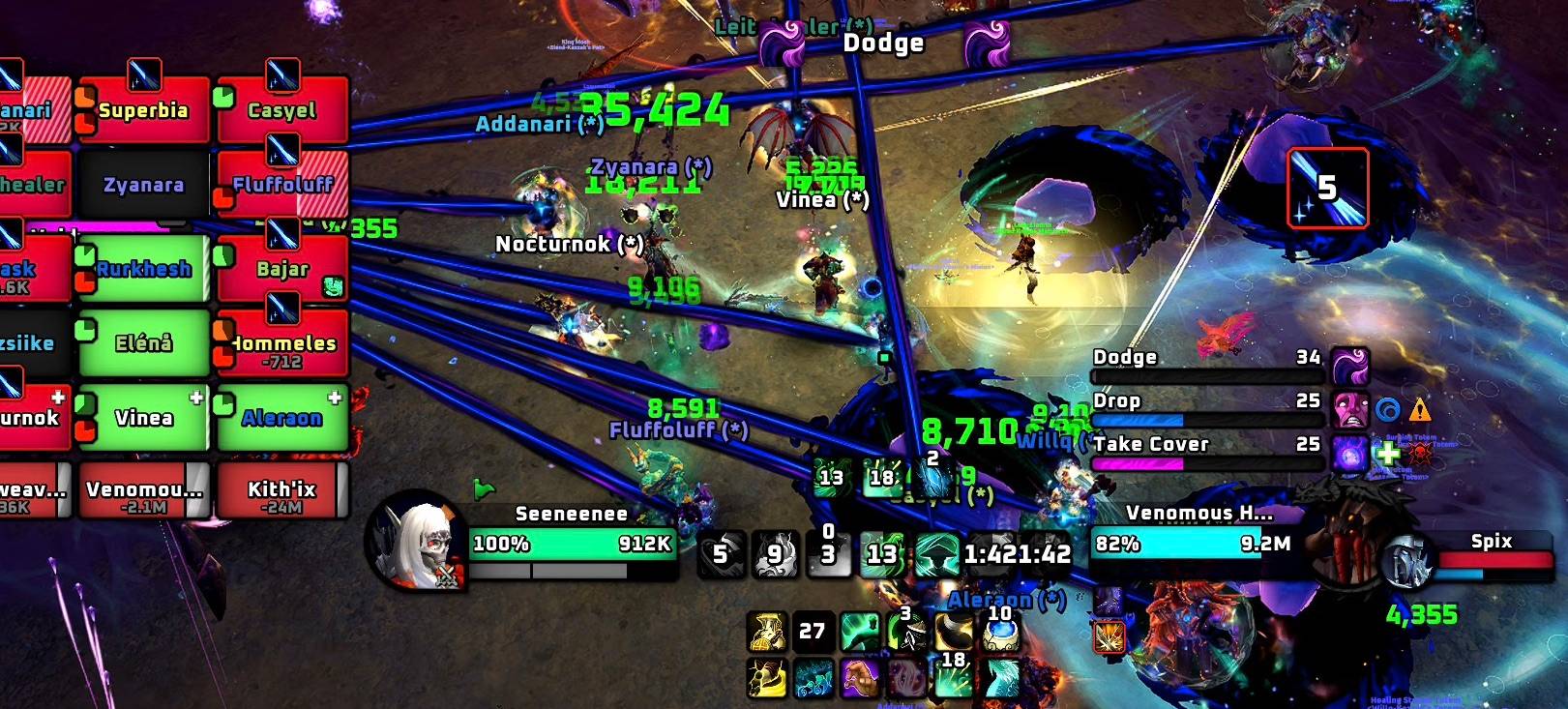
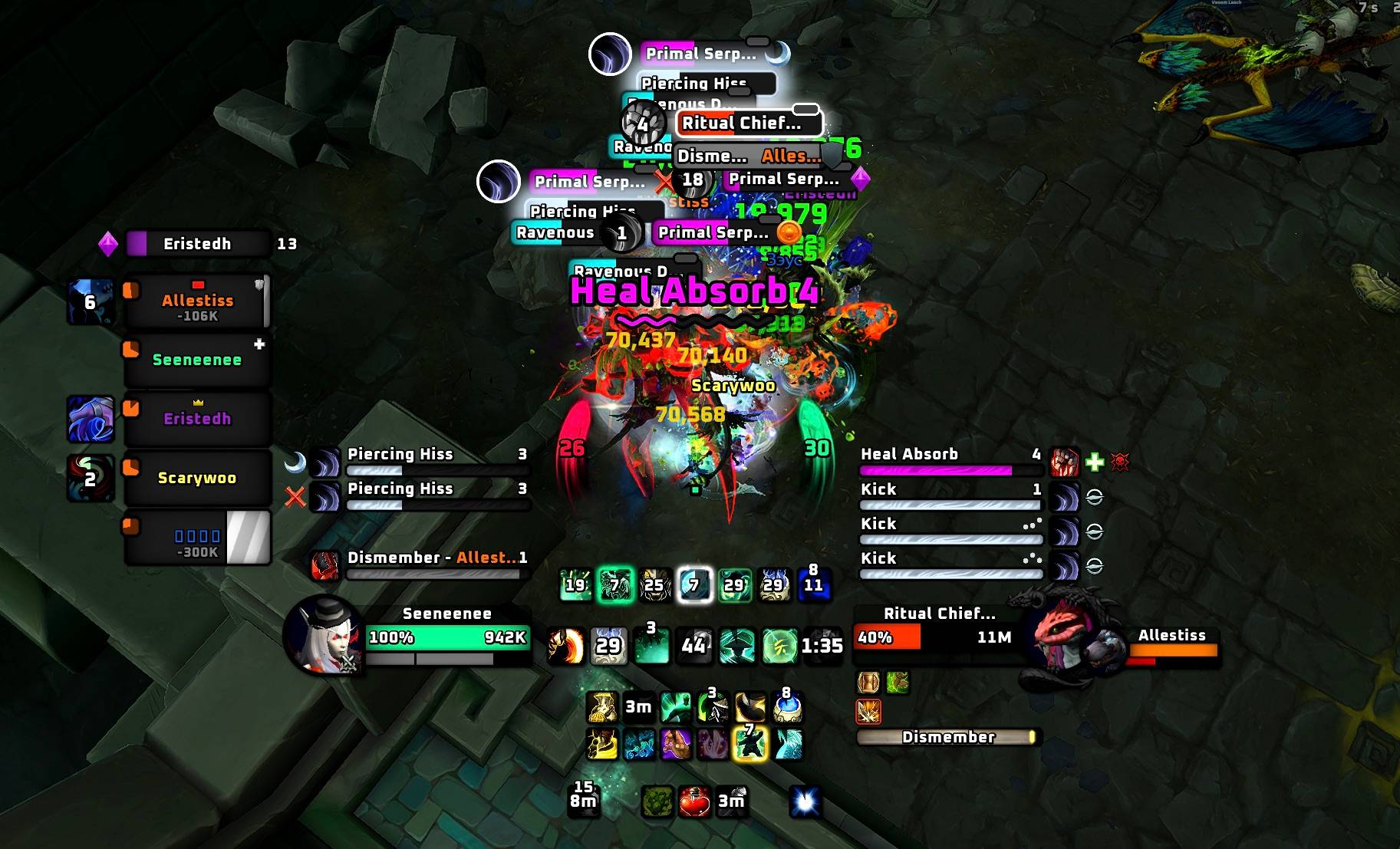
Dark blizzlike UI with timers, warnings, bars, animations, trash ability tracking, editable power bars, extended game's cooldown manager, etc.
1.jpeg
2.jpeg
3.jpeg
5.jpeg
4.jpeg
Description
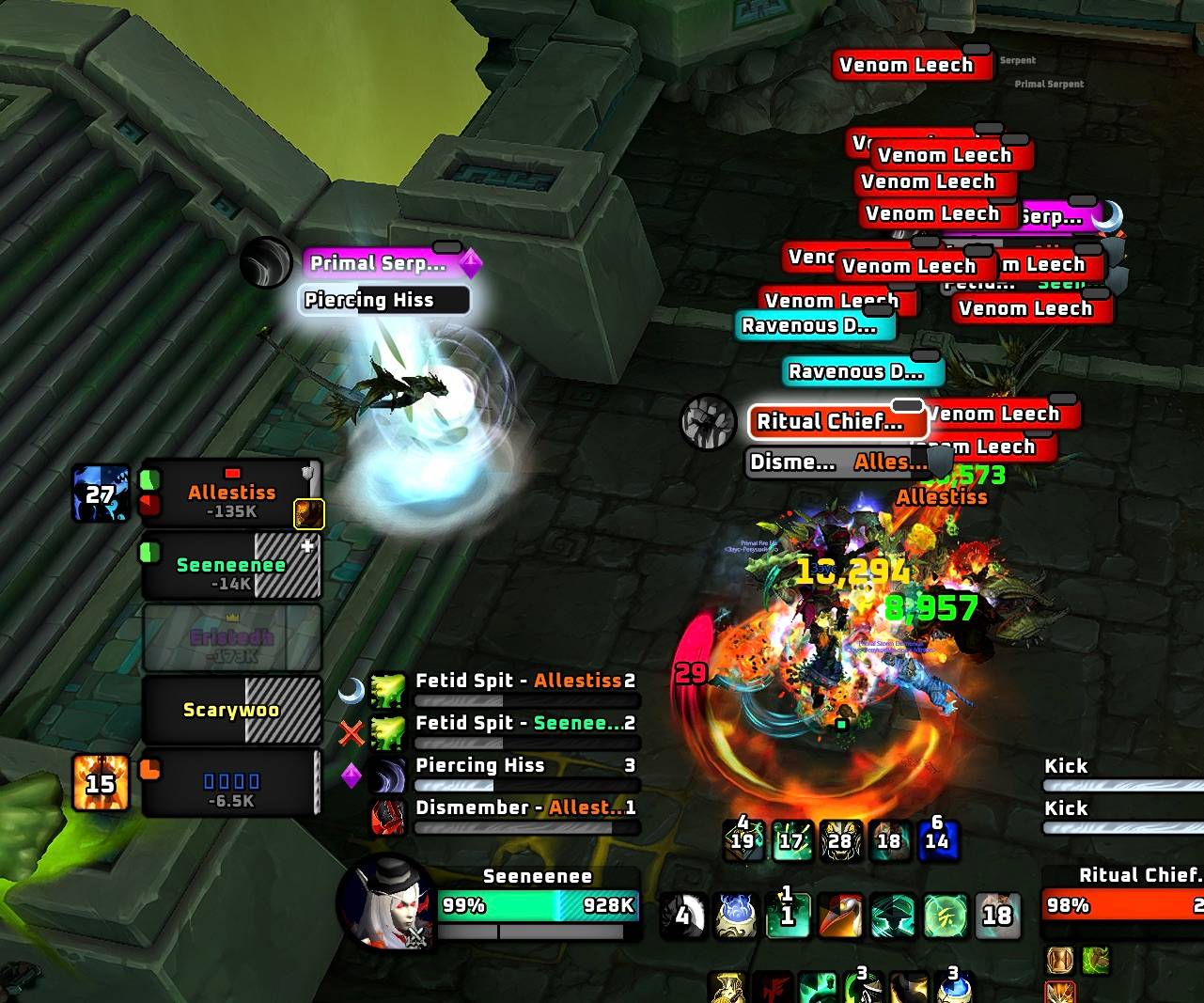
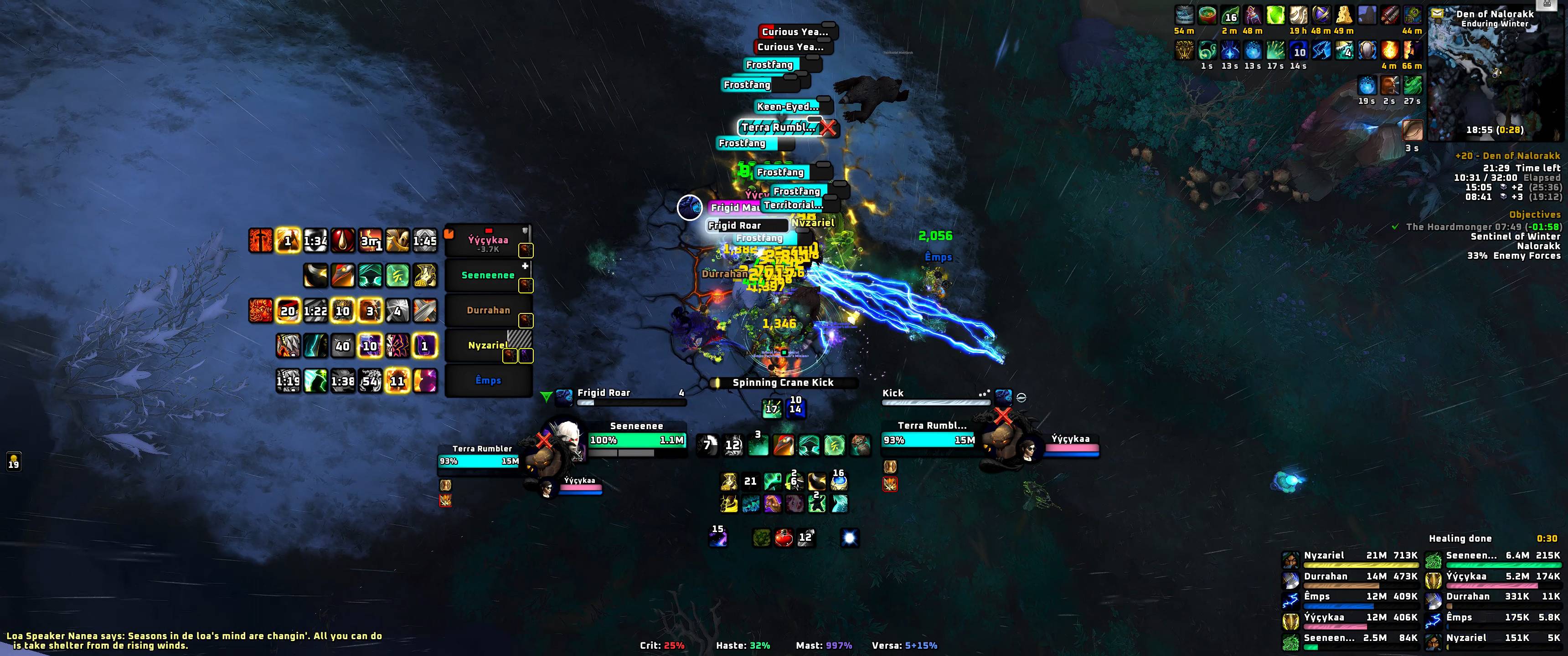
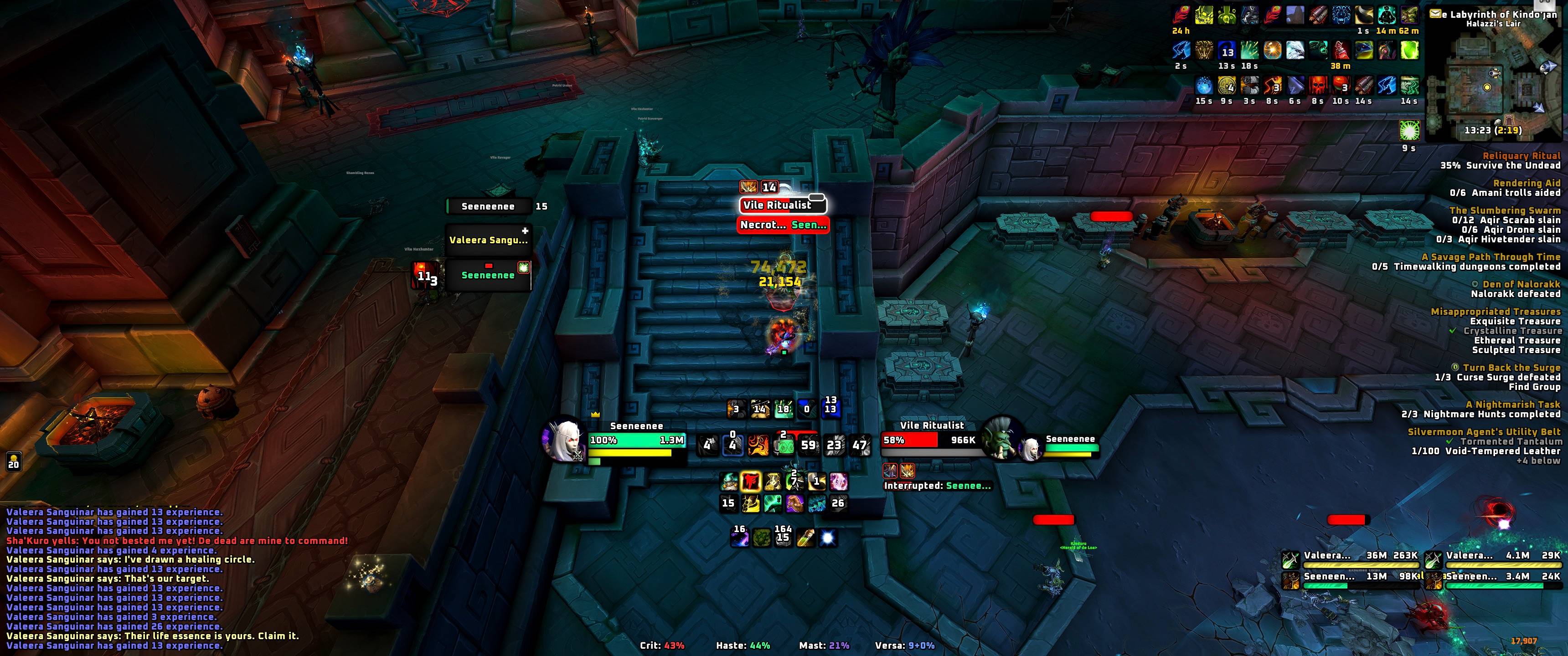
This is my UI, going for a dark blizzlike look with the cooldown manager front and center and the action bars hidden.
Make sure to scroll through the welcome screen options, when you first run the addon.
The addon adds a lot of extra options to game's cooldown settings (/cdm) and the adventure journal. The advanced options are found under /see or /seeneenee.
Features
- Boss bars, timeline and warnings.
- Nameplates with trash mob ability timers and an interrupt tracker.
- Cooldown manager options extended with pulses, alerts and other visuals.
- Darkened blizzard frames.
- Raid, boss and enemy frames.
- Simplified objective tracker replacement.
- Animations. (Game engine side, light on performance)
- More tabs in the cooldown manager, to edit game's spell alerts, power bars, button overlays and the extra utility bar.
- Edit mode anchoring feature for more precise frame repositioning.
- A lot of unnecessary UI elements and error messages cleaned up.
- Profiled and optimized with Perfy.
- Clean animated chat.
- Damage meters.
Cooldown Manager
SeeneeneeUI extends game's own cooldown settings frame, so make sure to check out /cdm or open it via the button in Esc menu.
- Pulses for spells and buffs.
- Extra "support" bar, that you can drag and drop your cooldown manager spells / items on.
- Power bar customization, that lets you add dividers / color break points / textures to your power bars.
- Spell alert customization, with options to toggle on / off spammy built in alerts and show alerts for buffs, which let you see durations and stacks as well.
Nameplates
- Baked in debuff buff, so your class doesn't show more than 4-5 auras on a nameplate.
- Trash ability cooldowns.
- Interrupt above your focus.
- Priority casts show bright glows. If trash ability tracking is enabled, priority cast colors match with the game's glow effect, for mobs that have it.
Raiding & Dungeons
The addon has a baked in boss mods and trash ability tracking. Though I still suggest using BigWigs or DBM with the addon, it'll automatically use them as source and be able to show their bars with our own UI.
If you wish to disable our boss mods and ability tracking, disable the Catalogue module in /see.
And if you don't want our addon to show BigWigs, DBM or NSRT bars with our own UI, disable their sources in the Timers module, or disable the module completely in /see. Just remember the Timers module is what also draws our warnings, so those will go with it as well.
Also note that some encounters are not fully supported by our boss mods. I've built them solo, AI can't build them fully nor do I allow my AI to read other addons, so I can only support bosses I've progged. If you wish to contribute recordings, enable recording of your fights in /see > catalogue > recordings and share them on our discord. ❤️
PvP
Arena and battleground frames, for a consistent look with our own raid frames.
SeeneeneeUI Team