Sanctum Restyle: Class Skins
- By
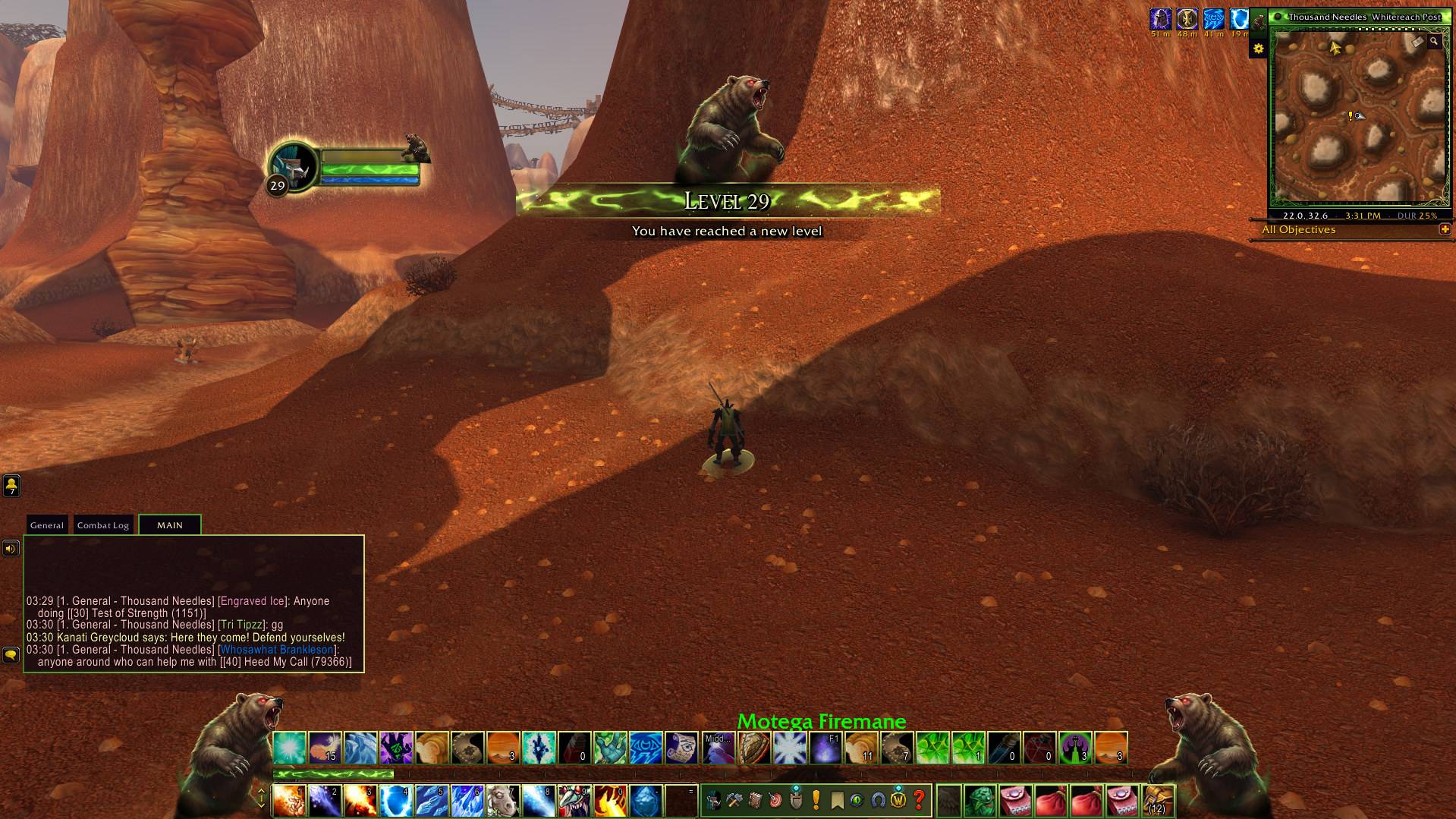
Restyles Blizzard's default UI with animated skins. Level up and quest banners, 18 skins, and a builder to make and share your own with 26 moving patterns. Bars and frames stay where they are.
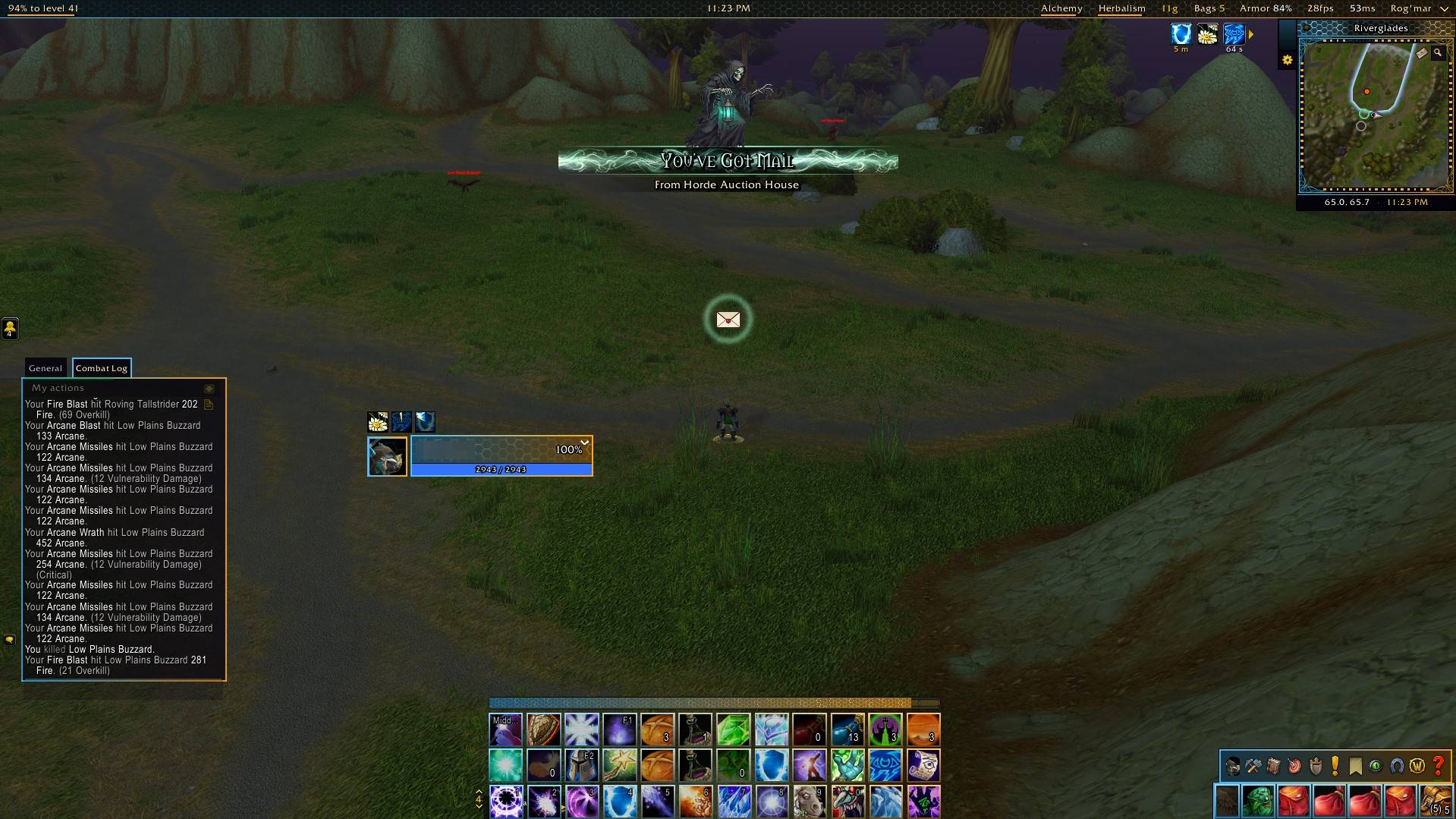
restyle_mail.jpg
restyle_orb_castbar.jpg
restyle_shard_castbar.jpg
SHAMAN SKIN
paladin_skin.png
Description
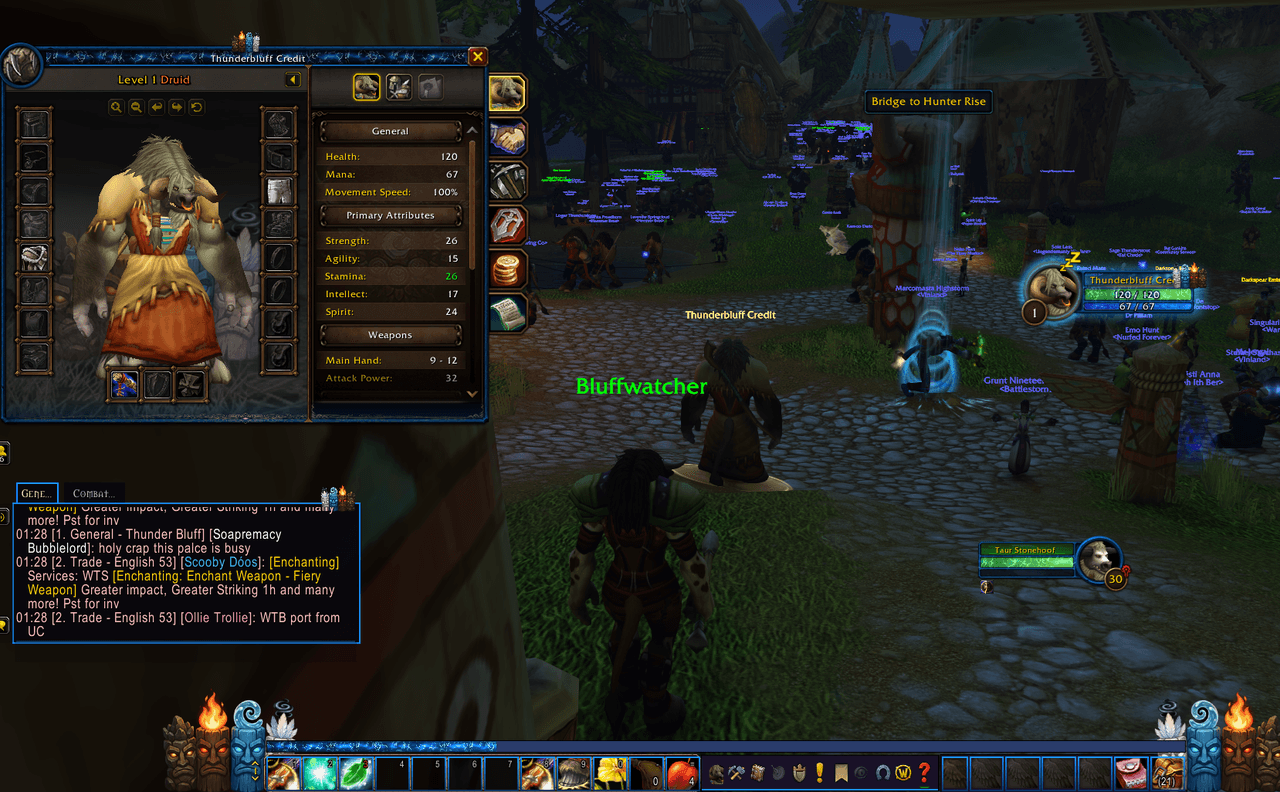
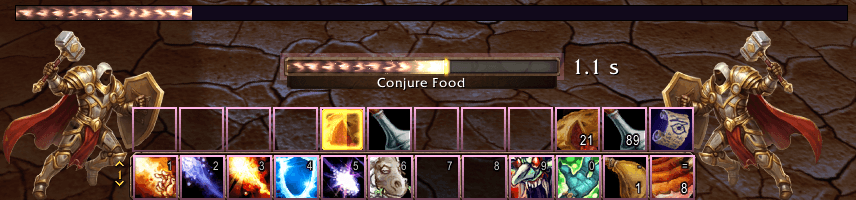
Sanctum Restyle keeps Blizzard's interface and gives it a new look. Pick a skin and your action bars, end caps, XP bar, cast bar, unit frames, chat, tooltips and game windows all change to match. Nothing is replaced, so your keybinds and layout stay exactly how you have them.
SKINS
A skin for every class, plus theme skins like Warchief, Plaguelands and Kingsguard. Each one has its own colors, emblem and moving art. Every part of the interface can wear a different skin if you want to mix them.
MAKE YOUR OWN
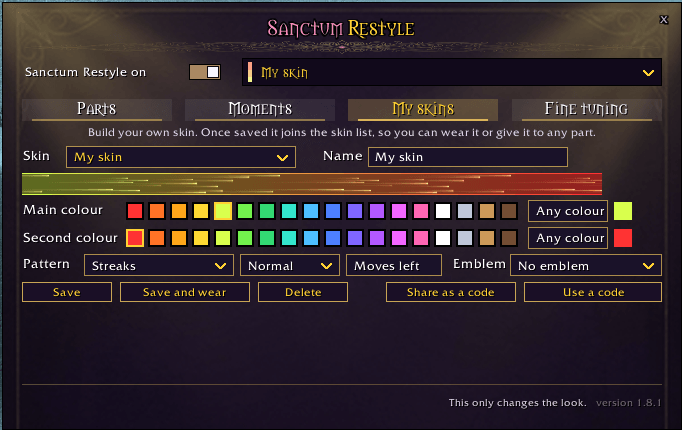
The skin builder lets you choose colors and a moving pattern and save it as your own skin. Rain falls, gears turn, chains pull. You can share a skin with friends using a short code.
MOMENTS
A short animated banner in your skin when something happens. Level up, quest complete, rare loot, new zone, reputation rank, new spells, boss defeated, duel won, gold milestones, new mail and more. Each one has its own switch and a test button. Choose from several sound sets or turn sound off.
SHAPED CAST BAR
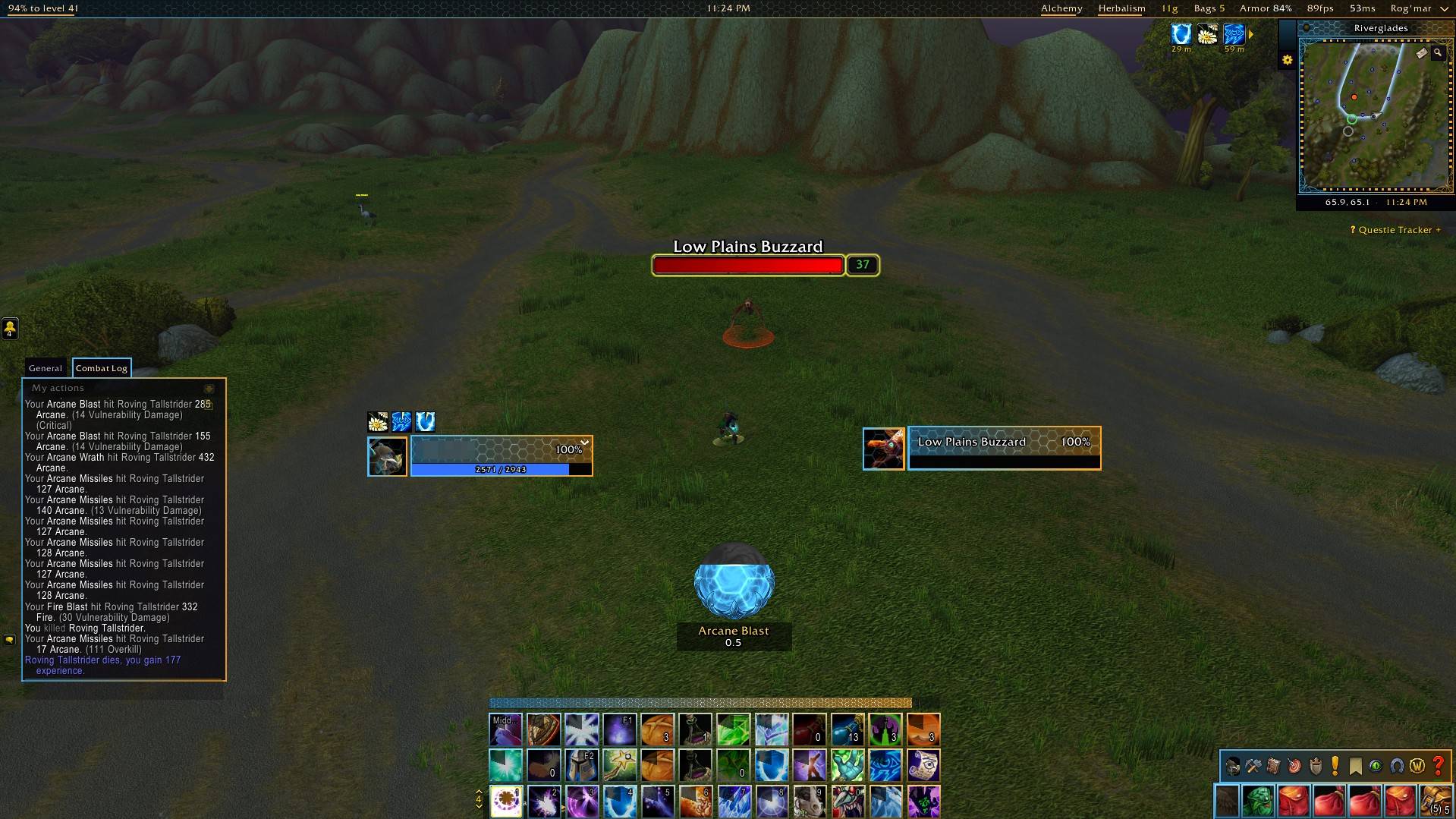
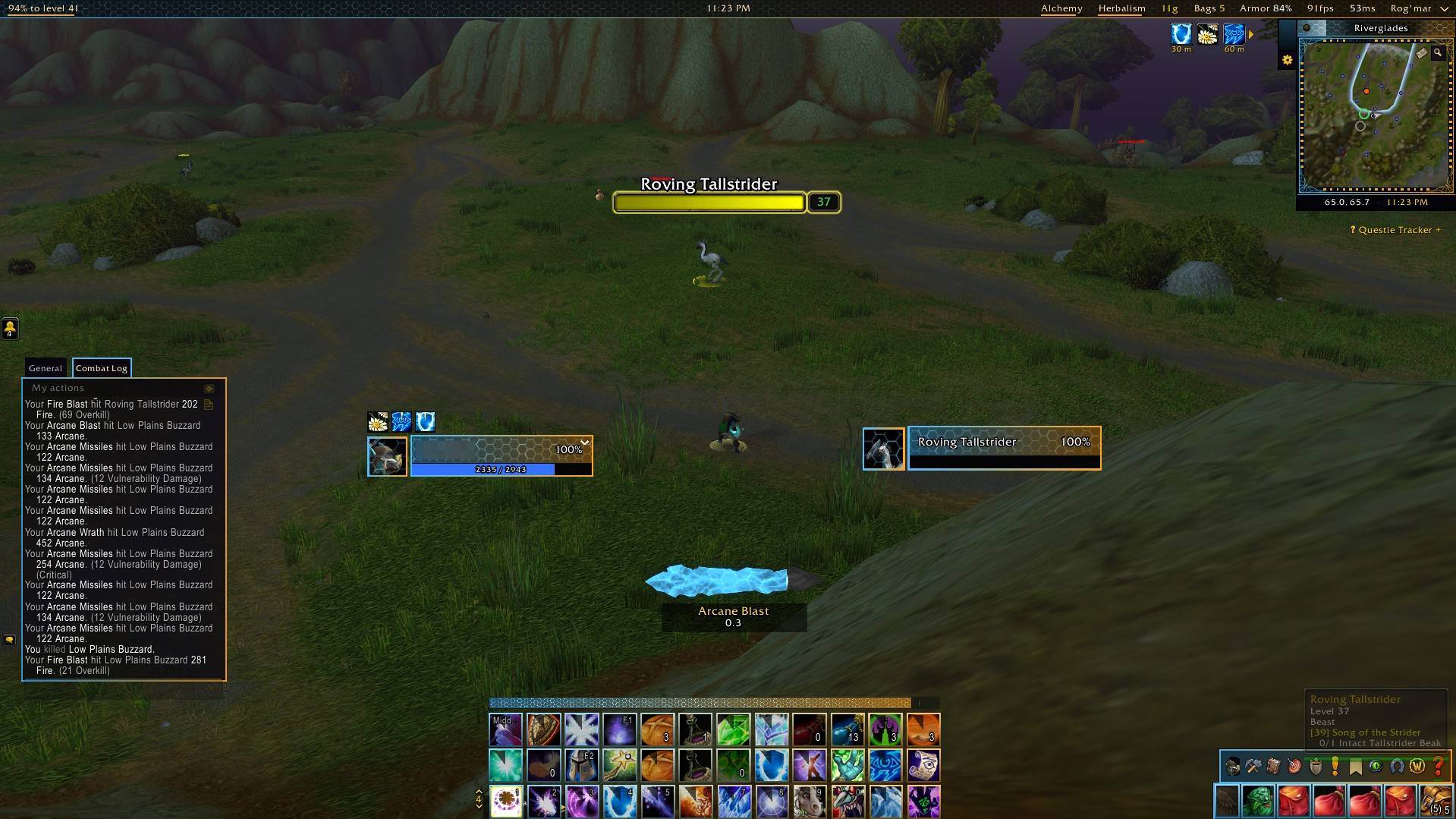
An optional cast bar that is not a plain rectangle. Choose from nine shapes: sword, crystal shard, orb, crescent, ring, rune circle, gem pips, slanted bar and pointed bar. The energy glows and flickers in your skin's colors with your skin's pattern moving through it, and it flashes when the spell lands. You can hide the game's cast bar while you use it.
HEALTH, TARGET AND GROUP BARS
Optional bars for you, your target, your party and your raid, all in the same look and all skinnable. Your health bar shows power, buffs, debuffs and a portrait in 2D or 3D. Right click still opens the normal game menu.
MOVE EVERYTHING
One button unlocks every Restyle bar so you can drag it where you want and resize it from the corner. Lock them again when you are done.
INFO BAR
An optional bar across the top or bottom of the screen with XP, rested, clock, professions, gold, bag space, durability, fps, latency and hearth location. Pick which pieces show.
ALSO INSIDE
An optional square minimap in your skin's colors with an addon button drawer.
Restyled bags, character sheet, spellbook, vendor and mail windows.
An optional chime on whispers.
Every emblem can be turned off.
HOW TO USE
Click the Restyle button on your minimap or in the addon drawer. Everything is a switch, there are no commands to learn. The options are sorted into drawers so you only see what you are working on.
Works with the default interface. If you use a full UI replacement for your action bars, turn off the Restyle parts that overlap.
Found a bug or have a skin idea? Leave a comment.
Sanctum Restyle: Class Skins Team