Ruyi
- By
èå .png
ä¼ æ¿æ¨¡æå¨.png
éé±¼æå.png
å ç¯è®¡æ¶.png
è§è²å±æ§.png
è天å¢å¼º.png
é ç½®çé¢.png
天èµæ¨¡æå¨.png
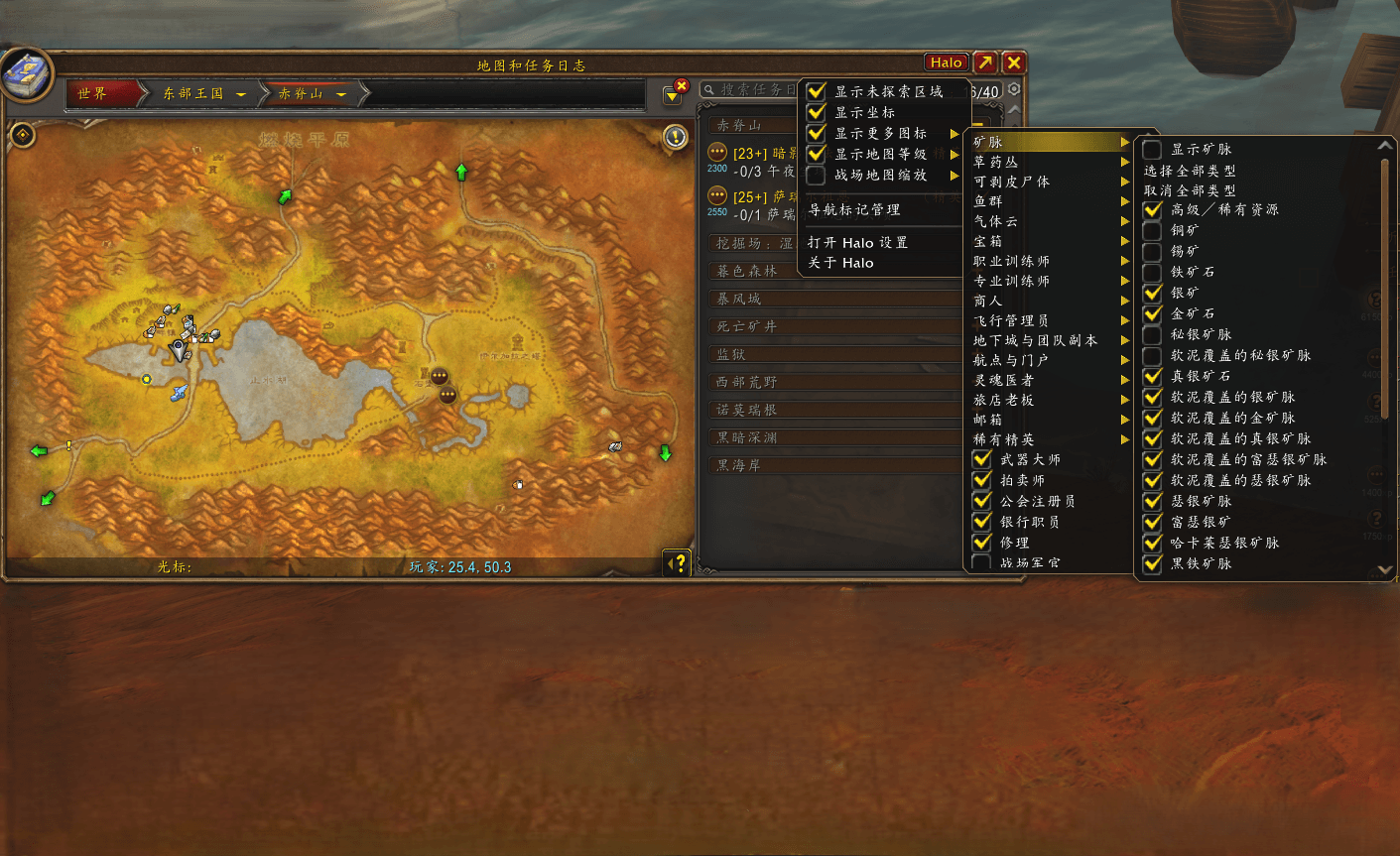
å°å¾å¢å¼º.png
Description
Ruyi is a native-look interface enhancement addon for World of Warcraft: Infinity clients - classic content running on the modern client engine. Instead of stacking a dozen single-purpose addons, you get one addon, one settings window (/ruyi), and one profile system: 10 interface modules and 13 complete tools share the same components, configuration and navigation.
The interface automatically matches your client language — English and Simplified Chinese are fully translated; missing keys fall back to English.
Highlights
- Localized - the UI follows your client language (full English and Simplified Chinese)
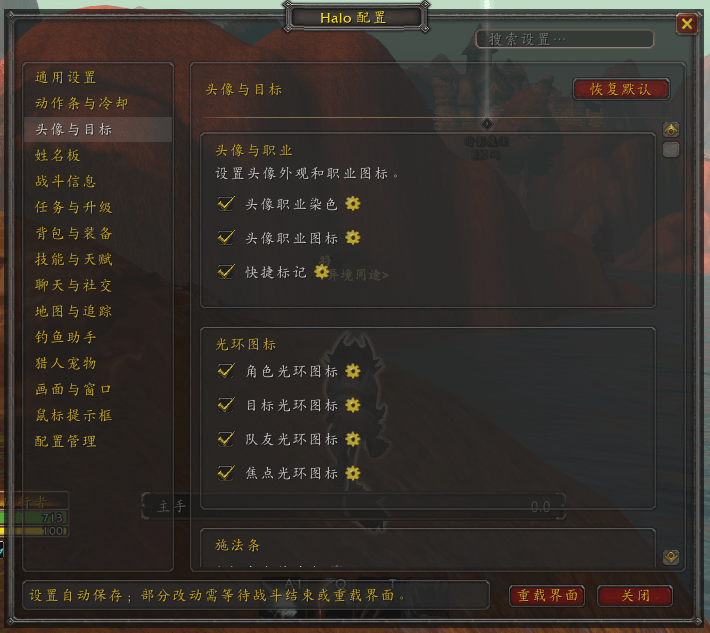
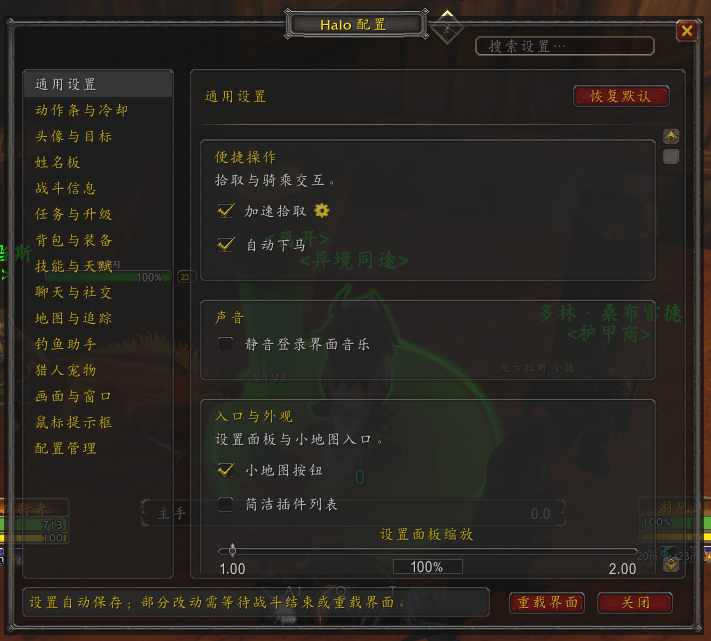
- One settings window -
/ruyiopens 15 feature pages with unified navigation and search - Profiles - per-character configuration plus 5 shared slots, account-wide; export/import via
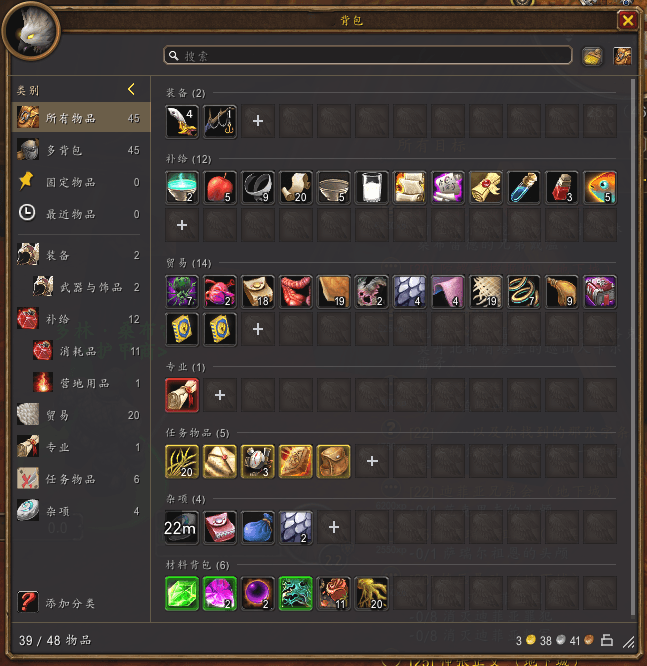
RUYI_SETTINGS:<checksum>:<Base64>strings - Bags - integrated bag, bank and guild-bank windows with a category sidebar and reagent-slot-aware empty slots
- Action bars - bar text options, range/usability coloring, cooldown timers
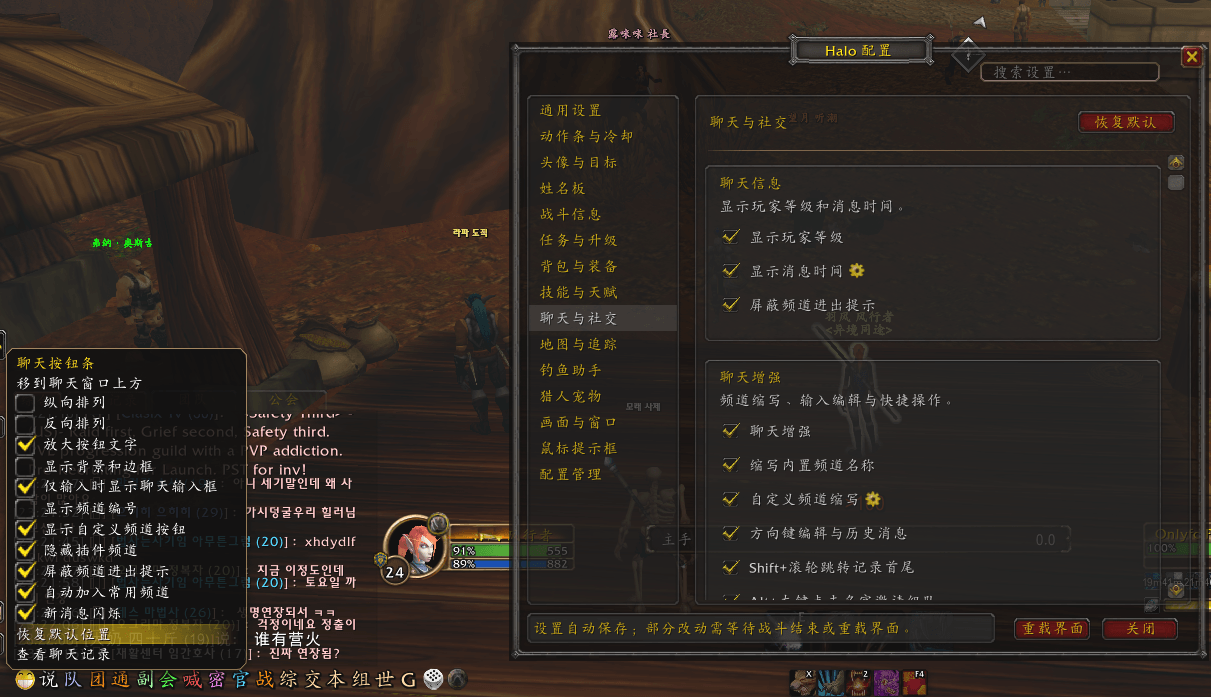
- Chat - channel abbreviations, arrow-key editing, Shift+scroll history, Alt+click invite, auto-join channels
- Nameplates & combat info - combo points (rogue/cat form), error alerts, auto-dismiss of Ruyi-targeted disable popups
- Maps & quests - map enhancement, NPC service markers, quest XP, navigation arrow, flight progress, resource records
- Windows - permanent layouts, Ctrl+wheel zoom, combat-safe protected windows
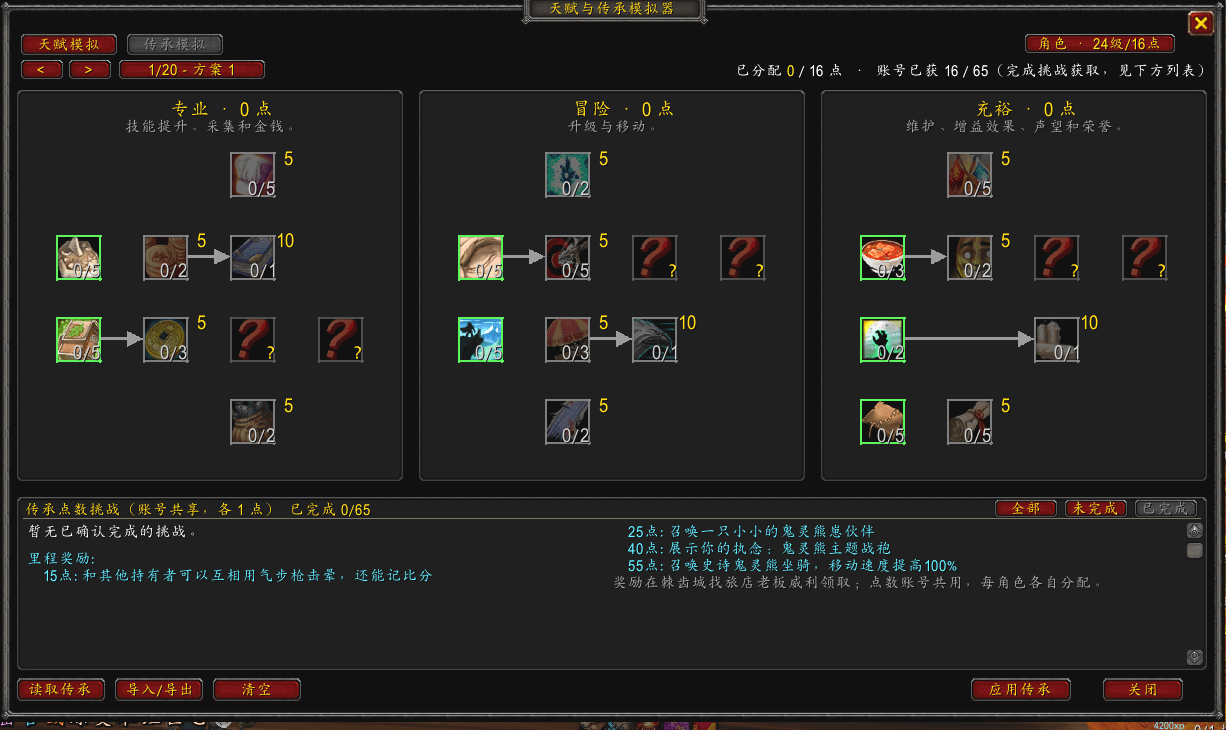
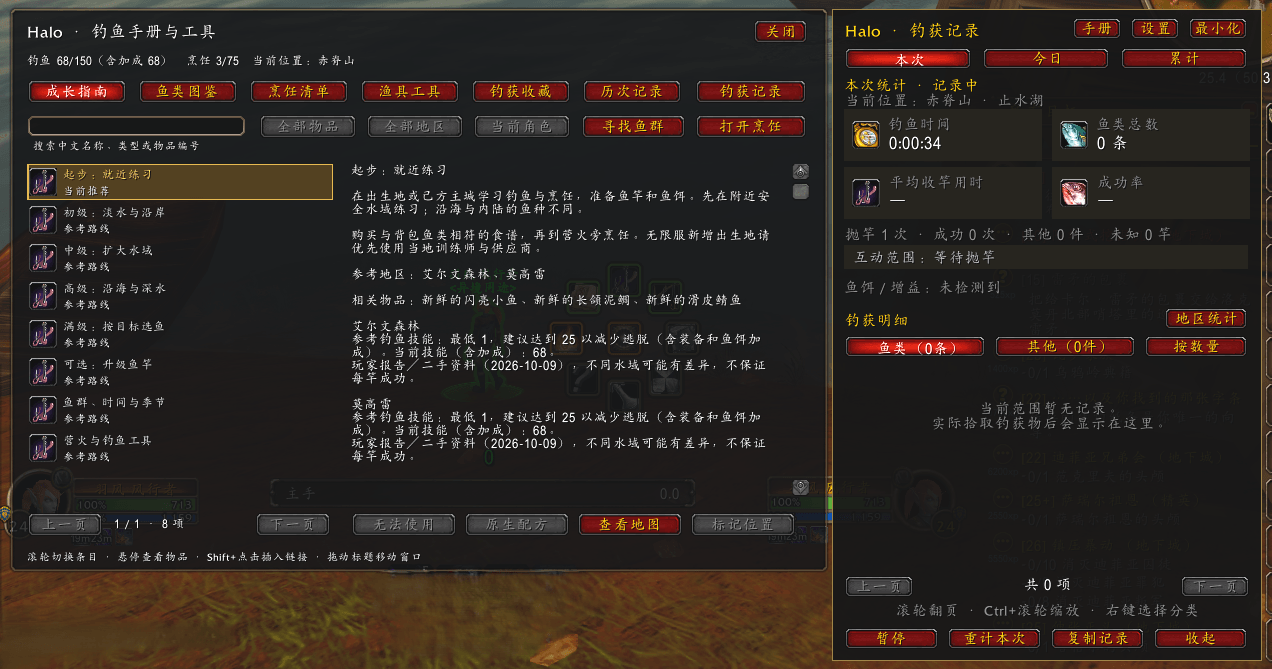
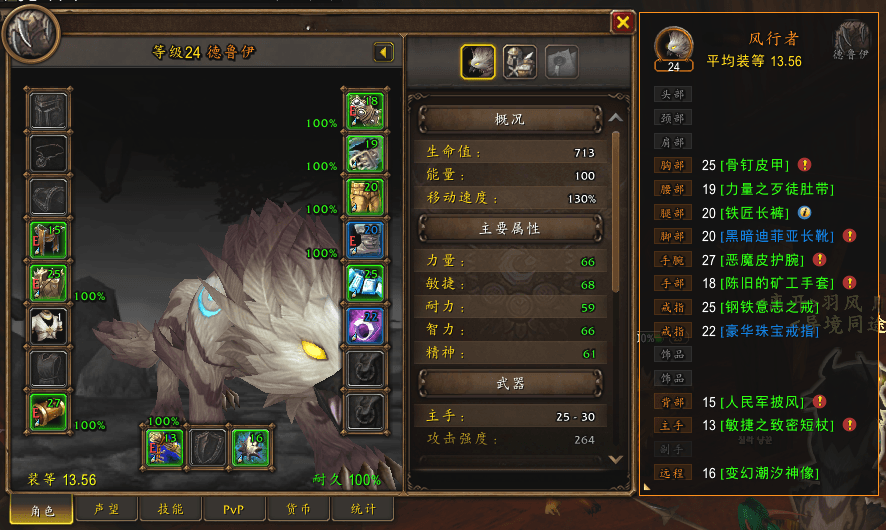
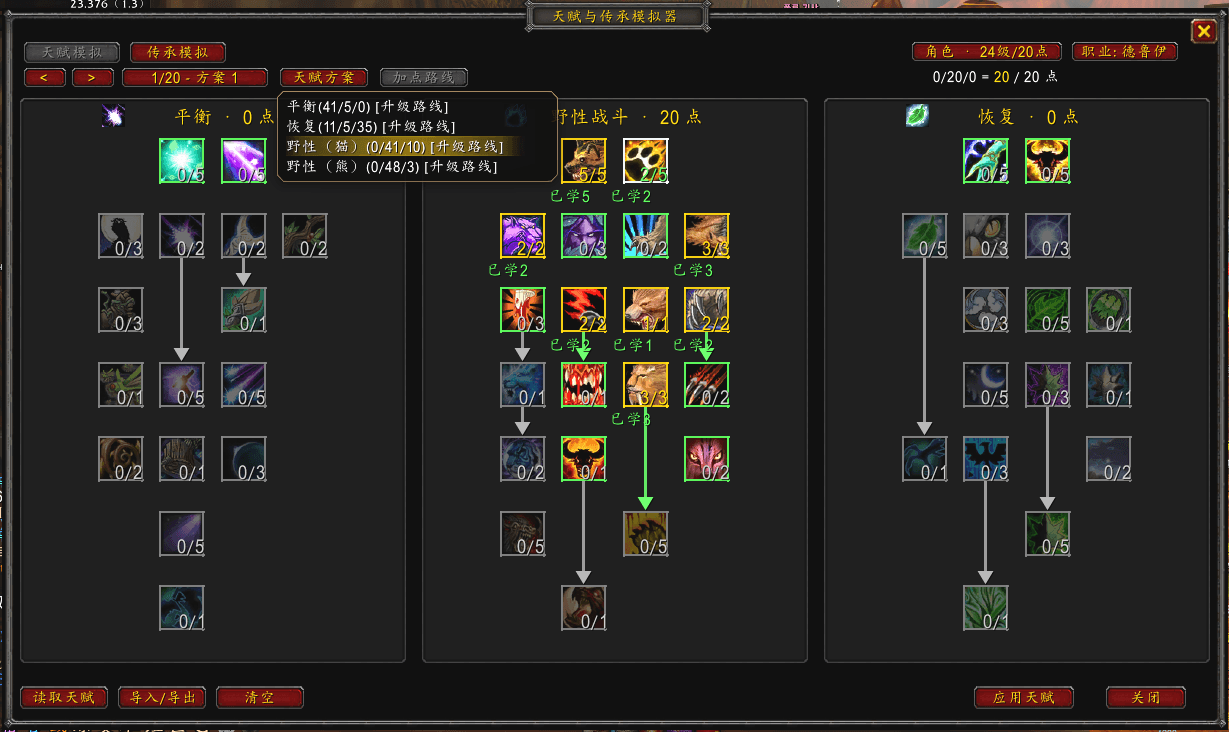
- 13 complete tools - one-key fishing (Chinese voice range alert), talent & legacy simulator, equipment compare, target distance, radar, dungeon timer, XP meter, hunter pet feeding, button dock bar and more
- Diagnostics -
/ruyi errorskeeps the last 50 errors with copyable stacks
Install
- Download
Ruyi-1.0.6.zipand extract it. - Move the
Ruyifolder into your client'sInterface/AddOns/soRuyi.tocsits directly underAddOns/Ruyi/. - Log in and type
/ruyi.
Performance
Event-heavy paths are audited: pet-bar events no longer refresh normal action bars, pet/stance events restyle only their own buttons, and other players' specialization changes no longer rebuild your range table. No update frequency was lowered and no feedback delayed.
License
Dual-licensed: source code (.lua/.xml/.toc) under Apache-2.0; documentation, data tables and image assets under CC BY 4.0.
Ruyi Team