{5C4EADE8-09FE-4684-B534-3B857B25E7D9}.png
{85A3C948-FBF5-40C5-A433-E10E200FE9D2}.png
{5E9EAC72-F854-4B25-8D49-FC4EC4B0C2D2}.png
{27DD1D0A-1BB1-4D51-BBD3-2699EB17A7F2}.png
Description
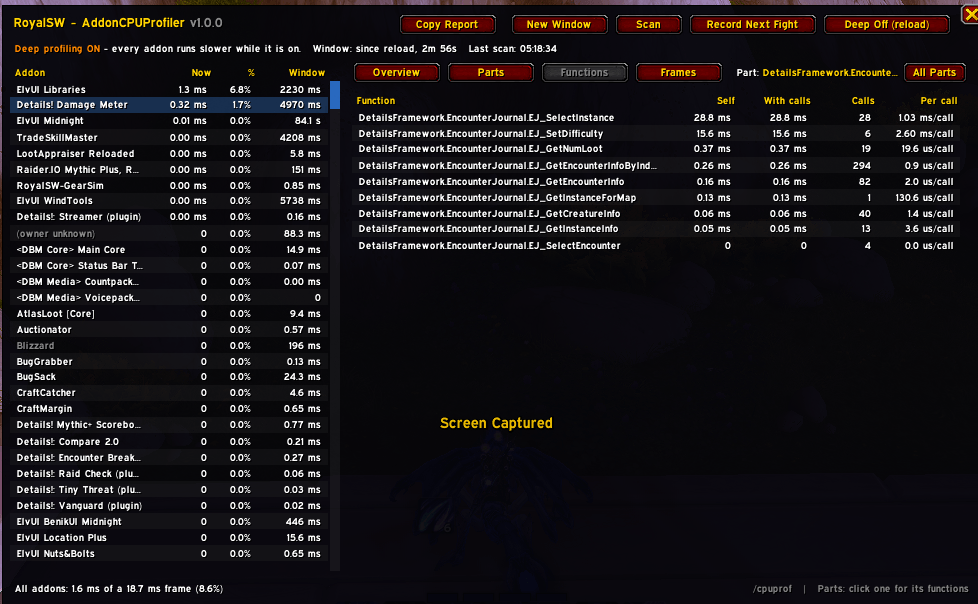
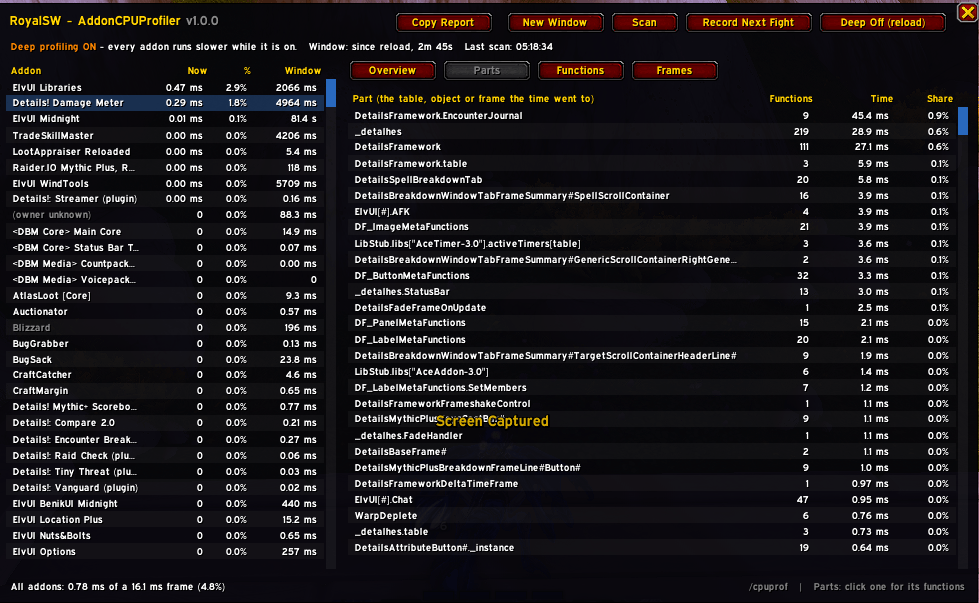
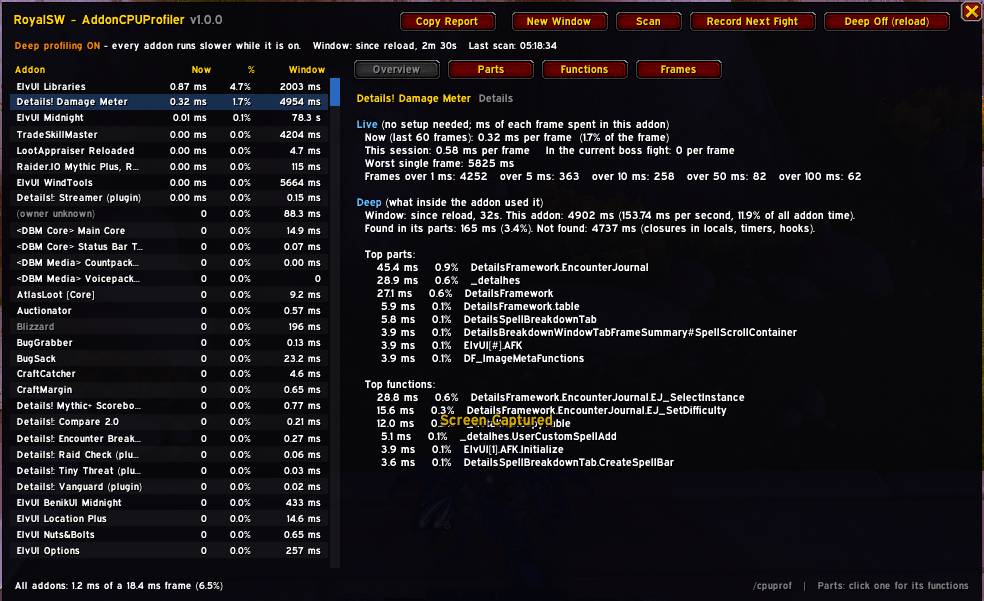
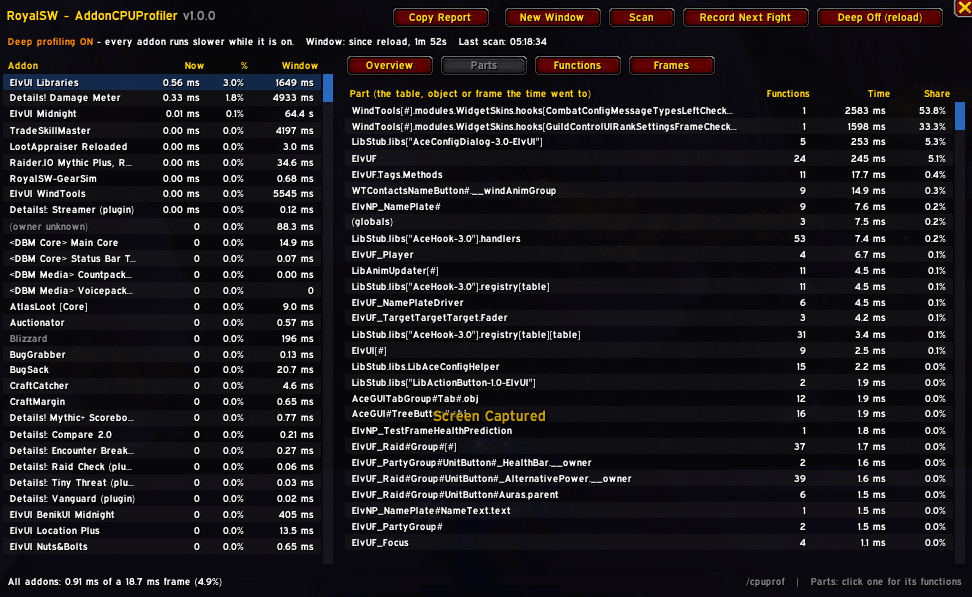
CPU profiler for addons, an ACTUAL cpu profiler for addons. Check inside addons as well to see what is eating the CPU cycles and lets you either optimize them or disable related addons that cause problems.
Far more in depth that what Blizzard natively gives you.
HOW TO USE:
- Enable DeepScanning (will /reload you automatically)
- walk around for a little bit or do the offending action
- open the addon
- click scan (this will take a minute or two, it will probably lag your game, this is expected, give it a minute)
- stuff pops on screen
- click on a particular addon and item to see details
- ???
- profit
WHEN YOU ARE DONE WITH PROFILING GO BACK AND TURN DEEP SEARCH MODE OFF - it eats cpu cycles and frames
Note: asset loading times are also calculated into this so YMMV with some specific setups (HDD's and such), didnt find a way around this... yet.
Hopefully its useful to you.
- ND
Ahriman - Auchindoun EU
RoyalSW - AddonCPUProfiler Team