promotional bannermobile promotional banner

Rotation Timeline Bridge

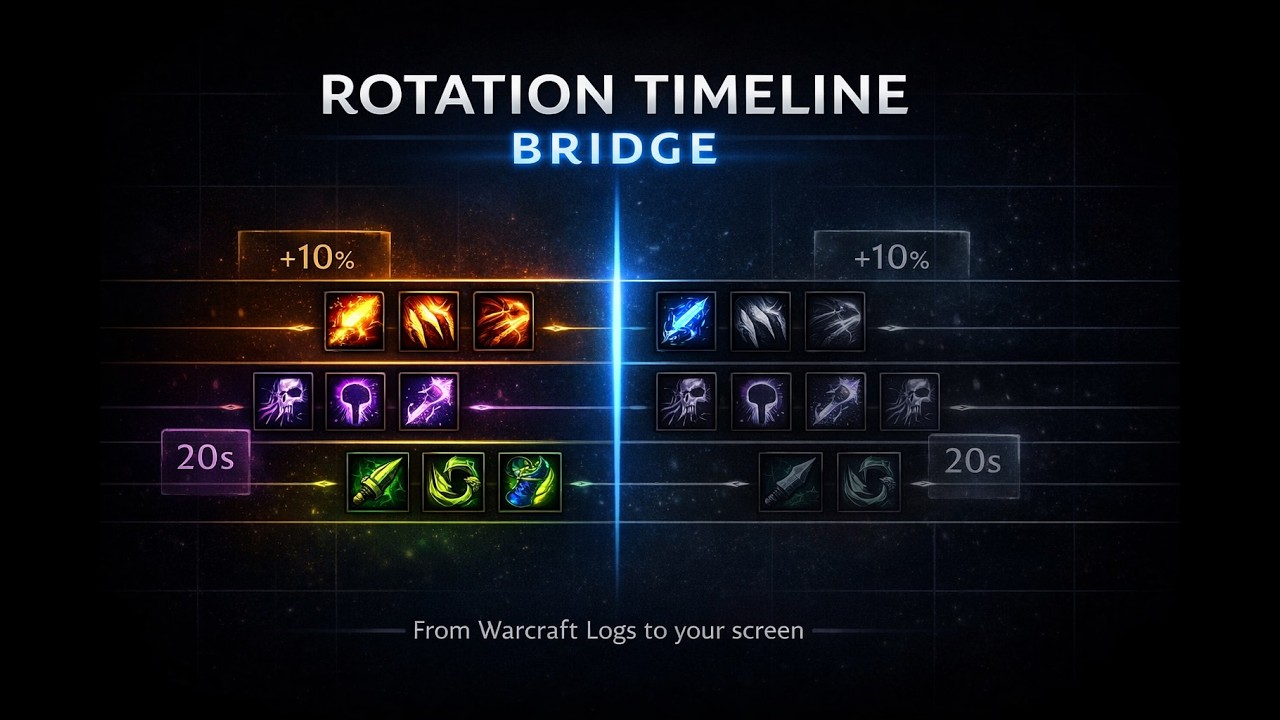
Imports full rotation timelines from Warcraft Logs and displays them as a scrolling in-game overlay that follows along in real-time on pull.
video thumbnail

Description

This addon displays full rotation timelines from Warcraft Logs directly on your screen during boss fights. Instead of alt-tabbing to study logs between pulls, you can follow along in real-time and see exactly what a top player pressed and when.

How it works

The addon works together with a companion website. You use the website to pick a boss, class, spec, and a top-ranked log. The website then builds a complete rotation timeline from that log and lets you export it. There are two ways to get the data into the addon:

  1. Copy the addon import string from the website https://rotation.cheswick.dev/ and paste it into the addon's import window in-game.
  2. Download the generated TimelineData.lua file and replace the one in your addon folder.

Once loaded, the timeline auto-starts when you pull the boss and scrolls in real-time. You see every cast the top player made, lined up on a timeline with buff windows and cooldowns overlaid so you know exactly what is coming up next.

Features

  • Full rotation timeline, not just major cooldowns
  • Auto-starts on boss pull, scrolls in real-time
  • Shows personal buff windows, raid buff windows, and major cooldown windows as overlays
  • Compact mode and full mode
  • Draggable and resizable frame
  • Minimap button (right-drag to reposition)
  • Import via paste or via file replacement
  • Supports all classes and specs

Who is this for

If you're learning a new spec, picked up a new class, or just want to understand what a 99 parser actually does differently from you on a specific boss, this addon lets you follow their rotation step by step. It answers the question "what would a top player press right now" while you're in the fight.

Slash Commands

  • /wclrt or /wclrtlr — toggle the frame
  • /wclrt show — show the frame
  • /wclrt hide — hide the frame
  • /wclrt center — recenter and show the frame
  • /wclrt start — manual preview start
  • /wclrt stop — stop current run
  • /wclrt lock — lock the frame
  • /wclrt unlock — unlock the frame

Installation

  1. Install the addon like any other (extract to Interface/AddOns/).
  2. Open the companion website and load a timeline.
  3. Either use "Copy addon import" and paste it in-game, or download TimelineData.lua and replace the file in the addon folder.
  4. Start WoW or /reload.

Early testing phase

This is my first addon and still in active development. I mainly play Balance Druid, so I could not verify every edge case for all specs. If something looks off for your class, please leave a comment so I can fix it. Feedback is very welcome.

The Rotation Timeline Bridge Team

profile avatar
  • 1
    Followers
  • 1
    Projects
  • 30
    Downloads
Donate