RetailUI [Forever]
- By
Retail UI gives the WoW Forever client the look of the current Retail interface
Description
Retail UI
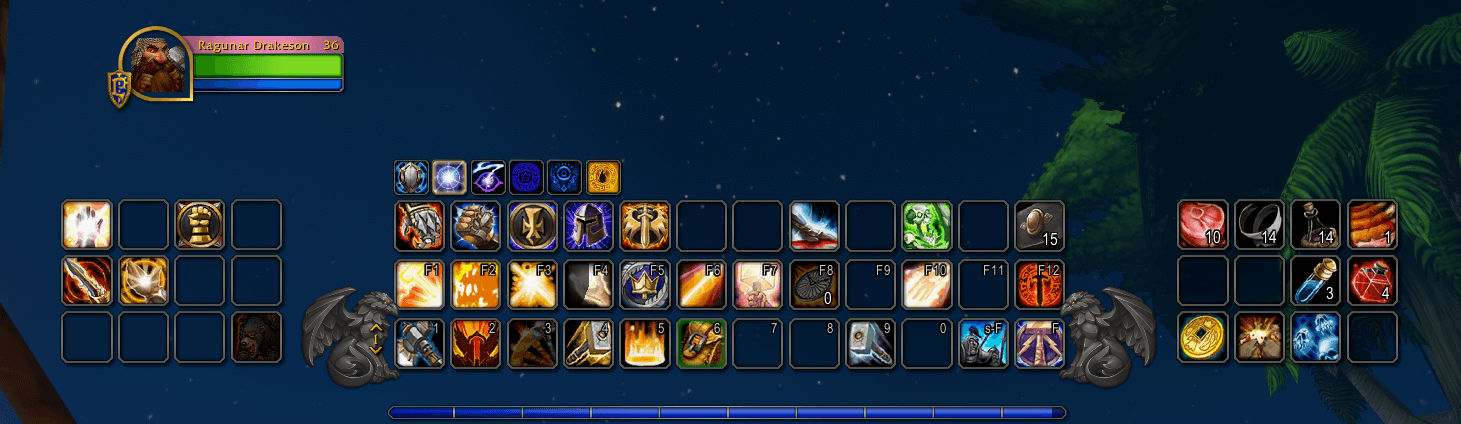
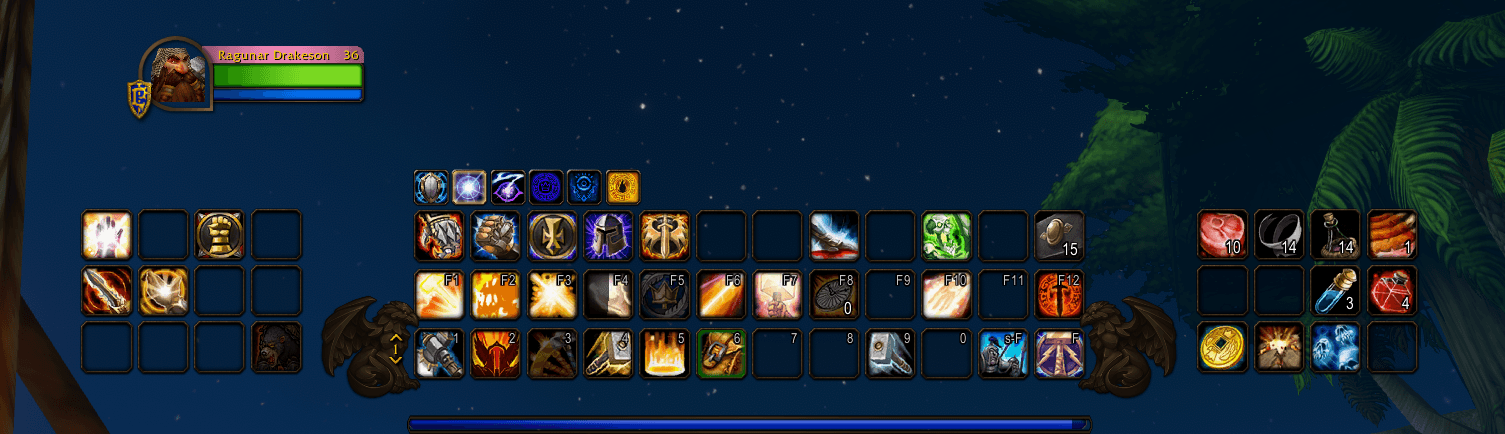
Ever looked at the current Retail interface and thought, "why does my WoW Forever client look like it was forged in a medieval workshop?" Same here. Retail UI gives WoW Forever the look of the current Retail interface.
It doesn't replace Blizzard's frames with something new. It swaps the artwork back to the Retail textures and puts the Retail sizes and positions back where Forever moved them. Think of it as a costume change, not a transplant.
What you get
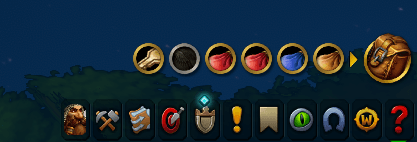
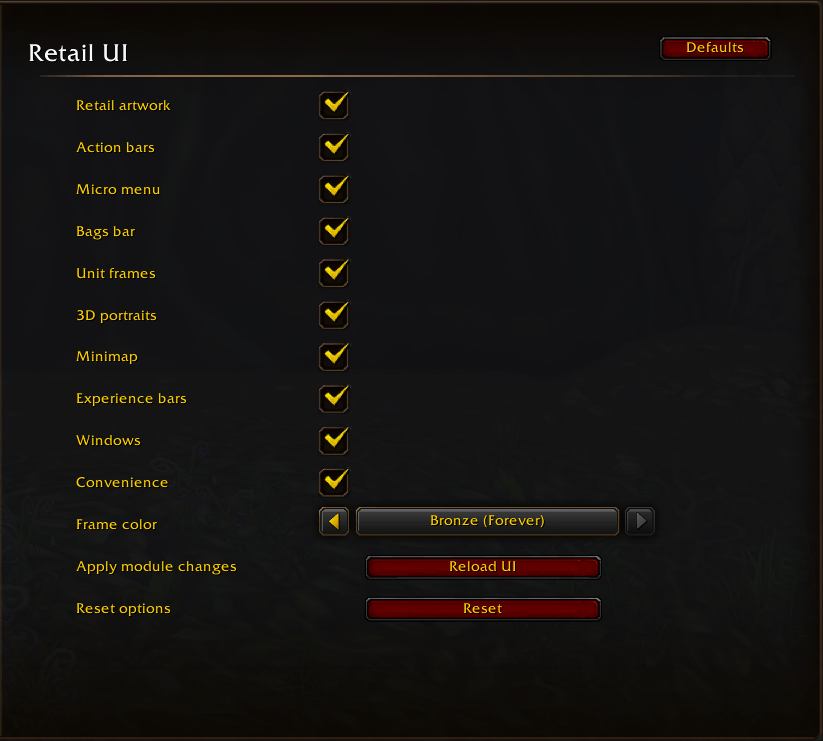
Frame color: Silver or Bronze Pick the Retail silver look, or Forever's bronze. Bronze gives the window borders, action bar frames, slot borders, gryphons, the experience bar frame and the unit frame rings a dark bronze tint. Everything else keeps its Retail layout either way.
Action bars The gryphons sit beside the main bar like they do in Retail, and the slot borders use the Retail art at the Retail size. The bars themselves are left alone, so Edit Mode still works the way you expect.
Micro menu The extra frame Forever draws behind the micro buttons is gone. The group finder eye sits on the menu, where Retail keeps it, instead of floating on the minimap.
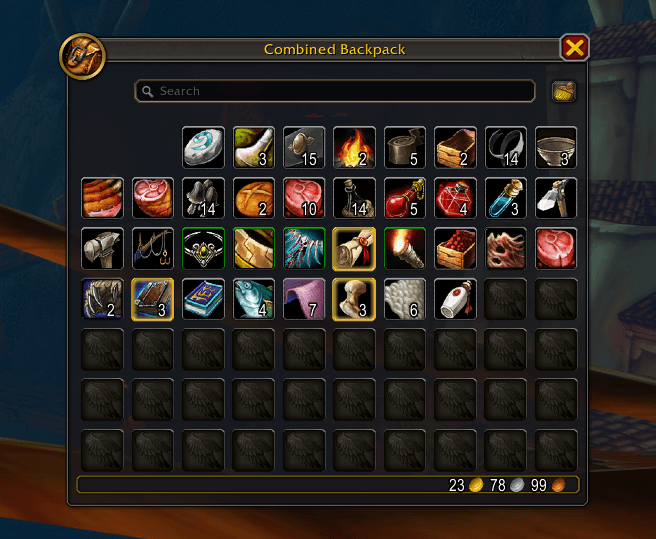
Bags Round Retail bag slots, the Retail expand arrow, and a round key-ring button. Empty slots use the Retail look, and the combined backpack keeps its size when you close and reopen it.
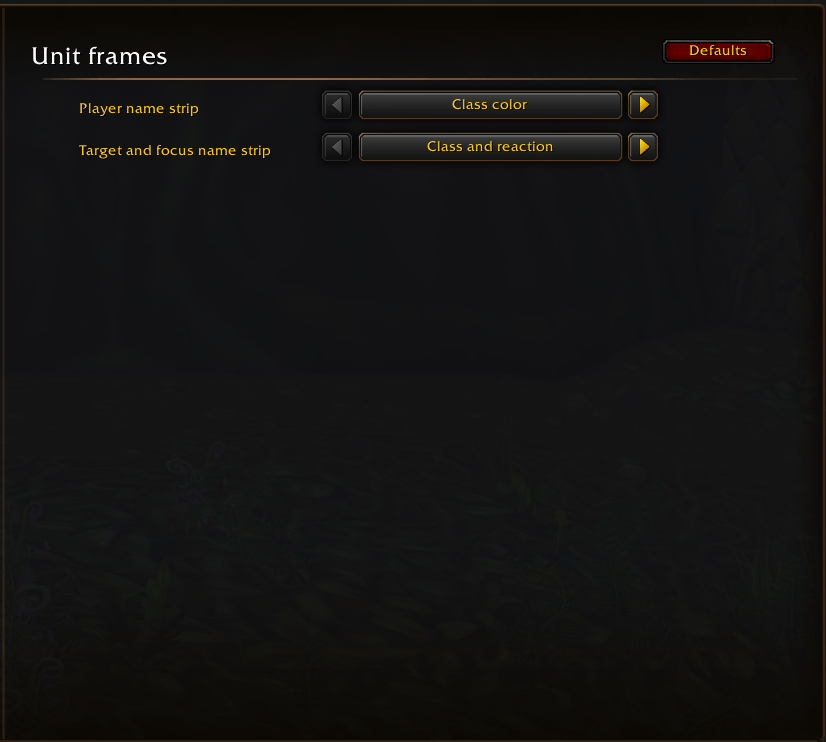
Unit frames Your player frame, target, focus, target of target, pet and party frames get Retail bar shapes, level text and name styling. Your name sits on a class-colored strip, which you can switch to hidden if you prefer your name naked. Target and focus strips can show class and reaction colors, reaction only, or nothing. Target and focus portraits use the same shape as your own, mirrored so the flat edge faces the bars. Health and power bars stay where they belong during combat instead of creeping around.
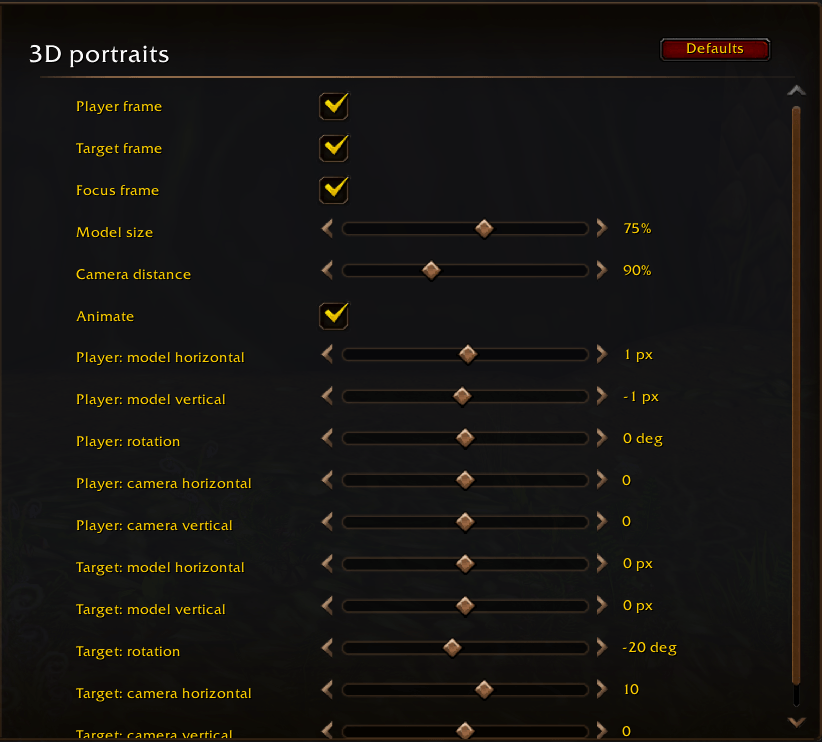
3D portraits (optional, off by default) Animated 3D models for your player, target and focus frames. You can tune the model size, camera distance, rotation, position, camera angle and whether it animates. The model reloads when the unit's model arrives from the server, so you get the face you are actually looking at. Turn it on if you like your portraits moving, leave it off if you like them still.
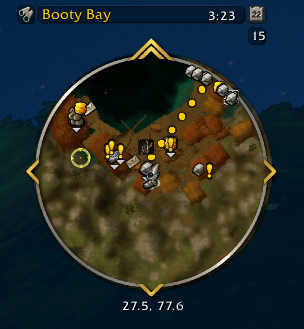
Minimap The Retail minimap ring and the buttons along its top.
Experience and reputation bars Retail-sized bars with the Retail text position. In bronze mode the text lines up with the bar, so it doesn't look like it had a rough night.
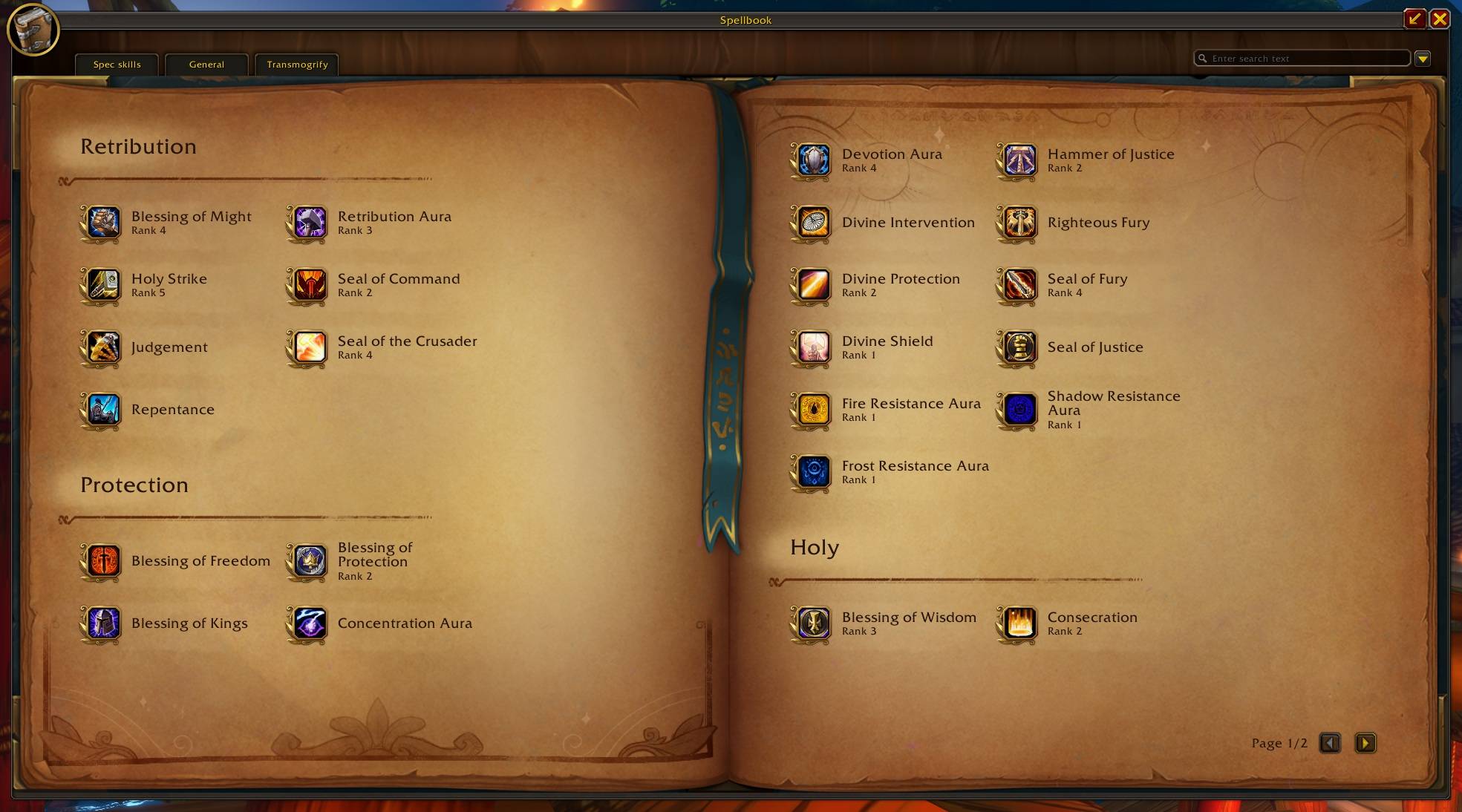
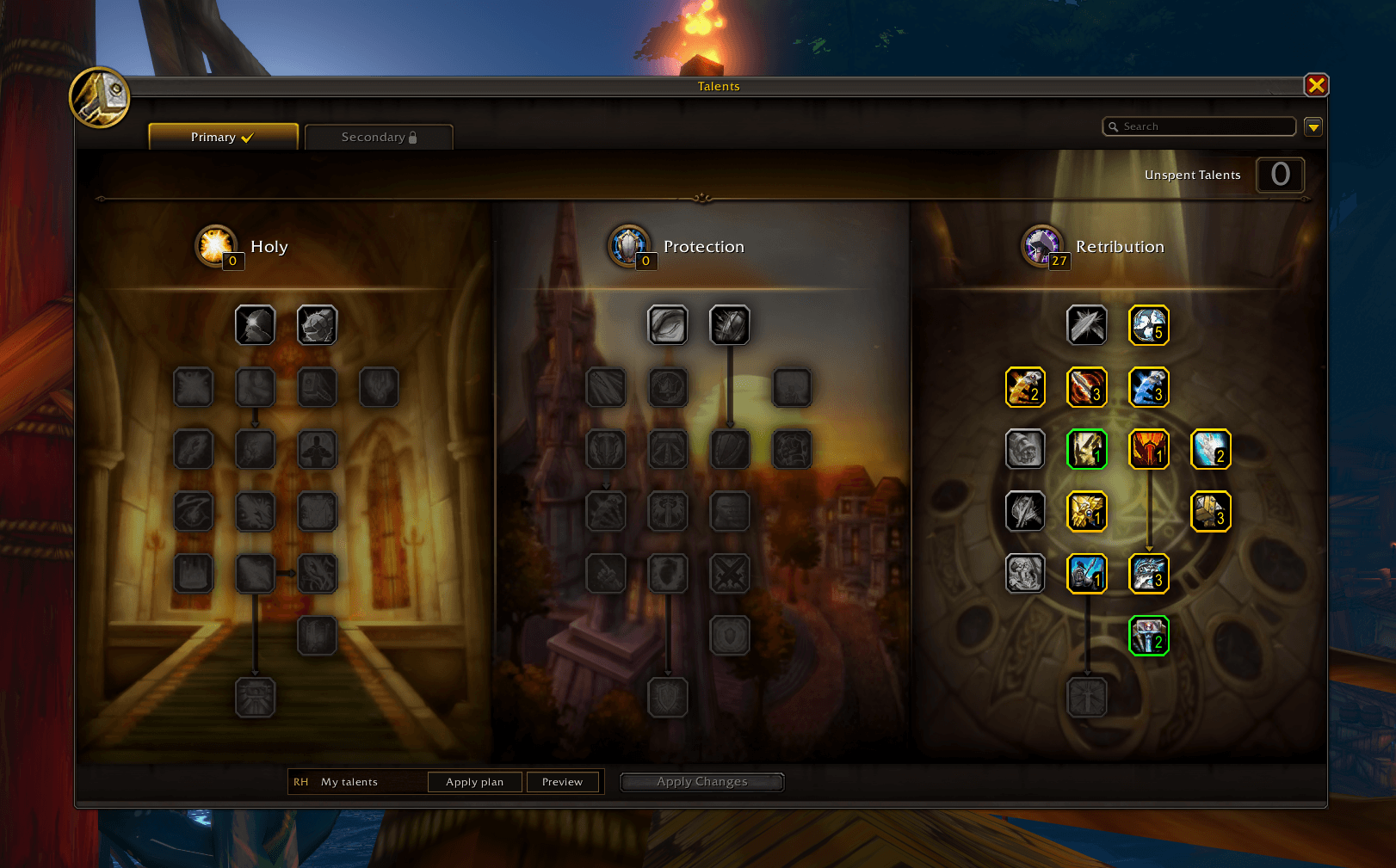
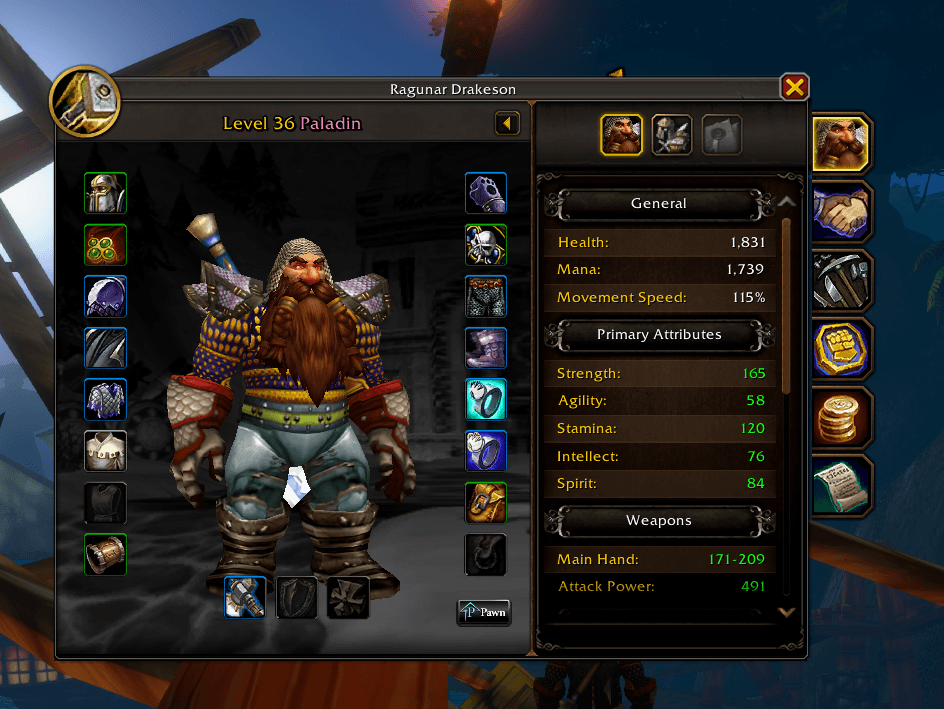
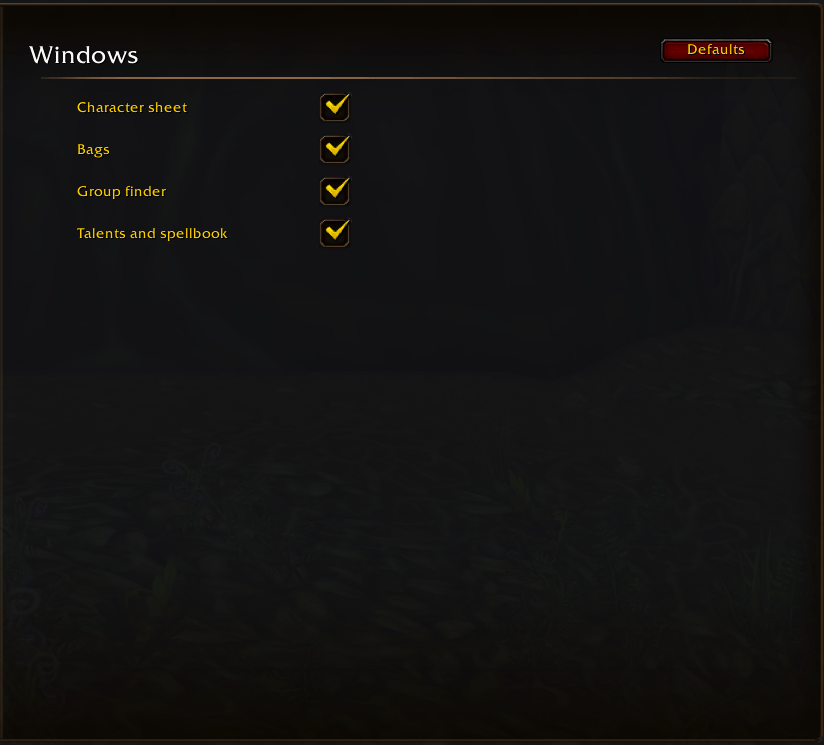
Windows Retail panel art on the character sheet, bags, group finder, talents and spellbook. Each window has its own switch if you want Forever's version back for one of them. Forever's extra tabs and tools stay. The talent tree keeps its parchment, and equipment slots lose the gold gear frame.
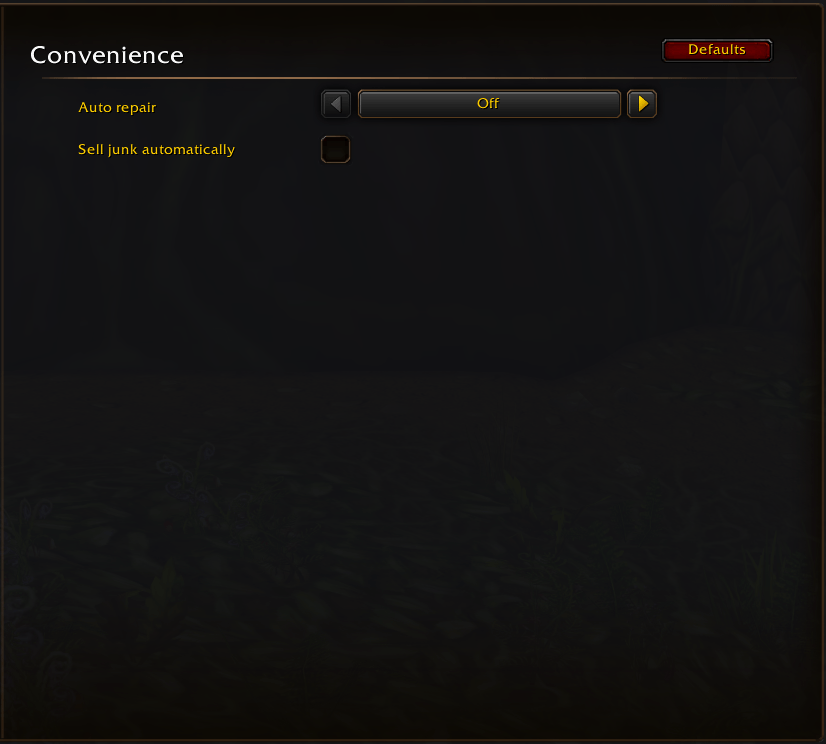
Convenience (all off by default)
- Auto repair: repair with your own gold, or use the guild bank first when it can cover the bill.
- Sell junk: sells gray items when a vendor opens, using Blizzard's own Sell All Junk.
Settings panel
Open it from Esc > Options > AddOns > Retail UI, or with the Retail UI button in the addon list. Module switches and the frame color apply after a /reload. Most other options apply on the spot. There is a Reload UI button and a Reset options button for when you want a clean slate.
Edit Mode layout
Type /rui layout once and the addon creates a Retail UI Edit Mode layout with the main bar and chat frame where Retail puts them. Switch back to your old layout any time.
Install
- Download the zip.
- Copy the
RetailUIfolder intoInterface\AddOns. - Restart the client. A
/reloadis not enough the first time, because the package contains new texture files. - Enable Retail UI on the character screen.
Good to know
- Other addons that move the same frames, such as MoveAny, can fight with Retail UI. If something looks off, try with those disabled first.
- Some parts are still being checked against the live client. If something looks wrong, tell me and attach a screenshot. Bonus points if you describe what you were doing when it happened.
- Made for WoW Forever. It is not a Retail or Classic addon, so it will not do anything useful there.
RetailUI [Forever] Team