Regions of Azeroth
- By
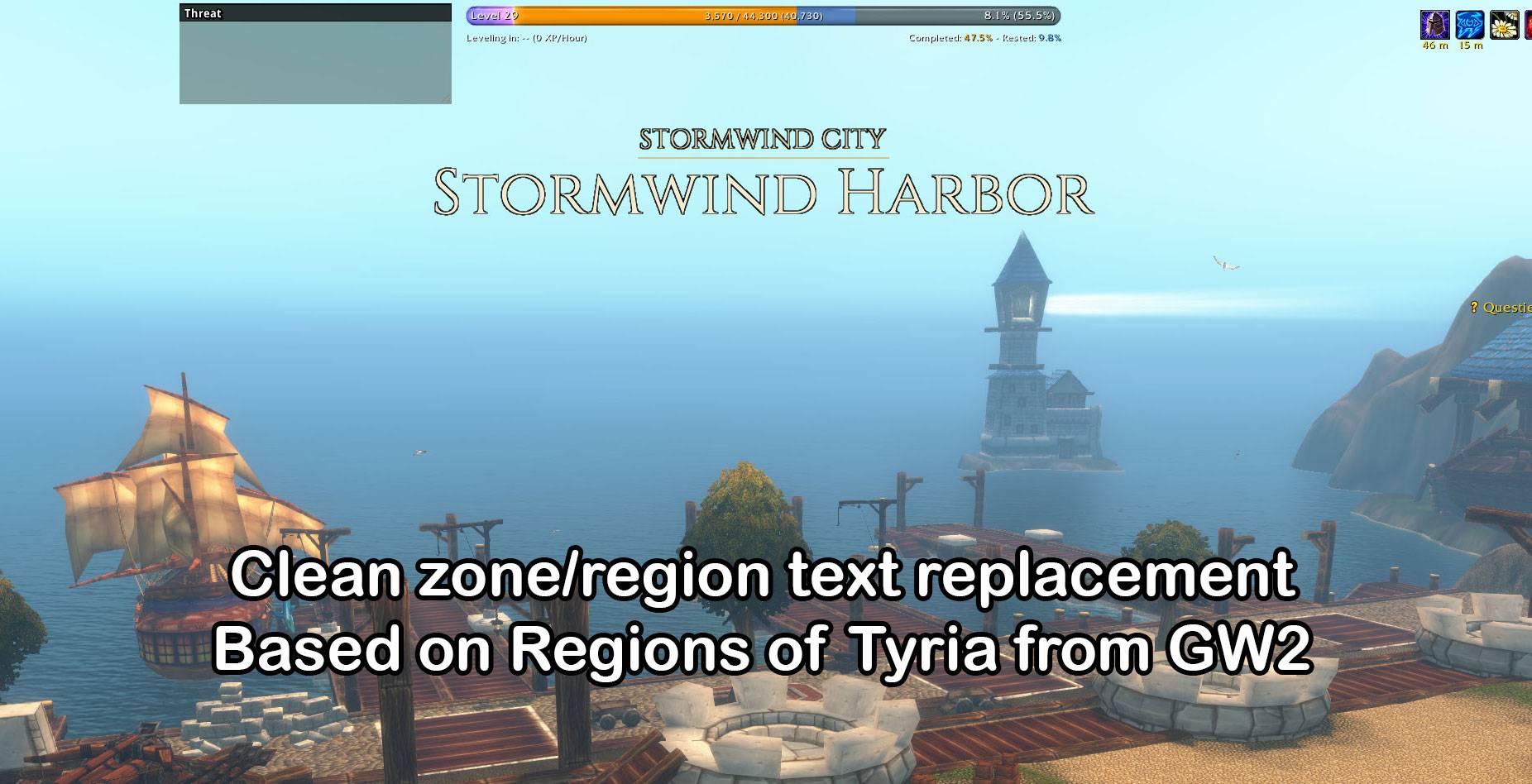
A lightweight, highly customizable zone and sub-zone title banner replacement add-on inspired by the Regions of Tyria BlishHUD module for Guild Wars 2.
Description
==================================================
REGIONS OF AZEROTH
==================================================
A lightweight, highly customizable zone and sub-zone title banner replacement
add-on inspired by the Regions of Tyria BlishHUD module for Guild Wars 2. It
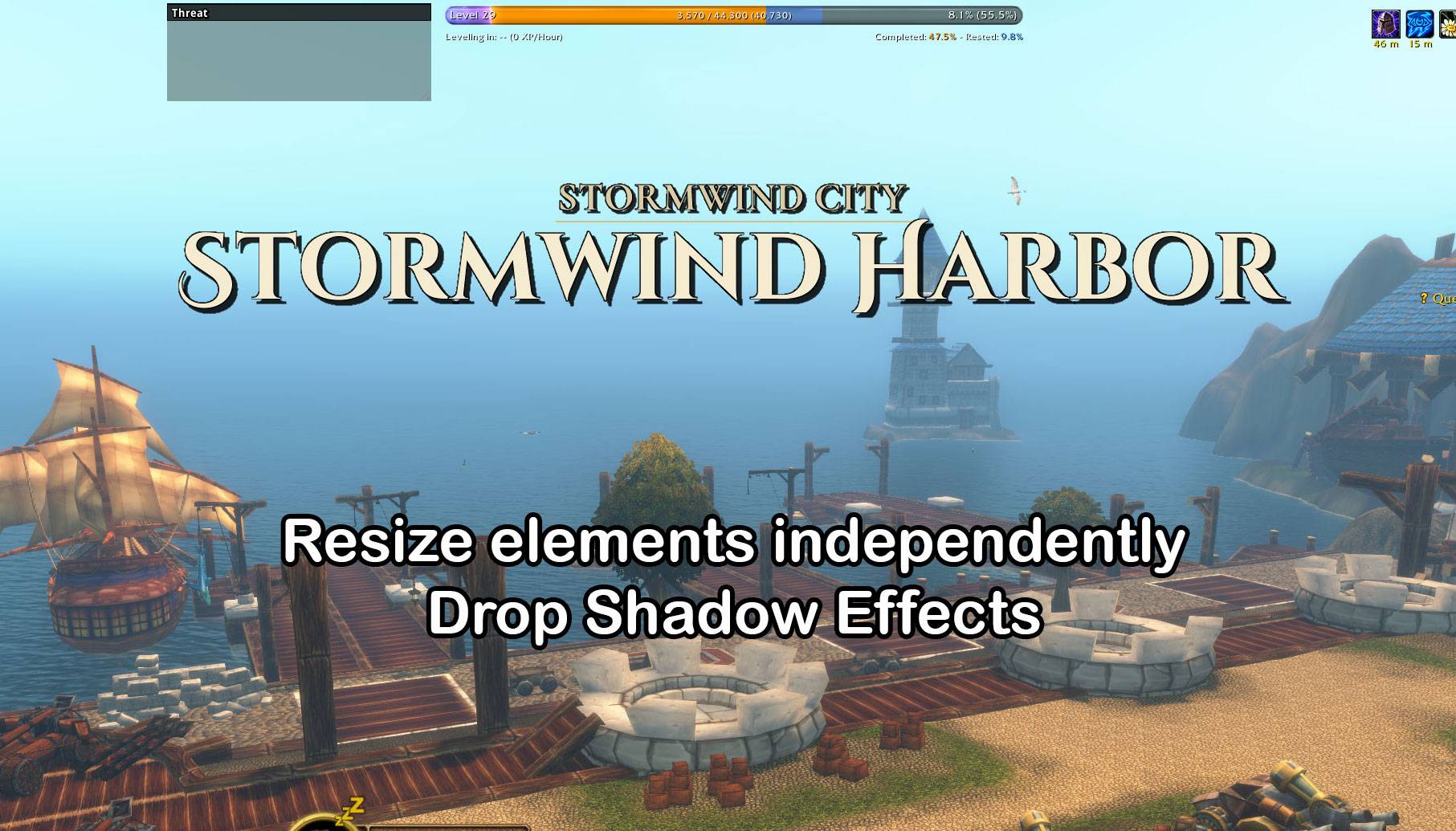
replaces the default Blizzard zone text with a sleek, cinematic title card
styled after modern RPG user interfaces, complete with customizable fonts,
colors, framing lines, backdrop vignettes, profiles, and smooth animations.
Yes, generative AI was used during development. The only languages I have
working knowledge of are python, GDScript, and C for Arduino. If this pushes
you from using this add-on, I understand. My apologies.
This add-on is a work in progress. Suggestions and comments always welcome.
Email colorado1973 (at) outlook.com
--------------------------------------------------------------------------------
FEATURES
--------------------------------------------------------------------------------
* Cinematic Banners: Displays major zone regions and sub-zone landmarks cleanly
on screen with smart 1-line and 2-line location handling.
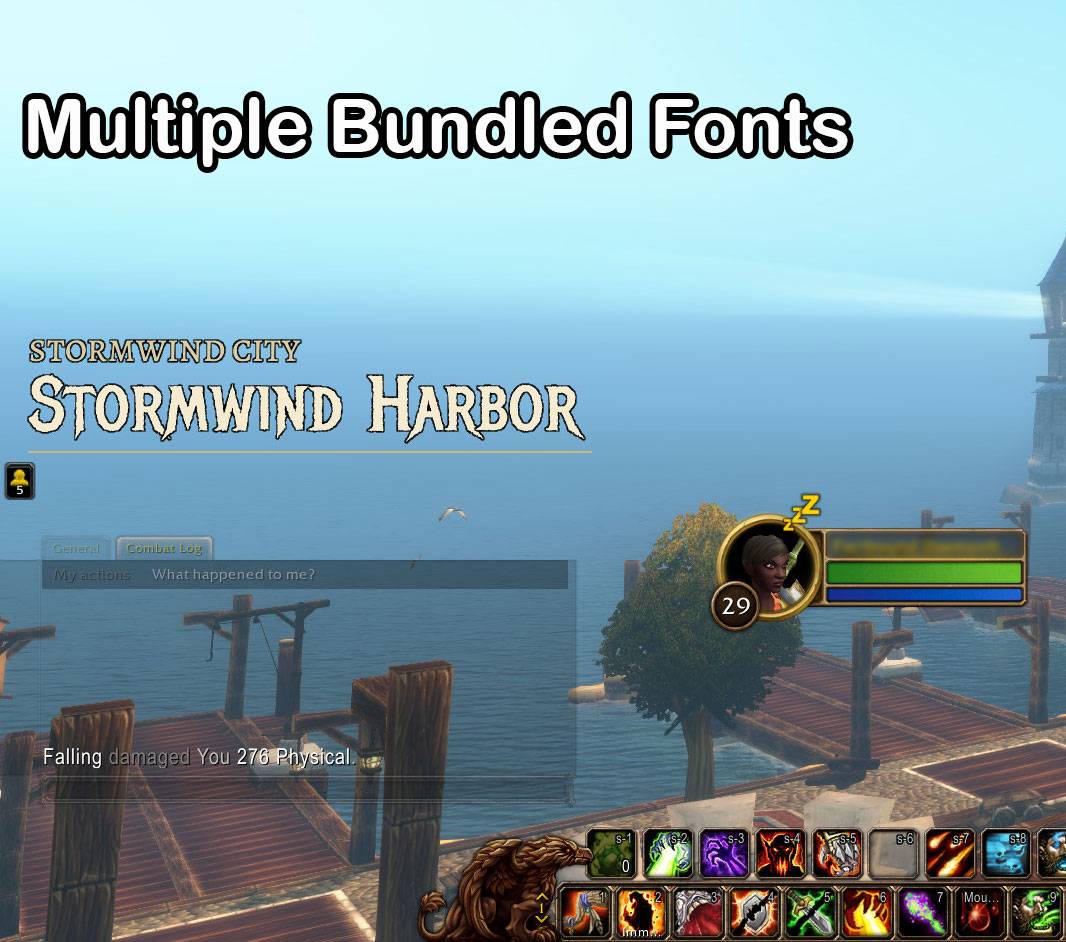
* Categorized Typography & Live Font Previews: Includes 23 bundled custom fonts
plus Blizzard stock fonts and full LibSharedMedia-3.0 integration, displayed in
a scrollable dropdown with live font previews, [CYR] badges, and automatic
visual size normalization.
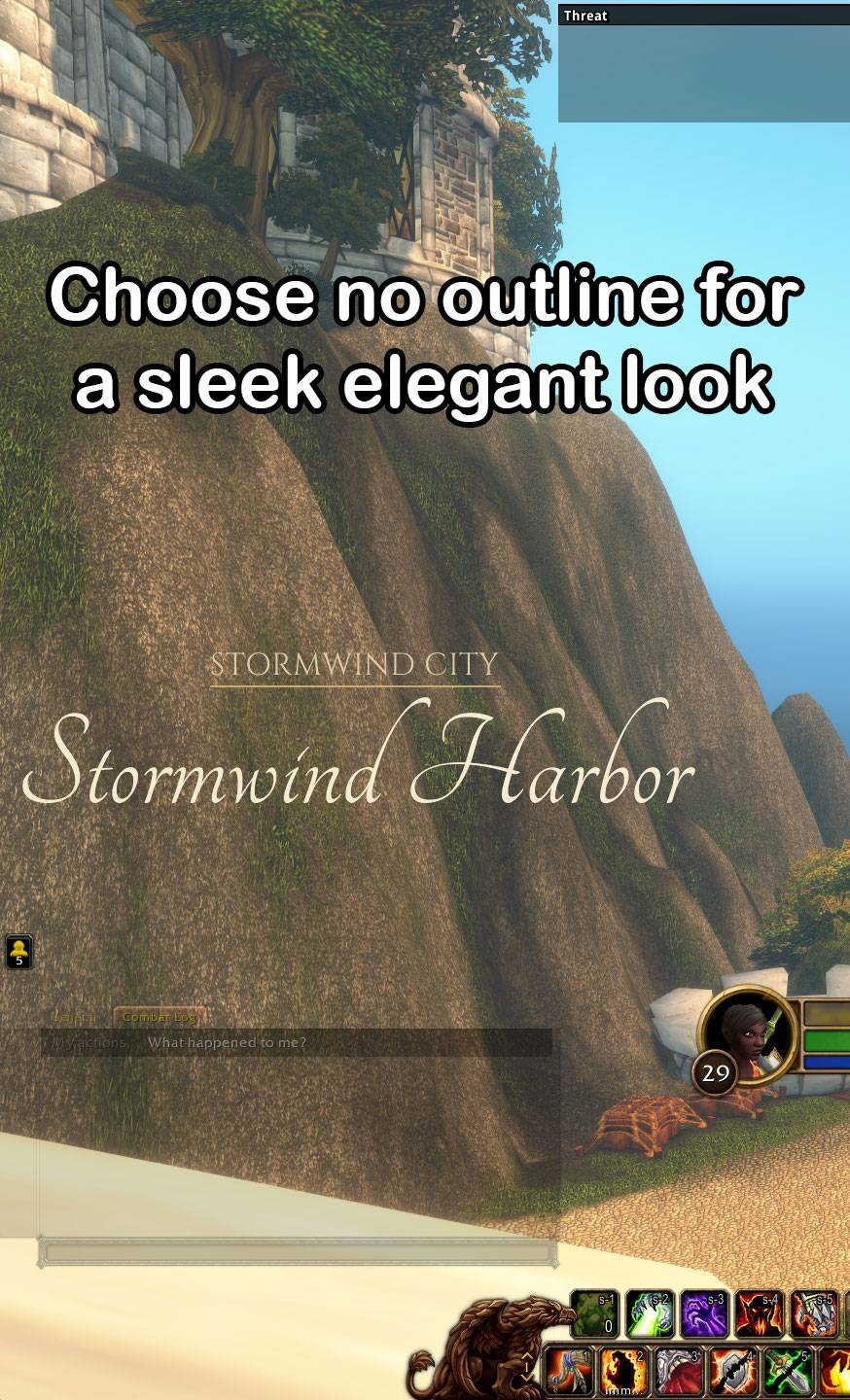
* Independent Text Styling: Separate controls for Main Title and Sub-Zone
Header fonts, sizes, outlines (None, Thin, Thick, Monochrome), text case
(Auto, UPPERCASE, As Sent, lowercase), colors, and drop shadows.
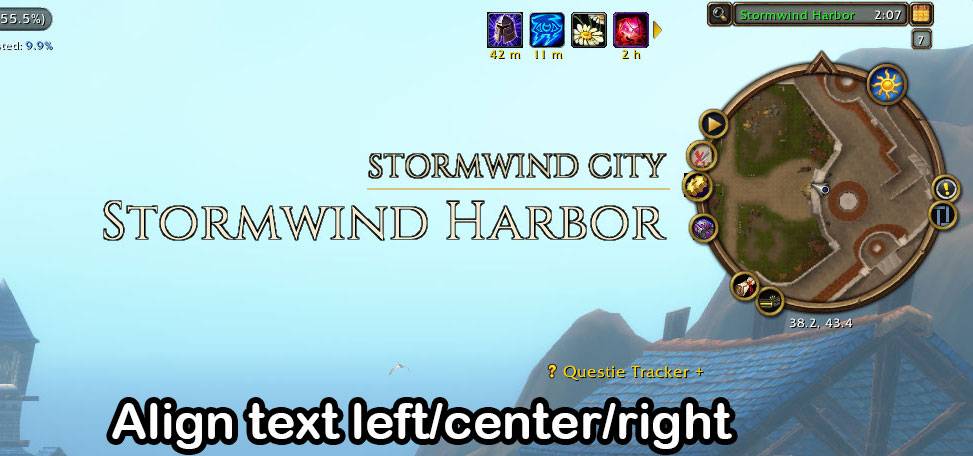
* Smart 1-Line Location & Framing Lines: Cleanly handles locations with only
one line of text (no awkward floating divider stubs), with configurable
1-Line Middle Divider behavior (Auto / Underline / Overline / Hide), optional
1-Line Fallback subtitles (Continent Name or Territory PvP Status), line
styles (Solid, Tapered Fade, Double), and optional center diamond accent.
* Banner Backdrop (Work in Progress / Placeholder): Currently offers a
procedural Soft Cinematic backdrop in two modes—a Normal (unfeathered) bar
and a Feathered vignette with adjustable Side (Left/Right) and Top & Bottom
feather sliders, plus auto-fit or fixed width, tint, and opacity controls.
This option is a work in progress and serves as a placeholder until custom
backdrop artwork is added.
* Territory & Custom Color Palettes: Configurable PvP territory tinting
(Hostile, Contested, Sanctuary, Friendly) targeting text, lines, or both.
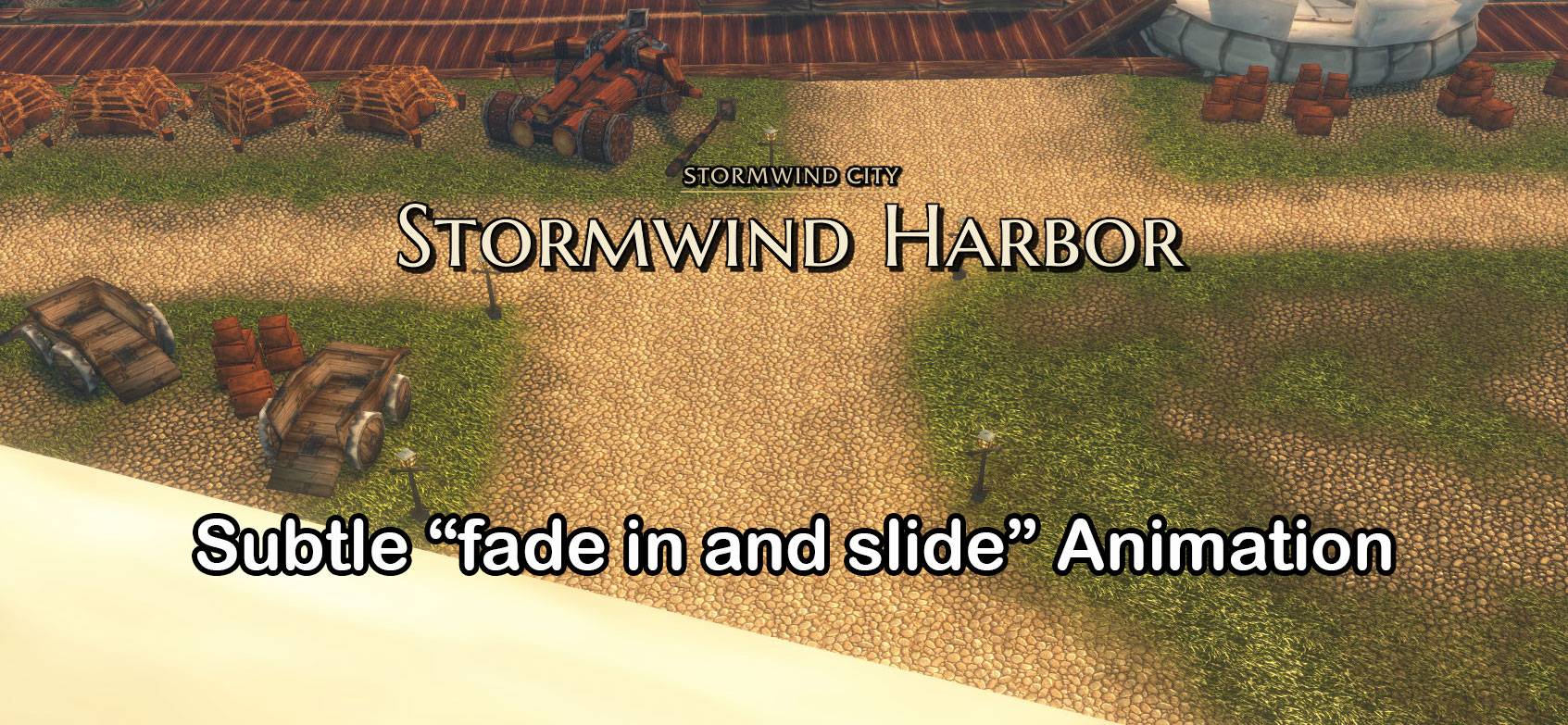
* Smooth Custom Easing Animations: Frame-accurate easing for Fade-In, Hold, and
Fade-Out with directional slides (Up, Down, Left, Right, Stationary) and
optional fade-out drift.
* Profiles, Presets & Per-Zone Overrides: 6 one-click theme presets, named
account-wide or per-character profiles, and automatic per-zone style overrides.
* Multi-Language Localization: Localized UI, territory names, and UTF-8 case
conversion supporting Latin accented scripts (deDE, frFR, esES, esMX, ptBR,
itIT), Cyrillic (ruRU, plus automatic Cyrillic font substitution), and CJK.
--------------------------------------------------------------------------------
COMMANDS
--------------------------------------------------------------------------------
* /roa
Triggers a manual test banner animation.
* /roa config or /roa options
Opens the in-game tabbed options configuration menu.
* /roa preview
Toggles persistent draggable static preview mode.
* /roa grid
Toggles the screen alignment crosshair and rule-of-thirds grid.
* /roa center
Centers the banner horizontally.
* /roa preset <name>
Applies a built-in preset (tyria, classic, minimal, dark, royal, tech).
* /roa reset
Resets the active profile to default settings.
* /roa help
Prints available slash commands in chat.
--------------------------------------------------------------------------------
TO-DO/WISHLIST
--------------------------------------------------------------------------------
* [Done in 2026.11.20.01] Saved profiles / per-character profiles.
* [Done in 2026.11.20.01] User-definable per-zone overrides.
* [Partial implementation in 2026.11.20.01] Independent font colors & outline settings.
* [In Progress / Placeholder in 2026.11.20.01] Banner backdrop (Soft Cinematic
Normal and 2D Feathered placeholder; custom artwork pending).
* Additional custom artistic brushstroke / filigree texture assets (will replace
or expand the placeholder backdrop).
--------------------------------------------------------------------------------
CREDITS & ACKNOWLEDGMENTS
--------------------------------------------------------------------------------
* Inspiration: Inspired by the modular zone text style of Regions of Tyria.
* Development & AI Collaboration: Developed by gener8ion with AI assistance
(Gemini Argon 4).
* Fonts: Bundled custom font files are distributed under the Open Font License
(OFL) or their respective open-source terms.
==================================================
Regions of Azeroth Team