RealmShift
- By
Turns RealmShift's cross-realm sell plans and flips into a per-character To-Do list, then automates bank pulls, auction posting and sale tracking.
SnÃmek obrazovky 2026-10-14 163832.png
SnÃmek obrazovky 2026-10-14 163838.png
SnÃmek obrazovky 2026-10-14 163844.png
SnÃmek obrazovky 2026-10-14 163856.png
SnÃmek obrazovky 2026-10-14 163907.png
Description
🌍 RealmShift
Every realm has a price nobody's watching. RealmShift goes and gets it.
Your bags are full of things worth three times more two realms over. You know it. You just don't have the patience to find out which realm, on which character, at what price – and then actually remember to do it.
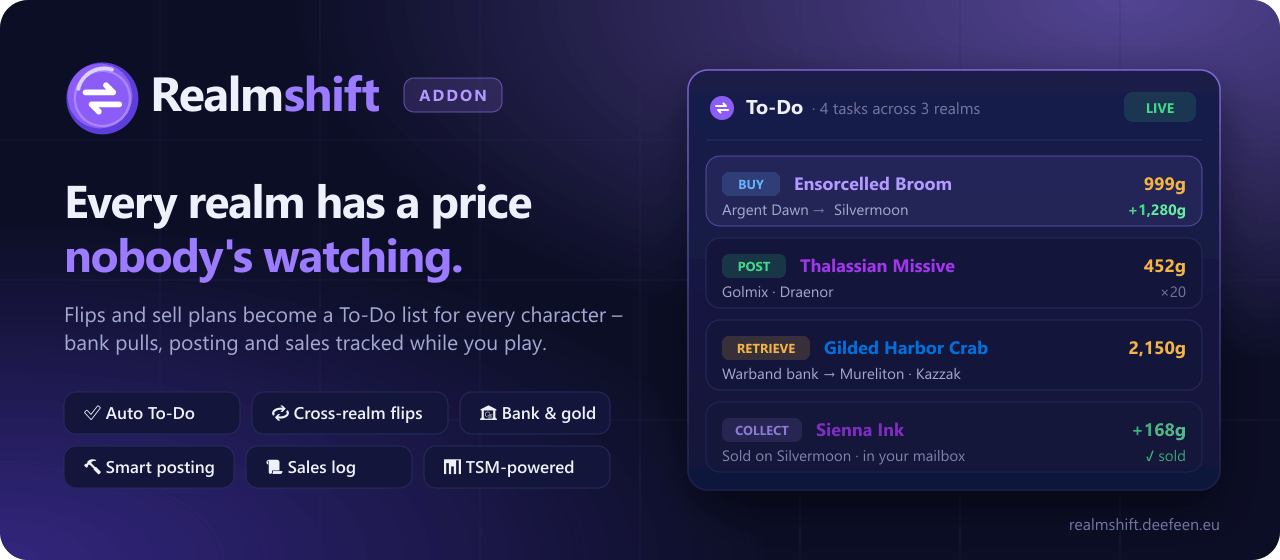
RealmShift does the remembering. It takes the deals found on realmshift.deefeen.eu – or by TSM, right in game – and turns them into a simple checklist: log into this character, grab these items from the bank, post them here, collect the gold. Then it quietly ticks things off as you play.
No spreadsheets. No sticky notes. No "wait, which alt was that on?"
✨ What it does for you
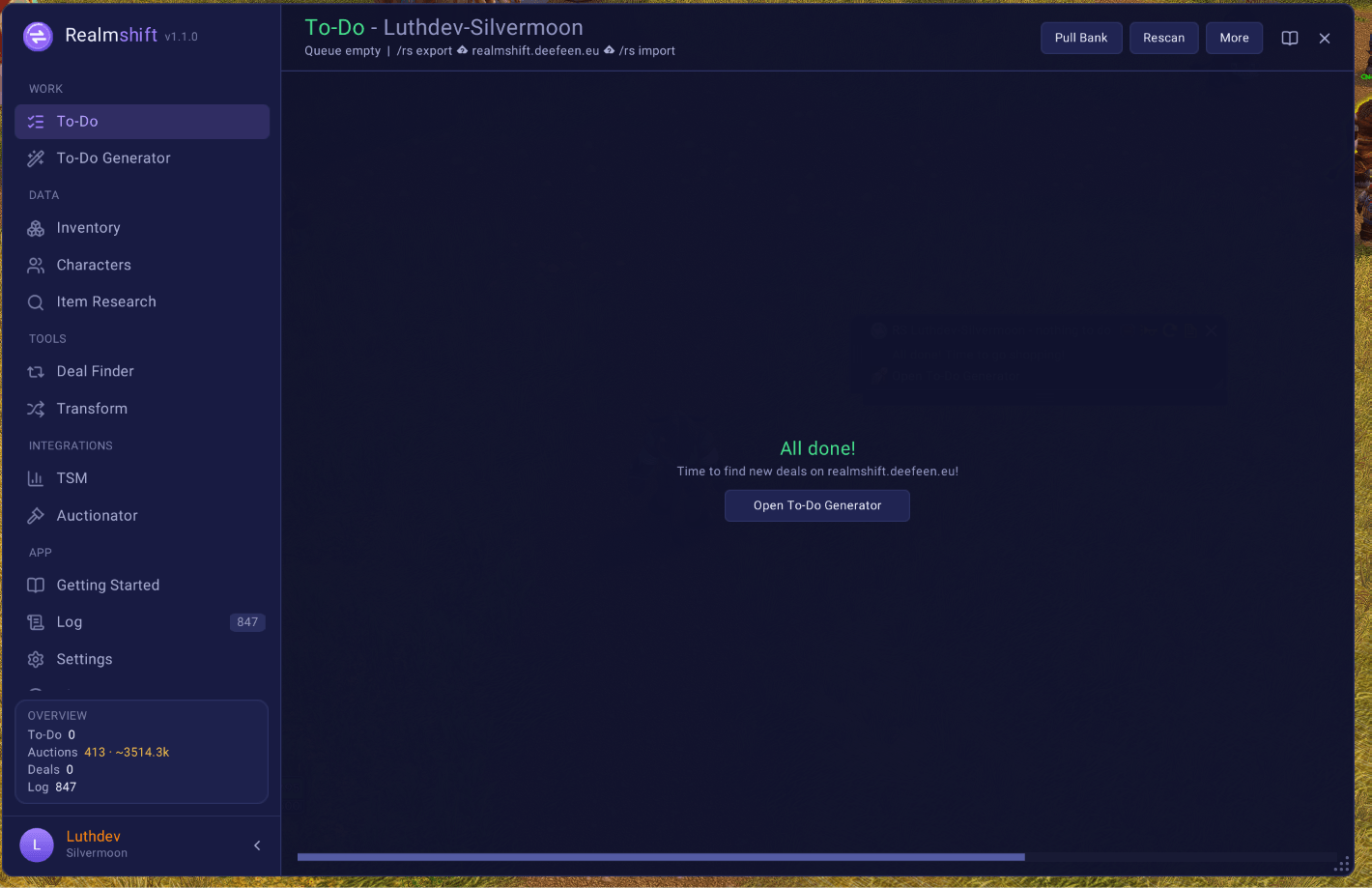
✅ A To-Do list that writes itself Every task knows its realm, its character and its price. Retrieve → post → collect. Buy here → sell there. Steps move forward on their own as RealmShift watches your bags, the auction house and your mailbox.
🔁 Cross-realm flips in one paste
Pick flips on the website, copy the buy list, /rs import – done. Your To-Do list is ready before you've alt-tabbed back. Your Auctionator shopping list fills itself with exactly what you still need to buy, and empties as you buy it.
🎒 Sell what you already own – at the right address
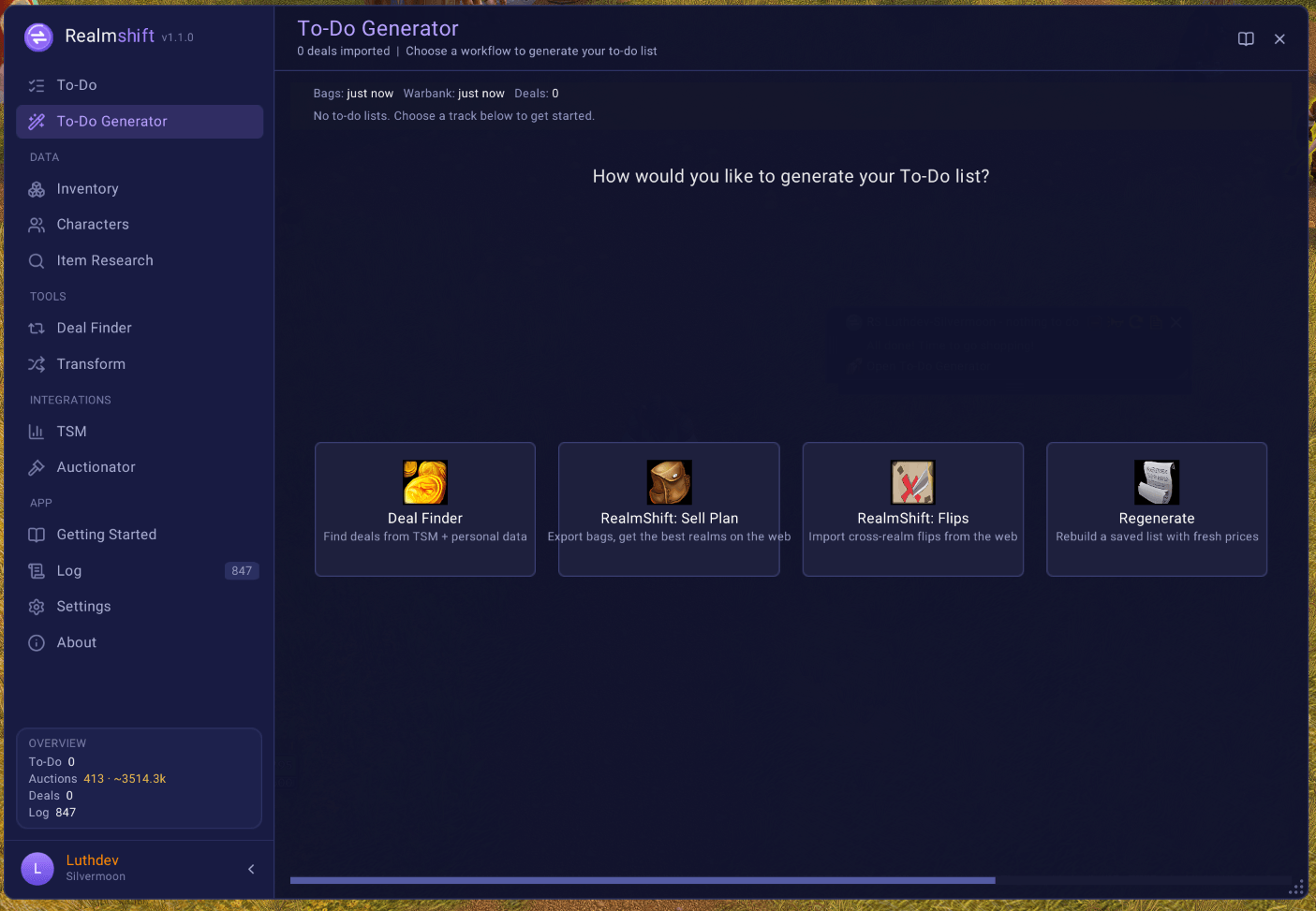
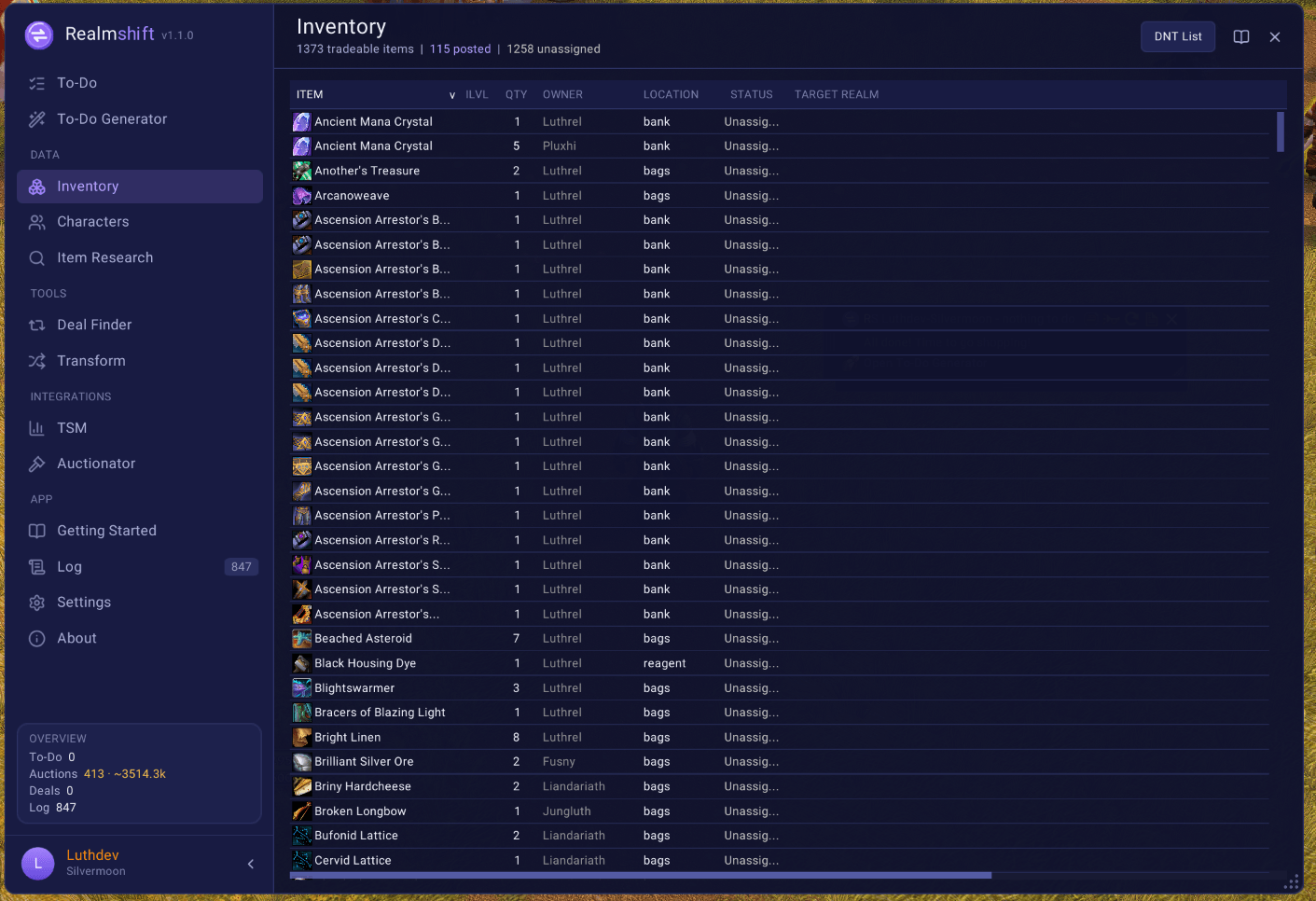
/rs export sends your bags and warband bank to the website, which finds the best realm for every item. Paste the sell plan back and RealmShift tells each alt what to post where.
🔍 Deal Finder (with TSM) Prefer to stay in game? Deal Finder checks everything you own against TSM's per-realm prices and picks the realm with the best profit, the least competition or the busiest auction house – your call.
🏦 Bank & gold on autopilot Open the bank and it's already handled: task items pulled into your bags, items for other alts parked in the warband bank, just enough gold withdrawn for deposits and purchases. One click on Execute – or let it run automatically.
🔨 Posting without the guesswork Scan, then Post next one click at a time. Prices follow your TSM operations (min / normal / max, undercut), and Cancel next undercut keeps you on top.
📜 Every sale on record Posts, sales, expiries and cancels are logged with the realm, the character and the price. See what sells and what keeps bouncing back.
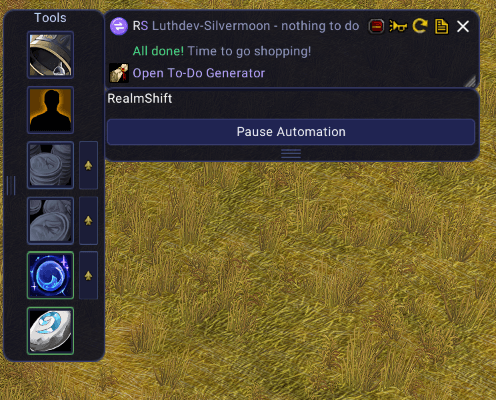
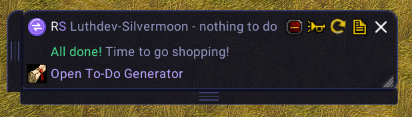
🪟 A mini view that tells you where to go next A small overlay with this character's tasks and the next realm to log into – one click copies its name for the character select screen.
🔗 Multi-account friendly Running a second account for extra realm slots? Link them and share characters, bags and To-Do lists in real time.
🧭 Made to be understood
- 📖 Getting Started explains the whole thing in four steps.
- 📘 Every page has its own help panel – what it's for, how to use it, what to watch out for.
- 🖥️ Fits small screens: the sidebar folds down to icons, extra buttons tuck into a menu.
- ✅ Copy an export and it tells you it's copied – then gets out of your way.
🧰 Requirements
| 🎒 Syndicator | Required – sees every bag, bank and warband bank across your characters |
| 📊 TradeSkillMaster | Optional – prices, post caps, Deal Finder |
| 🛒 Auctionator | Optional – automatic buy lists for flips |
No TSM? Everything driven by the website still works – you just skip Deal Finder and TSM price checks.
🚀 Get going in a minute
- Install RealmShift and Syndicator, then log into each character once (open the bank too).
- Type
/rsand follow Getting Started. - Grab a sell plan or a flip list from realmshift.deefeen.eu and paste it with
/rs import. - Play. RealmShift keeps score.
💬 Ideas, bugs or a realm that makes no sense? Tell us – and paste About → Copy diagnostics from the addon, it gives us everything we need.
RealmShift is based on FlipQueue by Gezmodean. MIT licensed.
RealmShift Team