


CharacterVolume
Quick and easy master audio adjustment in Character Panel
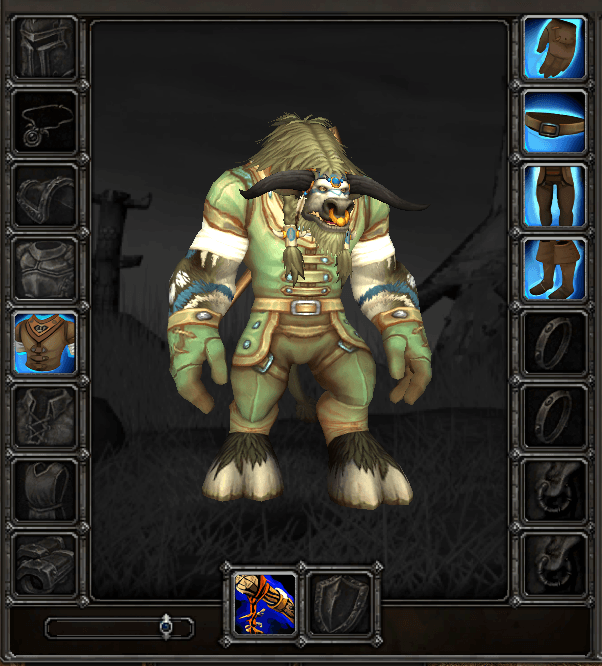
CharacterVolume.png
Description
CharacterVolume
Adjust your Master Volume directly inside your Character Sheet (
C). No menus, no console commands, no hassle.
Why CharacterVolume?
Changing game audio in WoW shouldn't mean digging through Esc -> Options -> Audio every time you jump on Discord or want to turn up game music.
CharacterVolume inserts a subtle, native audio slider right into the bottom corner of your character panel. It looks and feels like a default Blizzard interface feature—simple, functional, and completely out of the way.
✨ Key Features
- Seamless Native Design: Styled specifically for the modern Dragonflight and The War Within UI. Zero visual clutter.
- Scroll-Wheel Precision: Drag the slider for big jumps, or hover and scroll your mouse wheel for fine 5% increments.
- Zero Frame Impact: Extremely lightweight. The code only executes when your character sheet is open—no background loops, zero impact on FPS.
- Persistent Settings: Remembers your preferred master volume across relogs and sessions automatically.
🕹️ Quick Setup
- Open your Character Panel (
C). - Tweak the slider in the bottom left corner (or scroll over it).
- Back to the game.
The CharacterVolume Team

