RangeFinder PVPForever
- By
RangeFinder puts a live distance readout right where you're already looking — a yard number floating above your target's nameplate, your focus, and every party or raid member. A draggable telescope button on the minimap opens the settings
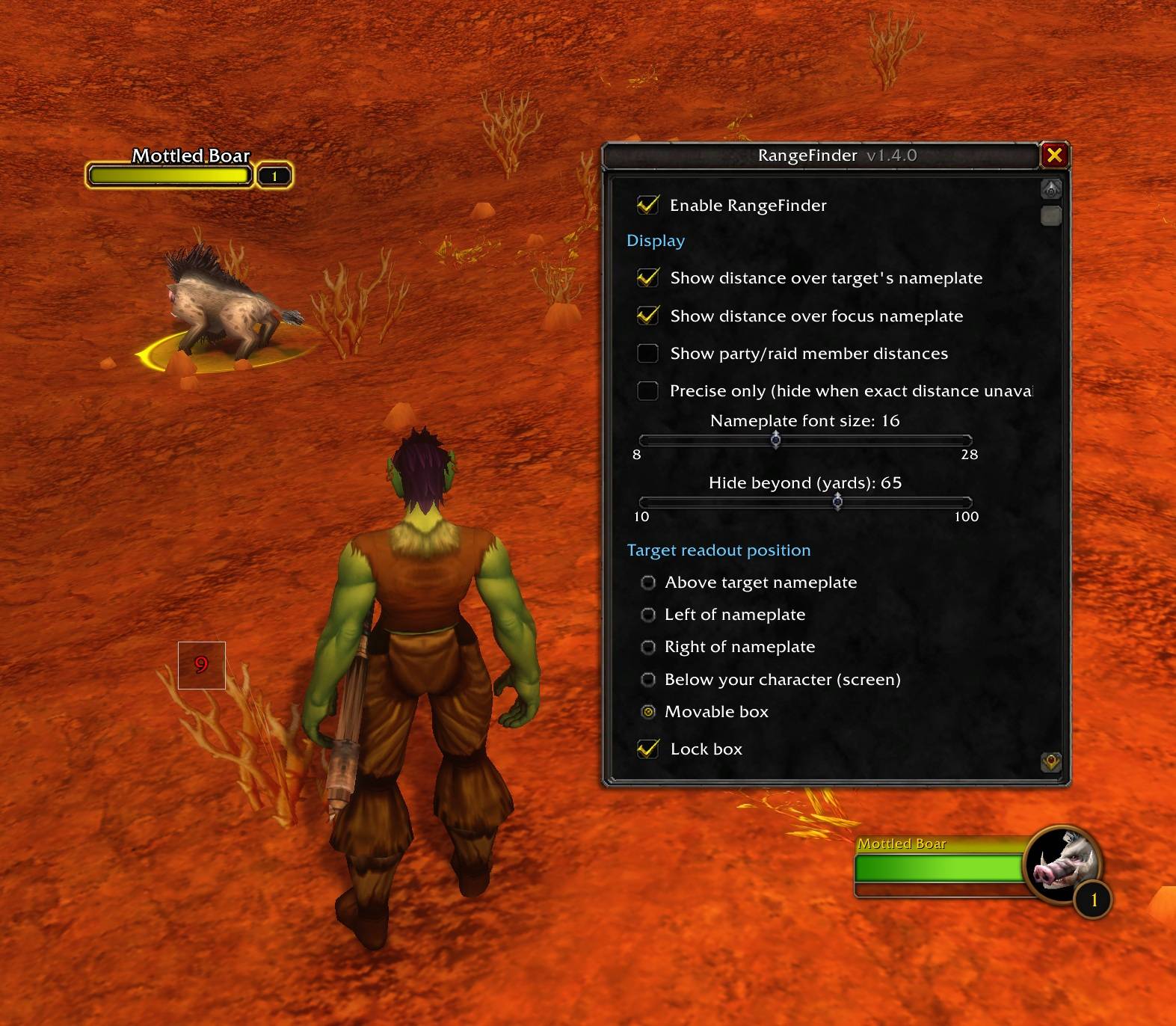
MoveboxSettings.jpg
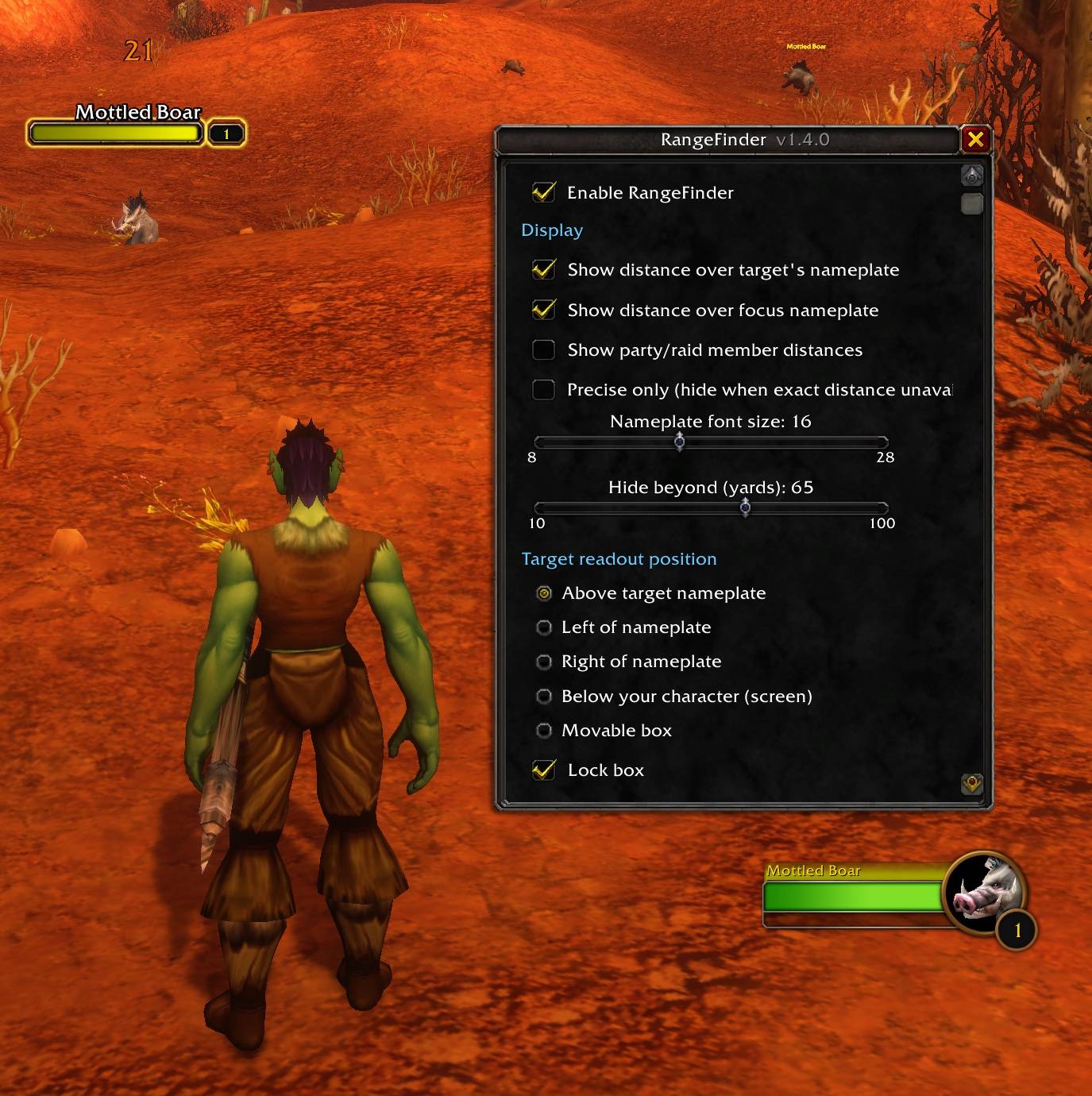
above.jpg
Description
RangeFinder
RangeFinder puts a live distance readout right where you're already looking — a yard number floating above your target's nameplate, your focus, and every party or raid member. A draggable telescope button on the minimap opens the settings, and an optional alarm fires the moment something crosses into range.
Built for the WoW: Forever client (interface 16001).
Features
- Target & focus distance — a clean yard number above each nameplate.
- Party & raid distance — a number on each member's frame, so you can see who's drifting out of healing or buff range.
- Aggro-range colouring — colour the number by how dangerous the pull is: white when you're clear, orange when you're within the caution margin, red when you're inside the mob's aggro radius. All three colours are fully customisable.
- Level-aware aggro calculation — the aggro radius is worked out from your current level versus the target's (20 yd at equal level, ±1 yd per level, 5–45 yd, and no colour for grey/trivial mobs).
/rf aggroprints the exact thresholds for your current target. - Range warnings — sound and/or on-screen alert when a target or group member enters a distance you set.
- Precise-only mode — show only true per-yard distances and hide the number when the client can't provide one, instead of falling back to coarser estimates.
- Hide beyond X yards — stop showing anything past a distance you choose (default 45).
- Lightweight, no configuration required to start, settings saved per account.
Usage
- Left-click the telescope — open settings. Right-click — toggle on/off. Drag — reposition.
/rfor/rangefinder— open settings/rf aggro— print the current target's aggro thresholds/rf precise— toggle precise-only mode/rf toggle·/rf minimap— quick toggles
A note on accuracy
Smooth per-yard distance comes from the client exposing a unit's position, which works for group members and for your target/focus when the client allows it (typically out of combat). When it doesn't — most often a hostile you're already fighting — RangeFinder falls back to range-checker buckets (~5-yard steps) via the bundled LibRangeCheck-3.0. Turn on Precise-only if you'd rather see an exact number or nothing at all.
RangeFinder PVPForever Team