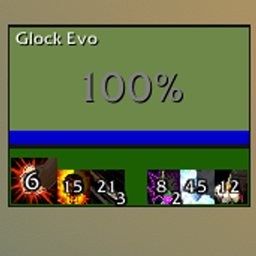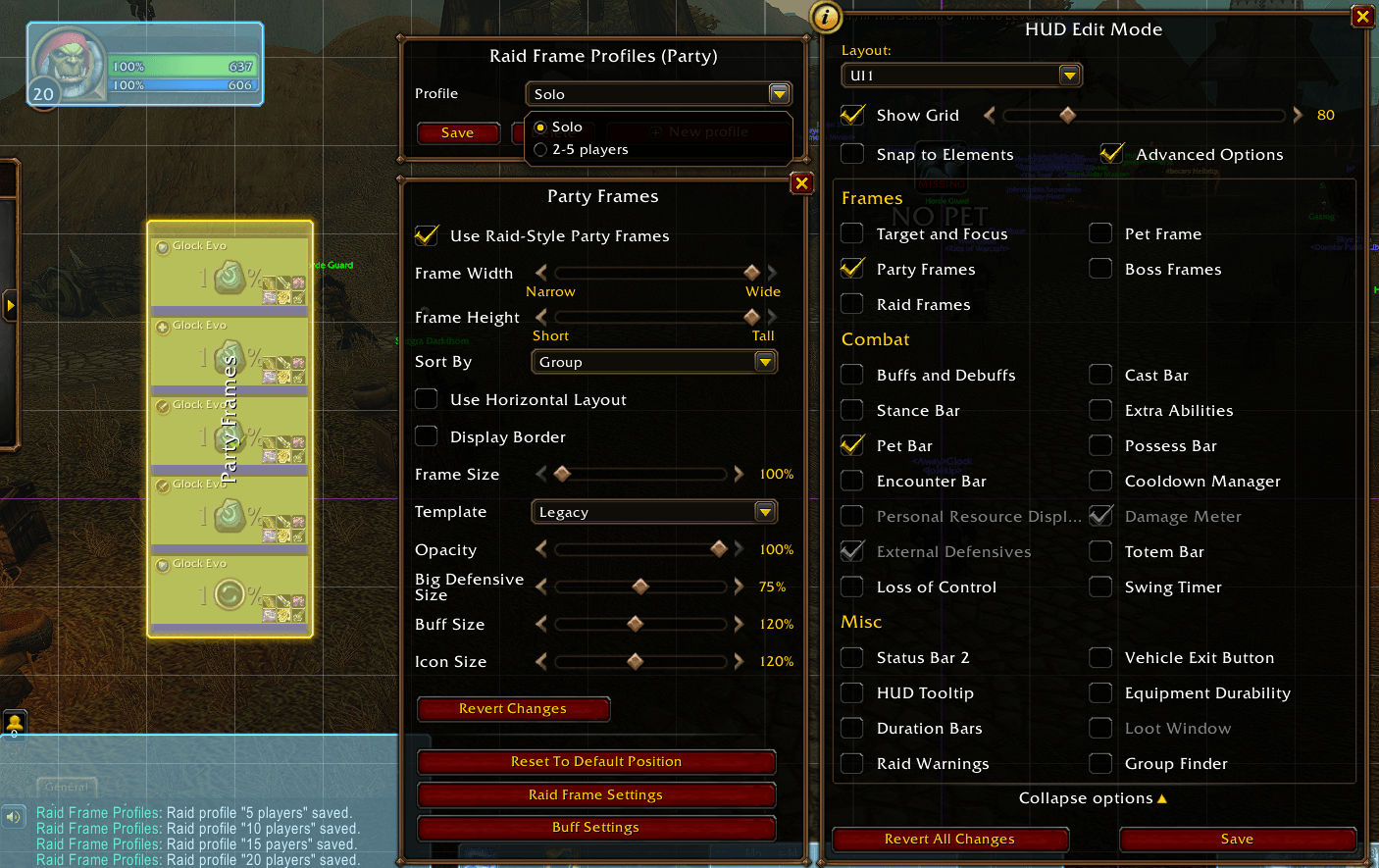
RFP2.png
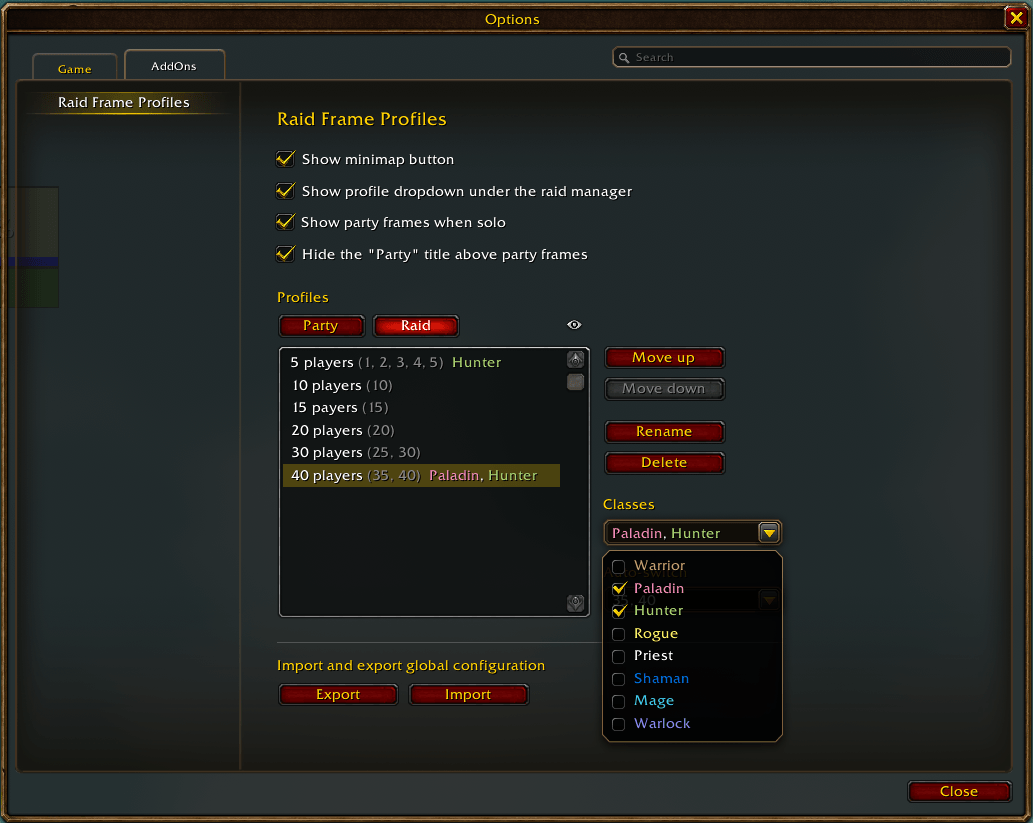
RFP5.png
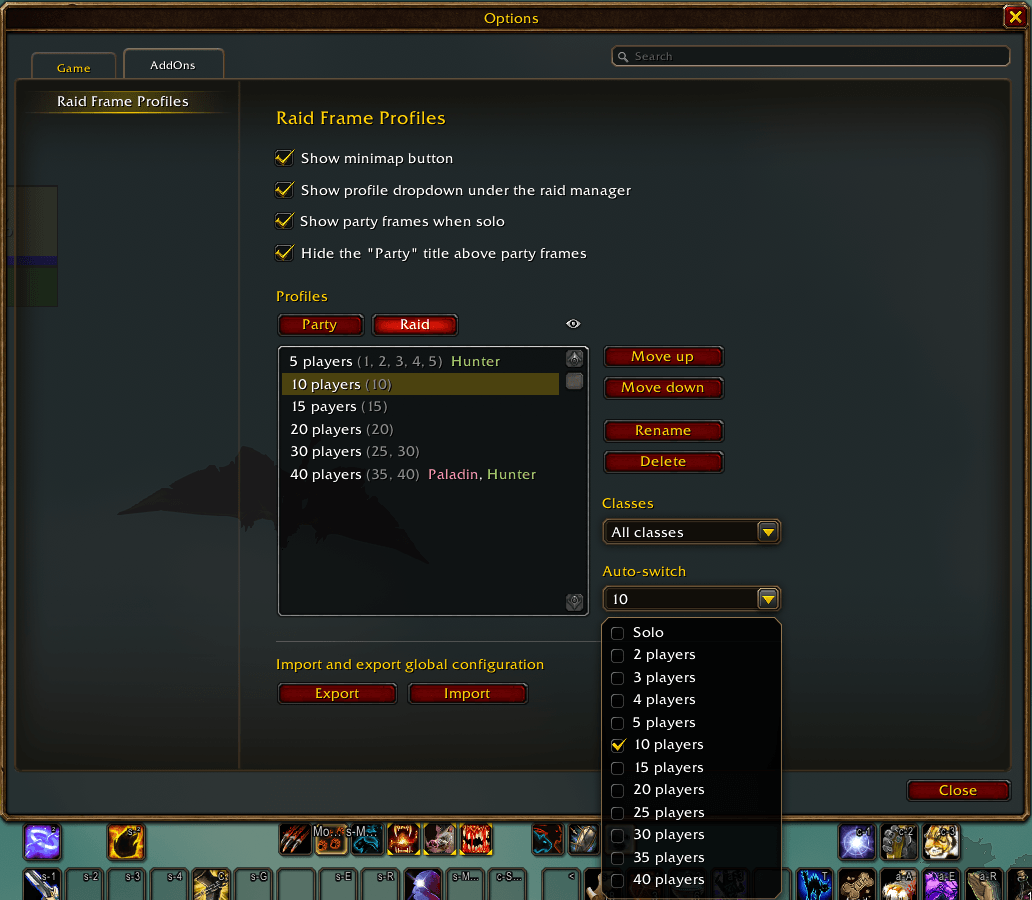
RFP4.png
RFP6.png
RFP3.png
Description
Raid Frame Profiles (Auto-switcher)
Blizzard's Edit Mode killed raid frame profiles: no more one-click swap, no more auto-switch by group size.
Raid Frame Profiles brings them back.
Features
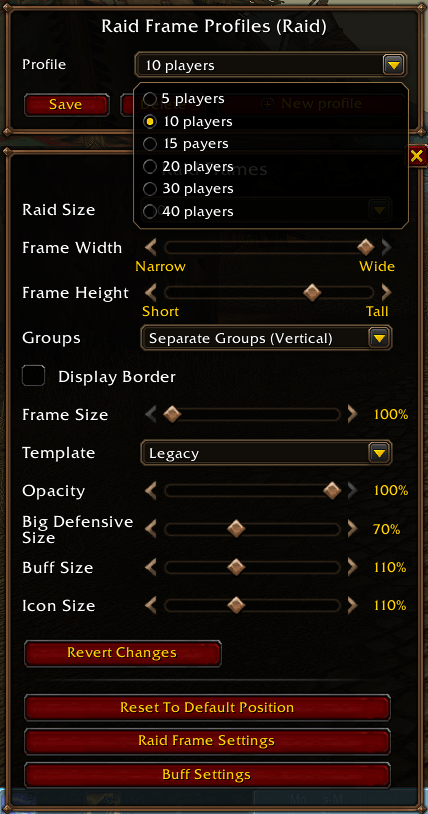
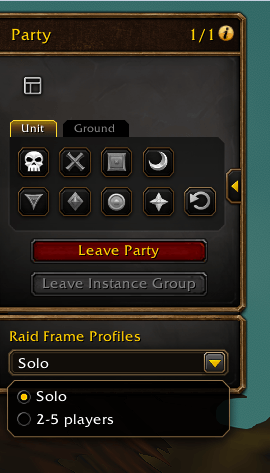
- Profiles from Edit Mode: a new panel right inside Edit Mode to save, update and switch your party and raid frames profiles.
- Unlimited profiles: as many party and raid frames profiles as you want.
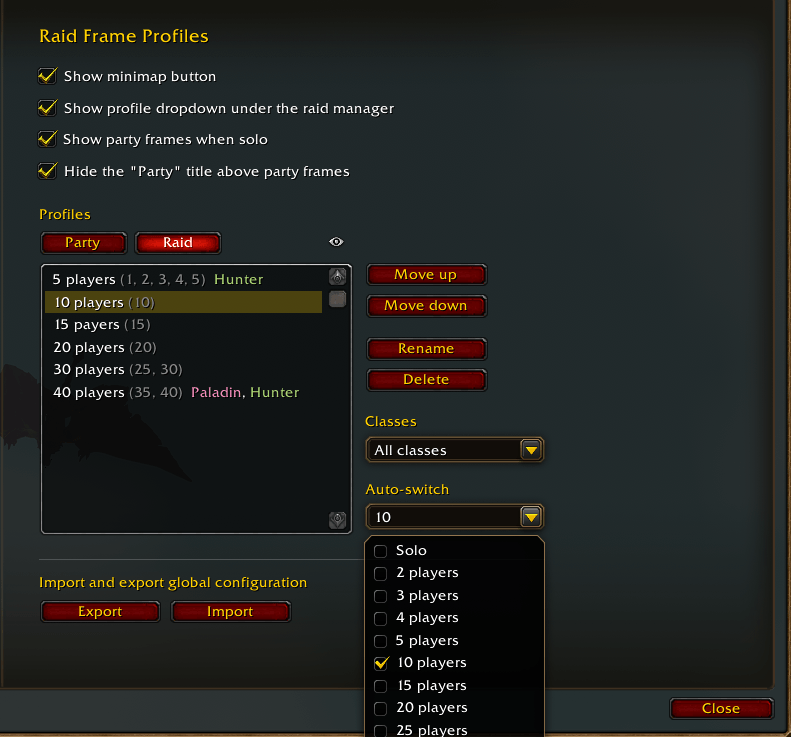
- By class: keep some profiles for some classes only, like a healer setup.
- Auto-switch by group size: pick the group sizes of each profile (Solo, 2, 3, 4, 5, 10, 15… 40 players) and the right profile is applied automatically when your group changes.
- Raid frames when solo: your own frame stays on screen even when you're not in a group.
How to use
- Open Edit Mode and click Party Frames or Raid Frames.
- Set them up the way you like, then click New profile in the Raid Frame Profiles panel.
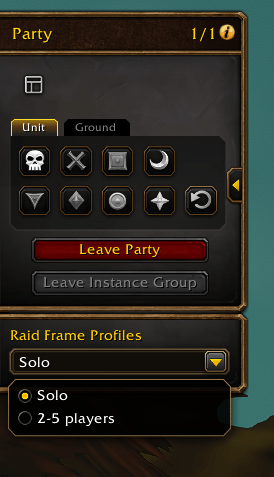
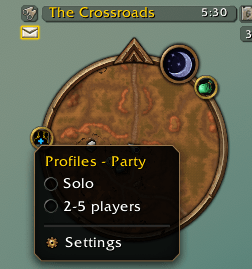
- Switch profiles from the panel, the minimap button or the raid manager, or let the auto-switch do it for you.
Raid Frame Profiles Team