QuietPins
- By
Declutters the world map by hiding the game's own quest pins while keeping Questie and other addons' icons, with a one-click toggle and per-source control.
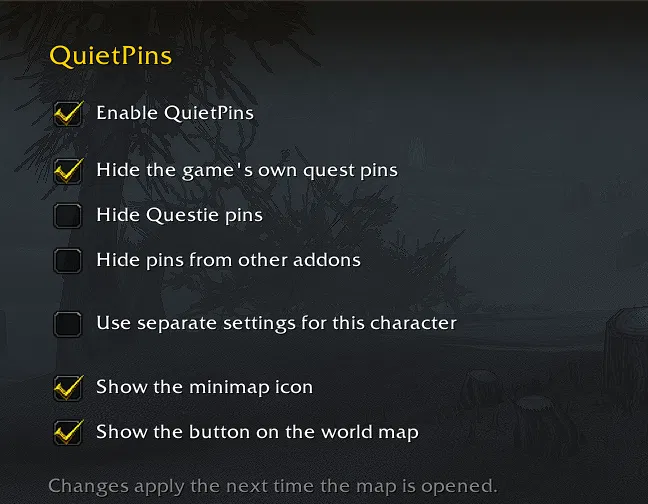
addon-options.webp
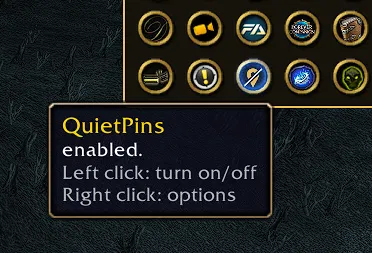
minimap-button.webp
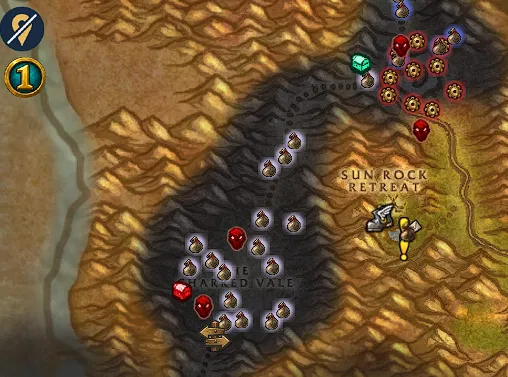
map-button.webp
no-pins.webp
wow-pins.webp
Description
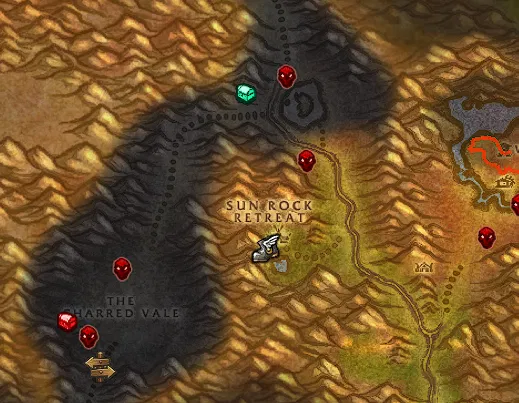
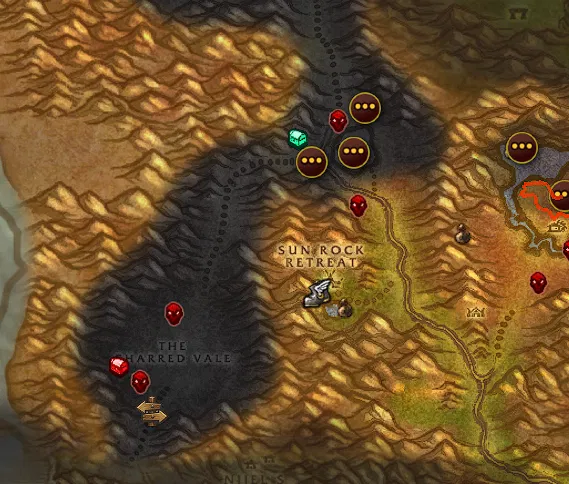
A cleaner world map for questing. QuietPins hides the game's own quest icons on the world map and leaves the icons from Questie and your other map addons exactly where they are.
Nothing is deleted or changed: it only hides pins, and turning it off brings them all back.
Features
- Hides the game's quest pins: quests in progress, available quests, quest hubs, objective areas and bonus objectives.
- Choose which source you see: the game's own pins, Questie, or other addons (RestedXP, GatherMate2, HandyNotes and any addon built on HereBeDragons). Hide one source, or keep only one.
- One-click toggle on the world map: left click turns QuietPins on and off, right click opens the options.
- Options panel: under Interface > AddOns, or with /qp config.
- Per character or account-wide: keep the same settings everywhere, or give each character its own.
- Light on performance: pins are hidden in a single pass per frame, even with thousands of icons on the map.
- Languages: English and Italian.
Other map pins, such as flight points and points of interest, are never touched.
Commands
Type /qp or /quietpins.
| Command | What it does |
|---|---|
| /qp on, /qp off | Turn QuietPins on or off |
| /qp hide <source>, /qp show <source> | Hide or show a source: client, questie or others |
| /qp only <source> | Keep only that source's pins |
| /qp profile account, /qp profile character | Share settings across characters, or keep them per character |
| /qp config | Open the options panel |
| /qp list | With the map open, list the pin types on it |
| /qp add <template>, /qp del <template> | Hide or stop hiding a specific pin type |
By default only the game's own quest pins are hidden.
Installation
Install it with the CurseForge app, or copy the QuietPins folder into Interface\AddOns and type /reload.
---
## ☕ Support / Supporto
QuietPins is and stays free. If you find it useful, a voluntary donation is appreciated (it unlocks nothing).
QuietPins è e resta gratuito. Se ti è utile, una donazione volontaria è gradita (non sblocca nulla).
QuietPins Team