


Quick Group
- By

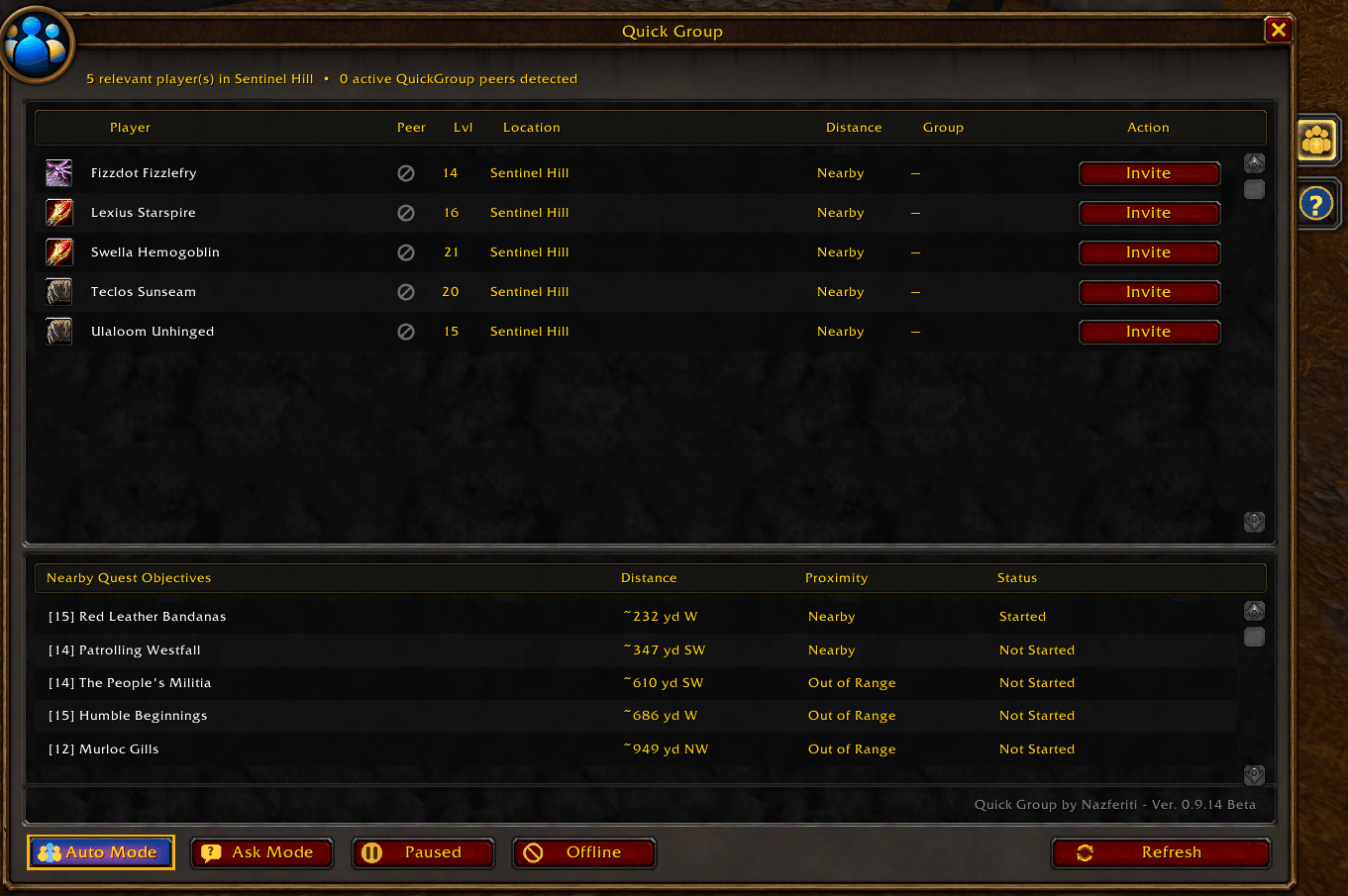
Quick Group’s main window displays nearby players and active Quick Group peers, with their level, location, distance, group status, and grouping actions, along with controls for Auto, Ask, Pause, Offline, and Refresh.
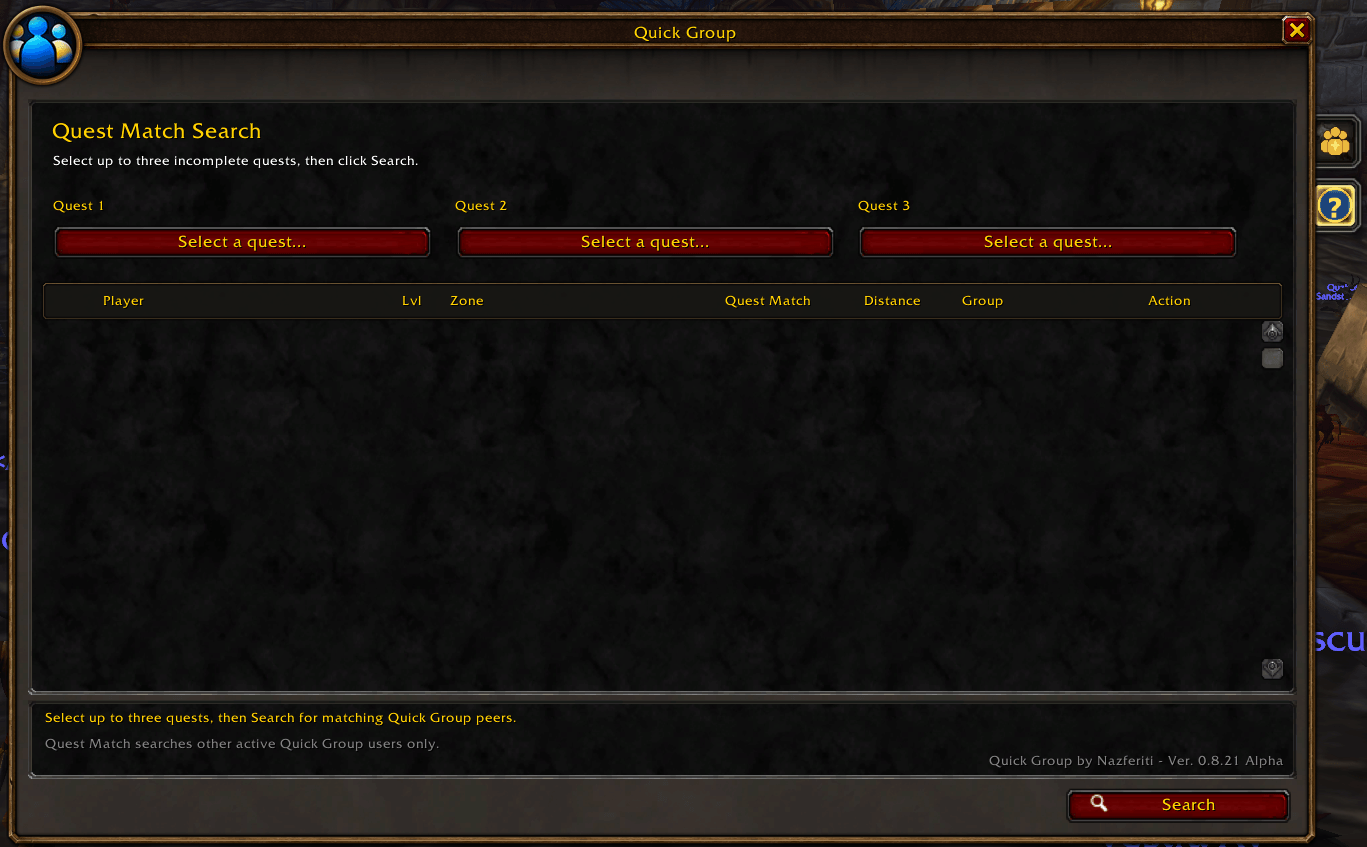
Select up to three incomplete quests and search for active Quick Group users working on the same quests. Results rank players by quest overlap, level suitability, and distance, with direct Invite or Request actions.
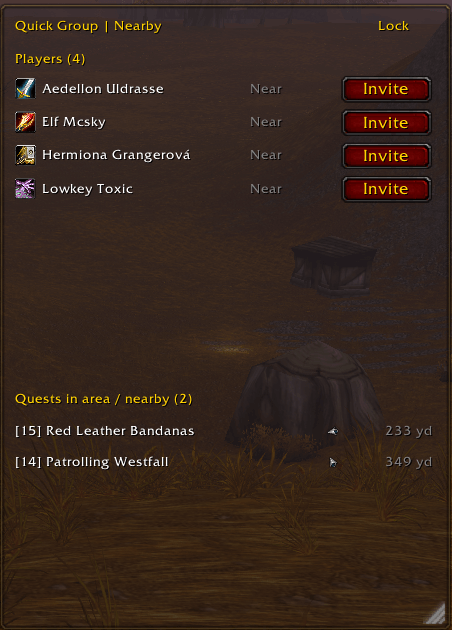
QG Heads Up Display.png
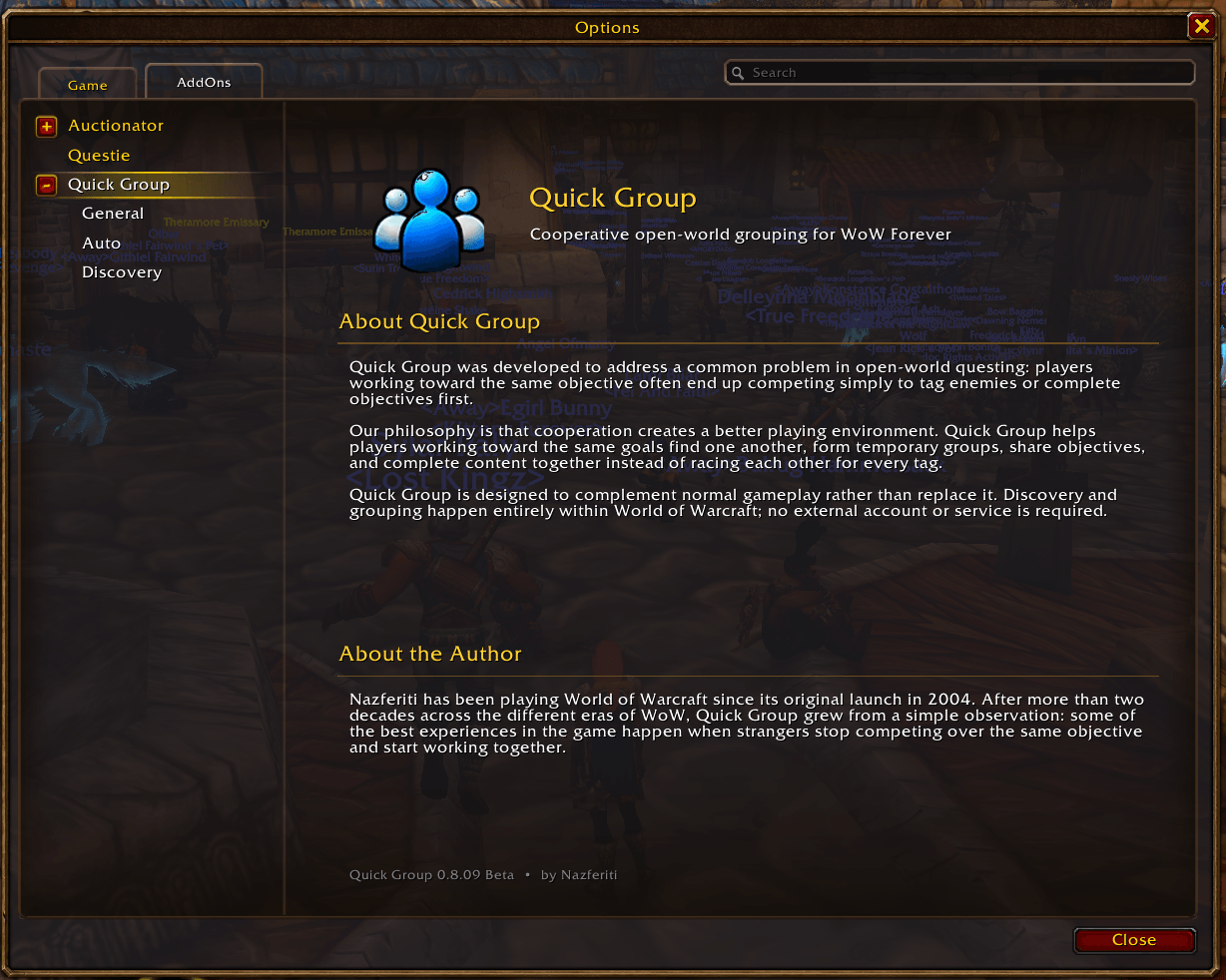
Quick Group’s redesigned WoW Options page provides addon information, author details, and expandable General, Auto, and Discovery configuration sections.
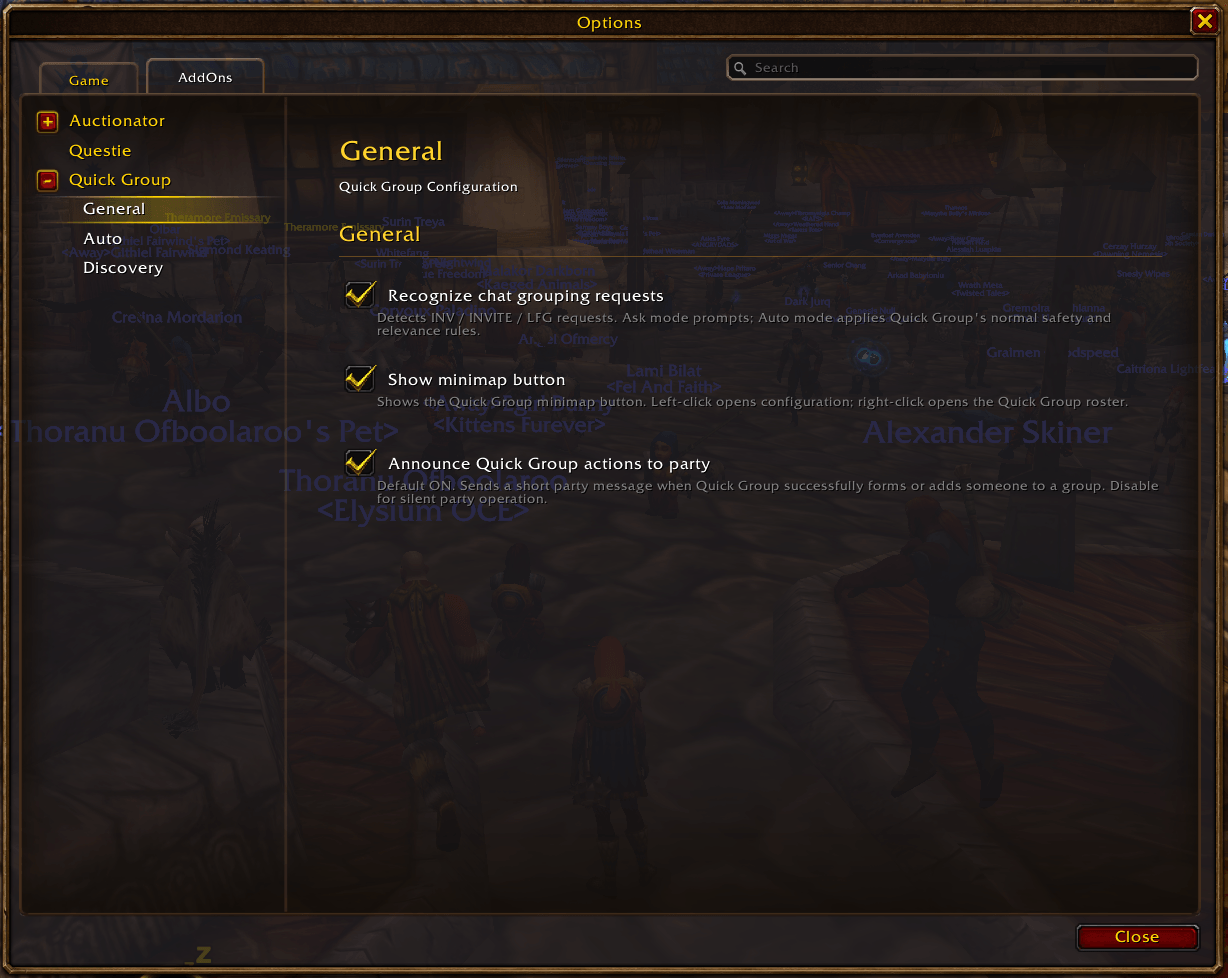
General Quick Group settings for chat grouping requests, minimap button visibility, and party announcements, presented in WoW’s native AddOns configuration interface.
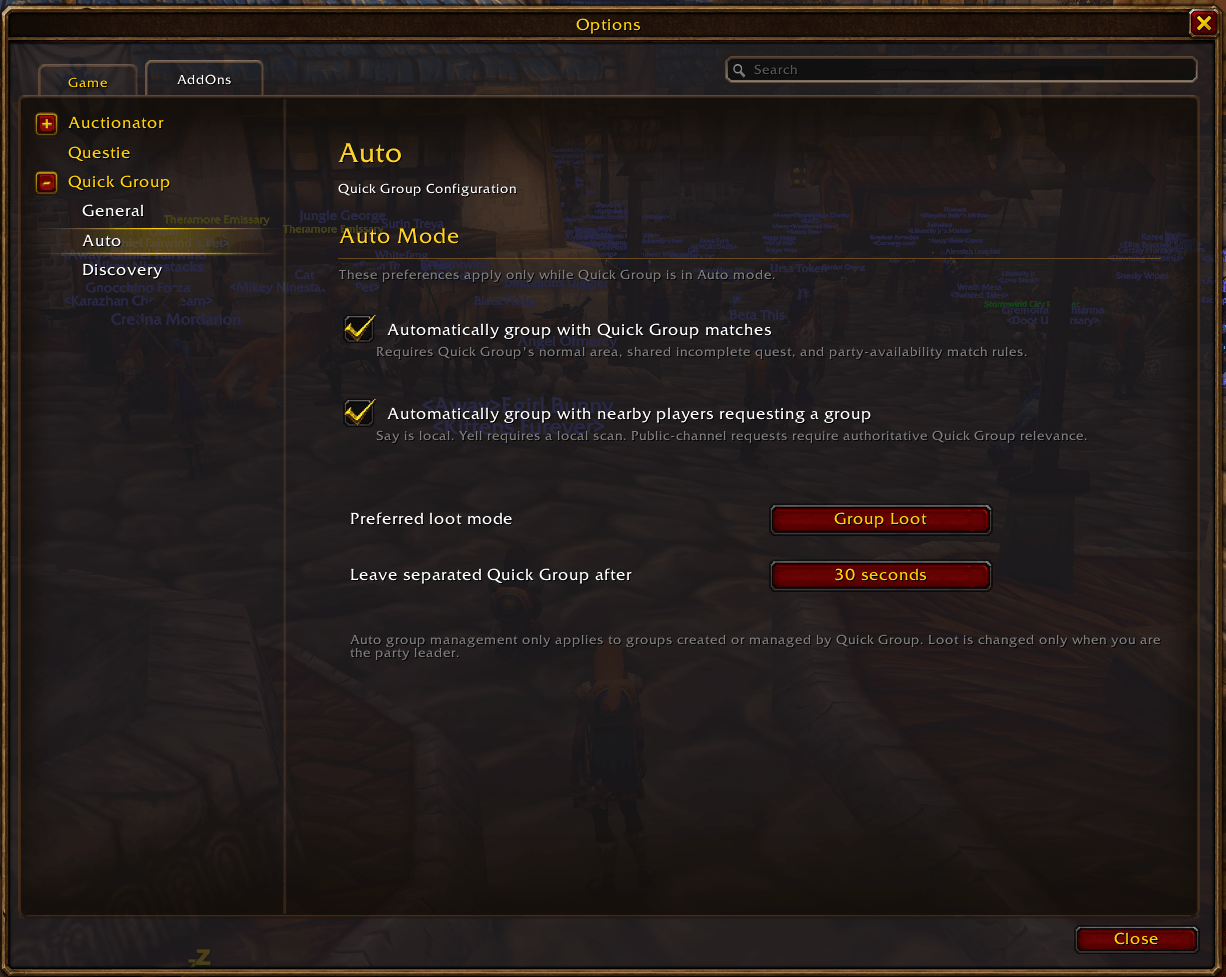
Configure automatic grouping behavior, nearby group requests, preferred loot mode, and separation handling for groups created or managed by Quick Group.
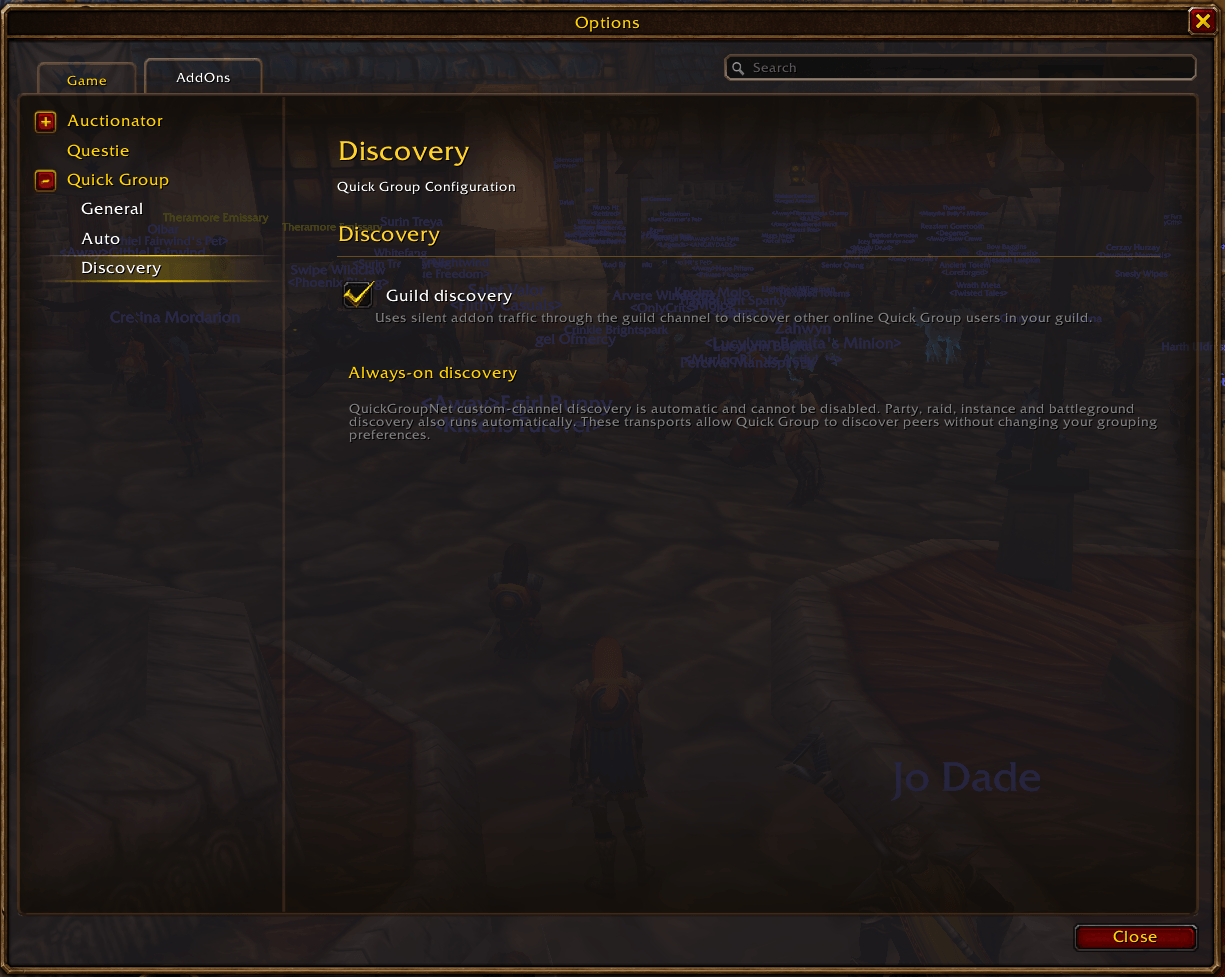
Configure guild discovery and view Quick Group’s always-on peer discovery, which automatically finds other Quick Group users through supported in-game communication channels.