


Quest Targets - One button to target the mobs your quests need.
modern-button.png
media_05.jpg
media_01.png.jpg
Description
Quest Targets
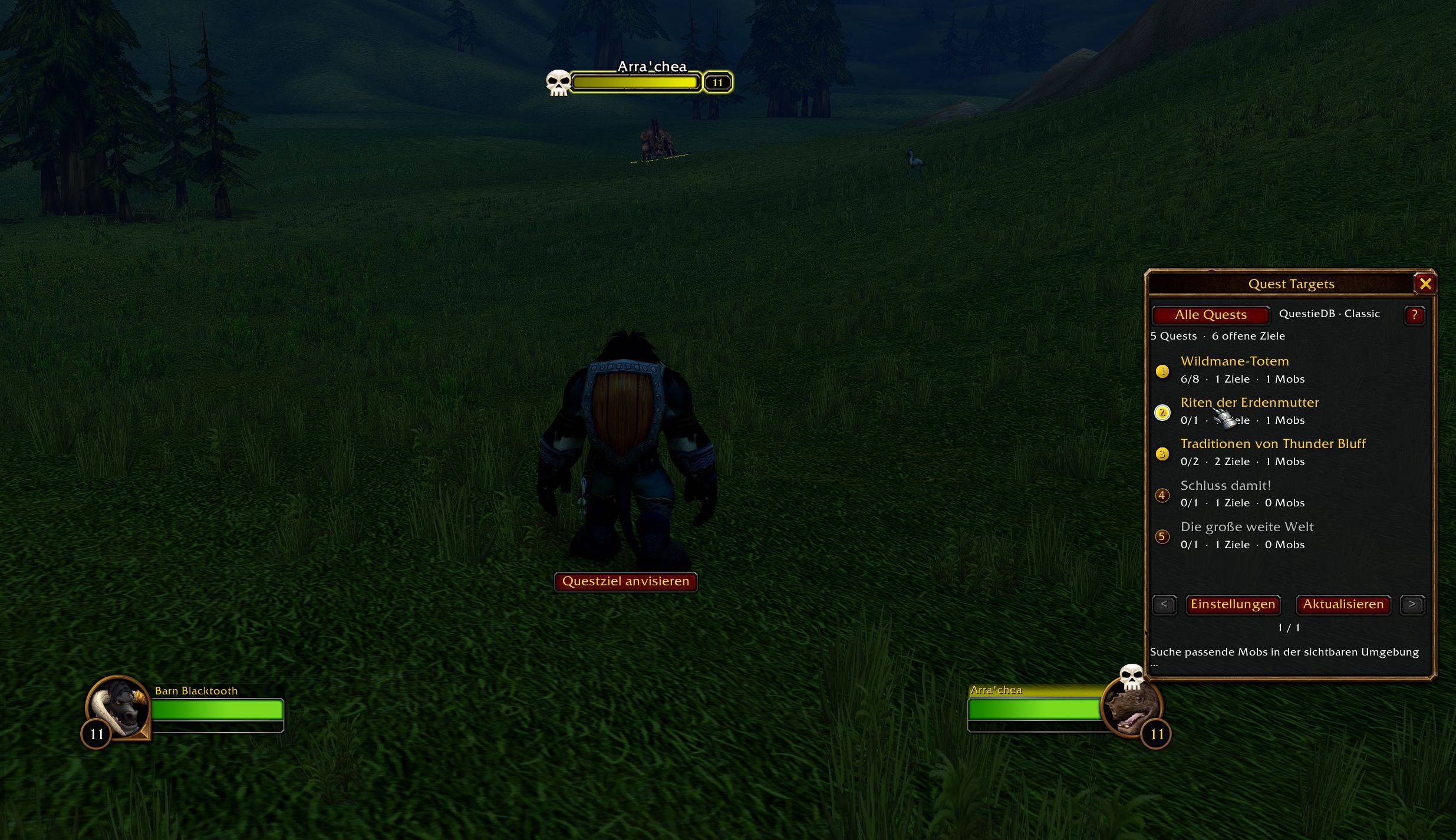
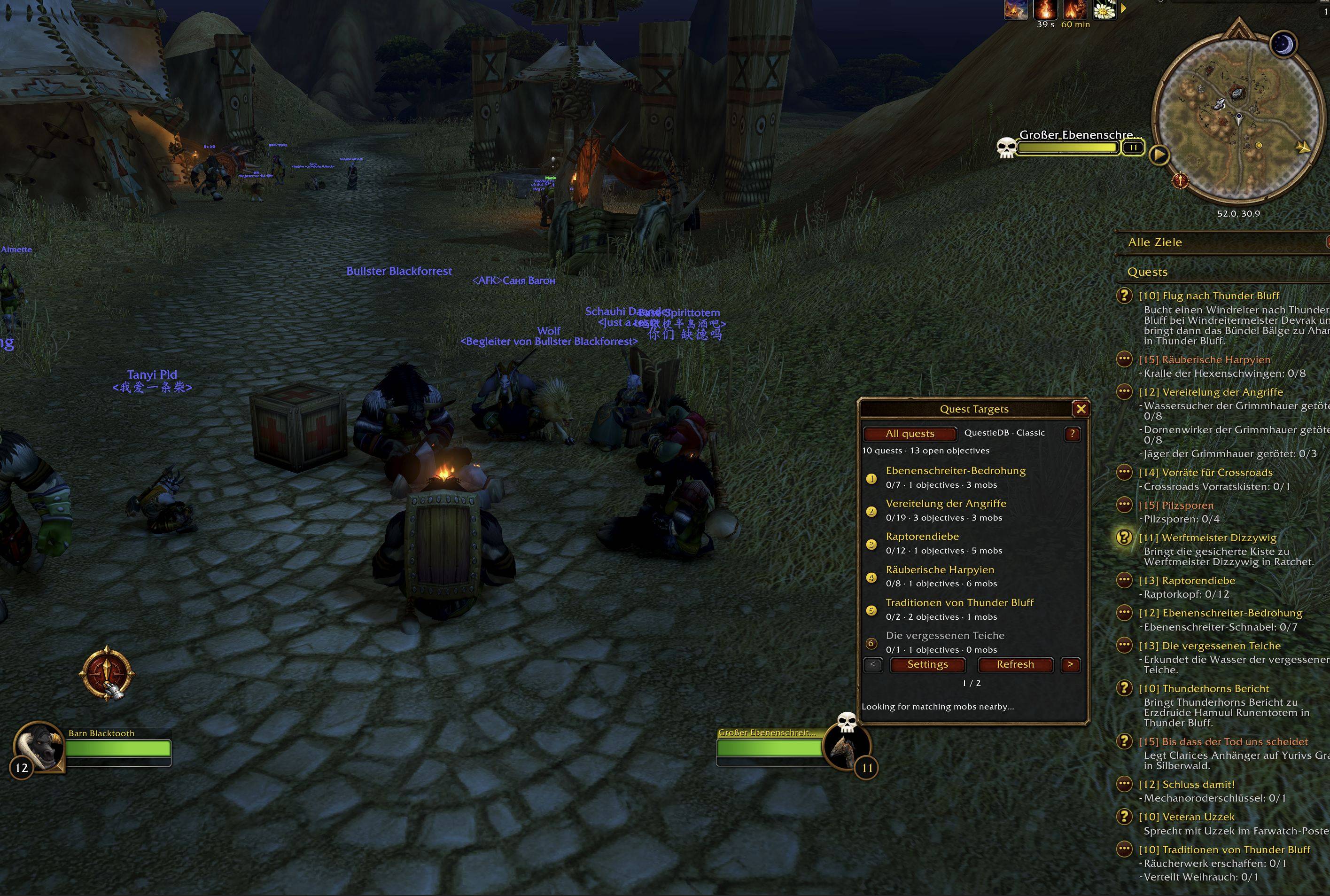
Target quest mobs and turn-in NPCs without hunting through your quest log. One button handles your open quests.
One button for your quest targets
- Click the master button or press your assigned hotkey to target the next available quest mob in range.
- When a quest is ready to turn in, its NPC can be targeted too.
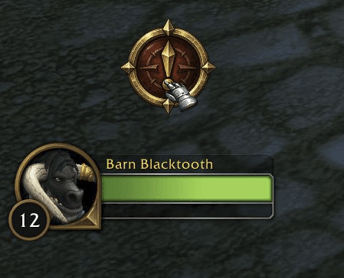
- Choose between the classic text button and a modern compass button in the settings.
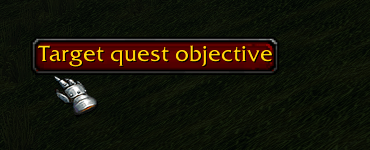
Modern button
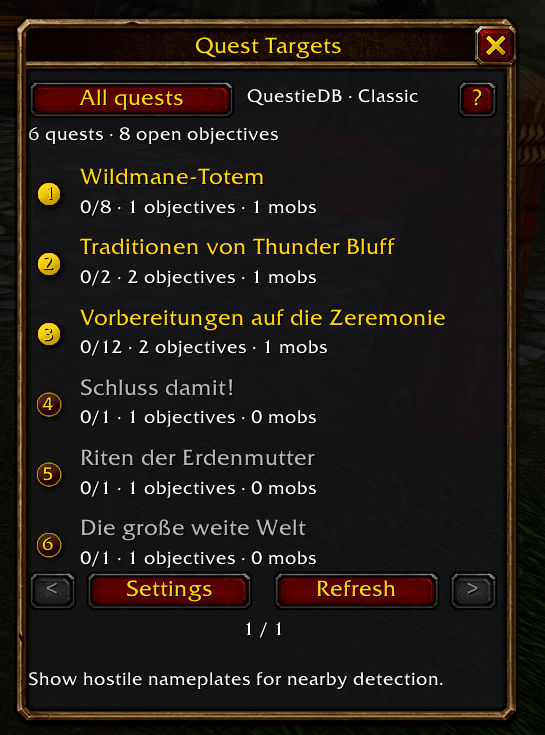
Keep your targets in view
- Click a quest to focus targeting on mobs required for that quest only.
- QuestieDB supplies known quest mobs and item drop sources. Visible hostile nameplates can help detect additional targets.
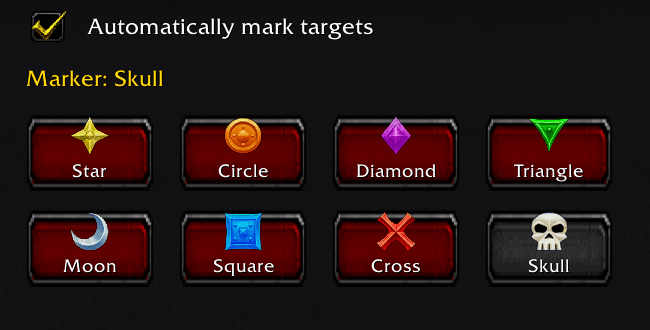
Mark the mob you need
Quest Targets can automatically place a raid marker on your target. Pick one of the eight markers or turn marking off in the settings.
Commands
/qt— show or hide the quest window/qt settings— open the options/qt refresh— manually refresh the quest list/qt reset— reset the window position/qt rescan— clear automatically detected targets and scan again/qt help— show help in chat/qt debug— show targeting diagnostics
Languages
Available in 🇬🇧 English, 🇩🇪 German, 🇪🇸 Spanish, 🇫🇷 French, 🇹🇷 Turkish, and 🇨🇳 Simplified Chinese.
For WoW Classic and WoW Forever.
Targeting Limitations
Quest Targets cannot reliably cycle between mobs with the same name, because it cannot target a specific mob by its unique ID.
Mobs already tagged by other players may still be selected when they share a name with untagged mobs.
Quest Targets cannot guarantee that it selects the nearest mob, because exact distances to individual mobs are not reliably available.
Requirements
Requires Addon QuestieDB
Direct Download WoW Forever
Direct Download Classic Era / Season of Discovery
Donation
If you'd like to support the development of Quest Targets and other projects, you can do so via PayPal.
The Quest Targets - One button to target the mobs your quests need. Team
