QuestForever
- By
Quest givers, hand-ins and objectives on your map and minimap - Faster Leveling
Screenshot 2026-09-24 at 10.00.12â¯PM.png
Screenshot 2026-09-24 at 9.57.37â¯PM.png
Description
QuestForever
Level faster in WoW: Forever. Stop hunting for quests - QuestForever shows you where they are.
Levelling is mostly walking around looking for the next quest, the next hand-in, and the mobs you need. QuestForever puts all of it on your map: a yellow ! where you can pick a quest up, a ? where you hand one in, and dots where the mobs, items and objects for your quests are - on the world map and the minimap. Click any of them and the waypoint arrow points there. Less searching, more questing, faster levels.
What it shows
- Only what fits your character: faction, race, class, level, reputation, not done yet, and with the earlier quests in the chain done.
- One ! per quest giver. A quest hub is one icon, and its tooltip lists every quest there with its level and XP.
- Objectives that make sense: a camp of mobs is one dot, not twenty. A finished objective disappears, and the tooltip shows your progress ("Kobold slain: 3/10").
- Tooltips that tell you what to do. Hover a mob, an NPC or an object in the world and it says which of your quests it's for and your progress ("Kobold Vermin slain: 3/10"). Hover a quest giver and it lists the quests they have for you.
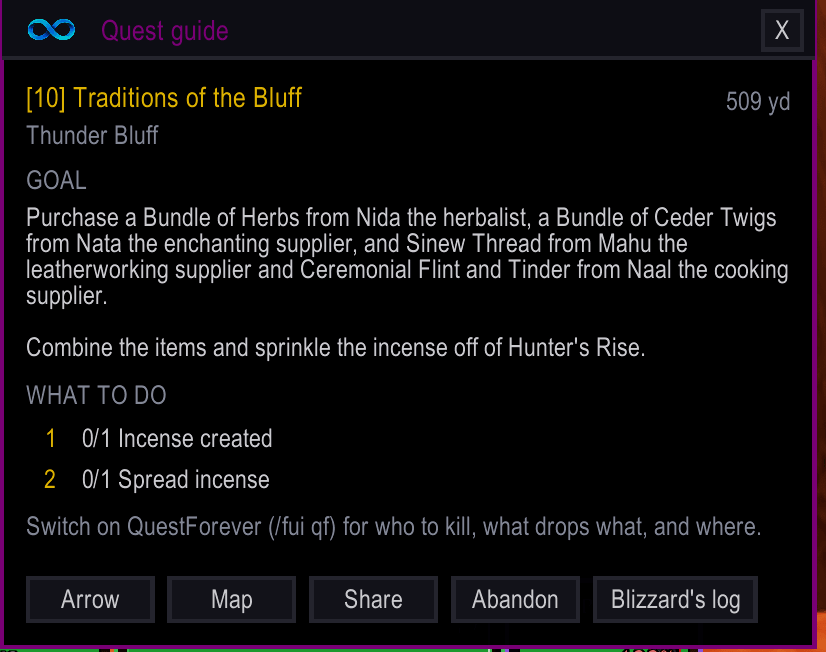
- Every quest in plain steps: "Kill Kobold Vermin", "Loot Candle from Murloc", "Use Wanted Poster", "Go to: …". A map pin's tooltip lists them all and ticks off the finished ones.
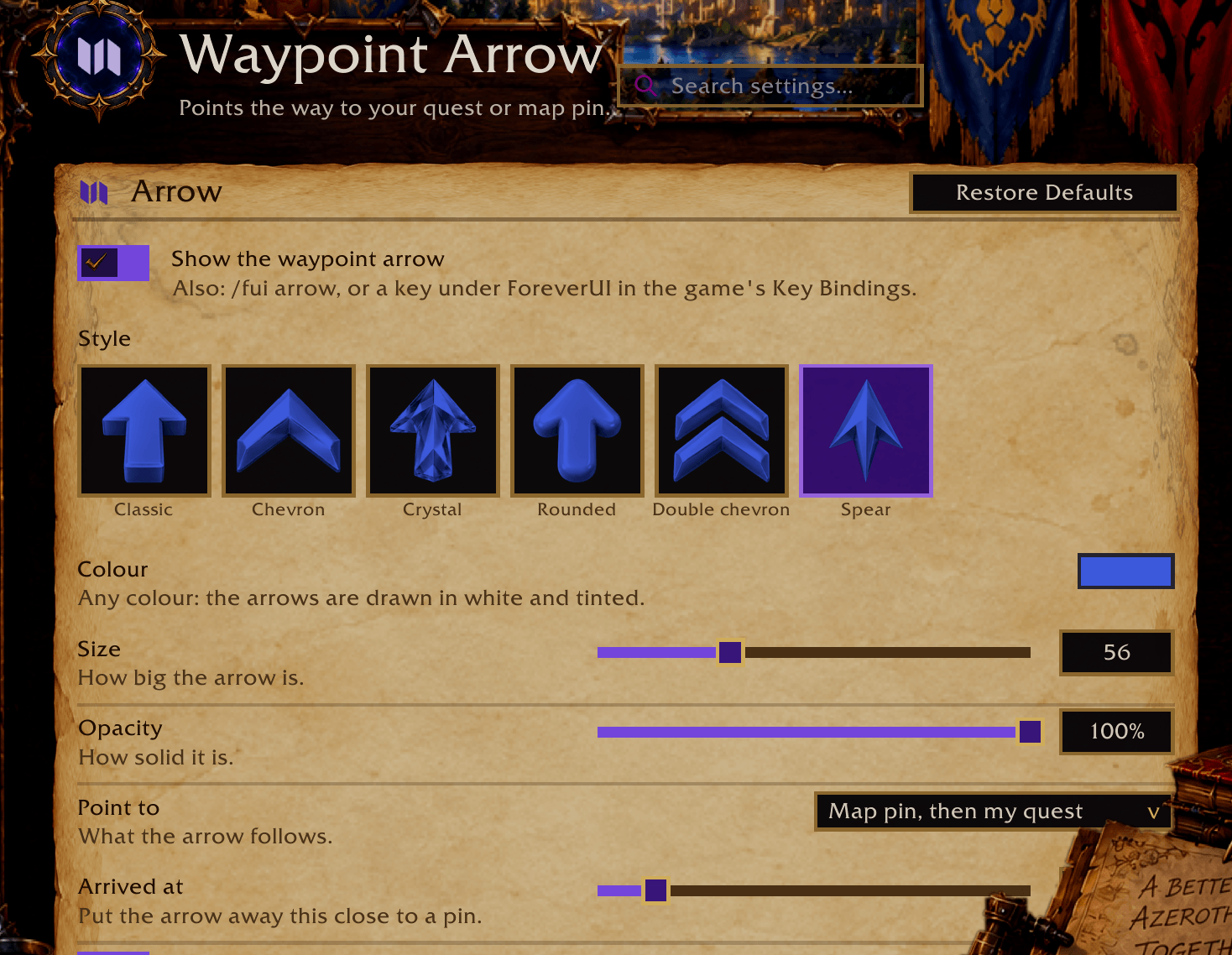
- Next-step arrow (with ForeverUI): click a quest in the quest list and the arrow points to your next objective, or the hand-in once it's done.
- Quests that start from a dropped item show where the item drops.
- Escorts and patrolling targets show the route they walk.
- "Explore" objectives show the spot to reach.
- Talk to a quest giver, and anything they don't actually offer is hidden until you hand a quest in or level up.
- Holiday quests only while the holiday is on, Scourge Invasion quests only while the invasion is, and profession quests only if you have the profession.
- Playing with a controller? While the game's controller interface is in charge, QuestForever keeps to the minimap and leaves the world map alone, so the quest log (which is the world map on Forever) opens and tracks quests cleanly. Minimap pins, tooltips and the arrow keep working.
It learns
WoW: Forever added hundreds of new quests, and many of them have no known quest giver yet. When you pick one up, QuestForever remembers where you were and who gave it to you, and puts it on your map from then on.
Please share what it finds: type /qf export (or, in ForeverUI, QuestForever page > "Share what it found"), copy the text, and post it as a comment here. The next update puts it on everyone's map.
How to use it
- On its own: install it and it starts at login.
/qfopens its settings window (it is also listed under Esc > Options > AddOns);/qf onand/qf offswitch it, and/qf exportgives you what it learned to share. - With ForeverUI: it comes with ForeverUI already, as the quest helper. The first-time setup asks "Levelling?", and the QuestForever page near the top of
/fuihas the switch and every setting. With ForeverUI installed it loads only when you switch it on, so leaving it off costs nothing.
Settings
On its own (/qf) or in ForeverUI (its QuestForever page): which icons to show (pick-ups, hand-ins, objectives, item drops, routes), world map and/or minimap, hide quests far below your level, show repeatable and profession quests, show quests a few levels too high, icon size.
Where the quest data comes from
QuestieDB (its Forever branch), forever-guide-mate by Tyler Akins, and Wowhead's WoW: Forever quest list - thank you. Anyone who wants their data taken out: say so in the comments and it will be.
Part of ForeverUI, a full interface for WoW: Forever.
QuestForever Team