
Quick Rogue Info
- By

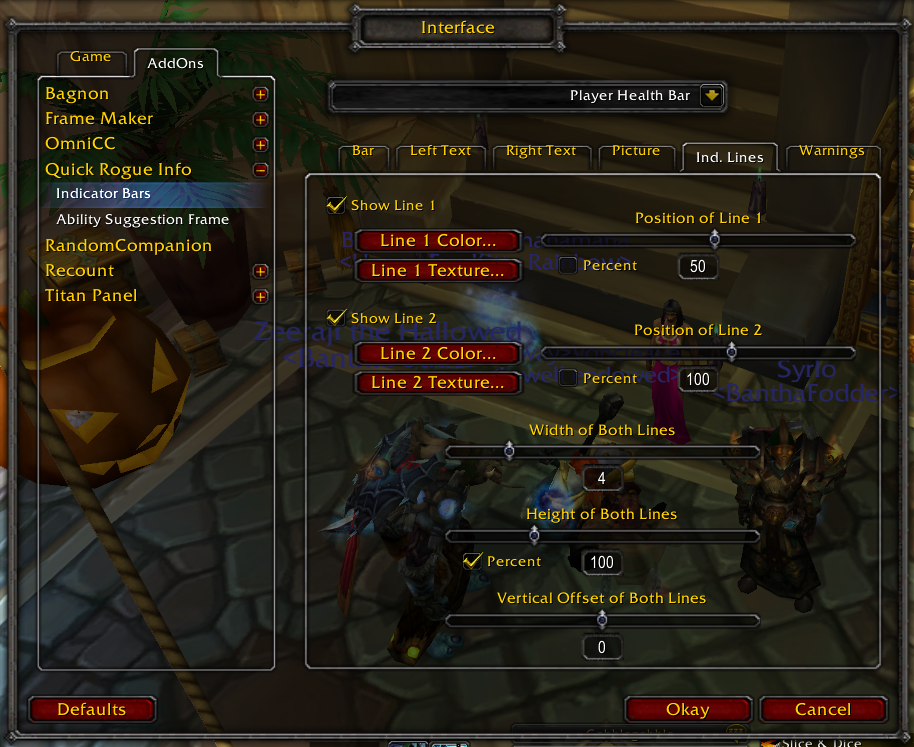
Settings relating to the indicator lines that can be overlayed on bars
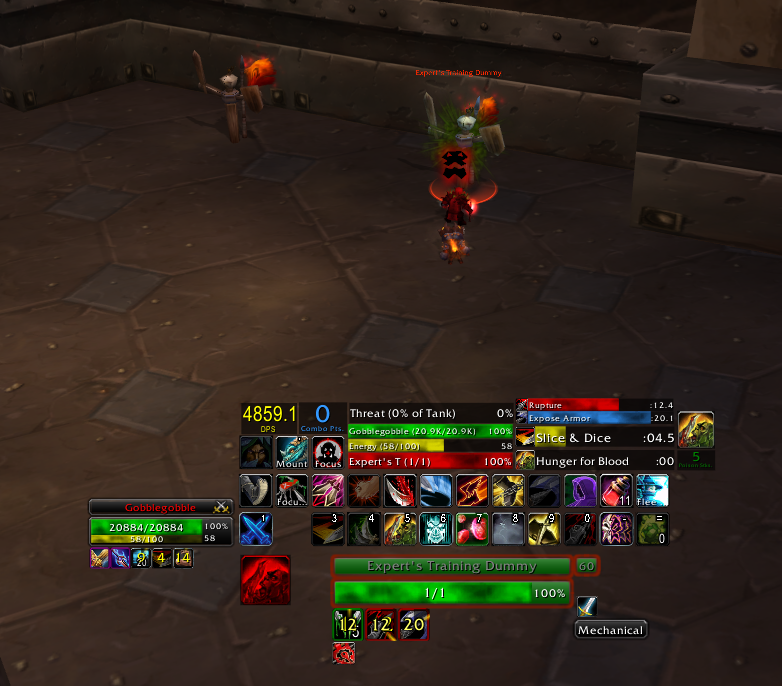
This image shows most of the main components and frames. Generally, from left to right, top to bottom: DPS display, Combo points, Threat, Player health, energy, Target health, Rupture (time left on debuff), expose armor (time left on debuff), Slice a...
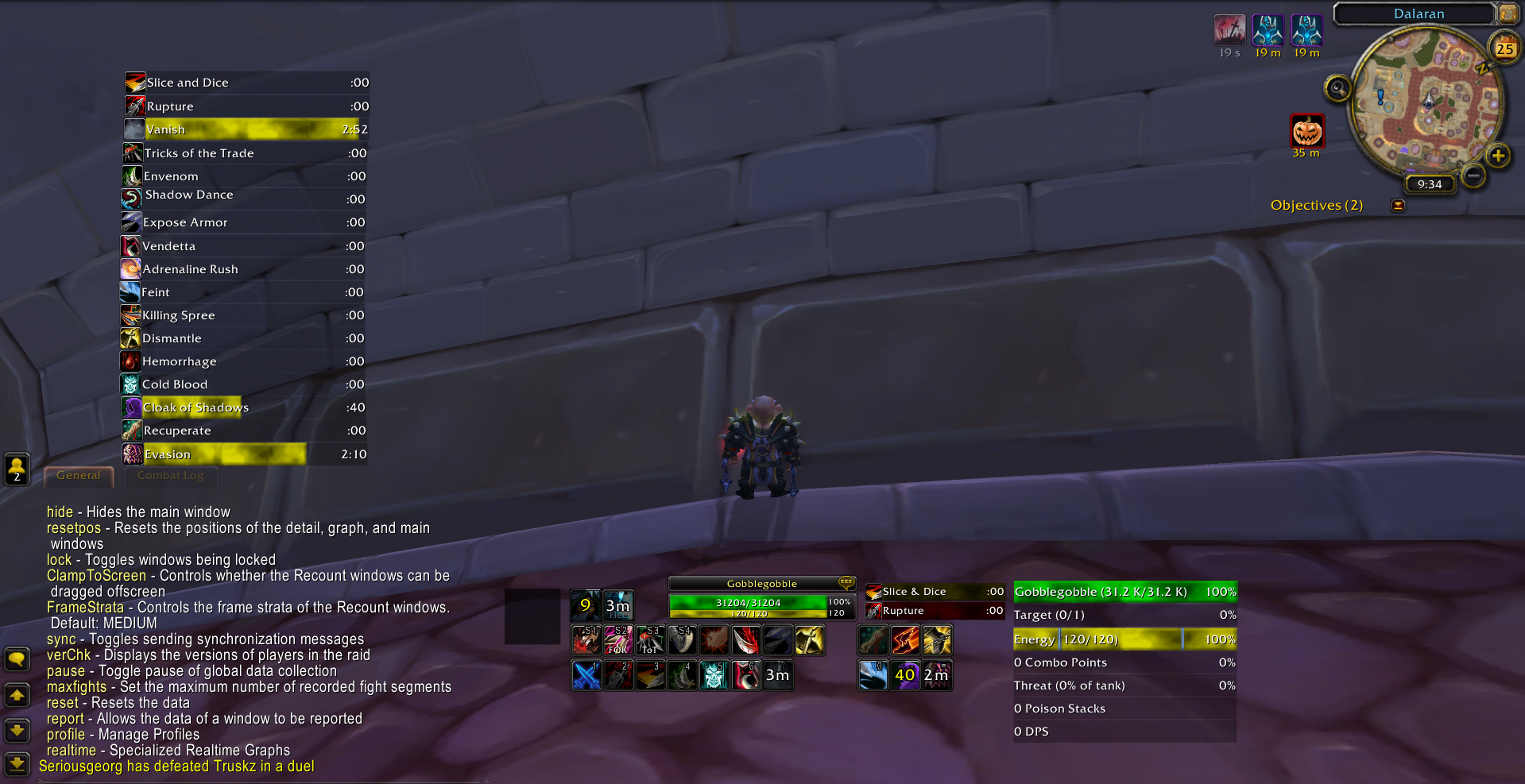
An example display - many bar types are available!
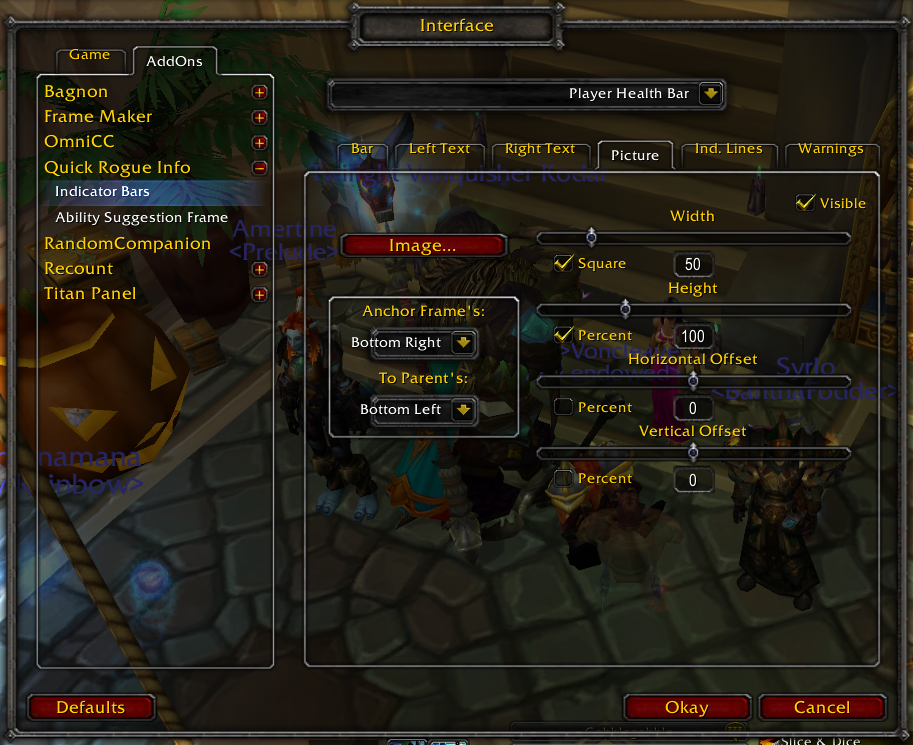
The options screen - settings relating to the picture associated with the bar
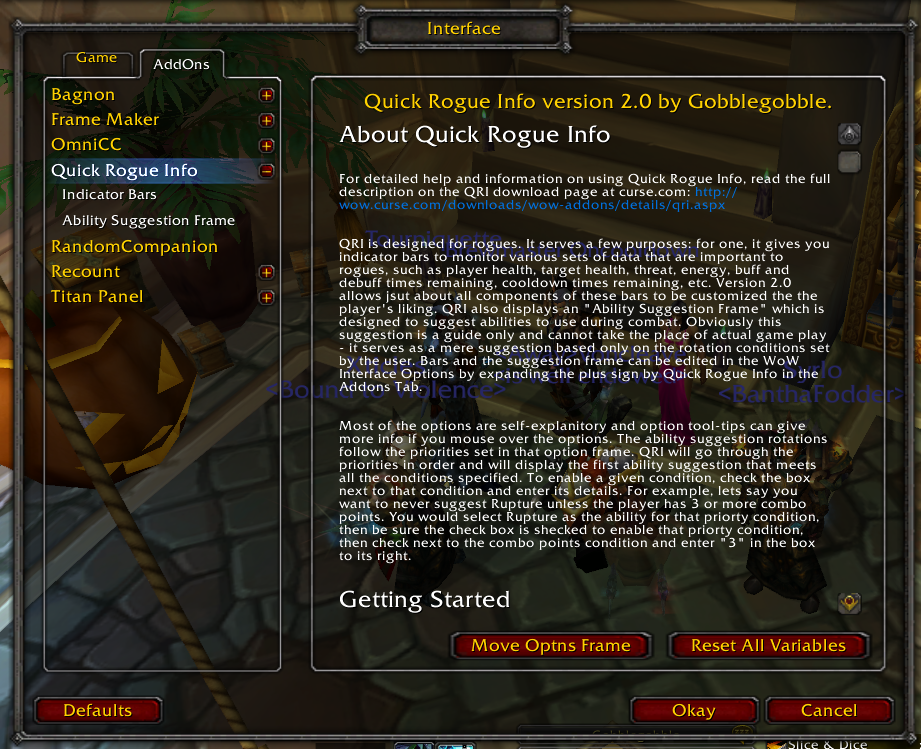
In-game help (detailed help is available via tooltips as well)
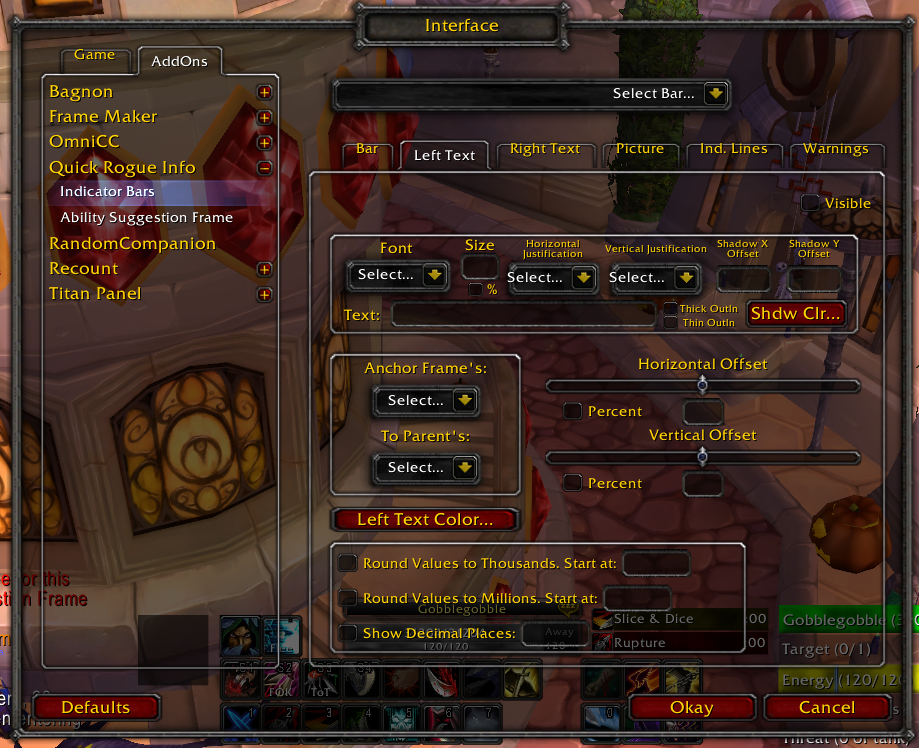
The options screen - settings relating to the text on the bar and number rounding of the values it displays
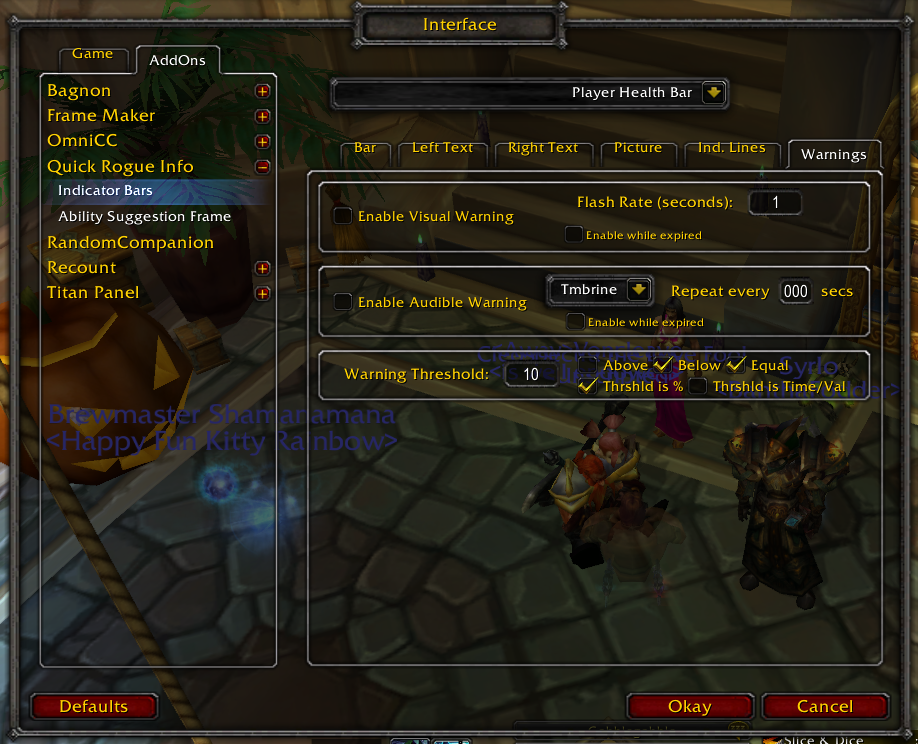
Set audible warnings or visible warnings or both for each type of bar! This picture shows the relevant settings
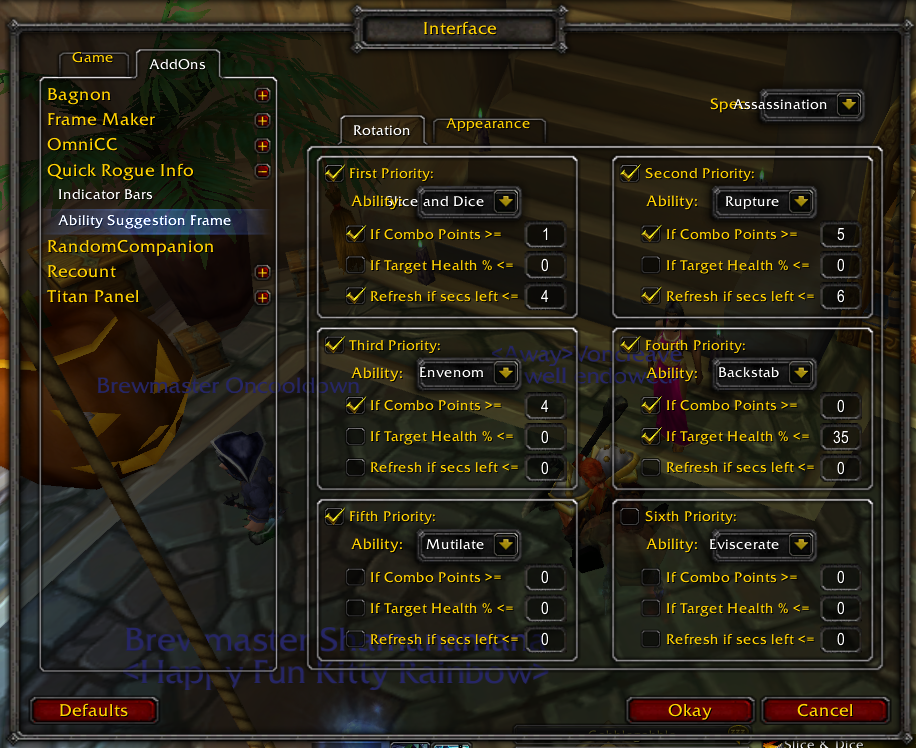
Set up your own suggestion priority for custom rotations. Rotations can be set per spec so that when you change specs (via dual talent specialization or otherwise), the rotation suggestions change!
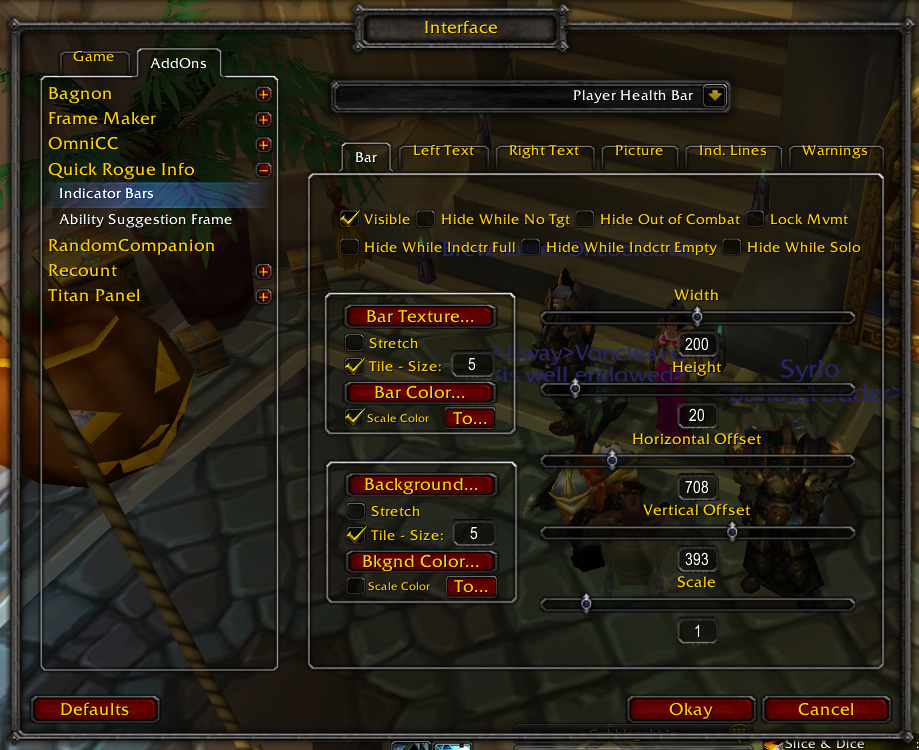
The options screen - settings relating to the bar
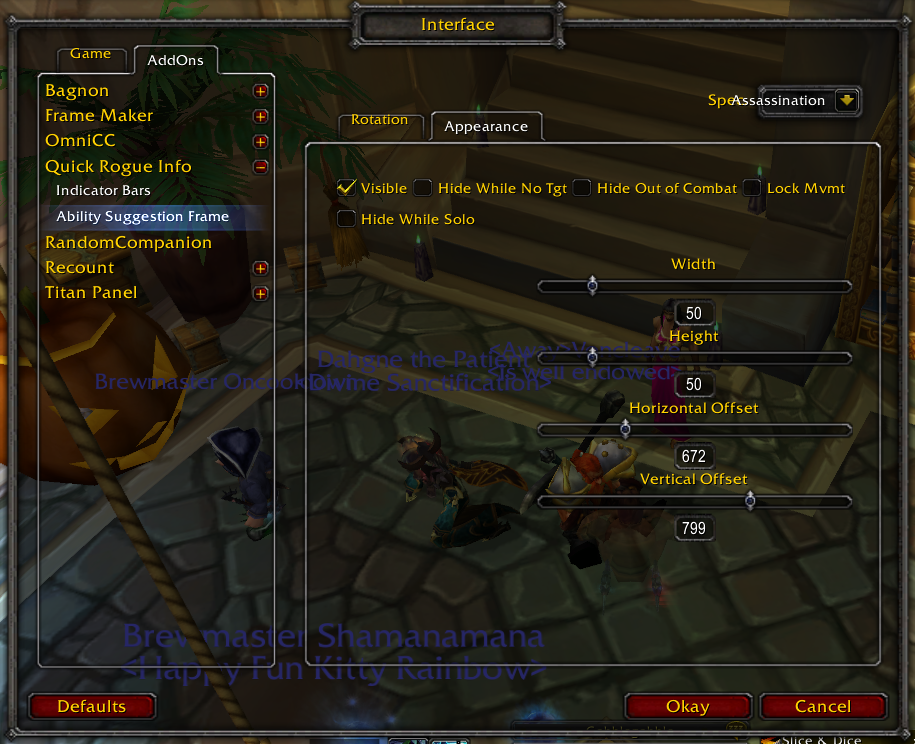
Settings relating to the look of the rotation suggestion frame