PVPWarn - Classic
- By
WoW Classic Addon for alerting visually and acoustically about pvp events
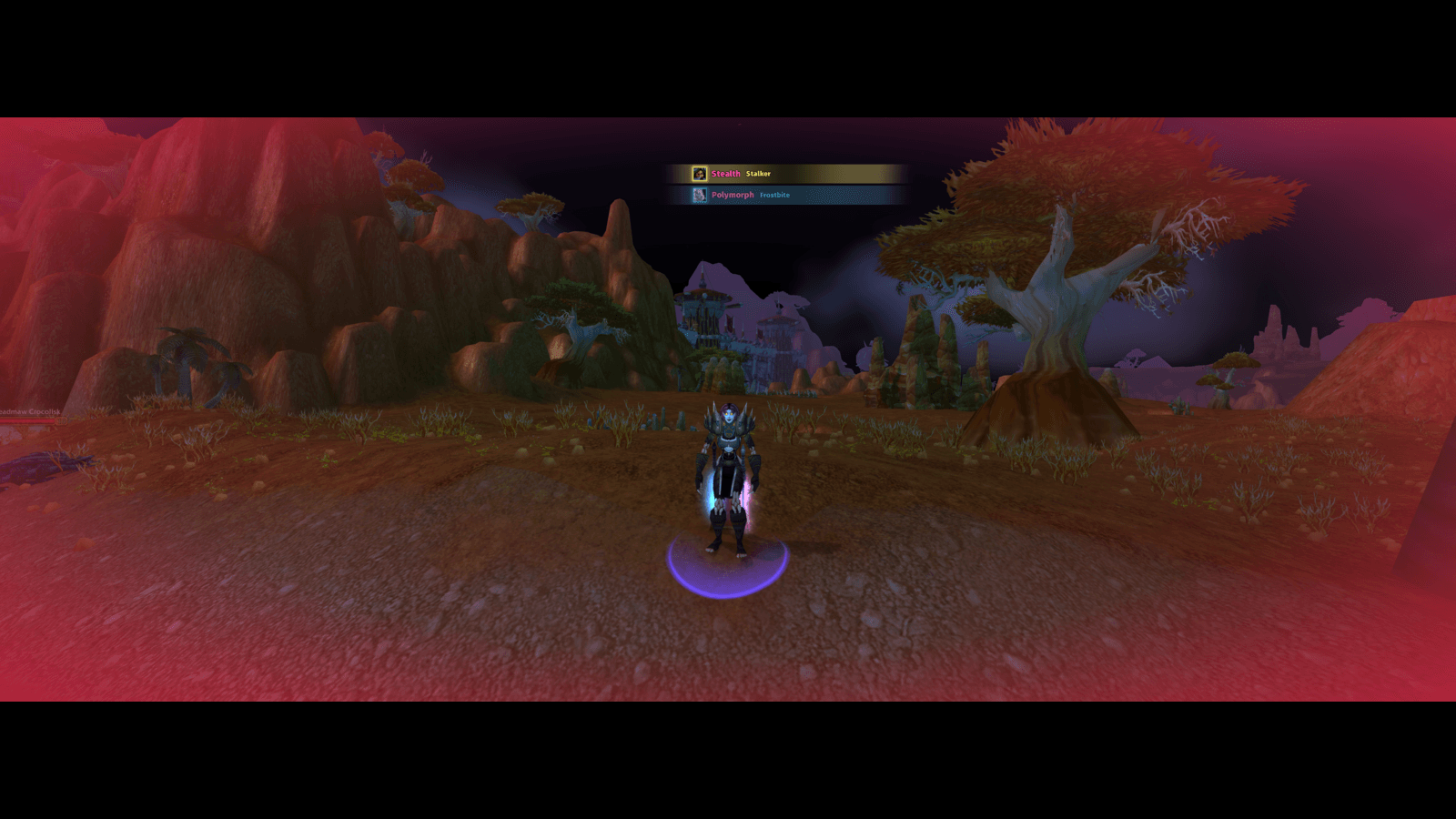
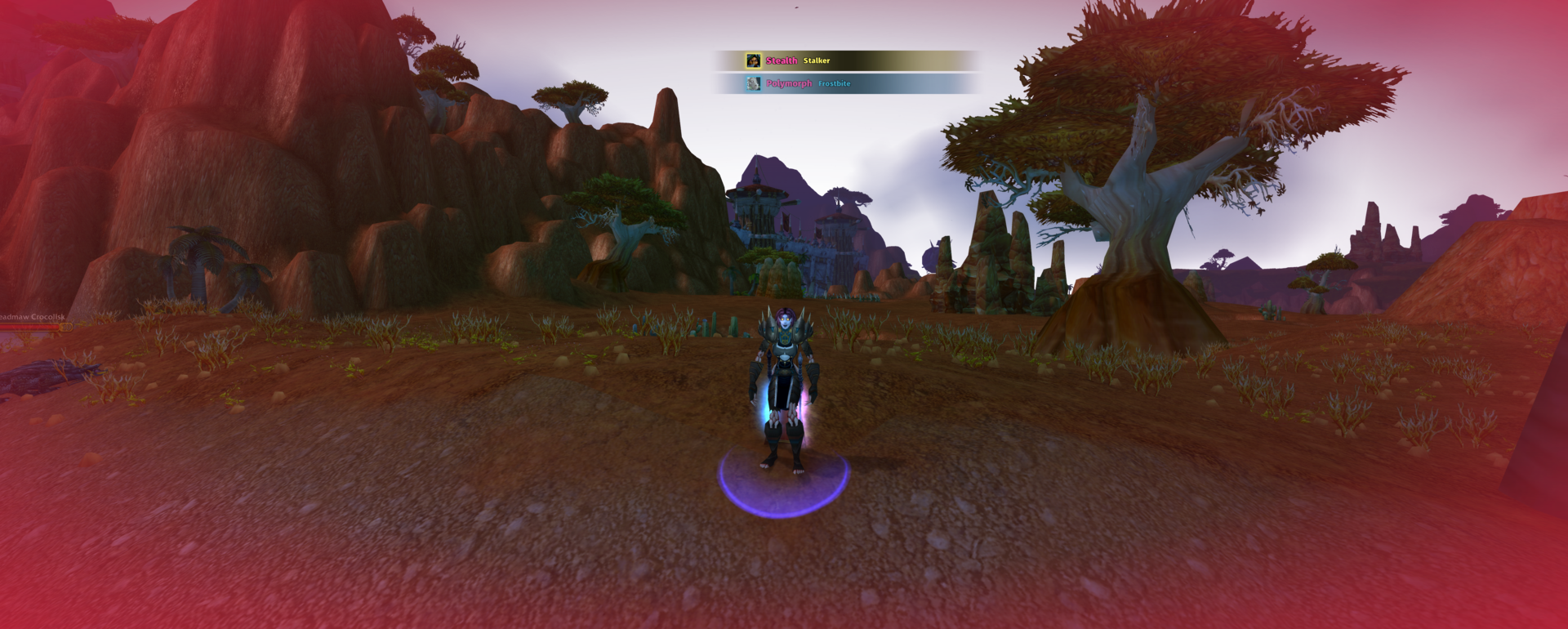
A soft vignette flashes the edges of the screen in the colour you chose for that spell's visual warning. Opacity, an extra pulse and additive blending are all configurable.
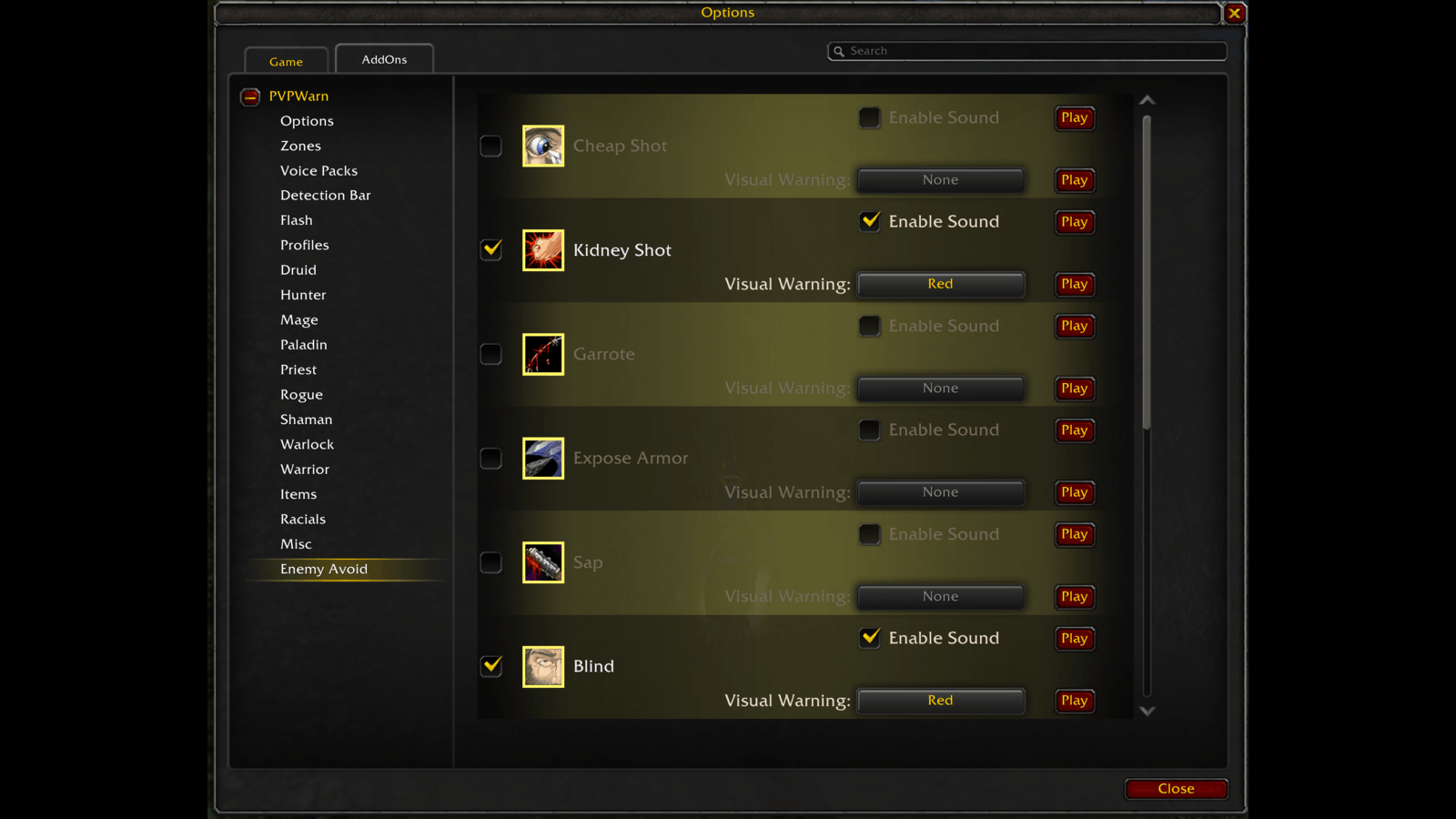
Hear it when a spell is resisted, dodged or missed - either one you avoided, or one an enemy avoided from you. Configured per spell, just like the warnings.
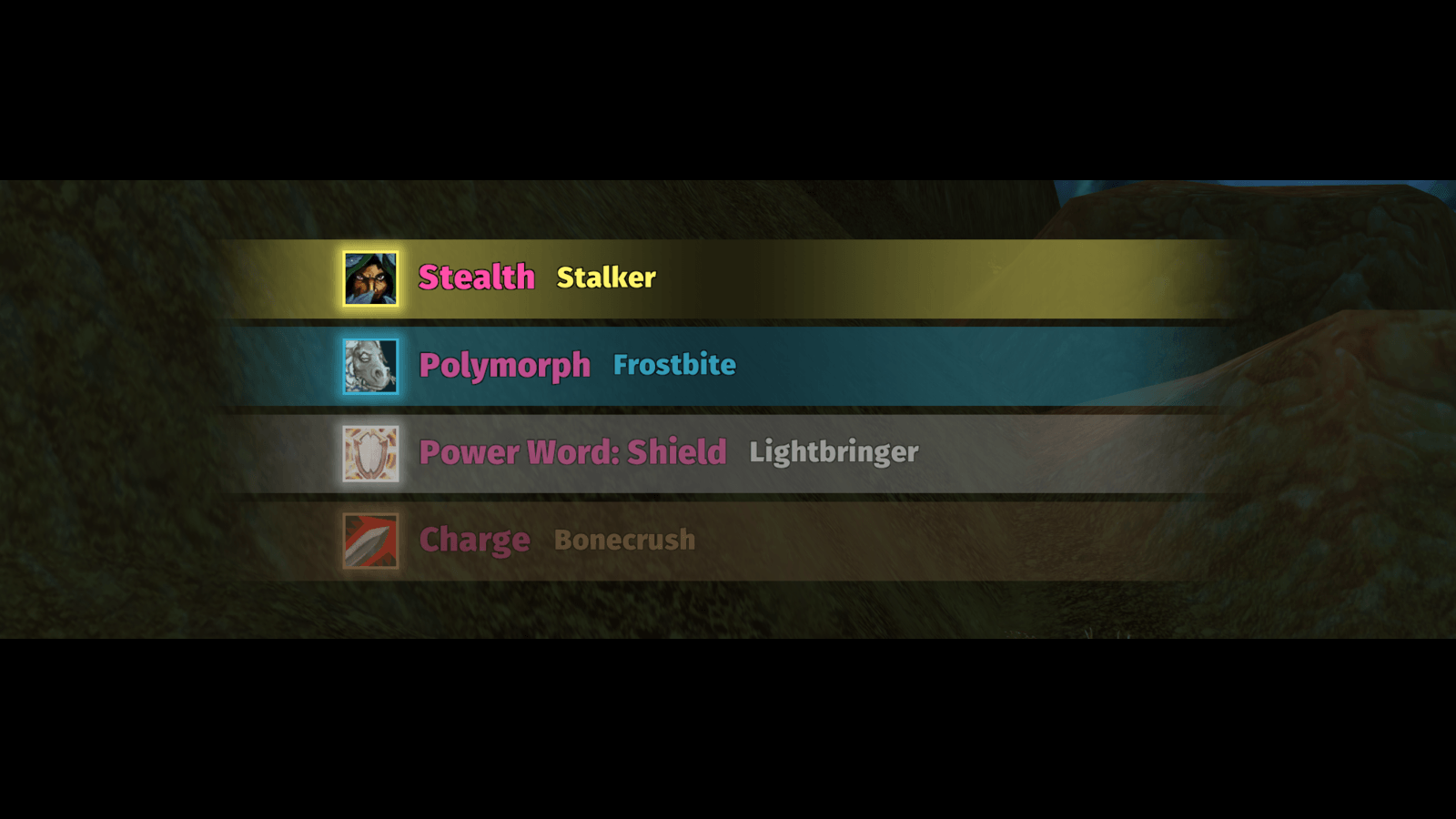
See every detected enemy spell at a glance - a stack of bars showing the spell icon, a class-coloured border, the event and the enemy player's name. Scale, stack size and position are all configurable.
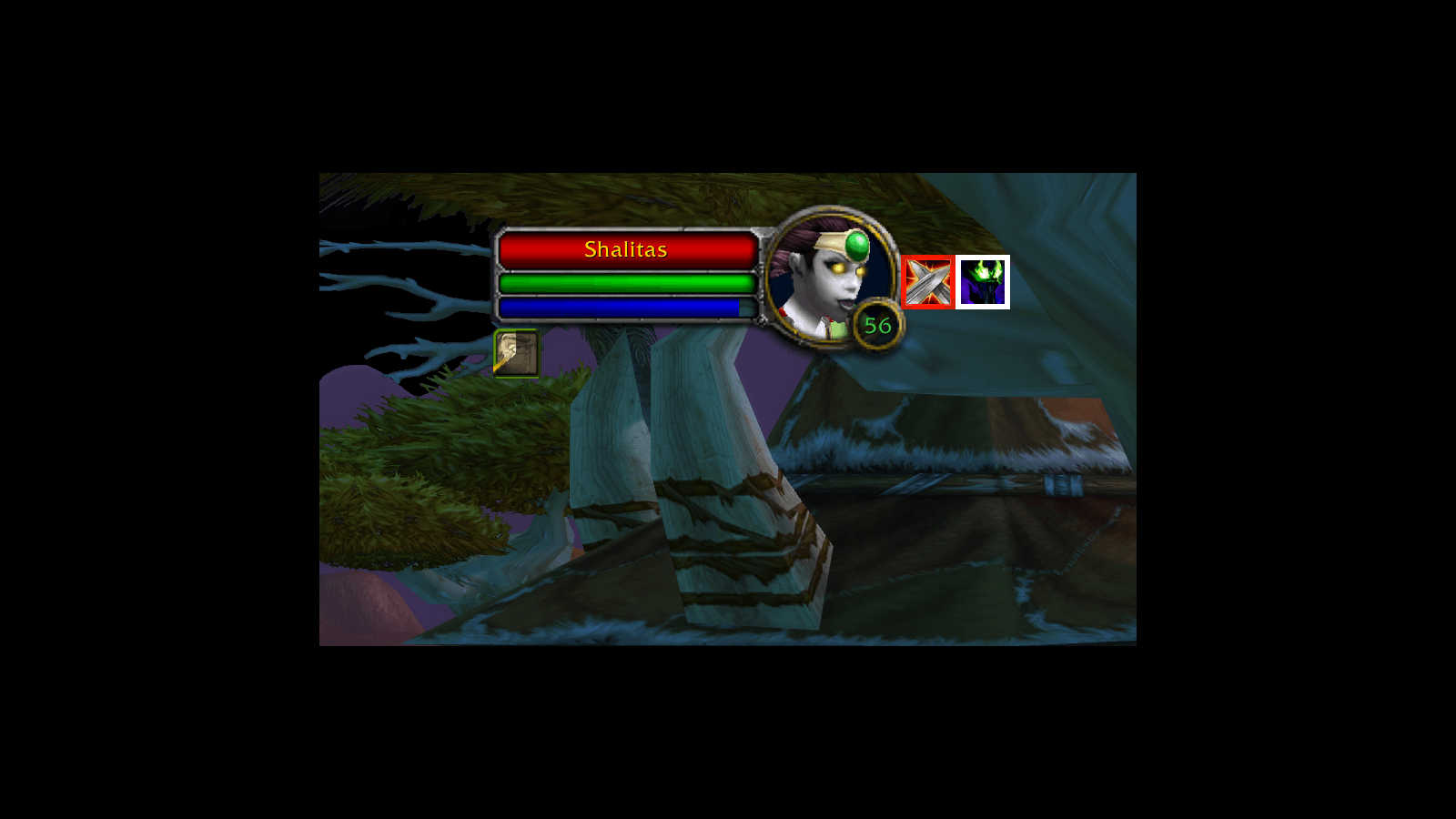
PVPWarn shows whether your target is in combat and which stance or form it is in, right next to the target frame. Both icons can be moved wherever you want them.
Description
PVPWarn

PVPWarn aims to help players hear and see enemy spells cast on them, as well as spells that an enemy player resisted or that the player themselves resisted
Providers


What is PVPWarn?
PVPWarn's goal is to help the player recognize combat log events in a more visual and acoustic way. PVPWarn can display visual and acoustic cues when a certain event is found in the combat log. As an example, PVPWarn might play a sound both when an enemy warrior activates Recklessness and when it runs out.
Source/Issues


Features of PVPWarn
Warning
The basic feature of warning the player can be configured for each class and some additional categories such as items, racials and misc.
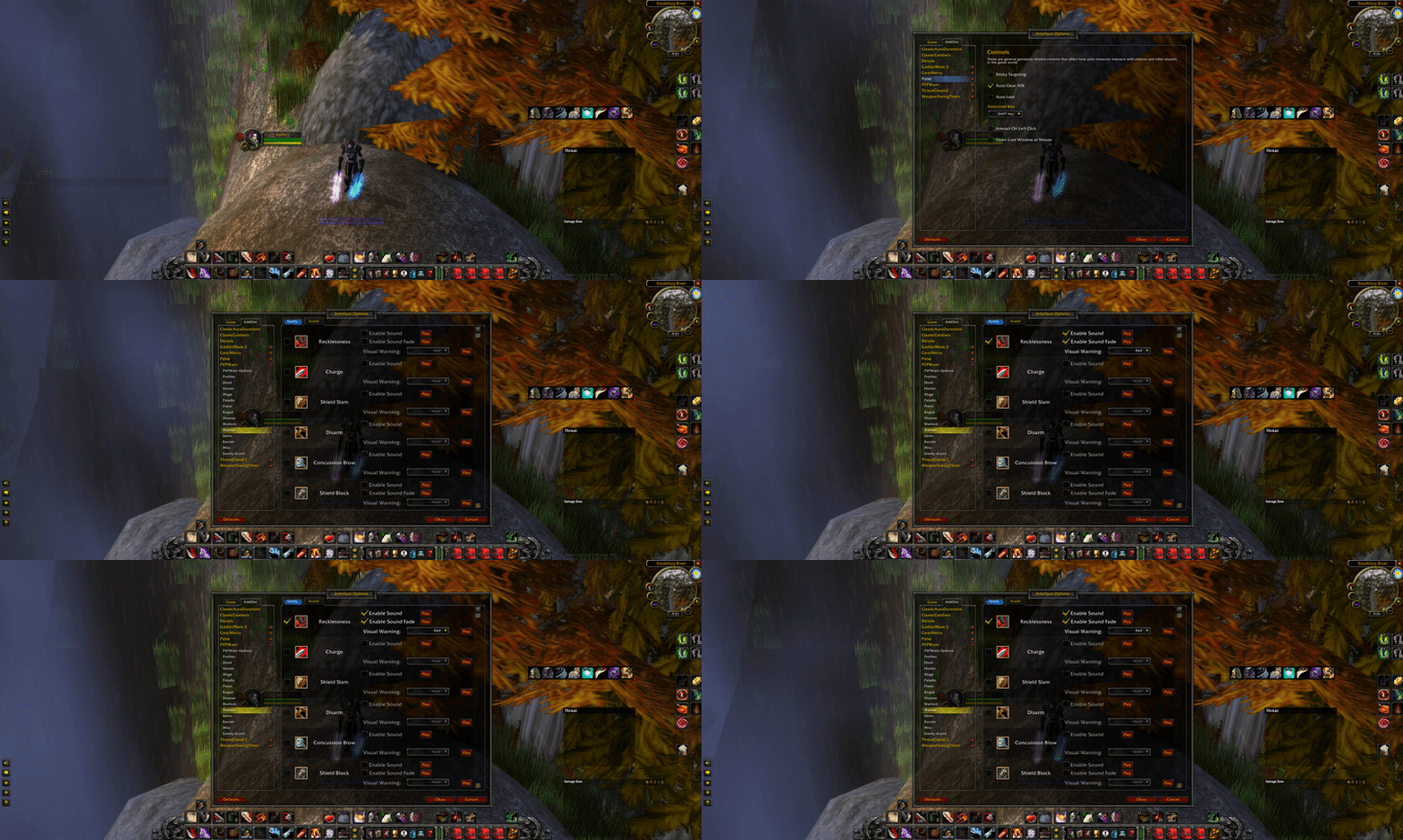
Avoiding Spells
PVPWarn can also detect when certain spells were resisted, either by the player or by an enemy player.
Self Avoid
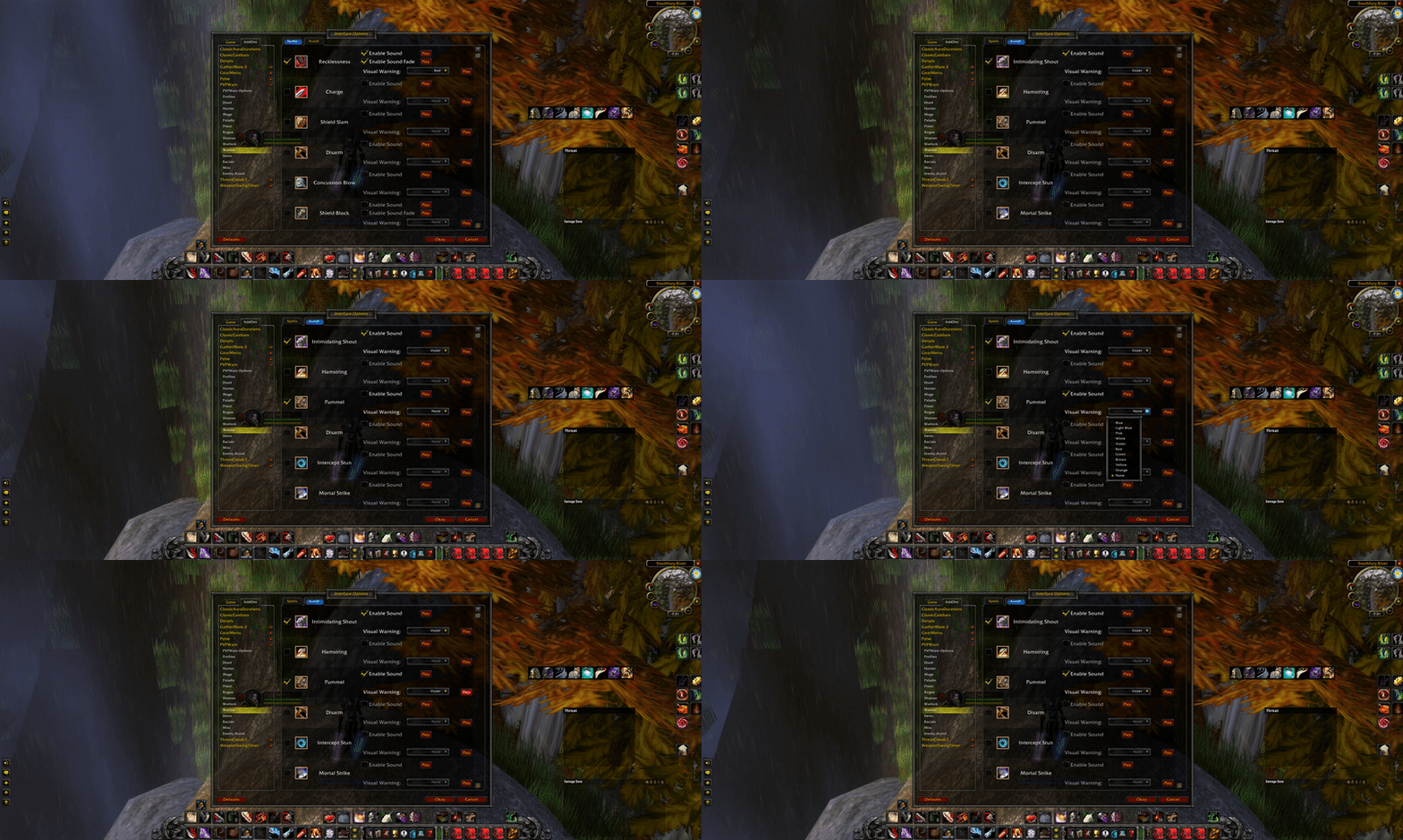
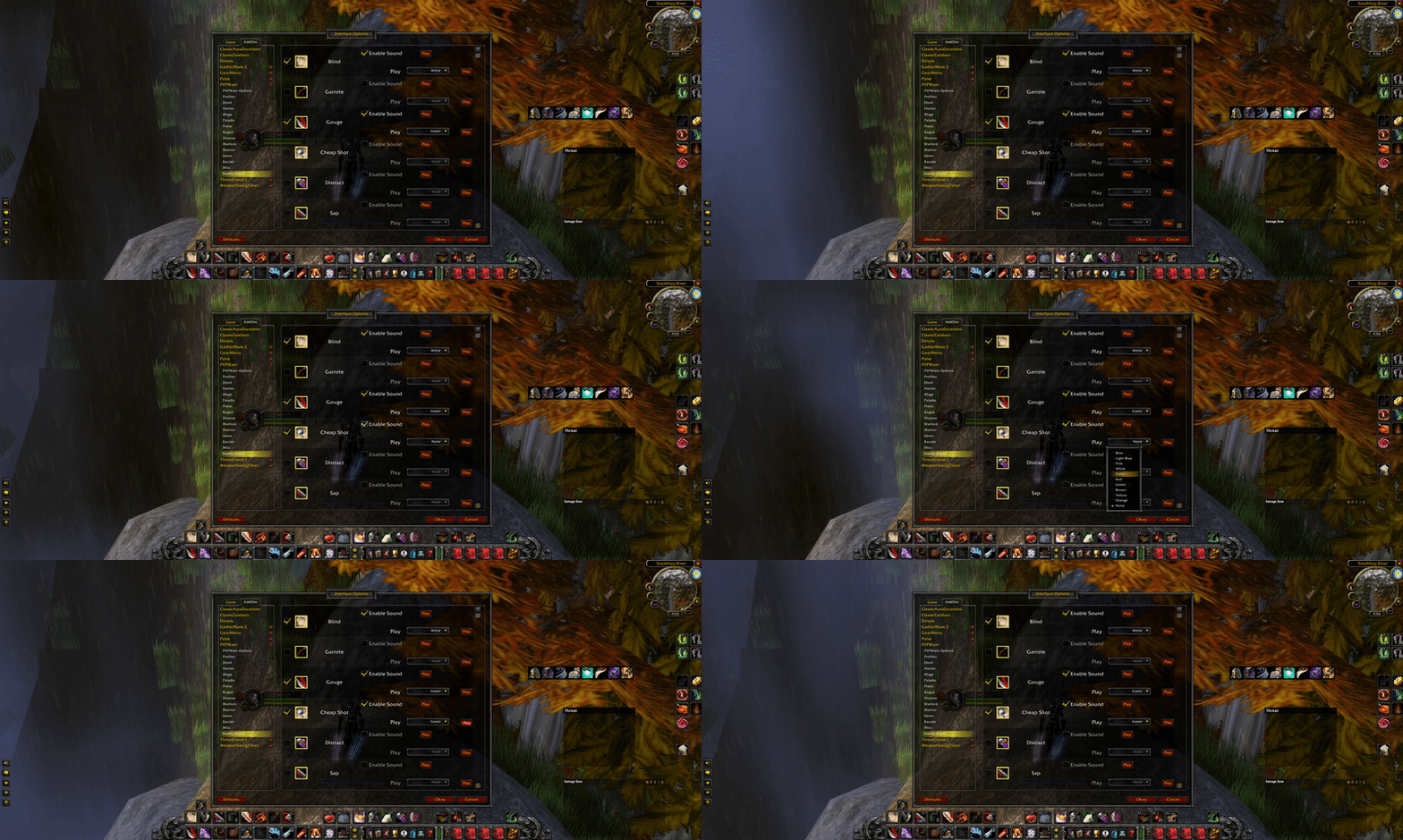
The avoid tab allows you to configure warnings for all spells of a certain category. If you're interested in knowing when you resist a certain spell, such as the silence of a shadow priest, you configure this in the priest category.
Enemy Avoid
To configure the resist warning for your own class, use the Enemy Avoid navigation point. This menu contains all spells for your class that can be resisted and are supported by PVPWarn. If you play a different class, the content of that menu will differ.
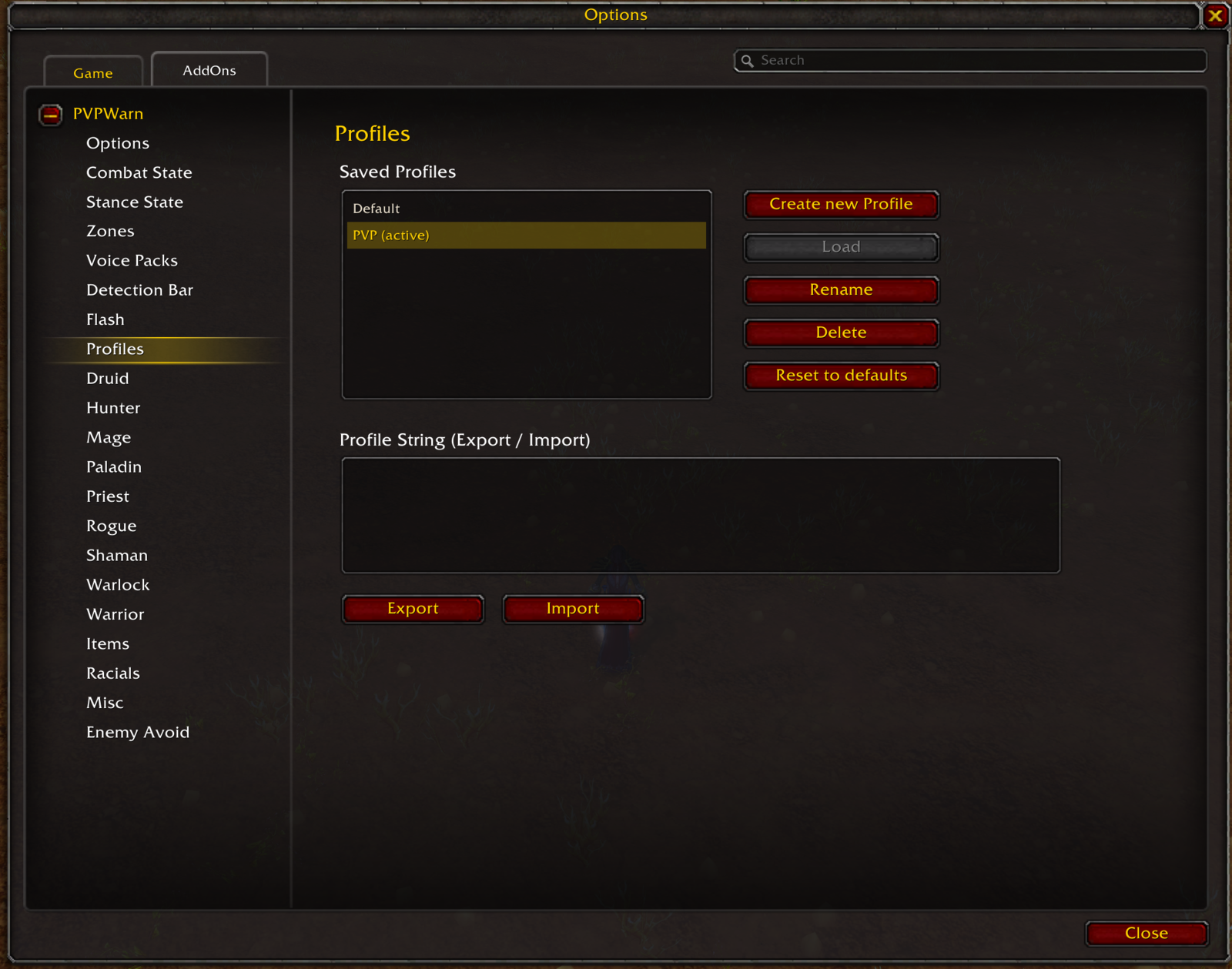
Profiles
Your spell settings always belong to one profile - the active one, drawn in gold on the Profiles page. Every change you make in the settings is saved into it, so there is nothing to update by hand. Keep several profiles and load the one that fits your situation; the profile you leave keeps everything you changed while it was active.
- Create new Profile stores your current settings under a new name and makes it the active profile
- Load switches to the selected profile; your current settings stay saved in the profile you leave
- Rename gives the selected profile a new name
- Delete removes the selected profile - deleting the active one loads
Defaultinstead - Reset to defaults restores the class defaults into the active profile
Default is your editable home profile: PVPWarn creates it from your class when the addon loads for the first time, and it cannot be renamed or deleted. It is not frozen - change it as you like and use Reset to defaults whenever you want the factory settings back.
Profiles can also be exported to a string and imported on another character, which makes it easy to share a setup.
Loading Profiles with Macros
Once a profile is created, it can be loaded manually or with a macro. A macro switch behaves exactly like Load: the profile you leave keeps your current settings and the named profile becomes the active one.
/run _G["RGPVPW_MACRO_LOADPROFILE"]("[profileName]")
Example:
/run _G["RGPVPW_MACRO_LOADPROFILE"]("Warriorprofile")
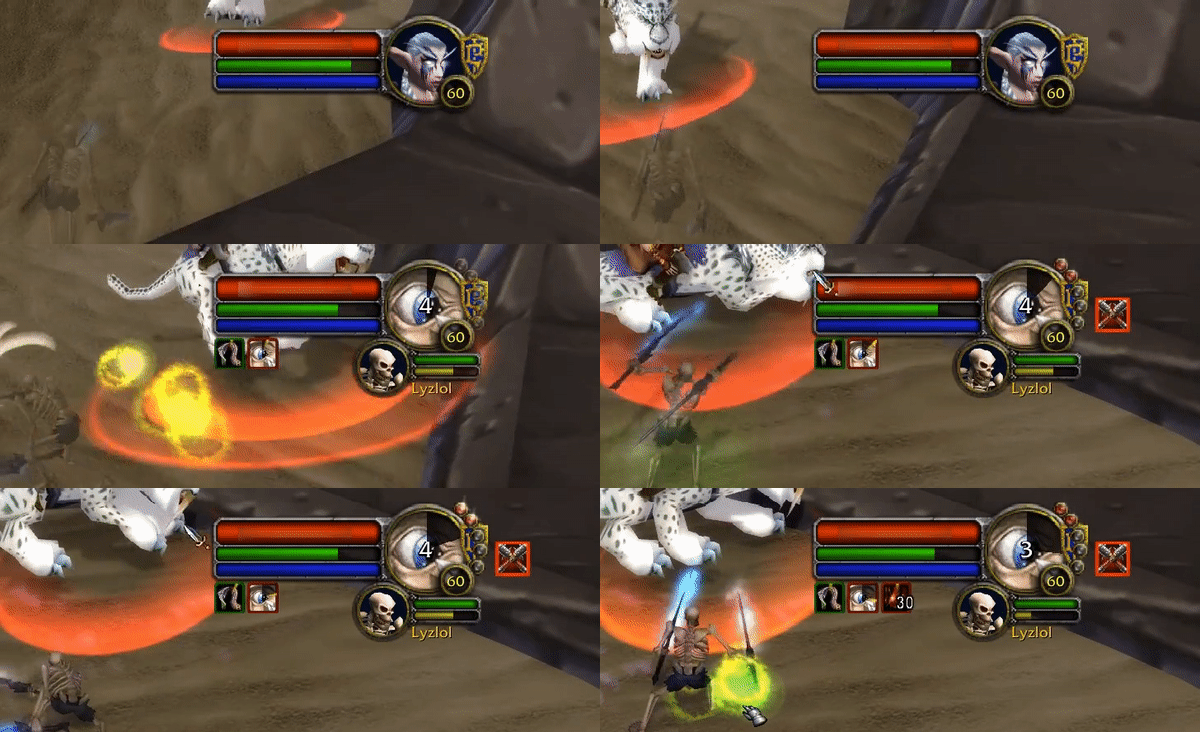
Combat State
PVPWarn can track a target's combat state and will display it next to the target frame. The combat icon can be moved to another place if required.
Stance State
PVPWarn can track a target's stance state and will display it next to the target frame. The stance icon can be moved to another place if required. Tracking the stance is limited to certain classes and is only possible if PVPWarn was able to observe the stance in the combat log.
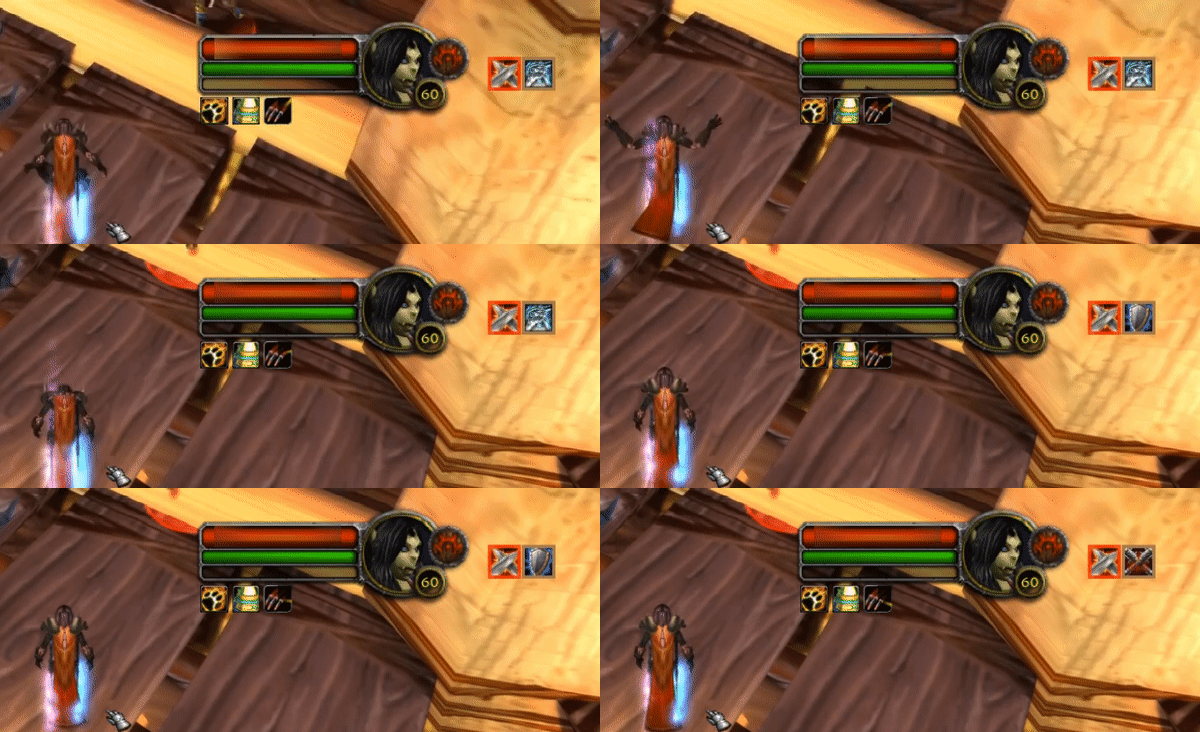
If PVPWarn is unable to determine the stance it will display a question mark for an icon.
Enable/Disable Addon in Zones
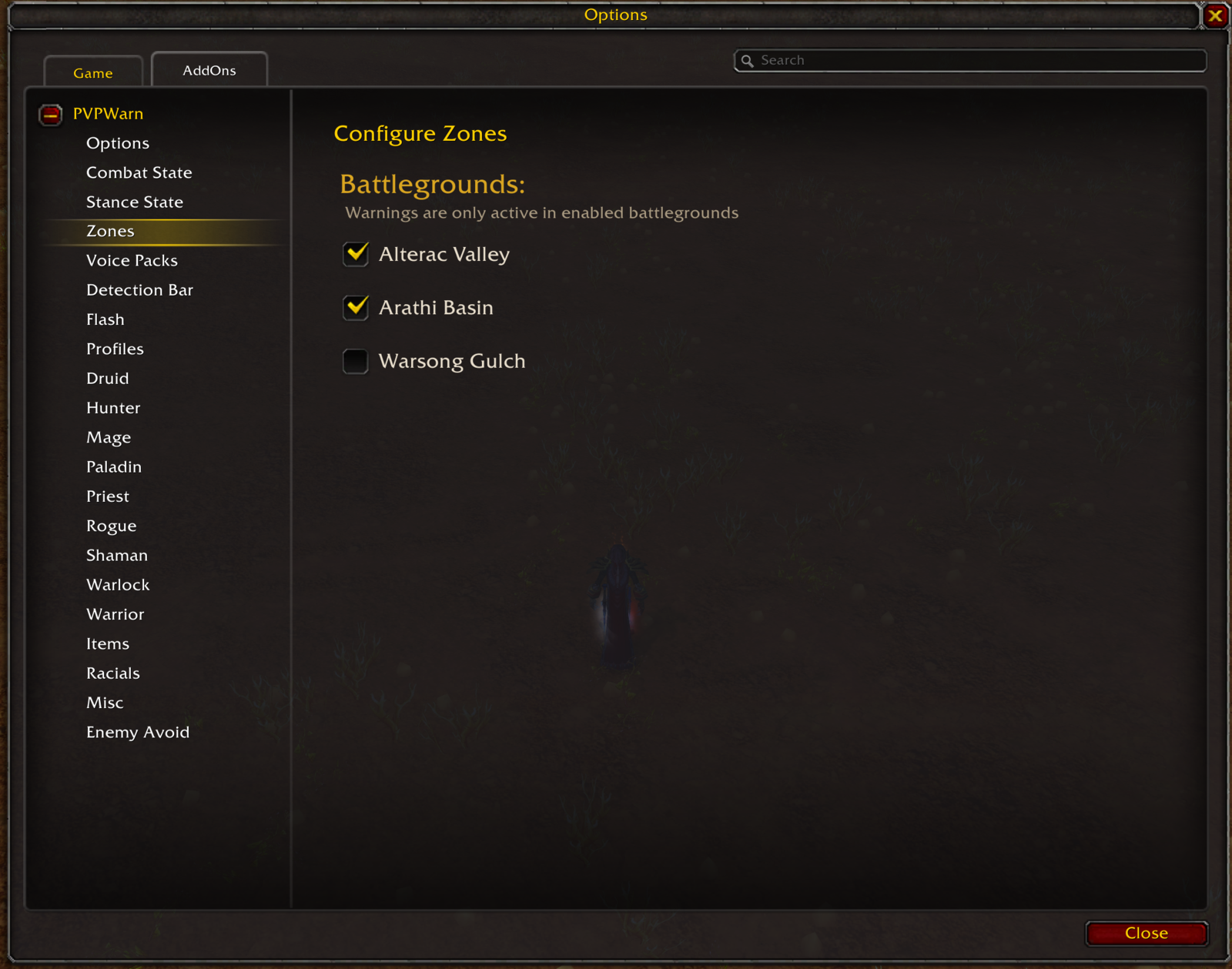
The addon can be configured to automatically enable or disable itself in certain zones. This might be useful in zones such as Alterac Valley, where a lot of events are generated.
Detection Bar
PVPWarn can display detected enemy spells as a stack of bars on the screen. Each bar shows the spell icon with a class-colored border, the detected event and the name of the enemy player. The detection bar is a global feature that can be enabled in the settings, where the scale and the maximum amount of bars shown at once can be configured as well. The bar can also be repositioned, locked, unlocked or tested with /rgpvpw bar lock/unlock/test.

Flash
PVPWarn can flash the edges of the screen with a soft vignette when a spell with a configured visual warning is detected. The flash uses the same color that was chosen for the spell's visual warning. The feature can be enabled in the settings, where the maximum opacity, an additional pulse effect and additive blending can be configured and tested.
Voice Packs
PVPWarn supports configurable voice packs to customize the audio experience with different character voices. Voice packs are separate addon packages that can be installed alongside PVPWarn - a Night Elf Female, an Undead Male and a Gnome Female voice are available. Once installed, the voice pack to use is selected in PVPWarn's settings.
FAQ
I get a red error (Lua Error) on my screen. What is this?
This is what we call a Lua error, and it usually happens because of an oversight or mistake by the developer (in this case, me). Take a screenshot of the error and create a GitHub issue with it, and I will see if I can resolve it. It also helps if you can add any additional information about what you were doing at the time and which other addons you have active. Additionally, if you are able to reproduce the error, make sure to check whether it still happens when you disable all other addons.
PVPWarn did not warn me about a certain spell. Why?
This can have multiple causes. It might be an actual bug where the addon did not recognize the spell. Before creating a ticket, however, please make sure to check that the spell is actually configured to show a visual or acoustic warning.
PVPWarn does not support my Spell. What can I do?
PVPWarn is not complete, and certain spells might have simply been forgotten. If there is a spell that you would like to see supported in a future version of the addon, make sure to create a ticket for it, and I will have a look at it.
PVPWarn shows me a question mark instead of the stance of the player
This is a limitation of the WoW API. Stances can only be observed when a warrior is switching from one stance to another. It is not possible to query the current stance directly. PVPWarn will, however, display the stance as soon as it is able to observe it.
The PVPWarn - Classic Team


Owner