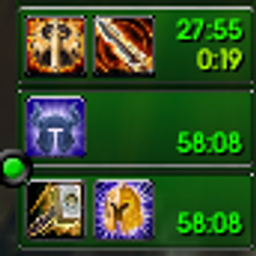
Protection Paladin Tracker - Righteous Fury and Seal Tracker with Alerts
- By
Prot Paladin Buff Tracker - Tracks Righteous Fury, and your Seals. Can display a seal bar to track current seal and alert to rebuff in combat.
What is it and what can it do?
Protection Paladin Tracker keeps an eye on your Prot Paladin buffs so you don’t have to.
- Righteous Fury reminder: if you’re Protection and Righteous Fury isn’t up, a flashing Righteous Fury icon appears on your screen and a sound repeats until you put it back up.
- Seal reminder in combat: if your seal runs out during a fight, “NO SEAL ACTIVE” flashes on screen and a sound repeats every few seconds until you reseal. It works with all seals.
- Seal duration bar: a draggable bar shows your active seal, its icon and how much time is left, in and out of combat. It turns red in the last 5 seconds, and you can change its fill color.
- Auto Tank role: sets your role to Tank whenever you’re in a party or raid.
- Custom sounds: choose from AI voice clips (Righteous Fury and Seal), fun sounds (Lightsaber, Hallelujah, Gary Meow, Link, Newb) or built-in game sounds. Each alert gets its own sound, and an “Extra loud” option is included.
How do I use it?
- Open Options > AddOns > Protection Paladin Tracker, or type /ppt.
- Turn on the trackers you want, turn off the ones you don’t, and pick your sounds (or no sound).
- The first time you log in, the seal bar appears unlocked. Drag it where you want it, then click the X to lock it. You can unlock it again from the options page.
Known Limits
- The Righteous Fury reminder only works out of combat, because WoW Forever hides buff information from addons during combat.
- The Righteous Fury reminder only turns on if you have the Templar’s Bulwark talent, since that’s how the addon knows you’re Protection.
- In combat, the seal bar counts down from when you cast your seal. If something changes a seal’s duration mid-fight, the bar won’t show it until combat ends.
- The seal reminder waits about half a second before warning you, so swapping seals doesn’t set it off.
Protection Paladin Tracker - Righteous Fury and Seal Tracker with Alerts Team

Owner