


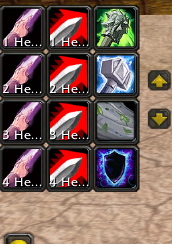
with scrollbuttons
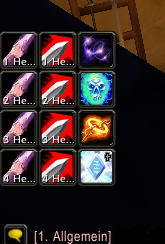
HoloBar without scrollbuttons
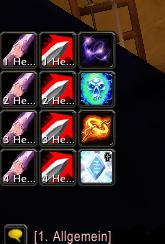
without scrollbuttons
Description
HoloBar now includes HoloGemini!
This addon adds two 12 button fields. The second field is disabled by default. You can access all 120 action buttons. 12 at a time. Field layout is 4 rows in 3 columns. Both can be positioned anywhere on the screen via commands. The buttons will stay invisible until an action is dropped into them. The buttons are aliases of the original buttons. Actions present in original bar 1 will show up in page 1. {{{ Commands: /hb or /holobar plus one of the following commands:
- (s)et (p)age {1-10}
- (s)et pos [x={number}] [y={number}] [bar={bar}] [anchor={anchor}]
- (s)et (s)witches anchor={LEFT, RIGHT} [bar={bar}]
- (t)oggle (s)witches bar={bar}
- (t)oggle (b)indings bar={bar}
- (t)oggle (v)isibility bar={bar}
- (r)eset bar={bar}
() = shortform [] = optional parameter {bar} = <HoloBar, HoloGemini> (default is HoloBar if bar parameter is omitted) {anchor} = any valid anchor (default for HoloBar is BOTTOMLEFT, default for HoloGemini is BOTTOMRIGHT)
Example: /holobar toggle visibility bar=HoloGemini /hb t v bar=HoloGemini -- HoloGemini will show if it was hidden, else it will hide. }}}
The HoloBar Team
