


Profession Atlas
- By

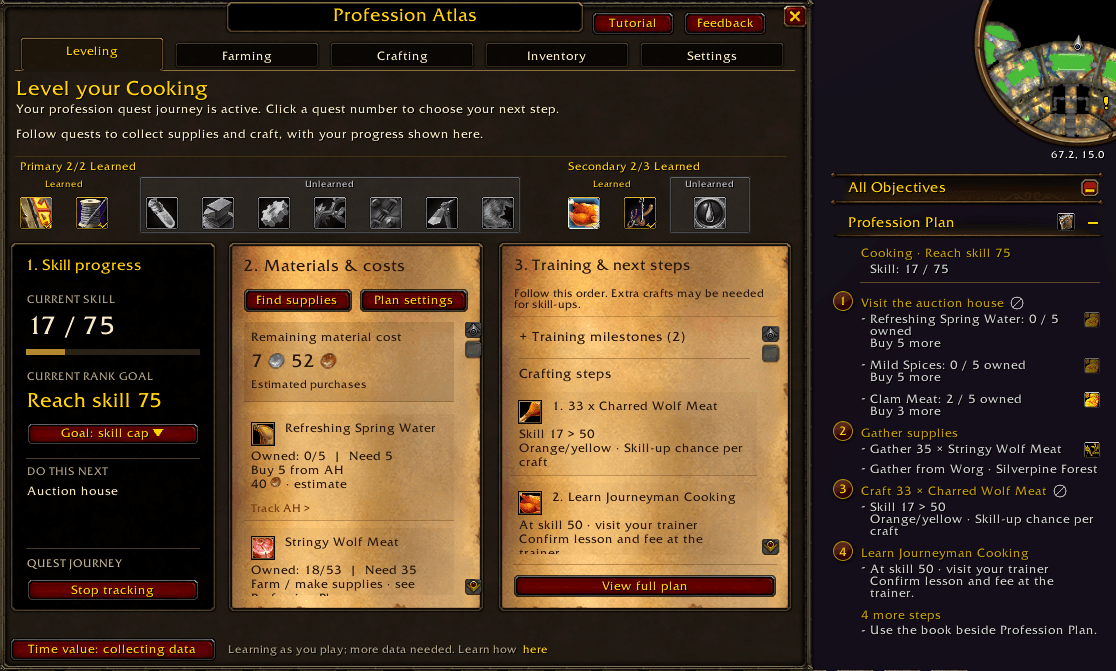
Choose a goal in Leveling and follow matching numbered tasks in your quest tracker. Supplies, crafting and training stay together as you progress.
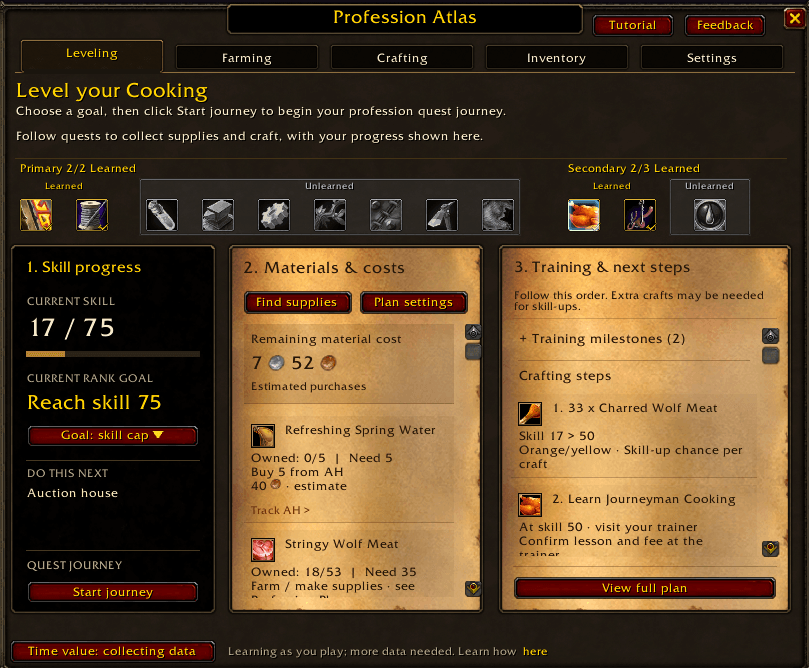
Pick a profession and a skill goal, then press Start journey. Atlas builds the supply, crafting and training steps around that goal.
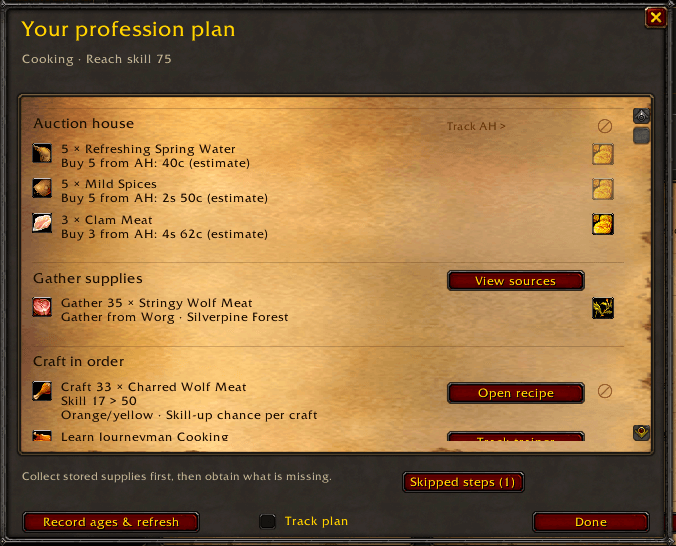
Review purchases, gathering and the crafting order in one place. Open a recipe, view material sources or restore skipped steps.
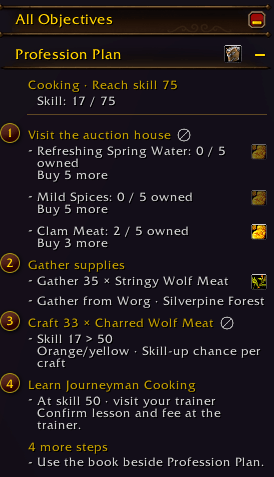
Follow supplies, crafting and training in the quest tracker. Click a numbered task to choose the next step; the book opens your full profession plan.
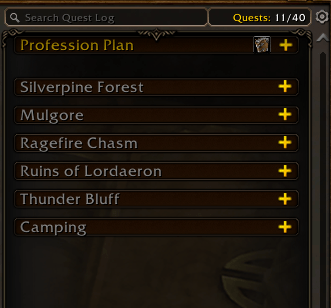
Profession Plan sits alongside your other quest-log sections. Expand it when you need your next profession steps, or collapse it to keep the log tidy.
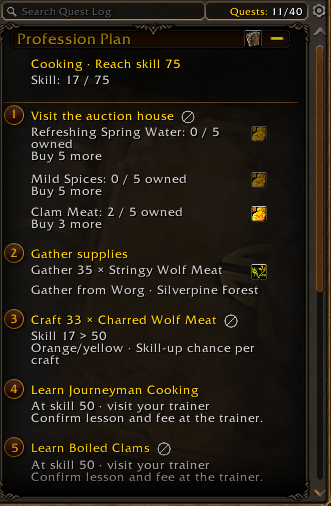
Expand Profession Plan to see the tasks, materials still needed and upcoming trainer lessons together in your quest log.
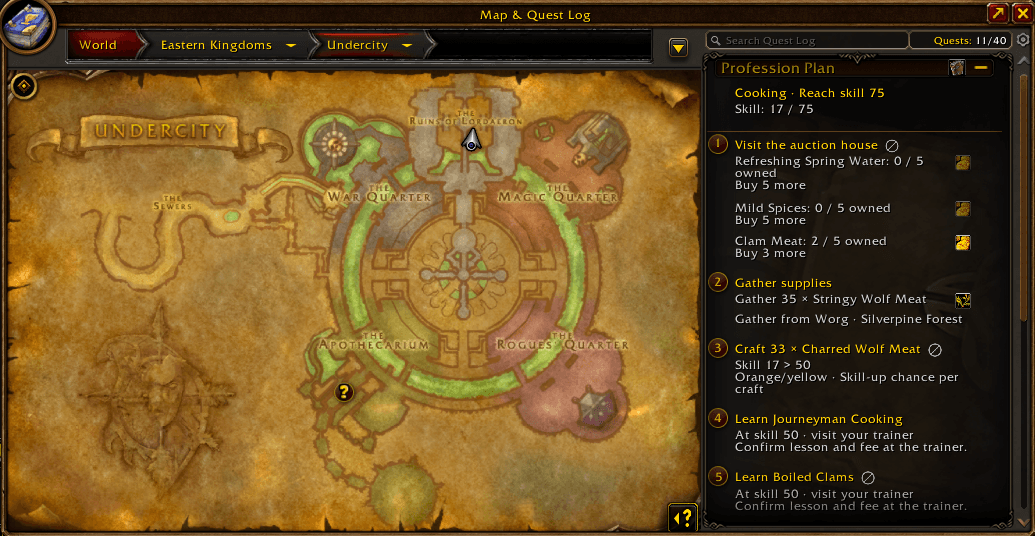
Your profession tasks stay beside Map & Quest Log, so you can check the next step while finding your way around the world.
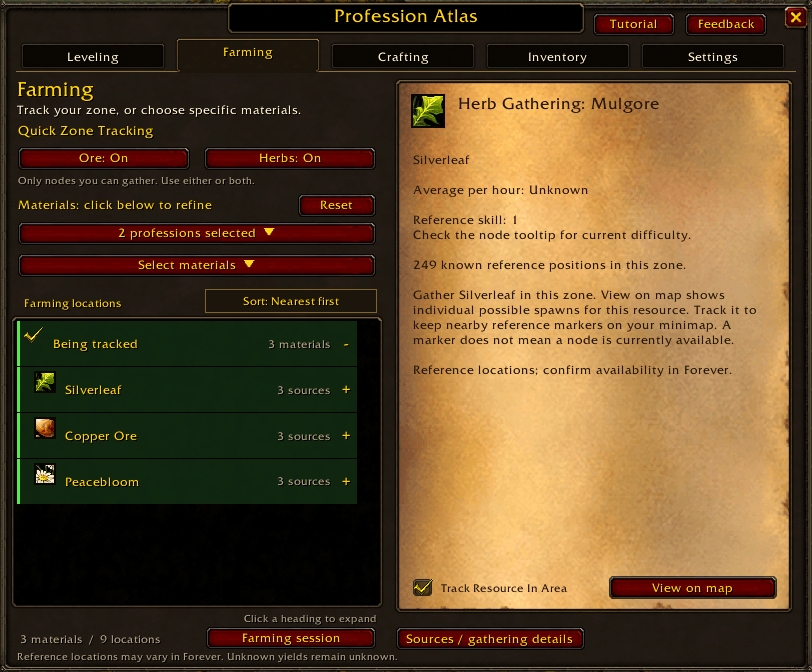
Quick Zone Tracking follows resources your gathering skills can collect. Expand a material to choose a reference area, then track it or view its possible positions on the map.
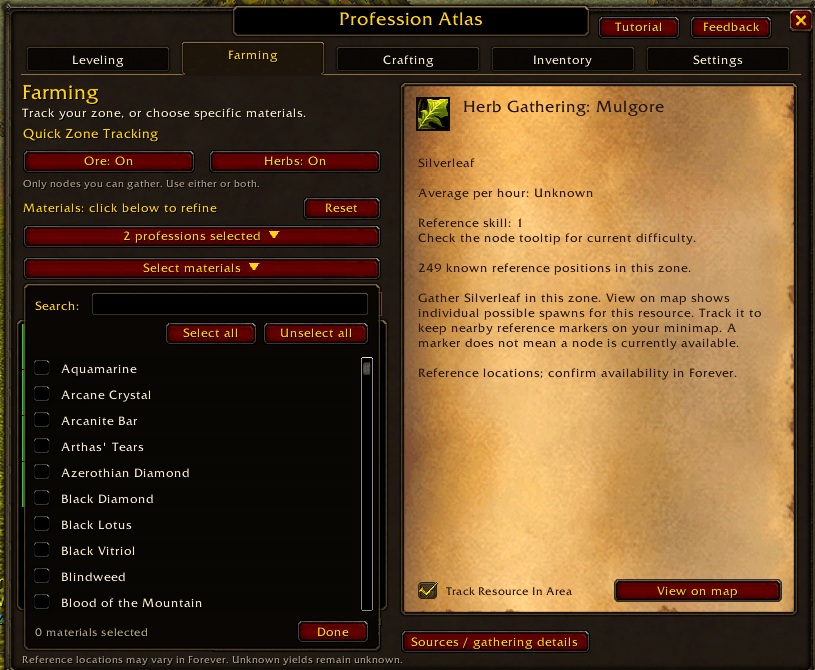
Search for specific materials and select several at once. Press Done to browse their farming locations together.
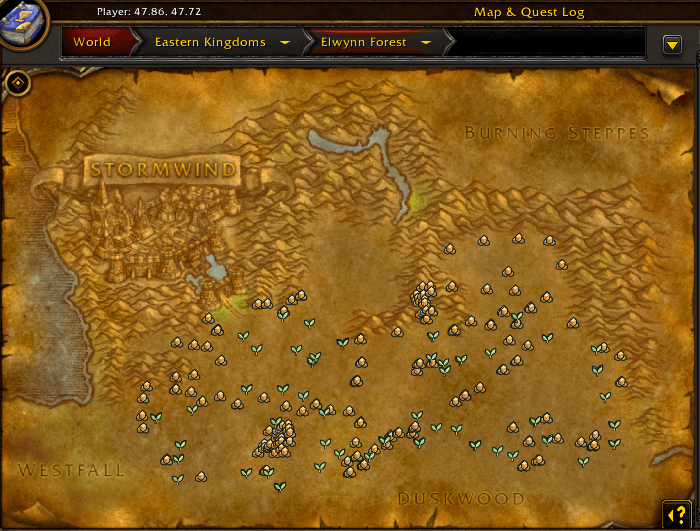
See herb and ore positions together on the world map. These are possible gathering locations, not a guarantee that a node is currently available.
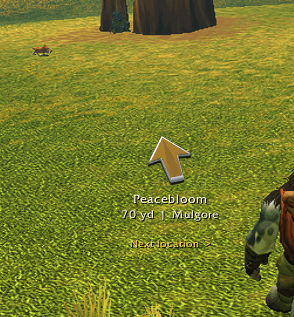
This view shows the gathering arrow farther from a Peacebloom reference location. Compare it with the next, green-arrow image to see the distance colour change.
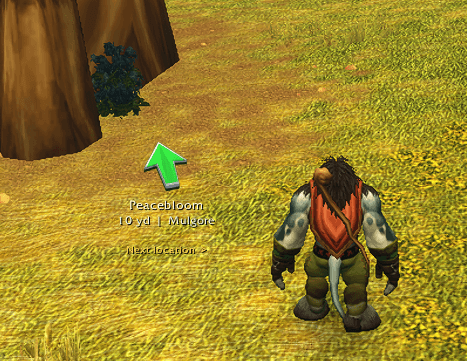
The gathering arrow turns green as you approach the tracked reference location. Compare it with the preceding gold-arrow image; distance colours and arrow style are configurable in Settings.
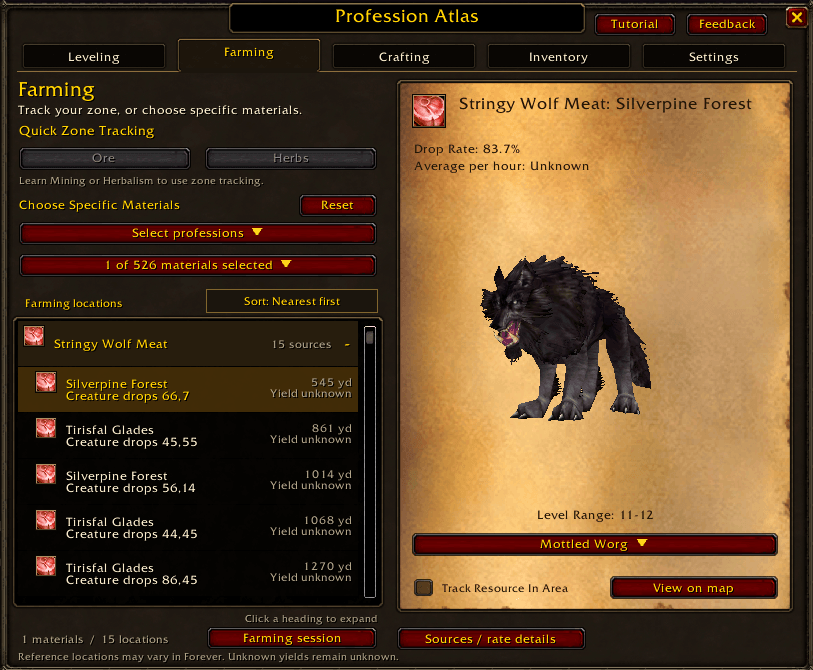
Need Stringy Wolf Meat for Cooking? Compare locations, preview a creature and choose an area to track. Drop chances are reference estimates.
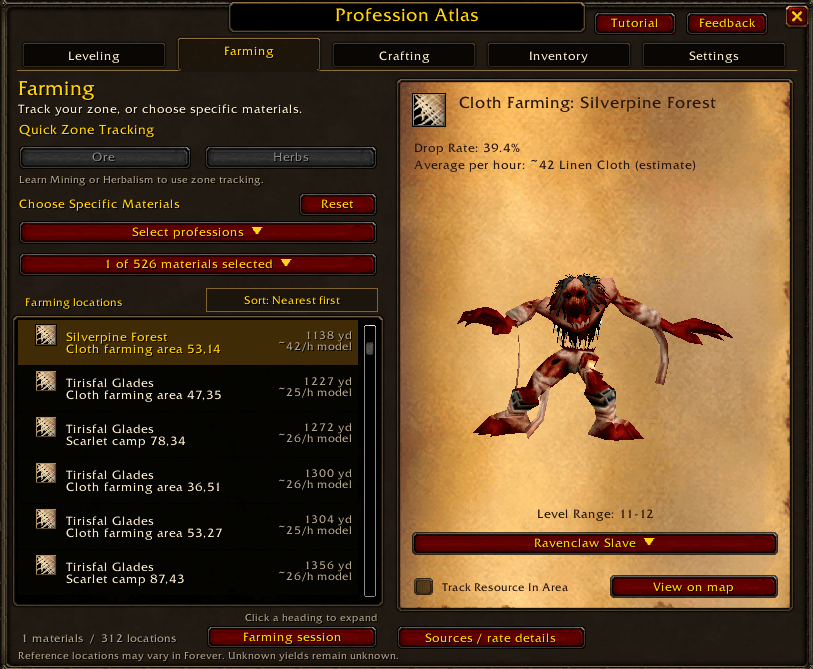
Browse farming areas, compare reference drop chances and preview supported creatures in 3D. Track an area or view it on the map.
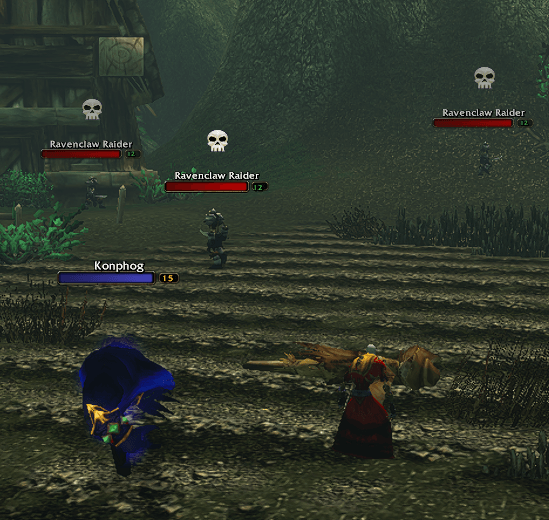
Personal markers identify nearby enemies matching a tracked farming area. Choose marker style and size in Settings.
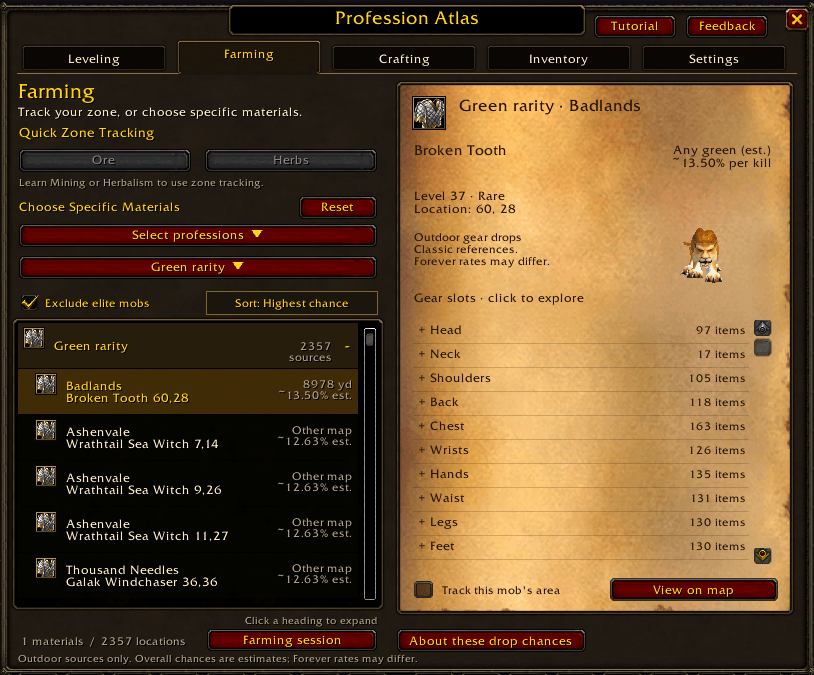
Compare outdoor equipment sources, exclude elite mobs and explore possible drops by gear slot. Chances are labelled estimates, not guaranteed Forever results.
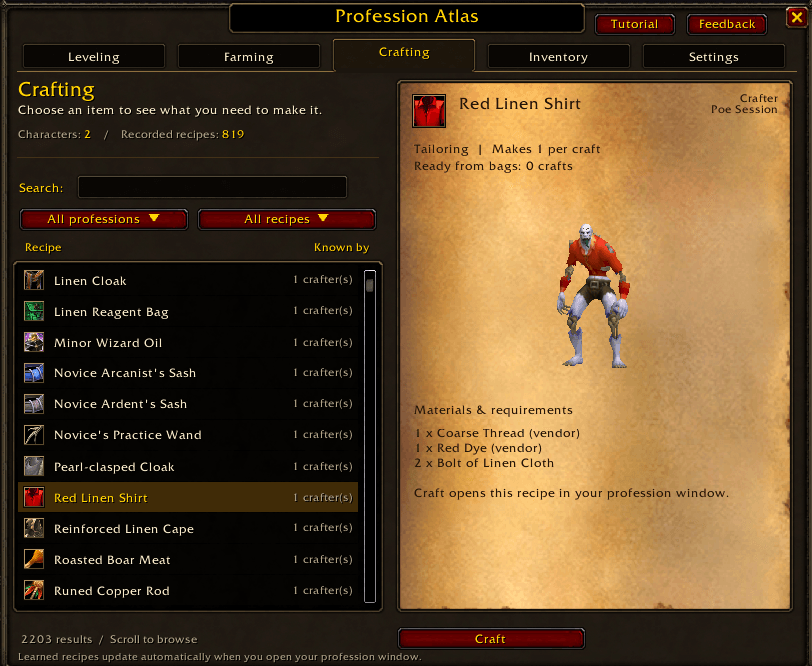
See the recorded crafter, required ingredients and crafts ready from your bags. Craft opens the matching recipe in the native profession window.
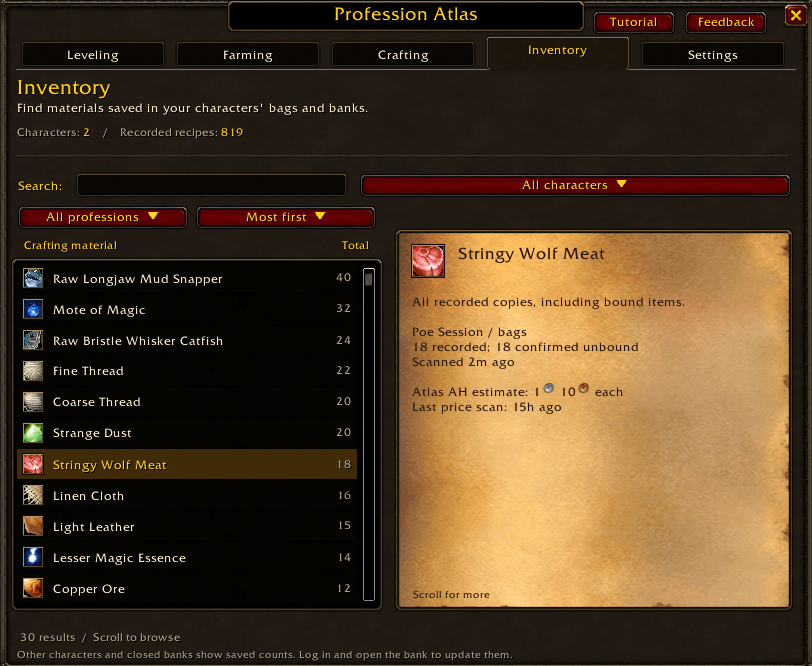
Search materials across recorded character bags and banks. The selected item shows its auction estimate with coin icons and the last price-scan age when available.
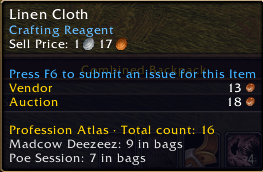
Hover over a material to see its recorded total and which characters hold it. Here, Linen Cloth is split between two characters' bags.
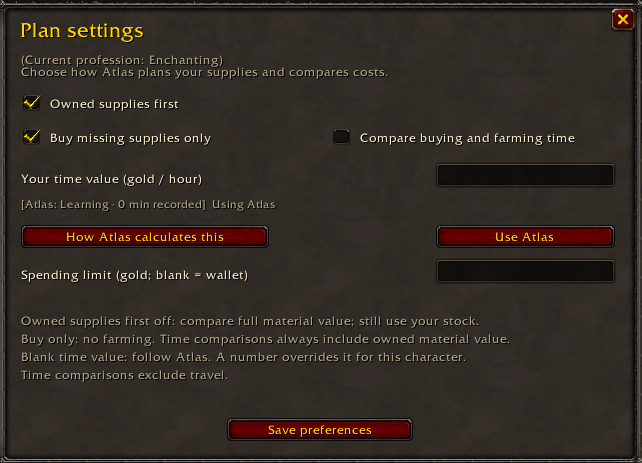
Use owned materials first, choose purchase or time comparisons, and set optional spending and time-value limits for the current profession.
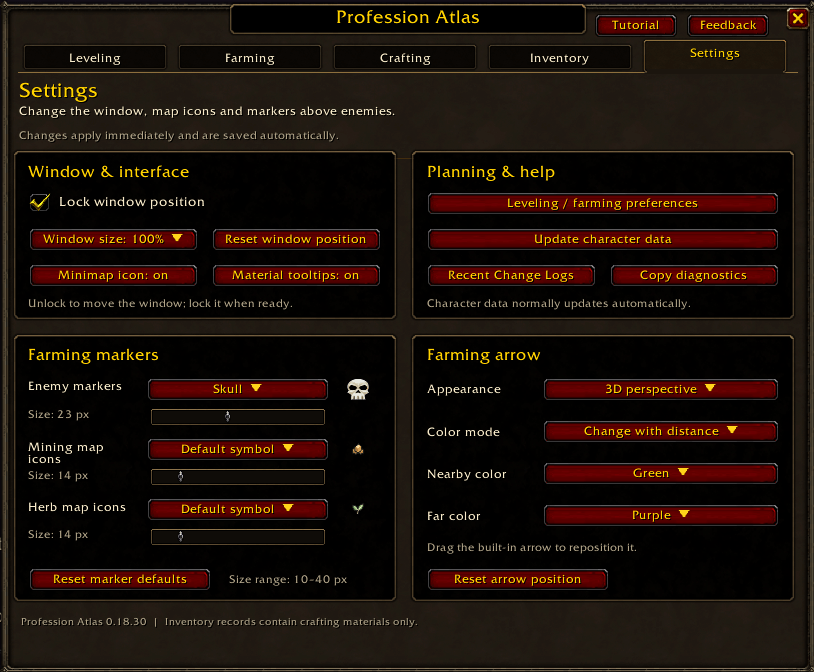
Adjust window size and position, choose personal farming markers and customise the direction arrow. Reopen Recent Change Logs from Planning & help.