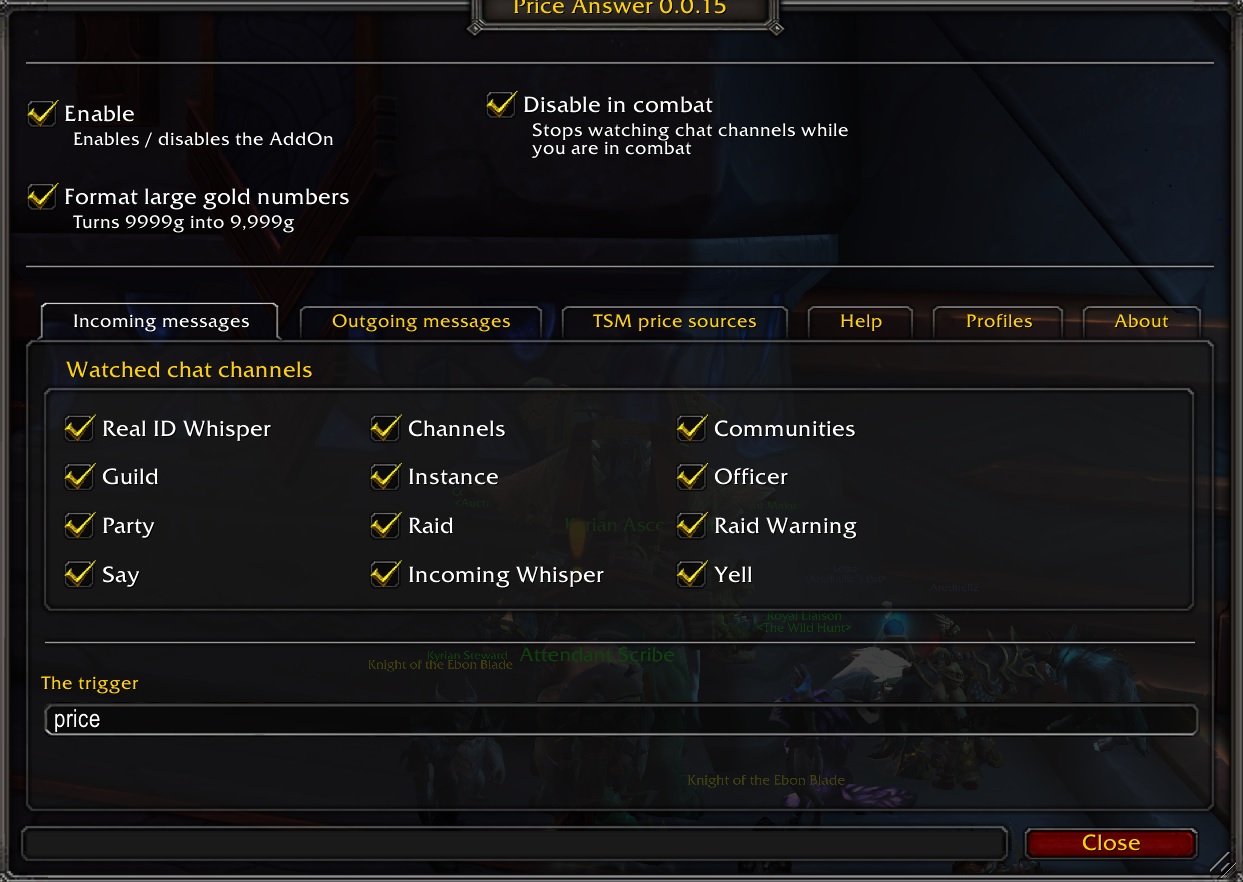
Settings for incoming messages
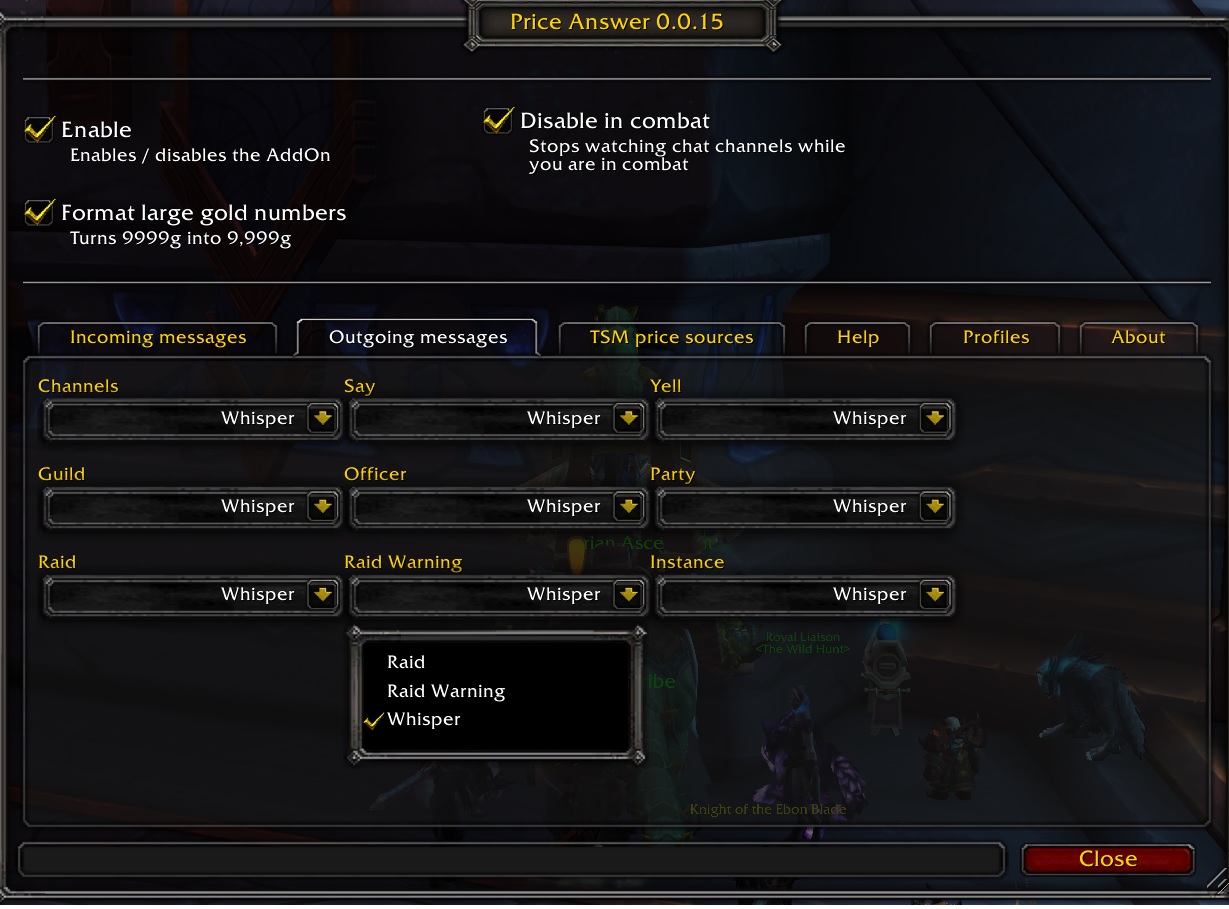
Settings for sending price info
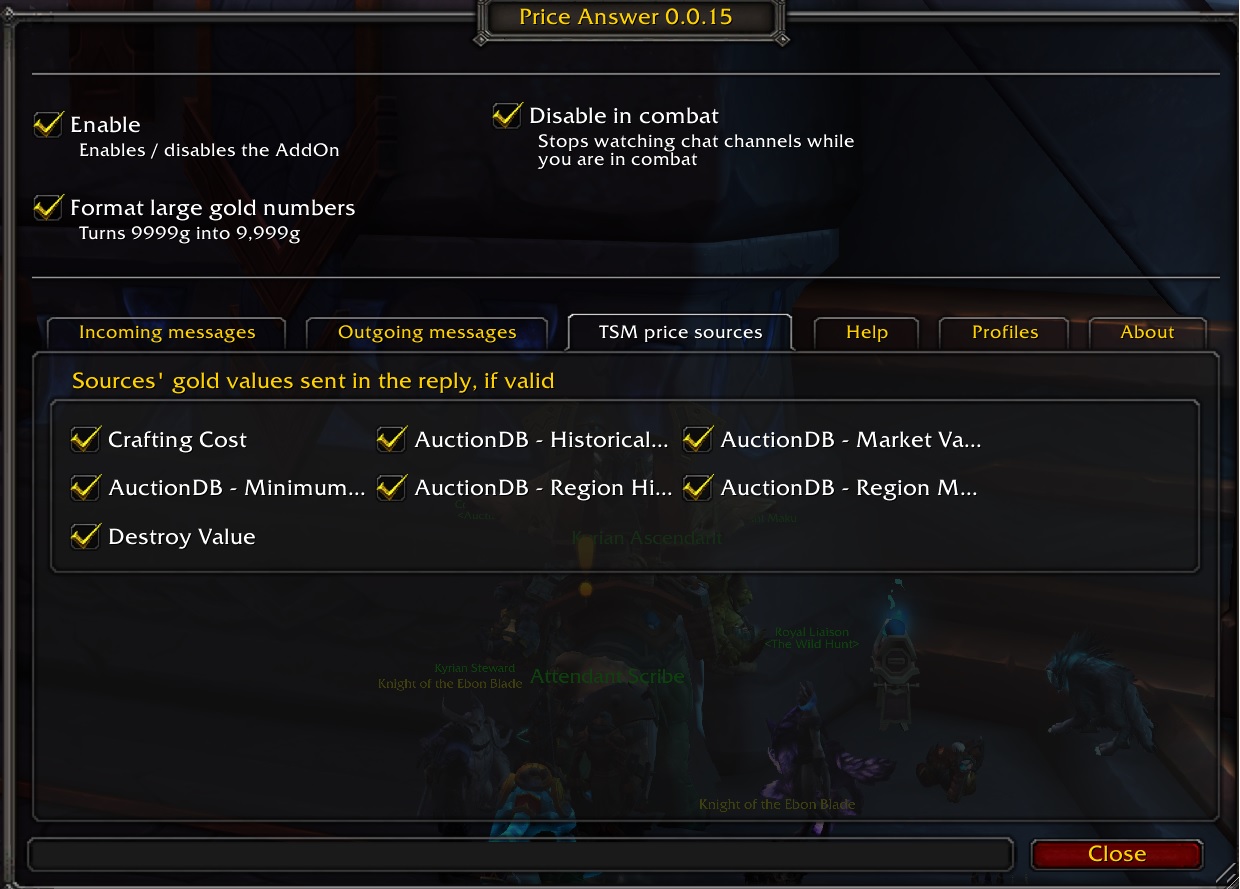
TradeSkillMaster supported prices
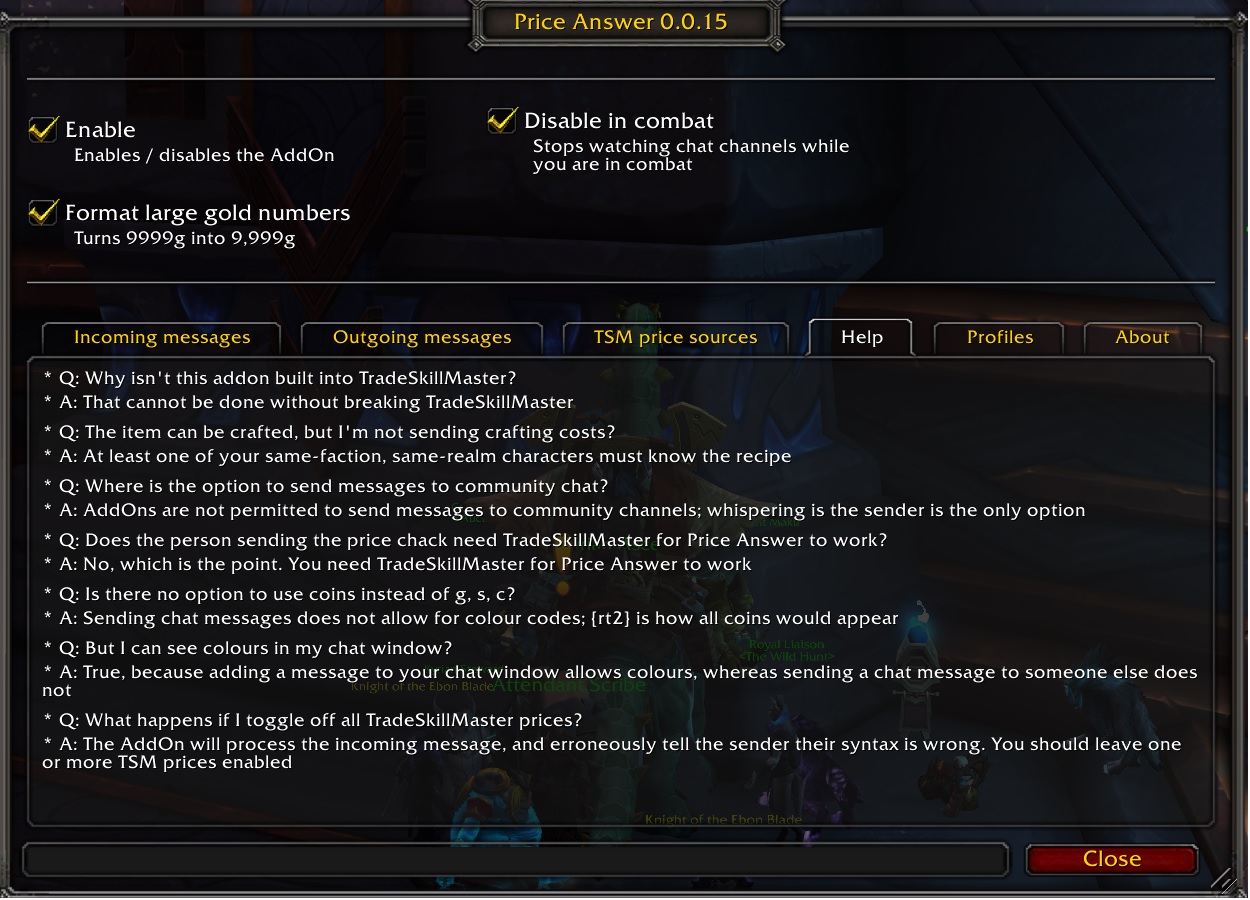
questions and answers
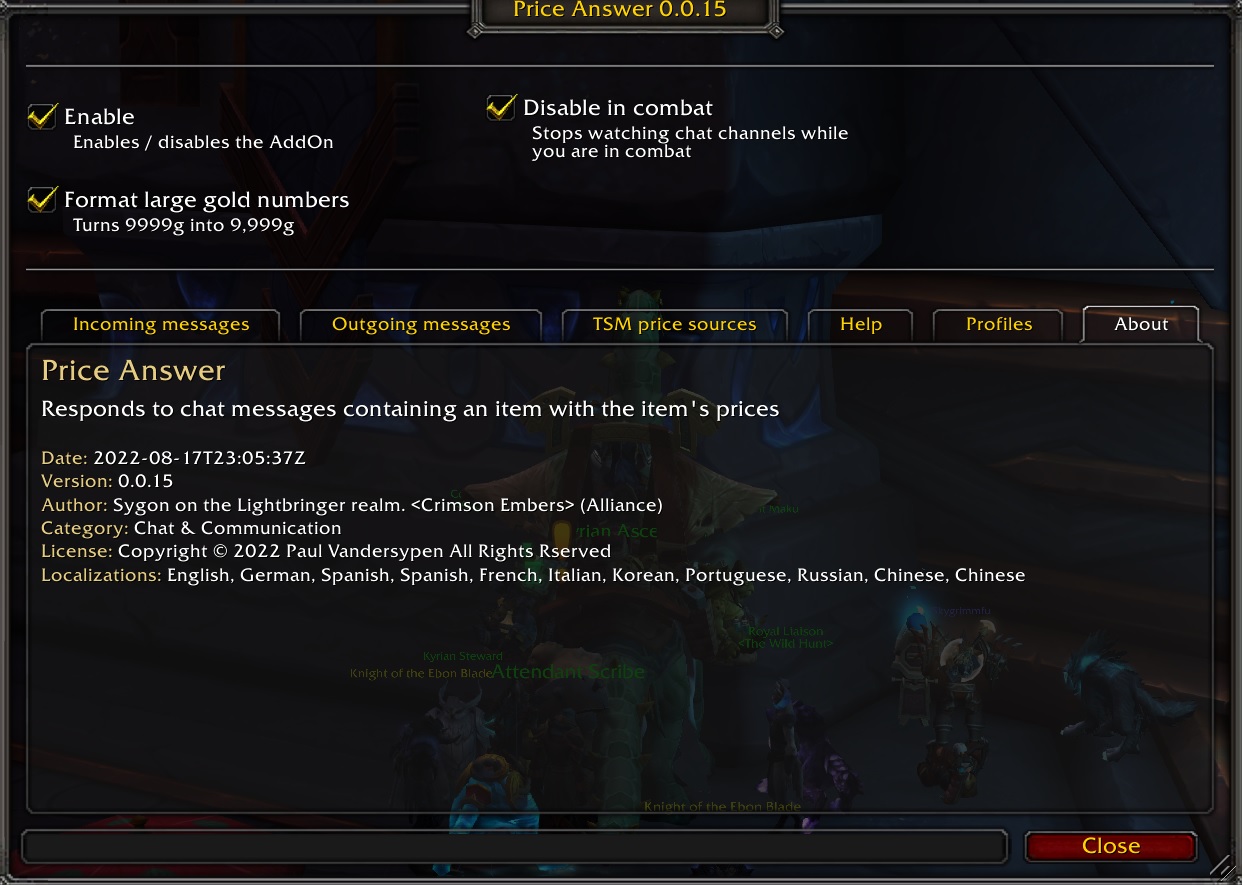
ToC info shown in the options
Description
Price Answer
Automatically reply to item price checks using available pricing addons and the game's vendor sell prices. Auction addons are optional, and no pricing addon is required to report an available vendor sell price. Players requesting prices do not need any addon.
Supported clients
Classic Era, active Classic seasons, Burning Crusade Classic, WoW Forever, Mists Classic, and Retail/Mainline.
Providers must support the client you are playing. Price Answer checks for their APIs and skips unavailable functions or data. Oribos Exchange is used only on Retail/Mainline.
Price priority
Each selected price category independently tries these providers in order:
- TradeSkillMaster, except on Classic Era without an active season.
- YAAHA.
- Auctioneer.
- AuctionMaster.
- Auctionator.
- Oribos Exchange (Retail/Mainline only).
Missing, zero, invalid, or failed price queries fall through to the next provider for that category. One reply can therefore contain prices from several providers. Classic Era without an active season does not query TSM for prices. Blizzard also identifies Hardcore and Fresh realms as seasons; they receive TSM priority when the client reports an active season.
Each addon is queried through its own API. External prices are not evaluated through TSM or registered as TSM price sources. Comparable prices share a category for fallback selection, but replies identify the actual provider and metric.
Vendor sell prices come exclusively from the game, independently of all pricing addons. The Sell Price category is available on every supported client. When it is enabled, Price Answer queries the game's item information and reports its positive per-item vendor sell price once, multiplied by the requested quantity. An uncached price or a zero sell price is omitted; the addon does not invent a price for an item that cannot be sold.
Categories without data are omitted; if no selected category has data, Price Answer sends no reply.
Price Answer queries current values on each request; it does not cache prices or subscribe to YAAHA's auction-house update callback. Subsequent requests automatically use the latest committed scan or sync data.
Price categories
Use the Price categories tab to select which values to include. Region market and region historical categories are hidden and excluded from replies on Classic Era without an active season; they remain available on seasonal Classic Era and other supported clients.
| Provider | Available price categories |
|---|---|
| Game client (no pricing addon required) | Vendor sell price from item information |
| TradeSkillMaster | Minimum buyout, recent, market, historical, region market, region historical, crafting, destroy |
| YAAHA | Minimum buyout; current, 3-, 7-, 14-, 30-, and 60-day market values; crafting cost; disenchanting, prospecting, and milling breakdown value |
| Auctioneer | Minimum buyout, daily average, 3- and 7-day averages through its Simple statistics module; aggregate market value through its public API |
| AuctionMaster | Lowest buyout and market price |
| Auctionator | Minimum buyout |
| Oribos Exchange | Four-day realm median and regional median |
Provider statistics are not interchangeable. Replies name the provider and use its actual metric: for example, AuctionMaster's market price is labeled Market Value, rather than claiming it is a 14-day average. TSM's and YAAHA's localized source descriptions are used when available. TSM also supplies translations for recognized external Auctioneer, Auctionator, and Oribos Exchange sources, including on nonseasonal Classic Era where native TSM prices are excluded. When TSM or a description is unavailable, Price Answer uses its own translations. YAAHA's breakdown value covers disenchanting, prospecting, and milling, per input item. YAAHA-only source selections use YAAHA's descriptions and are hidden when those descriptions are unavailable.
The Oribos Exchange realm category can also supply the market-value fallback. If both selections resolve to that same observation, it appears only once. Auctionator does not fill market or historical categories with its minimum buyout.
Amounts are multiplied by the requested quantity. Item links are preserved for providers that support equipment variants; YAAHA's public price functions accept item IDs. Availability depends on each provider's scans, downloaded data, known recipes, and supported client APIs.
Regular chat replies always use the bundled ChatThrottleLib and are divided into messages of at most 255 bytes. Battle.net whispers use the client's separate Battle.net API.
Open the settings
/priceanswer/prans- Esc → Options → AddOns → Price Answer
Asking for a price check
The default trigger is the localized price word and can be changed in the options. ? is an additional prefix enabled by default. Both accept an item ID, an item link, or a cached item name, with an optional quantity (default 1).
| Request | Meaning |
|---|---|
price 5[item link] or ?5[item link] |
Five of the linked item; no space before the link is required |
?51234 or ? 51234 |
One of item ID 51234 |
?5 1234 or ? 5 1234 |
Five of item ID 1234; the separator between quantity and ID is required |
price item name |
One of a cached item, using its name |
Incoming messages can also be complete price questions containing exactly one real item link, for example:
what is [item link] worth?how much for [item link]?how much is 5[item link] worth?price check [item link]
Here [item link] means an actual clickable item link. Natural questions do not resolve plain item names or numeric IDs. The parser preserves the complete link, ignores words and numbers inside its display name, and accepts case, whitespace, and trailing question-mark variations. Quantity must be written in digits immediately before the link, with or without a space. Multiple links and unrecognized sentences receive no reply; quantities such as "two stacks" are not inferred.
The Incoming messages tab lets you disable ? requests or natural questions independently. Recognition languages are independent of the interface language: English and the language reported by the game client are enabled automatically, with no menu selection required. You can enable or disable additional languages in Languages. Initial phrase sets cover English, German, French, Spanish (Spain and Latin America), Portuguese, Italian, Russian, Korean, Simplified Chinese, and Traditional Chinese. These are explicit phrase sets, not unrestricted natural-language understanding; additional wording can be added as players report it.
Watched channels, combat restrictions, duplicate suppression, and configured reply channels apply to all request forms. An uncached item name still requires an item ID or link instead.
Chat channels monitored
- General
- Trade
- Local Defence
- Say, Yell, Guild, Officer
- Raid, Raid Warning
- Whisper, BN Whisper
- Instance
- Community (Retail)
Questions & answers
There is a Help tab in Price Answer's settings with more information.
Bugs and suggestions
Translate
Price Answer Team

Owner