
Prestige
- By

A virtual prestige leveling system for max-level characters in WoW TBC Classic (2.5.5).
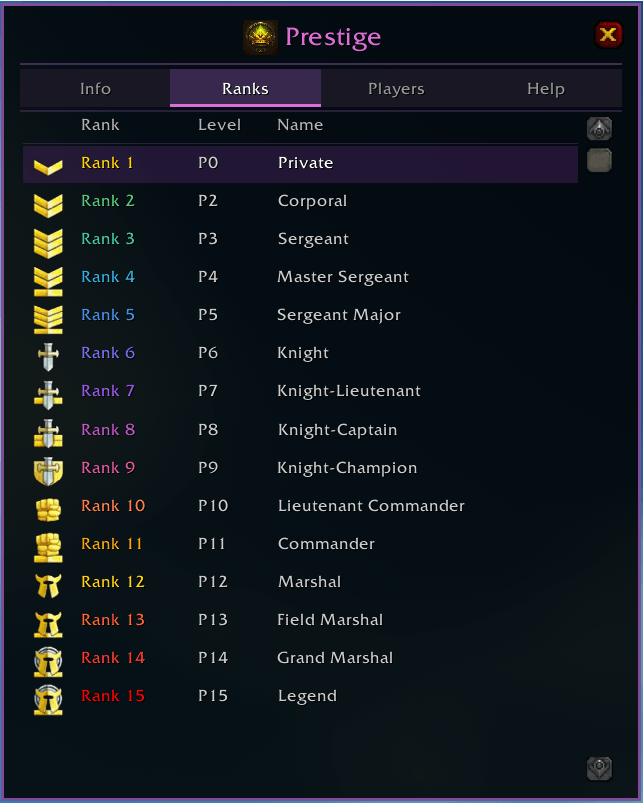
Progress through 15 faction-specific PvP ranks — from Private all the way to Legend. The Ranks tab displays every tier with its icon, prestige level requirement, and name. Your current rank is highlighted.
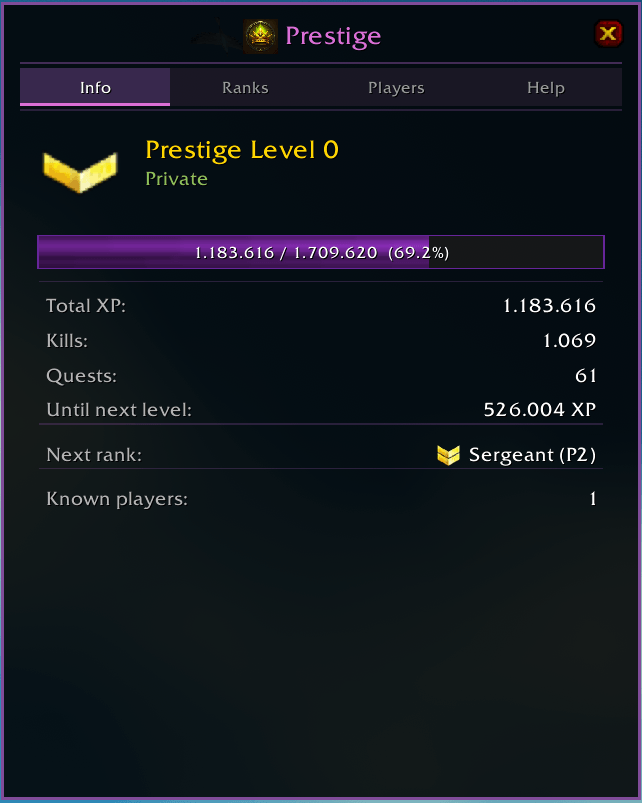
The Info tab gives you a full breakdown of your prestige progress: current level and rank, XP bar with percentage, total XP earned, kill and quest counts, next rank preview, and known addon users on your realm.

Prestige medal icons appear next to player names in all chat channels, showing your rank at a glance.
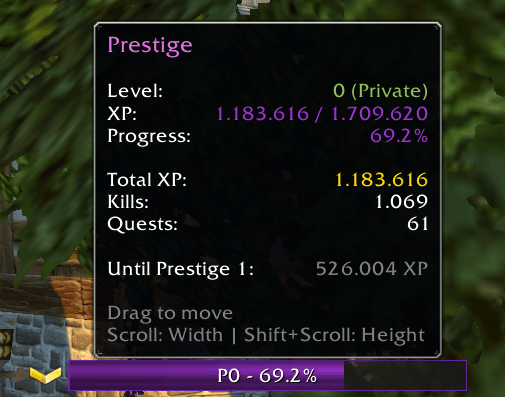
A compact, draggable XP bar tracks your prestige progress on screen. Hover over it for detailed stats including level, XP, kills, quests, and remaining XP to the next prestige level. Resize with scroll wheel.