Pocket Character Sync
- By
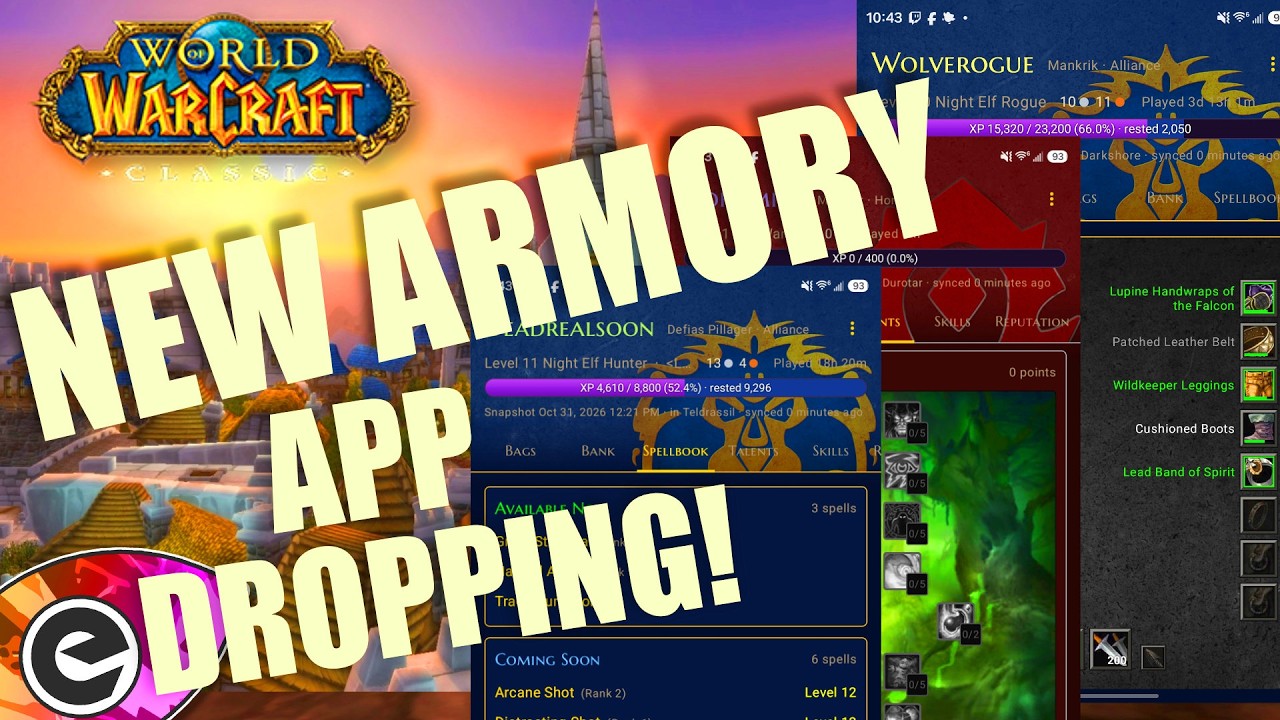
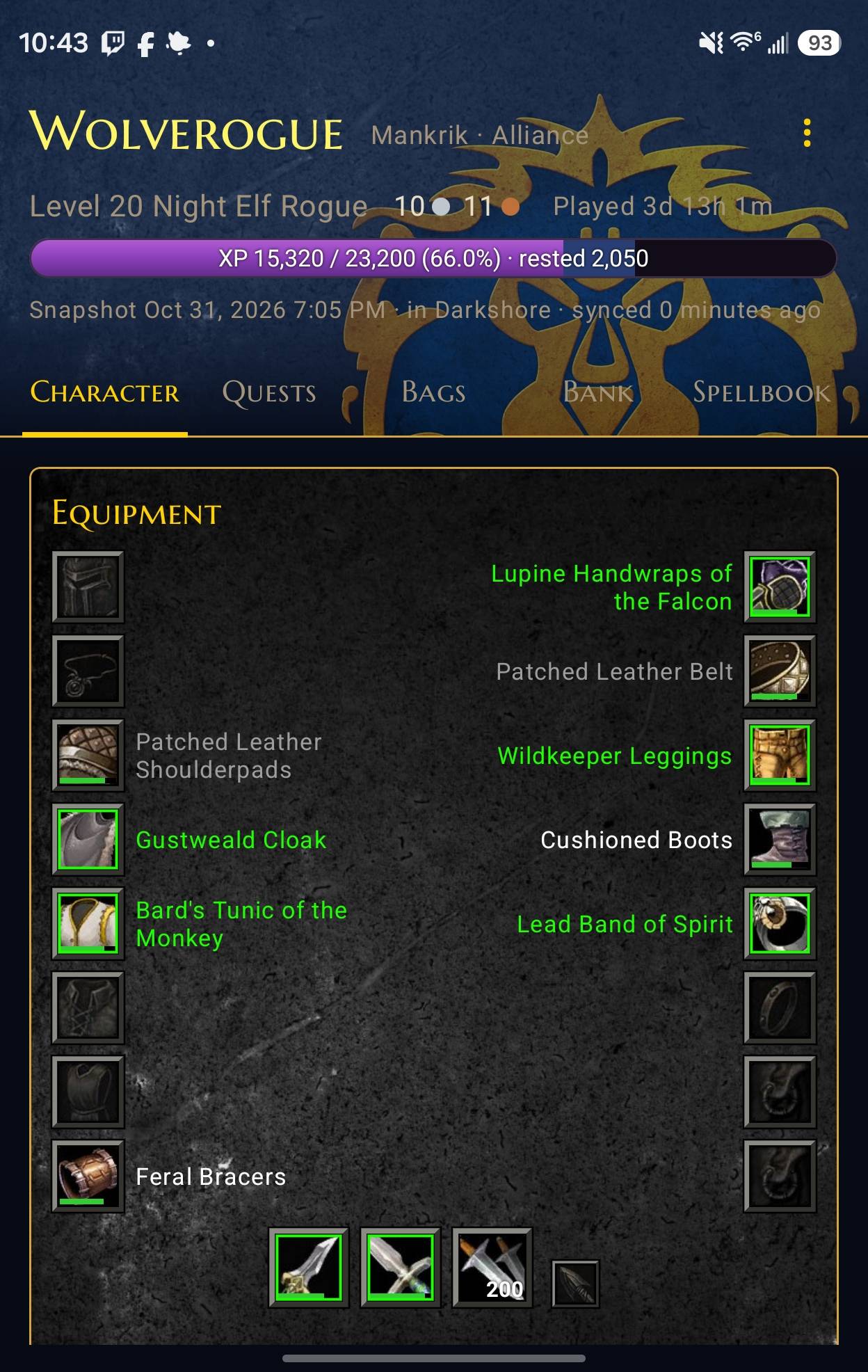
See your WoW Classic character on your phone: gear, bags, bank, talents, spells, quests, reputation, PvP and duels, synced through Google Drive to the Pocket Character app.
2648.jpg
2650.jpg
2591.jpg
2646.jpg
Description
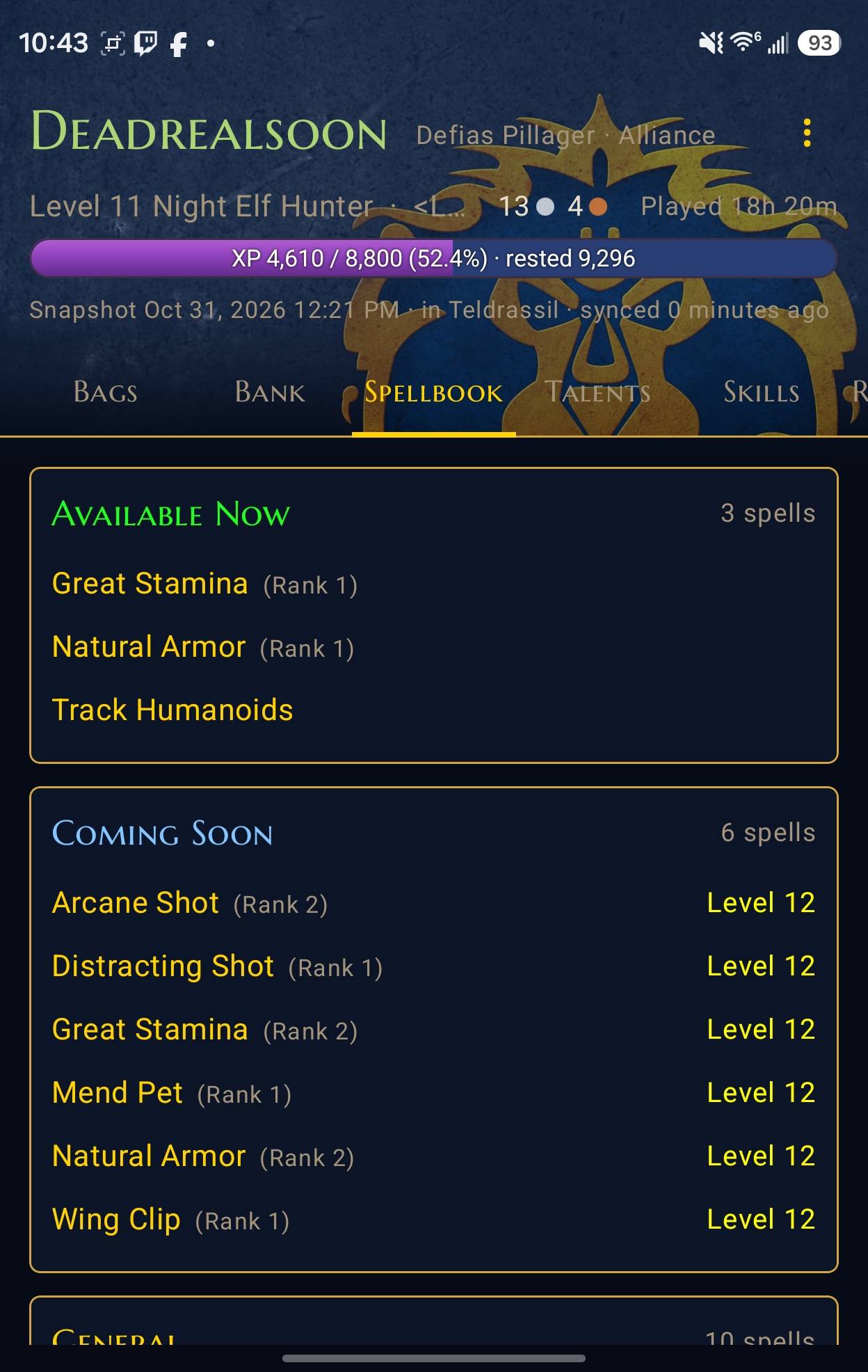
CharSync saves your whole character to a file, and the free Pocket Character Android app (Link Below) shows it on your phone like an in-game character sheet. Check your bags, your bank, your quests or what to train next without logging in.
What it saves
- Character: level, XP and rested XP, money, played time, guild and zone
- Gear: every equipped item, with full tooltips
- Bags and bank: every item and stack (the bank is saved each time you open it)
- Stats: attributes, melee, ranged, spell, defense and resistances
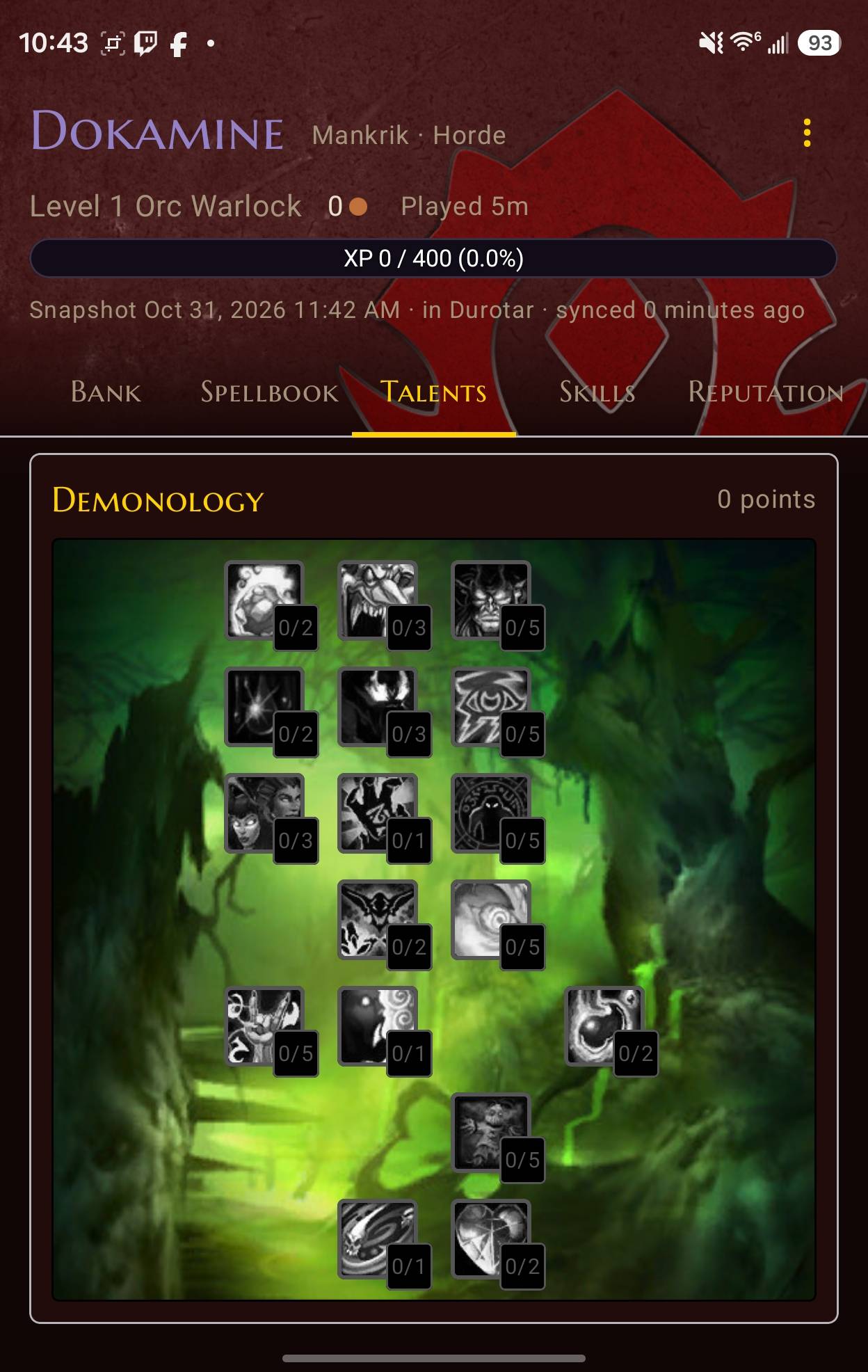
- Talents: all three trees, with every talent's rank and tooltip
- Spellbook and trainer: your spells, plus what you can train now, soon and later, with trainer prices
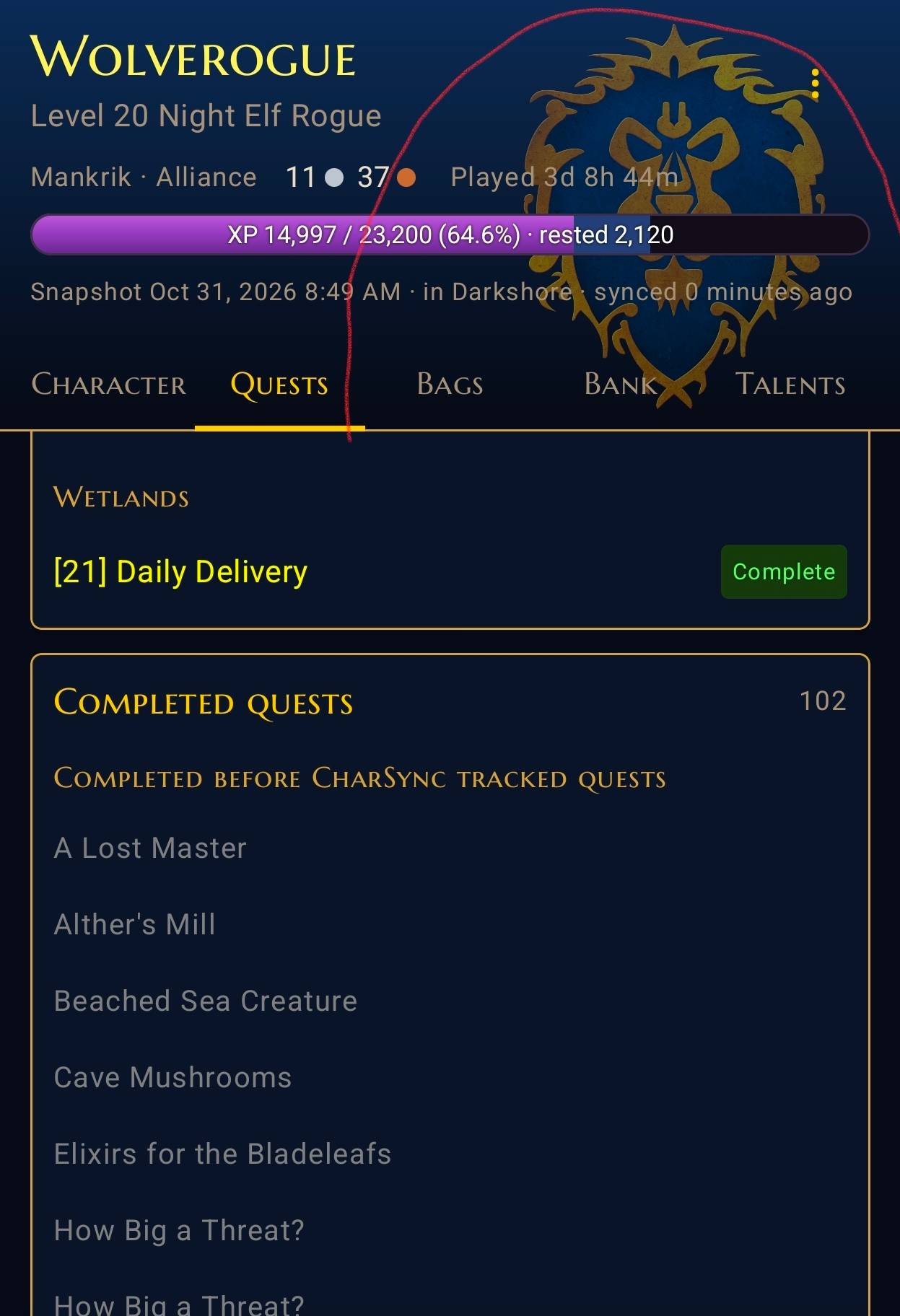
- Quests: your quest log with objectives, quest text and rewards, plus completed quests
- Skills and reputation: professions, weapon skills and every faction
- PvP: honor rank and progress, honorable kills and honor by day and week, and battleground marks
- Duels: each duel's result and your opponent's name, class, level and honor rank at the time
It keeps itself up to date while you play. You don't need to do anything in game.
Setup
You need Google Drive for desktop on your PC and the Google Drive app on your Android phone, both signed in to the same Google account. Drive carries the file from your PC to your phone.
On your PC
- Install CharSync like any other add-on.
- Log in to a character, then log out or type
/reload. This creates the file the app reads. - Install Google Drive for desktop (google.com/drive/download) and sign in.
- Click the Drive icon in the taskbar, then the gear → Preferences → My Computer → Add folder.
- Choose this folder, then pick Sync with Google Drive and click Done:
World of Warcraft\_classic_era_\WTF\Account<your account>\SavedVariables(<your account>is the folder with your account name or a number like123456#1.)
On your phone
- Install the Google Drive app and sign in with the same Google account.
- Install Pocket Character and open it (download link below).
- Tap Choose CharSync.lua, open Drive, go to Computers → SavedVariables, and tap CharSync.lua.
That's it. From now on, whenever you log out or /reload, Drive uploads the new file and Pocket Character picks it up.
Good to know
- WoW only writes the file when you log out or /reload. To update your phone mid-session, type
/reload. - Open your bank once so it gets saved, and visit your trainer to save trainer prices.
/charsyncsaves a snapshot right away and shows what it saved.- Every WoW account has its own file. In Pocket Character, tap Add account to add another.
- CharSync only writes a file on your PC. It doesn't send anything online.
Pocket Character
Pocket Character is free. For now it's on our Discord: **https://discord.com/channels/441830227535069185/1566355155148873738**. A Google Play release is planned.
Game version
WoW Classic Era (1.15).
Credits
The trainer spell lists come from the What's Training add-on (MIT License). Its license is included in the download.
Pocket Character Sync Team