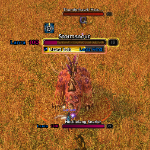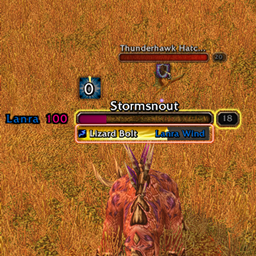
Screenshot 2026-11-10 215637.png
Screenshot 2026-11-10 215807.png
Screenshot 2026-11-10 220657.png
Description
# Pet Autocast Icons
**See your pet's autocast abilities at a glance in World of Warcraft: Forever.**
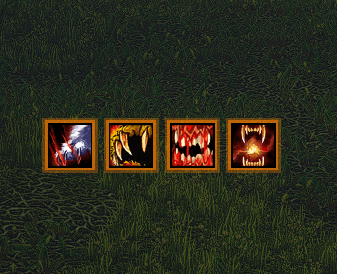
Every pet ability you have on autocast gets its own icon: Growl, Claw, Bite, Swipe, Dismember, or whatever your pet family brings. Right-click an ability on the pet bar to turn its autocast off and the icon disappears. Turn it back on and the icon comes back.
Any ability that you'd put on your Pet's action bar.
## What each icon tells you
- **Ready**: full colour, with a border glow around it (orange by default).
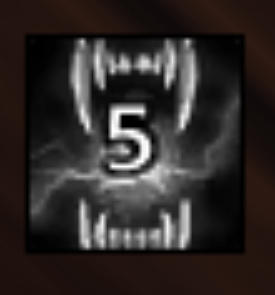
- **On cooldown**: grey, no glow, with the time left in the middle in white text with a black outline.
- **Not enough focus**: the icon is tinted (cyan by default) while your pet can't afford the ability, whether it's ready or still on cooldown.
The pet's global cooldown is ignored, so abilities like Claw don't flash grey every second while the pet uses them.
## Settings
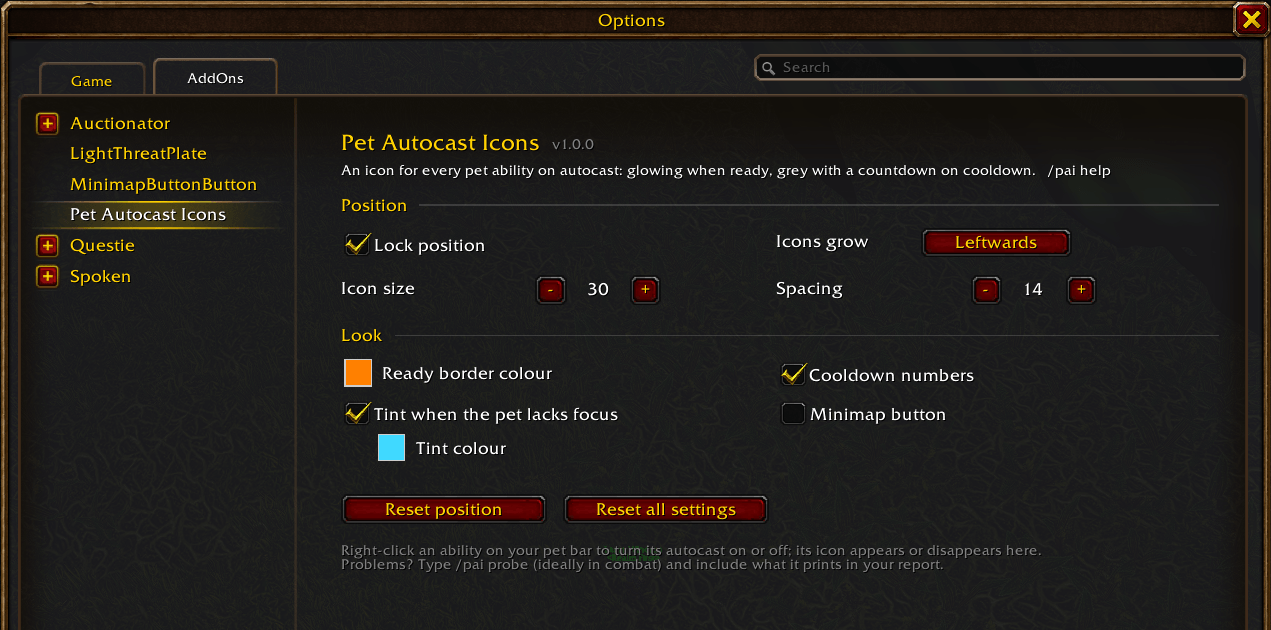
Open **Options → AddOns → Pet Autocast Icons** or type **/pai**. A **minimap button** is available too; it's off until you turn it on, in the settings or with `/pai minimap`.
- lock the icons, or unlock them and drag them anywhere
- icon size and the space between icons
- which way the row grows (leftwards keeps the right edge fixed, and so on)
- the border colour, the focus tint colour, and whether to tint at all
- the cooldown numbers (this is the game's own "Show Numbers for Cooldowns" setting, so it also affects your action bars)
- reset the position or every setting
## Light by design
- Only the pet abilities you have on autocast get an icon, and nothing else is drawn.
- Nothing is sent to the server.
- Built for WoW Forever's rules on hidden combat values: in combat the addon never reads a hidden cooldown, it hands it to the game to display. So the icons keep working in every fight.
## Commands
| Command | What it does |
|---|---|
| `/pai` | open the settings |
| `/pai help` | list the commands |
| `/pai unlock` / `/pai lock` | move the icons |
| `/pai size <px>` | icon size |
| `/pai spacing <px>` | gap between icons |
| `/pai grow left\|right\|up\|down` | which way the row grows |
| `/pai tint on\|off` | tint when the pet lacks focus |
| `/pai numbers` | turn on the game's cooldown numbers |
| `/pai minimap` | show or hide the minimap button |
| `/pai reset` | everything back to default |
| `/pai probe` | diagnostics. Please include this with bug reports, ideally run in combat |
`/petautocast` works too.
PetAutocastIcons Team