Personal Resource Options
- By
Adds customizable overlays, visibility controls and conditional out-of-combat display to the Personal Resource Display
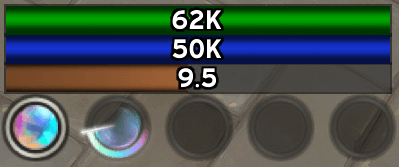
aug.png
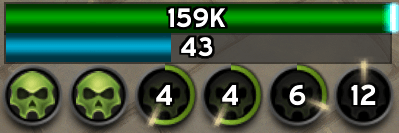
Unholy.png
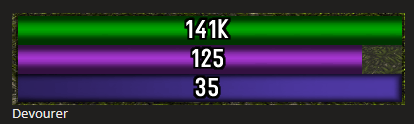
devourer.png
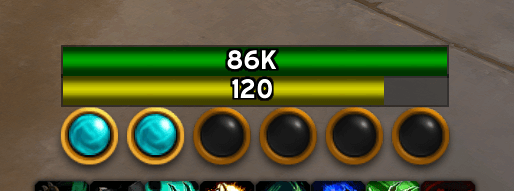
windwalker.png
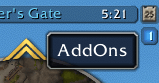
Addon Compartment Location Top Right.png
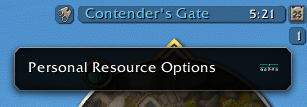
Addon Compartment Access.png
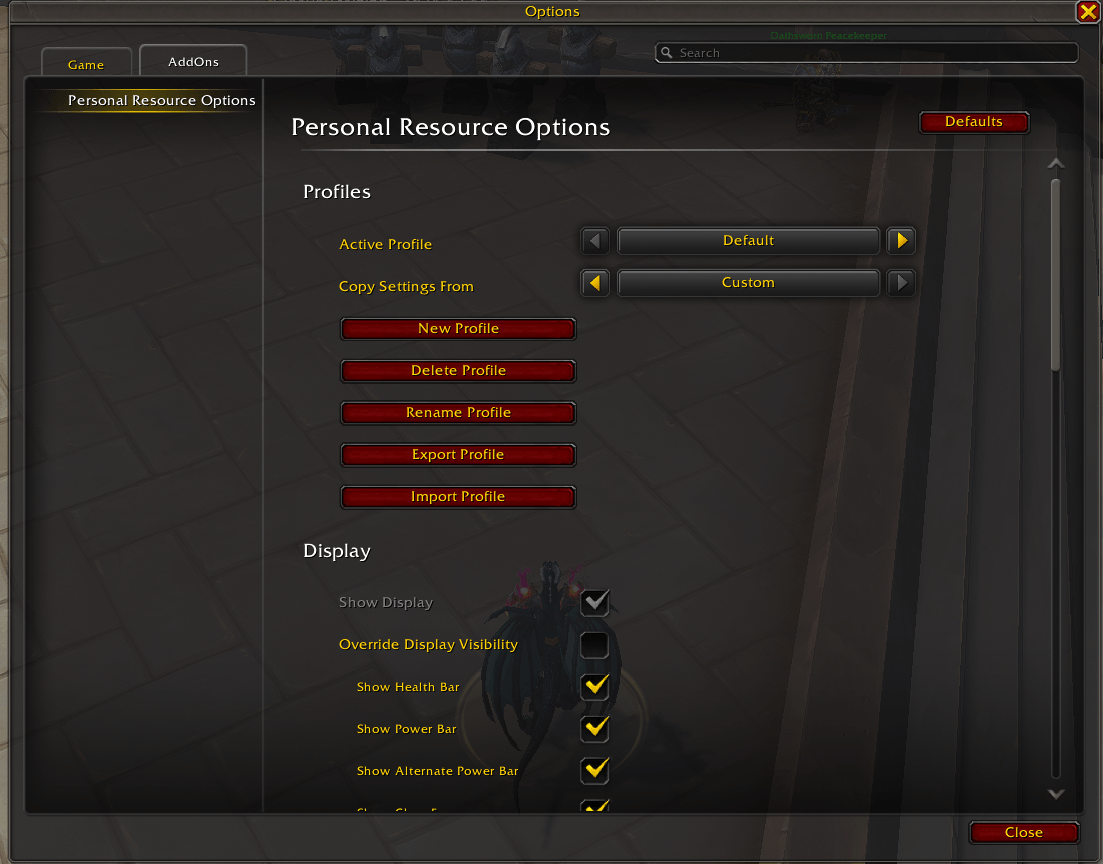
Settings-page1.png
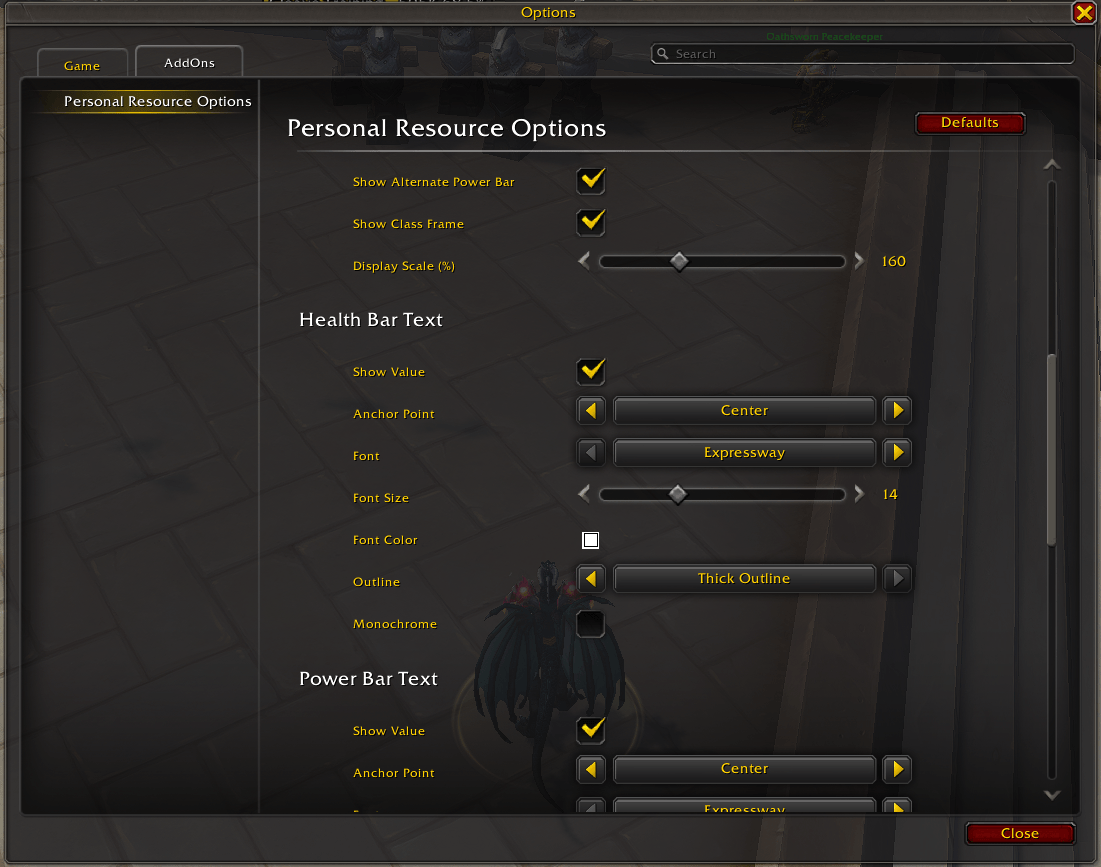
Settings-page2.png
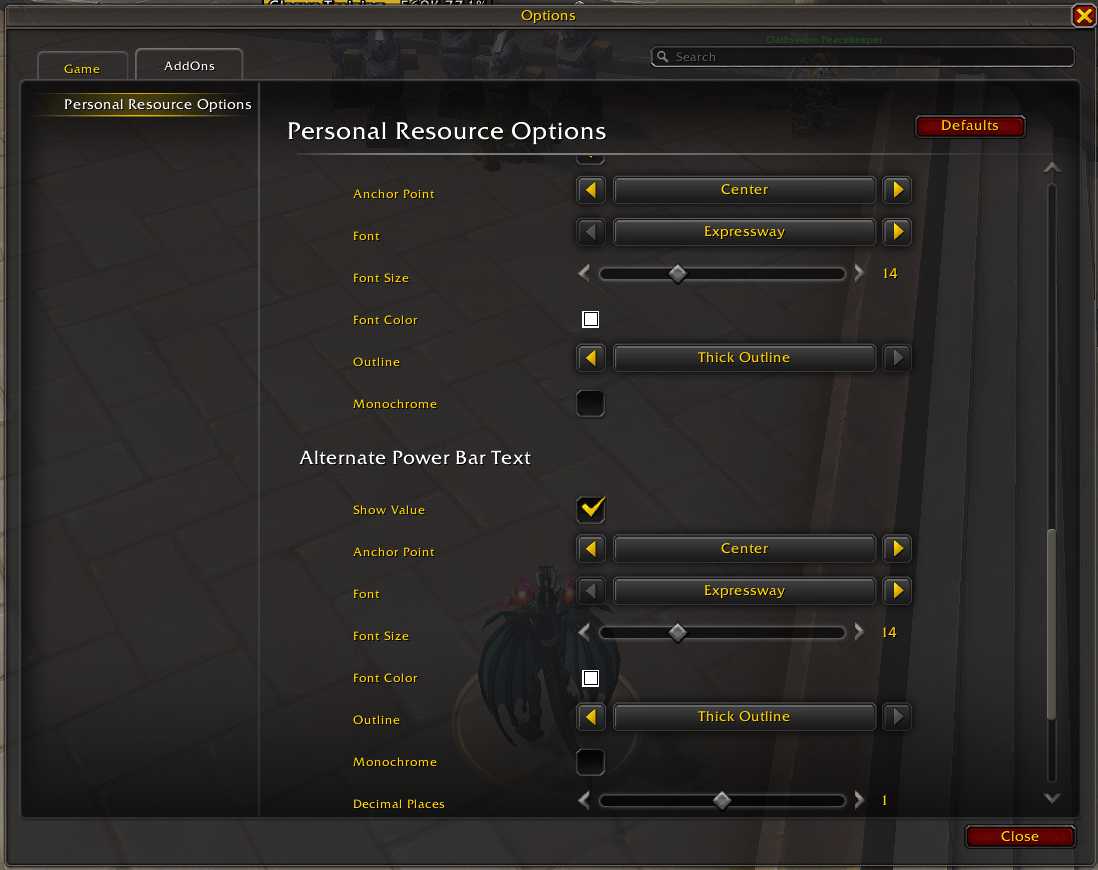
Settings-page3.png
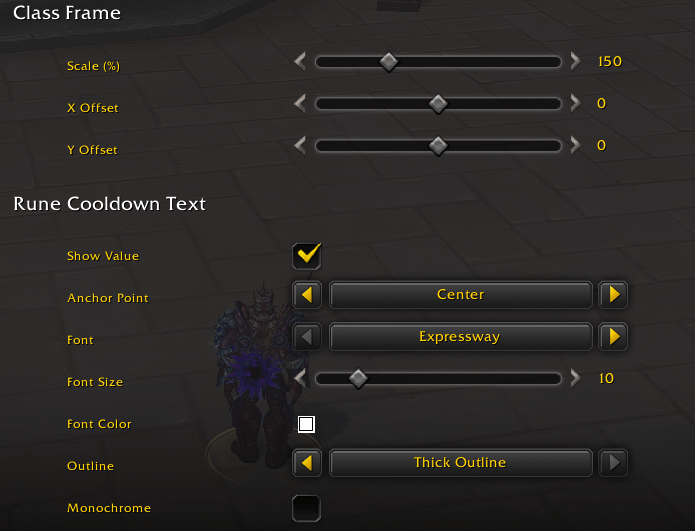
Settings-page4.png
Description
Personal Resource Options is a World of Warcraft addon that enhances the built-in Personal Resource Display with customizable text overlays, per-bar visibility controls and a full profile system. All settings are exposed through the native Blizzard Settings panel.
Features
Visibility Controls
Show or hide the entire display, individual bars and the class resource frame. Optionally hide the gray border and background behind each bar. Adjust the overall display scale (50–400%, in 0.5% steps). Bar visibility respects Blizzard's Edit Mode "Hide Health" and "Hide Power" settings — a bar only shows when both the addon setting and Edit Mode agree.
Text Overlays
Each bar has an independent text overlay with customizable font, size, color, outline and anchor point.
- Health & power bars support Value, Percent or Both display modes with independent anchor positioning
- Alternate power bar shows class-specific secondary resources (Soul Fragments, Ebon Might, Stagger) with configurable decimal places
Class Resource Frame
Adjust scale and X/Y offset for the class frame widget (Paladin, Rogue, Death Knight, Mage, Warlock, Monk, Druid, Evoker). Death Knights also get rune cooldown countdown text.
Show Conditions
Conditionally show the Personal Resource Display outside of combat. Requires the display's Edit Mode "Visible Setting" to be "In Combat". Each condition is tri-state (Off / Show / Hide) — Hide overrides Show.
- Situation: In Instance, In Group, In Raid
- Target: Show or hide based on your target (Any, Hostile, Friendly, Dead)
- Focus: Show or hide based on your focus target (Any, Hostile, Friendly, Dead)
- Player State: Mounted, Resting, Stealthed, Dead / Ghost, PvP Flagged
- Resources: Health, Power and Class Resource thresholds with configurable direction (Above / Below). Power and Class Resource thresholds are saved per specialization, so each spec can have its own
- After Combat: Keep the display visible for a configurable duration after leaving combat
The main settings page includes read-only mirrors of the relevant Edit Mode settings and a button to open Edit Mode directly. The Show Conditions sub-page is shown only when the Visible Setting is "In Combat".
Profiles
Create, rename, delete, copy, export and import named profiles. Each character remembers its active profile. Class frame and rune cooldown settings are stored per class, and power and class-resource visibility thresholds per specialization, so a single profile works across all your characters and specs.
Usage
Open the settings panel via:
- Slash command:
/pro - Addon Compartment: click the PRO icon in the minimap compartment bar
- Blizzard Settings: Game Menu → Settings → AddOns → Personal Resource Options
All settings take effect immediately without a reload.
The Personal Resource Options Team