TurnInQueue
- By
A turn-in queue for completed quests that shows whether handing them all in is enough to level up.
Turn-In Queue
A turn-in queue for WoW: Forever. Blizzard's quest tracker is for work in progress, so once a quest is complete it leaves the tracker and lands here, under a header that answers the one question left: if I hand all of this in, do I level?
Formerly Pending Quest XP (/pqx still works). The new name starts with
fresh settings: style, size and parked quests are set again once per
character. Remove the old PendingQuestXP folder from Interface/AddOns.
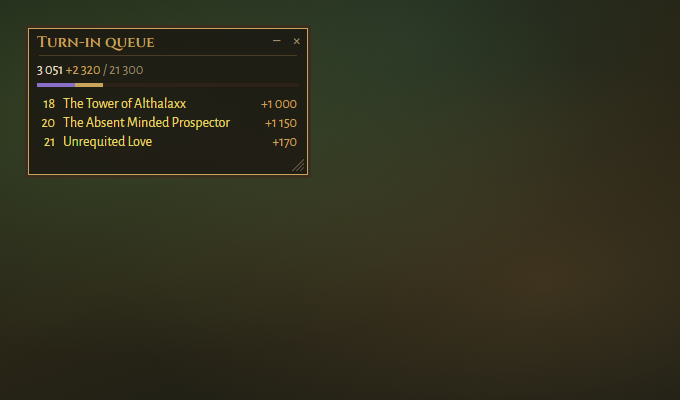
Images are drawn from the addon's own styles and texts, not taken in game.
What it does
- The header shows your XP plus the XP waiting in completed quests, out
of what you need, e.g.
1200+1500/5000. It says DING when your turn-ins are enough to level. Quest XP isn't affected by rested XP, so the sum is exact. - One row per completed quest, with its level and XP reward, sorted by
level and coloured by difficulty.
+marks elite and group quests. - Only quests you worked for leave the tracker. Pure delivery quests are
complete the moment you accept them, so they stay in the tracker (and show
in the queue).
/tiq deliveries onmoves them too. - Park a quest for later. Right-click a quest whose turn-in is far away:
it sinks to the bottom, fades, and is left out of the sum, shown on its own
as
+700 later. Right-click again to bring it back. - Click points the way to the quest. With
/tiq mapit also opens the quest log. Shift-click links it in chat. - The tooltip shows the quest level, the XP and, when the client knows it, where to hand it in.
- Fold it away: the −/+ beside the close button folds the panel up to its title bar, like Blizzard's quest tracker.
- Waits until combat ends before touching the tracker.
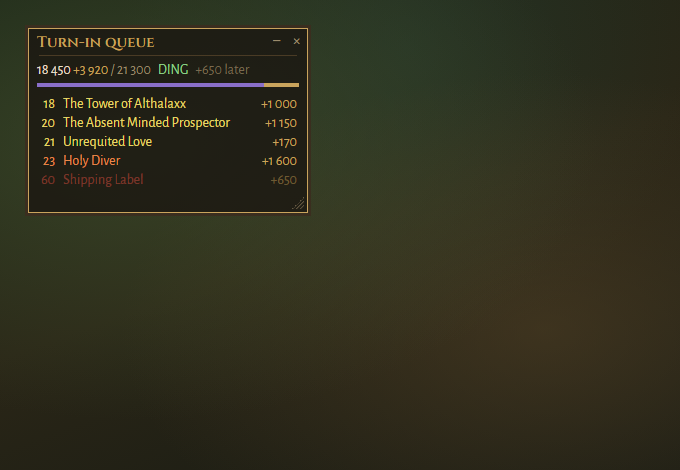
Compact: on Blizzard's XP bar
Tick Compact in the options, or type /tiq compact, and the XP line moves
onto Blizzard's own XP bar: 3 051 (4 200) +2 320 / 21 300, with rested XP
in blue and the turn-ins in gold, plus DING when they are enough. The XP
the queue would give is drawn on the bar right after your own, and changes
colour when it reaches the next level. The panel keeps only the quests. Hover
the bar and Blizzard's own text shows instead. With no XP bar on screen (max
level, a reputation bar in its place, or a UI that replaces it) the panel
keeps its own XP line.
Looks
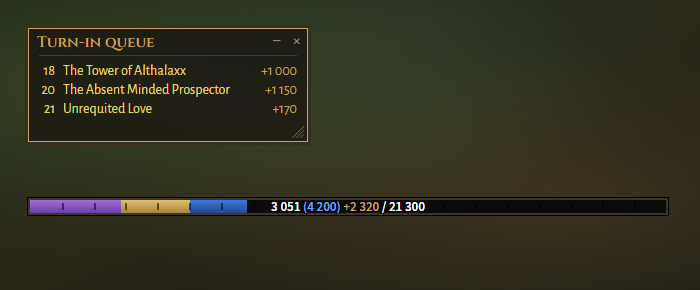
Seven styles: warm (default), flat, blizzard, minimal, and elvui,
details and pfui to match those addons. Text size and background opacity
are adjustable, and there is a settings page under Esc → Options → AddOns.
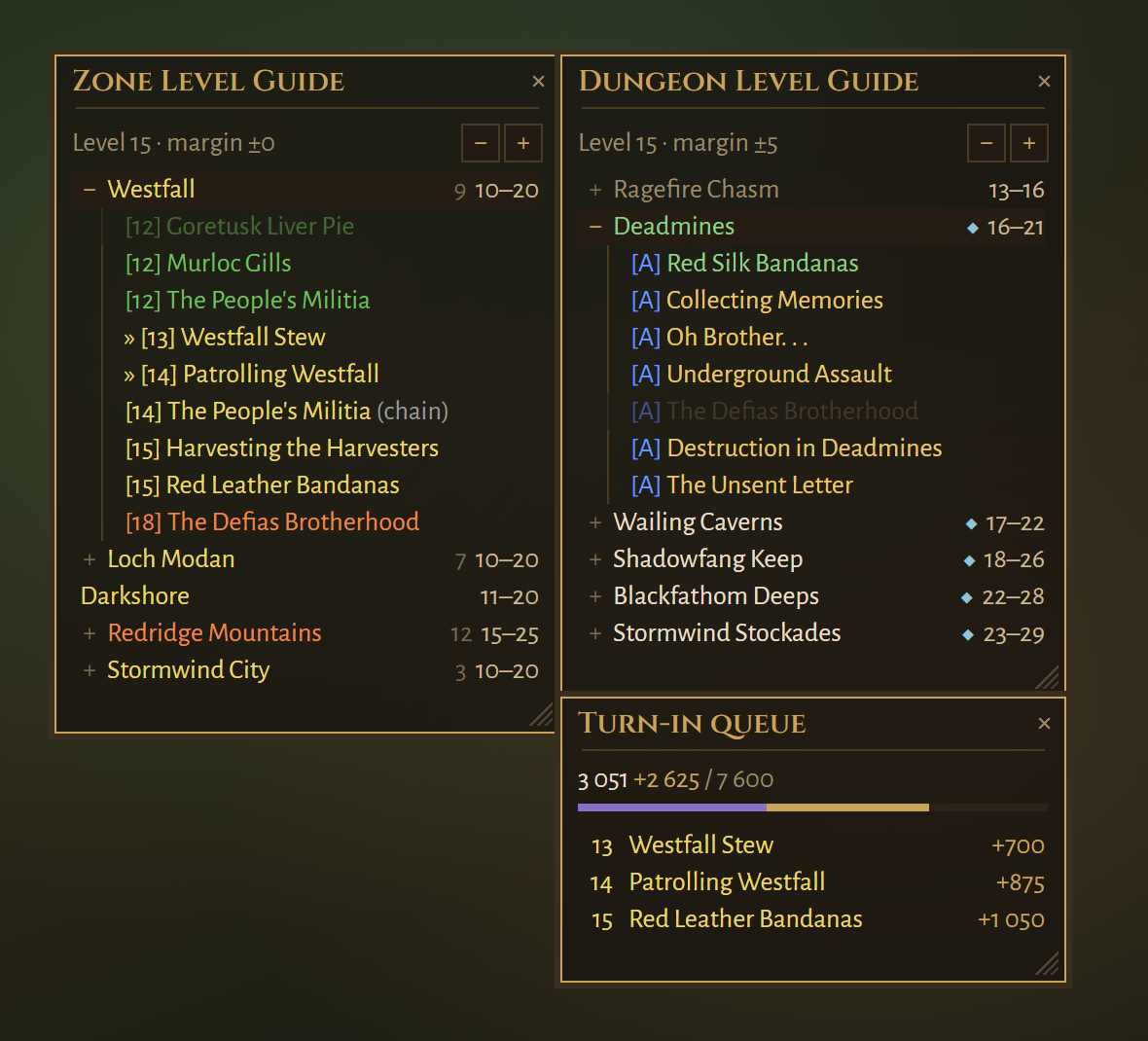
It snaps to Zone Level Guide and Dungeon Level Guide: drop one panel
next to another and they move together.
Commands
| Command | Does |
|---|---|
/tiq |
Show/hide the panel |
/tiq compact on|off |
Put the XP line on Blizzard's XP bar |
/tiq later |
List parked quests; show/hide them, or clear to unpark all |
/tiq map |
Open the quest log on a click, or only point the way (default) |
/tiq untrack on|off |
Untrack completed quests automatically, or not |
/tiq deliveries on|off |
Also untrack delivery quests (off by default) |
/tiq style <name> |
warm, flat, blizzard, elvui, details, pfui or minimal |
/tiq font <n> / /tiq alpha <n> |
Text size and background opacity |
/tiq reset |
Put the panel back in its default position and size |
Settings are saved per character.
Credits
By Tziera. GPL-3.0-or-later. Fonts under the SIL Open Font License.
TurnInQueue Team