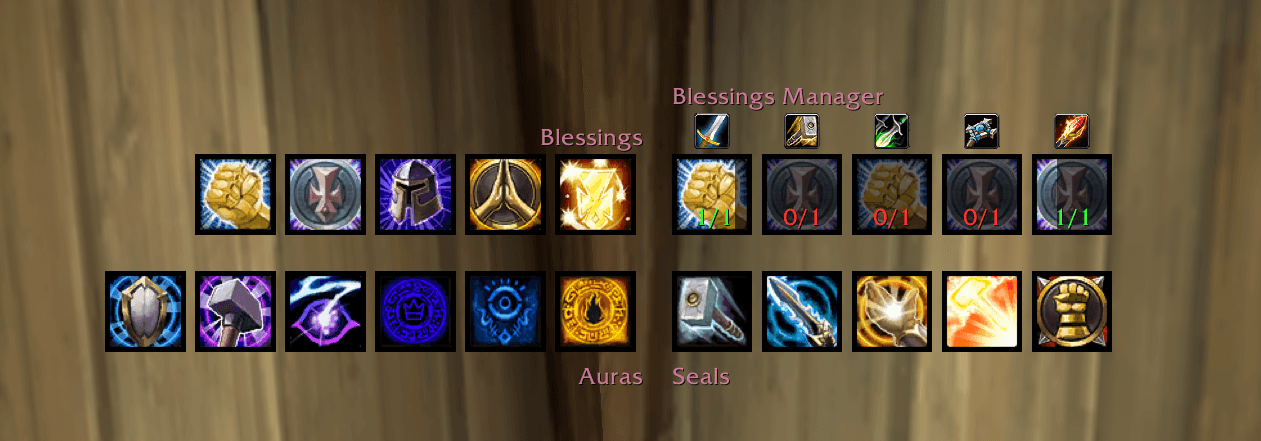
popup_party.png
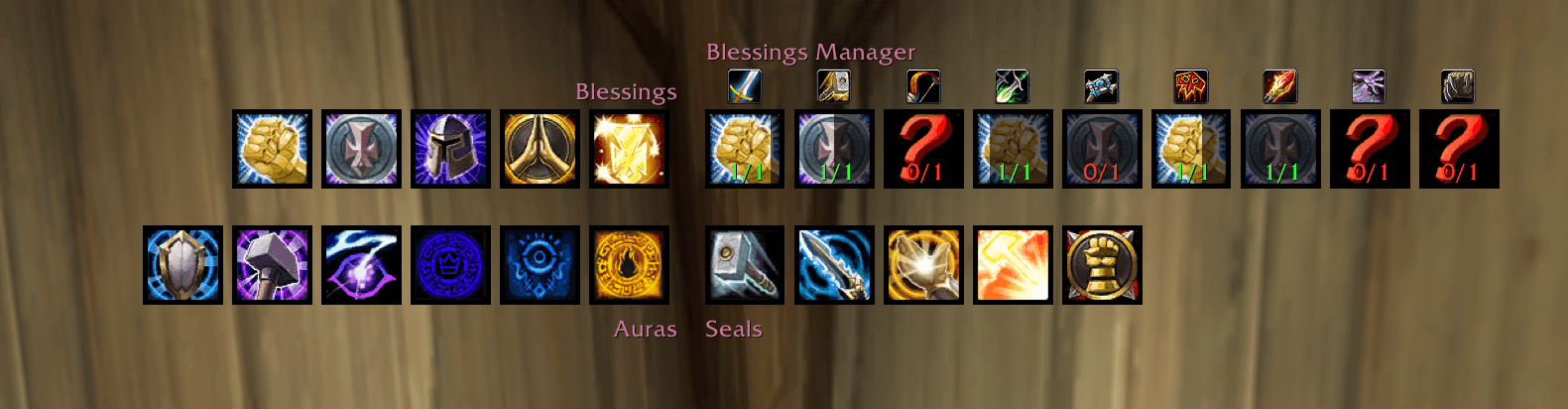
popup_raid.png
Description
PaladinTools
A paladin utility addon for World of Warcraft TBC Anniversary Classic. Provides quick-access spell menus, buff tracking, reagent monitoring, party/raid buff management, and whisper-based buff request handling.
Features
Spell Popup Menu
- Quick-access popup organized by category: Blessings, Auras, and Seals
- Configurable keybind to toggle the menu
- Release-to-cast mode — hold the keybind, hover a spell, release to cast
- Automatically finds the highest rank of each spell from your spellbook
- Toggle individual categories on/off
Buff Manager HUD
- Compact, movable HUD showing your active blessings and auras
- Reagent counter for Symbol of Kings and Symbol of Divinity
- Horizontal or vertical layout
- Configurable button size
- Option to auto-hide in combat
Blessing Manager Panel
- Track active blessings across your group/raid
- Monitor which group members have (or are missing) buffs
- Adjustable background opacity
Trade Helper (Buff Queue)
- Listens for whispers (and optionally party chat) containing buff-related keywords
- Queues incoming buff requests with the player name and requested blessing
- Auto-reply to acknowledge requests
- Configurable keyword list — add or remove trigger words from the options panel
Options Panel
- Tabbed settings UI: General, Buff Helper, Appearance
- Accessible via
/pt optionsor the Blizzard Interface Options menu - Keybind capture widget for the popup menu toggle
Masque Support
- Optional Masque skin support for all action buttons
- Graceful fallback when Masque is not installed
Installation
- Download the latest release from CurseForge or GitHub Releases
- Extract the
PaladinToolsfolder into yourInterface/AddOnsdirectory - Restart WoW or reload the UI (
/reload)
The addon only loads for Paladin characters.
PaladinTools Team