
PADIA
- By

PADIA: Voice-to-Text Chat with a Controller in WoW Forever (PADTEL)
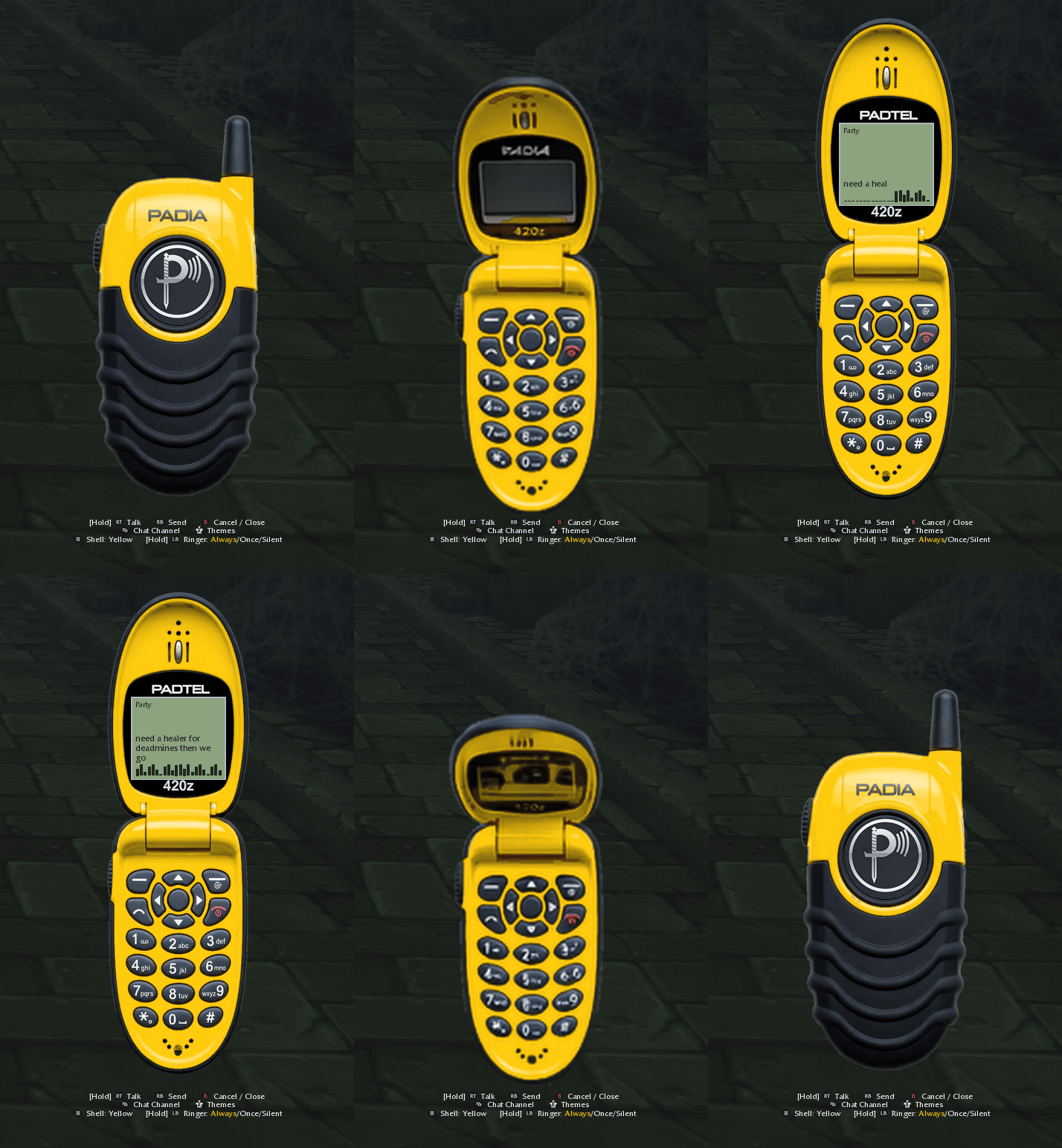
Hold RT: the phone flips open, the wave follows your voice and Windows types your words. Let go to read them; RB sends.
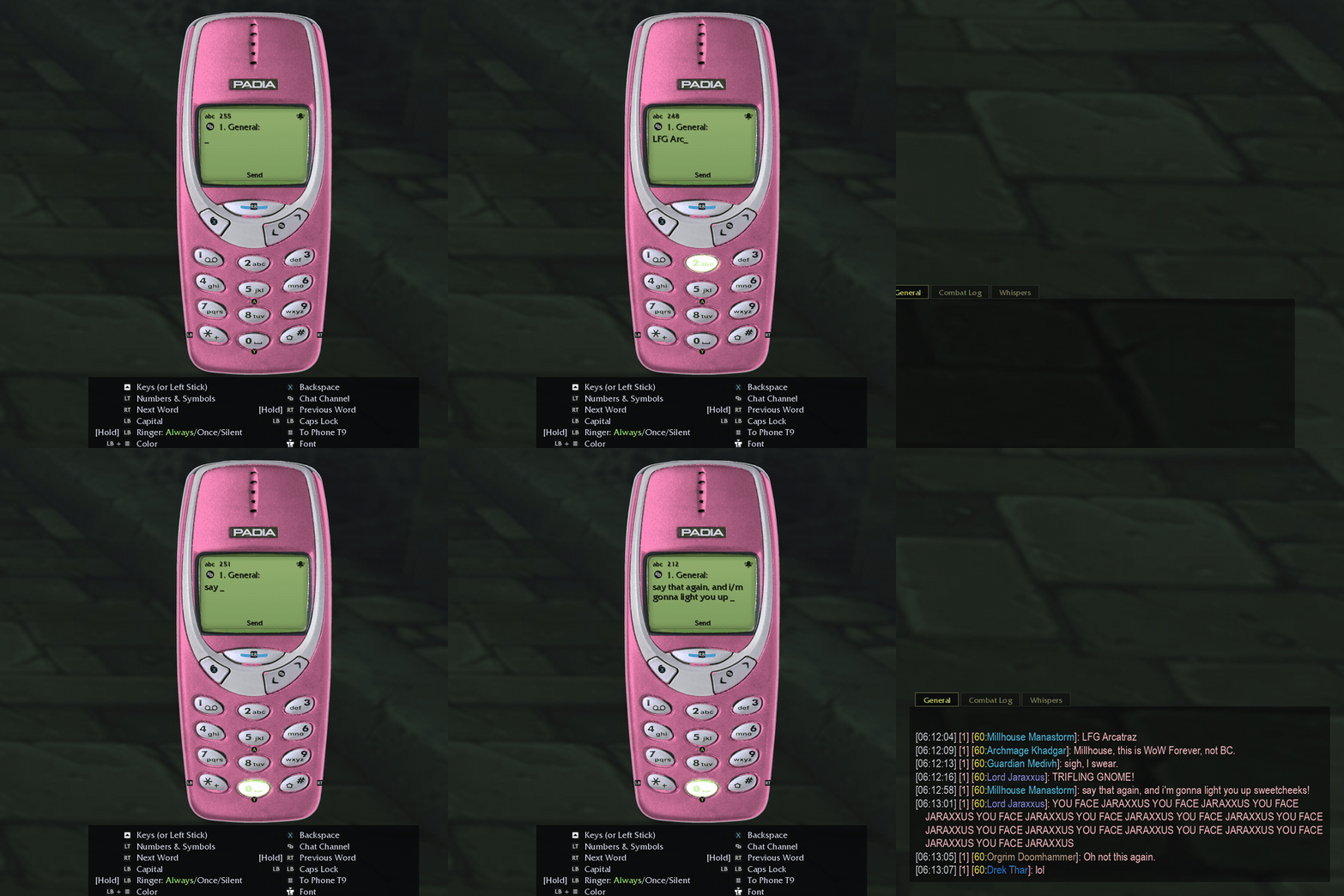
Answering Millhouse Manastorm in General on the pink phone: Caps Lock for LFG, ABC multi-tap for Arcatraz.
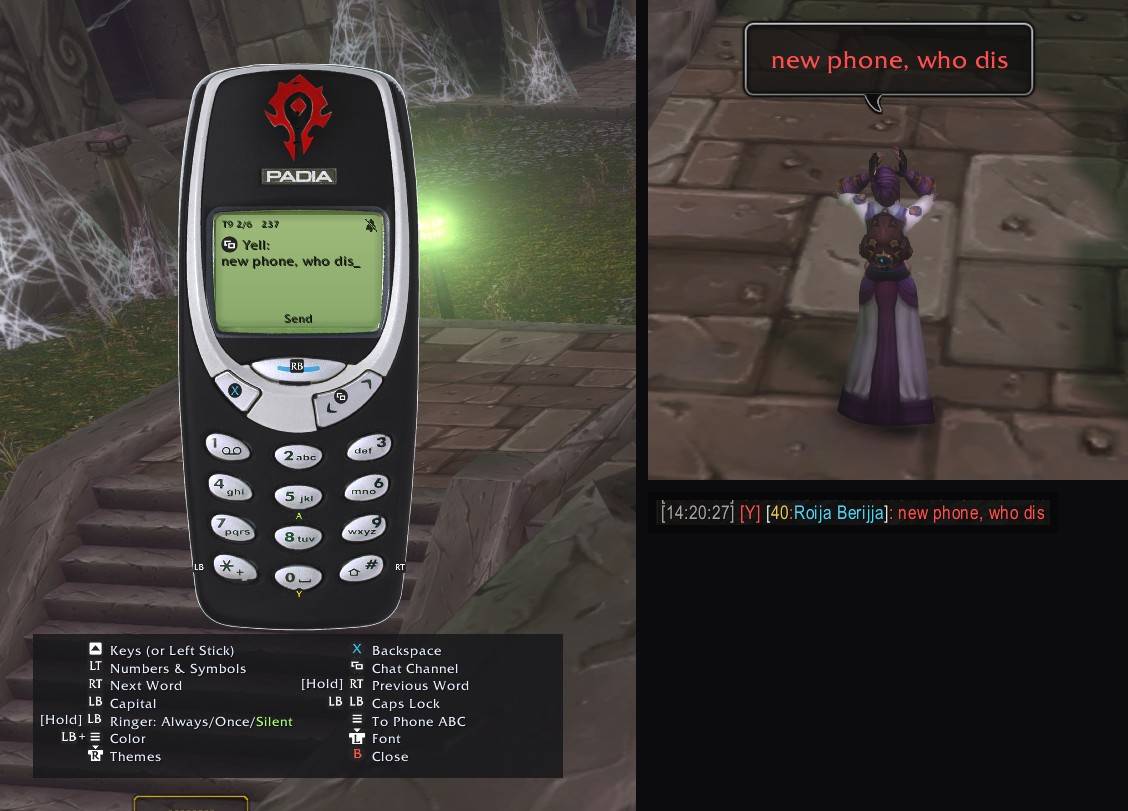
Typed on the PADIA phone with the controller and sent as a yell: the speech bubble over your character and the line in chat.
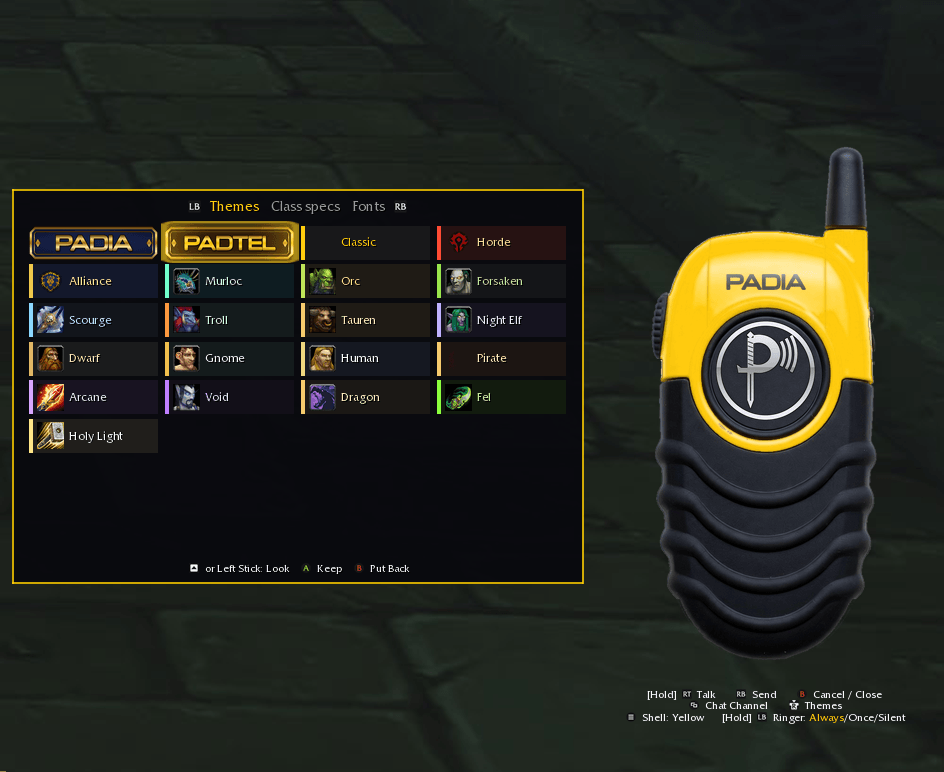
R3 opens the theme picker: PADTEL, the PADIA phone and 46 more themes, each shown on screen as you look at it.
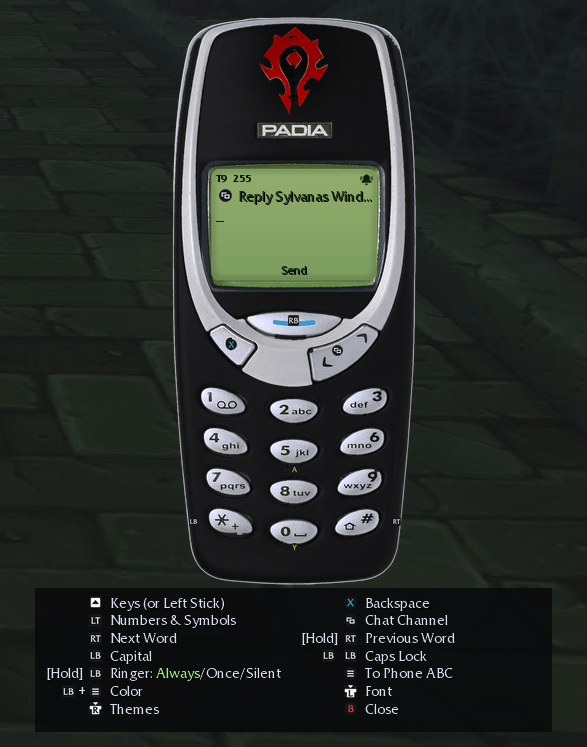
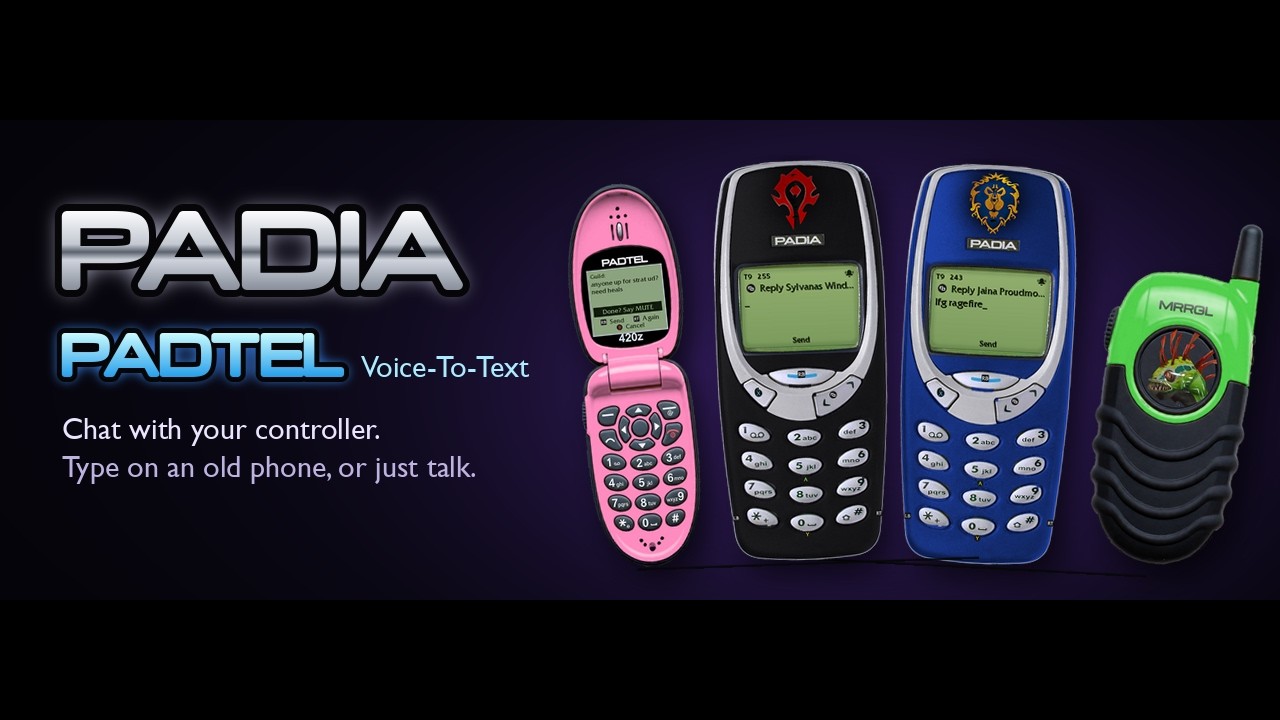
The PADIA phone in the Horde shell, answering Sylvanas. T9 on the D-pad, RB sends.
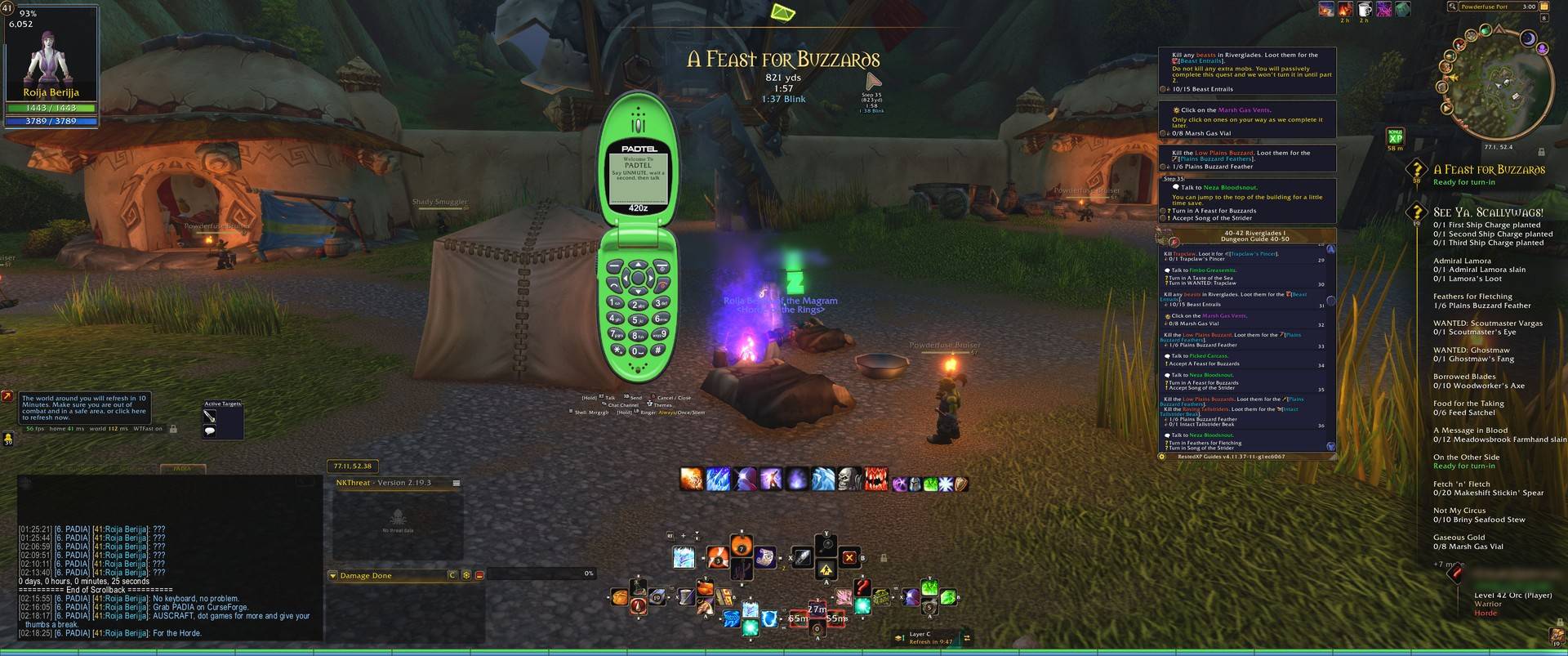
PADTEL open in the middle of a quest: hold RT and talk, read your message on its screen, RB sends it.
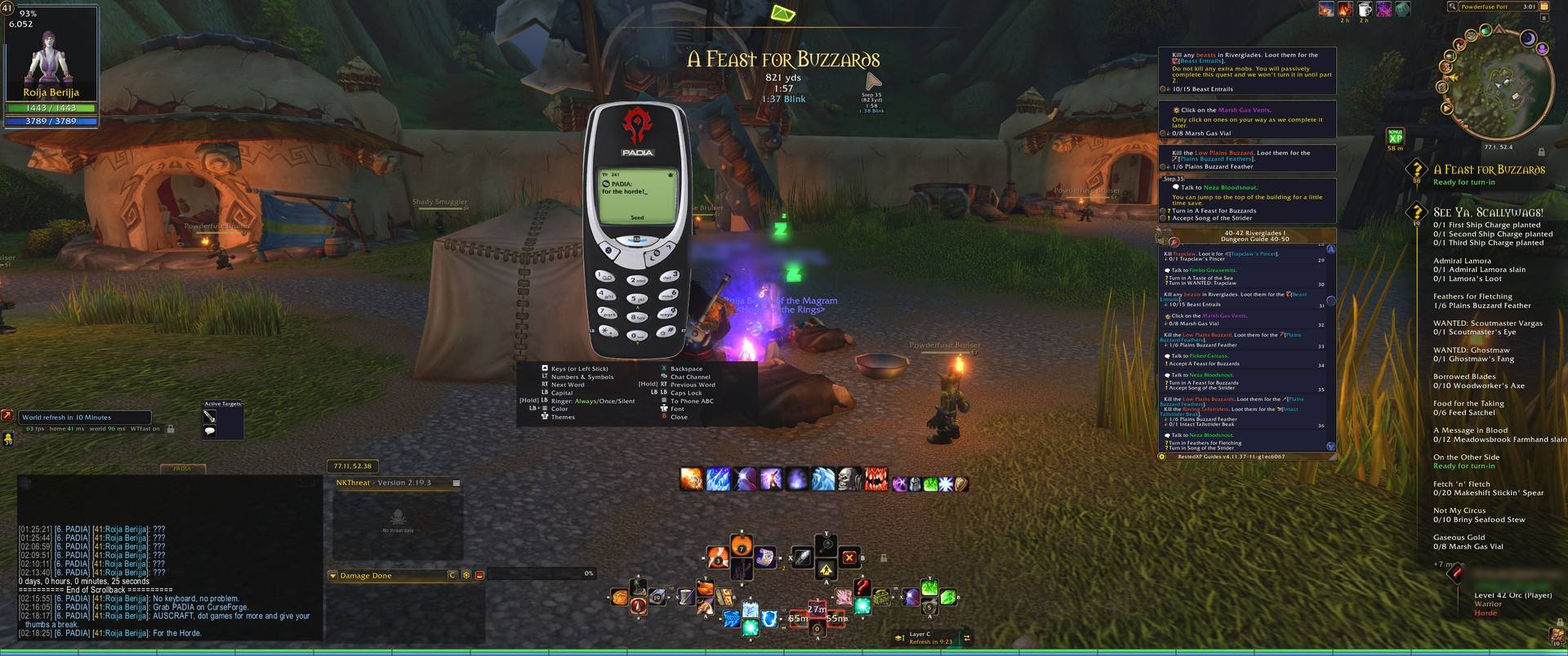
The PADIA phone in the middle of a quest, with its buttons listed beside it.
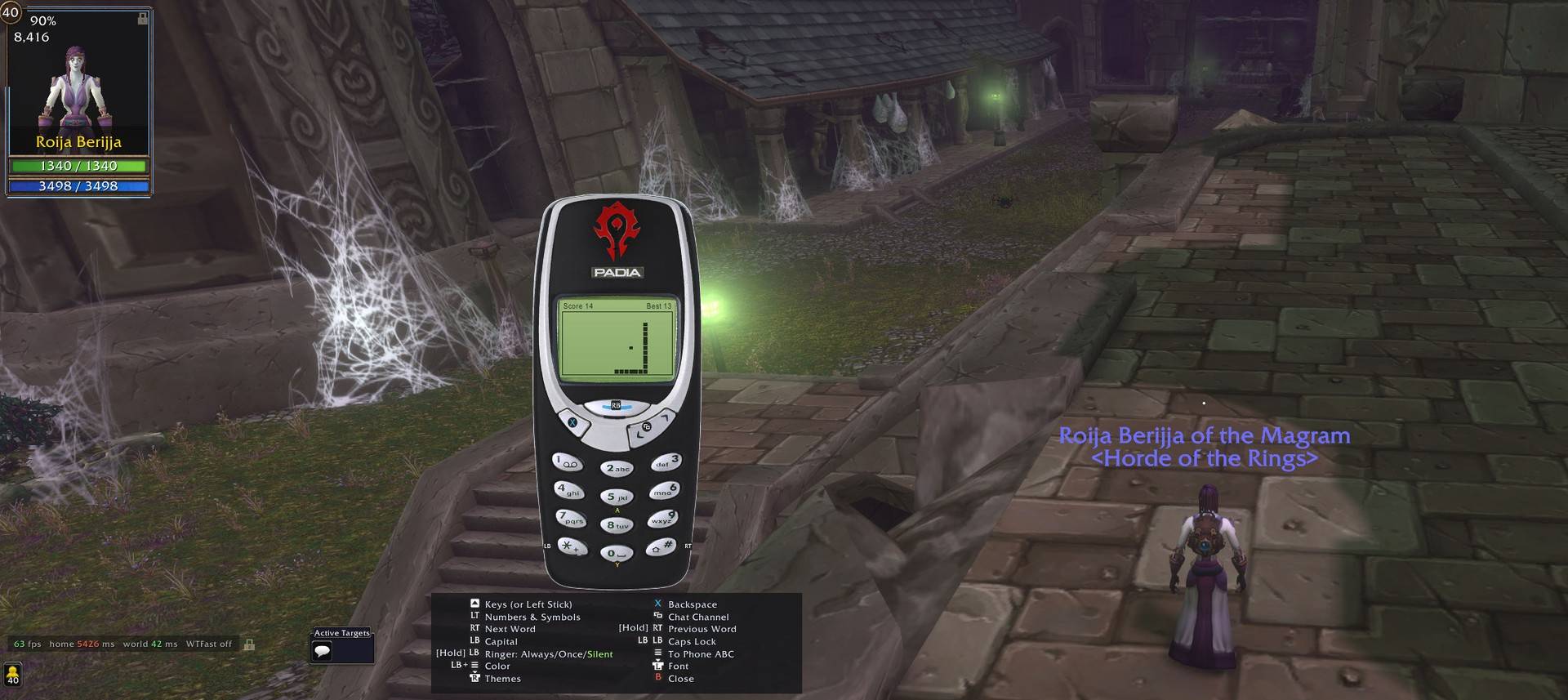
The PADIA phone in the Horde shell, open in a dungeon.
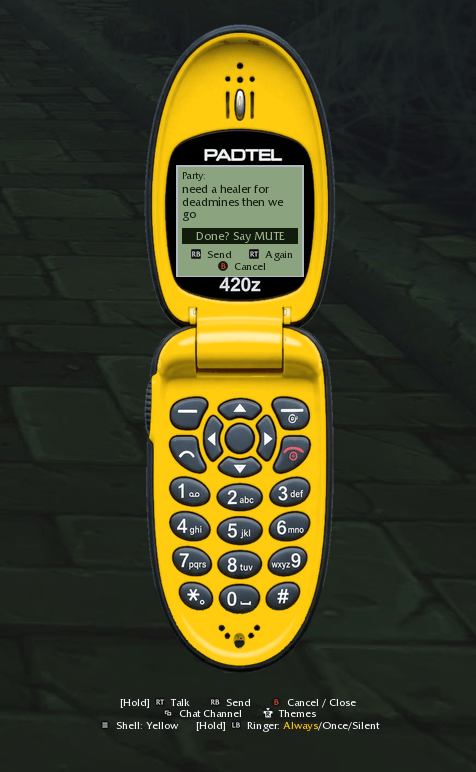
Your words on PADTEL's screen: RB sends, RT talks again, B cancels. The bar under them reminds you to say MUTE.
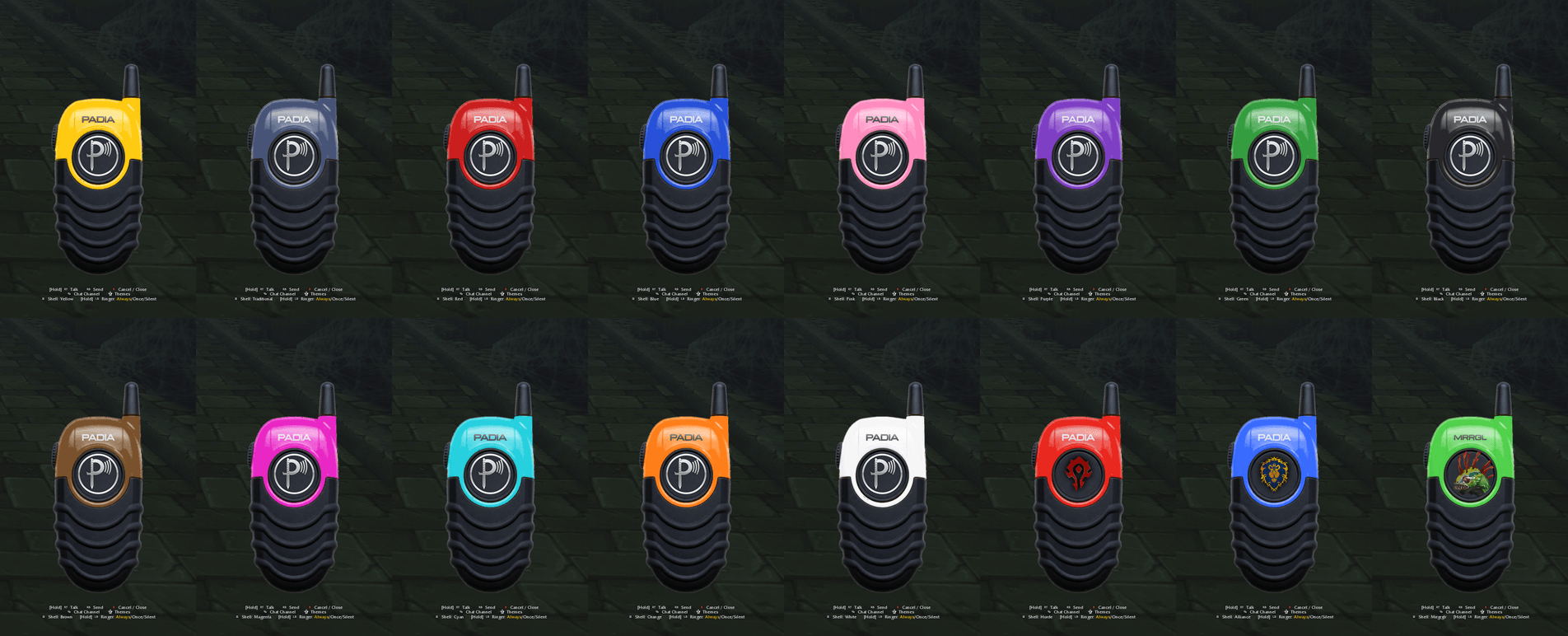
16 shells for PADTEL: the yellow it comes in, every PADIA color, Horde and Alliance with their crests, and Mrrgrglr. Menu/Start opens the shell menu.
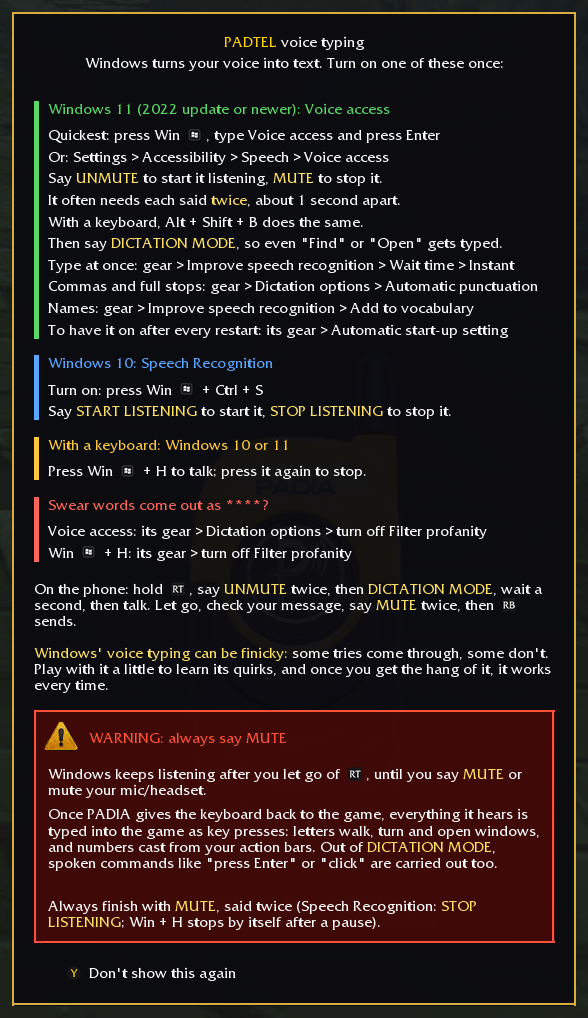
How to set up Windows' own voice typing, shown the first time you pick PADTEL. /padia voiceguide shows it again.
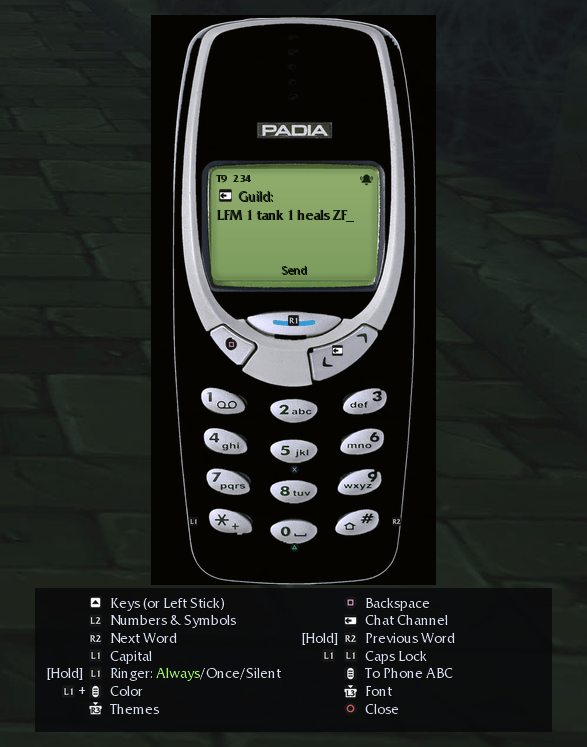
The classic navy phone with PlayStation button pictures. Pick Xbox or PlayStation in Options > AddOns > PADIA, or with /padia playstation.
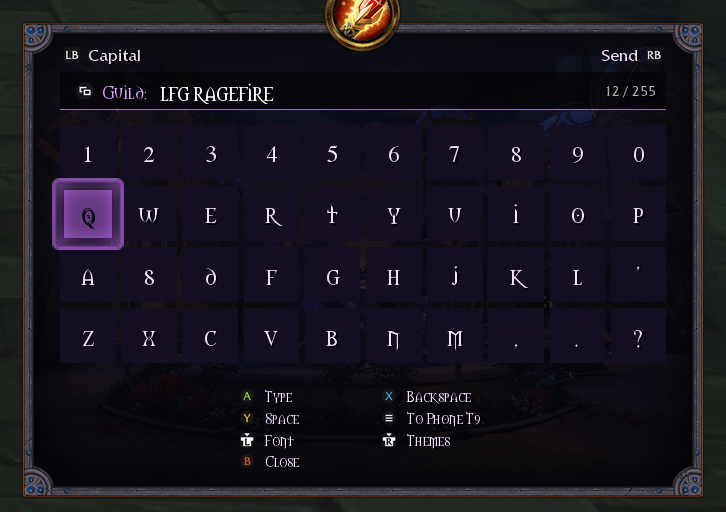
A full on-screen keyboard on the Arcane theme: move with the D-pad or left stick and press A to type a key.