01-farming-journal.png
02-detection.png
03-alerts-and-sound.png
04-map-markers.png
05-location-library.png
Description
OreSentry
OreSentry alerts you to nearby ore exposed by the game's interaction system and remembers your discoveries to help plan future mining trips.
Intended Use
Leave OreSentry running while you level, explore, ride or farm. Get alerts for nearby ore you might otherwise miss along hillsides and cliff edges, and gather as you go. It is also useful when farming ore respawns around the same spot or route, especially in busy areas: nearby ore can trigger an alert when it becomes detectable again, helping you gather between other activities.
Features
- Automatic nearby ore alerts and discovery logging while enabled.
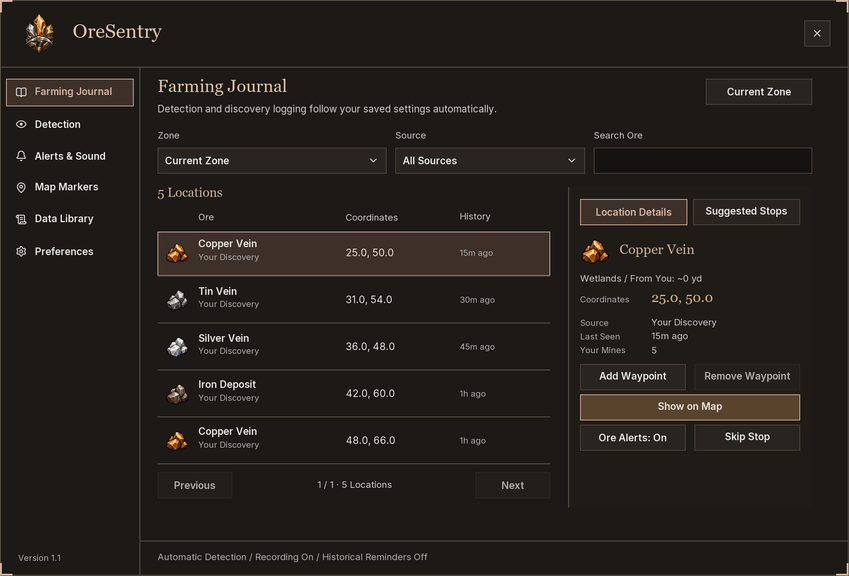
- A Farming Journal with zone, source and ore filters, location details and mining history.
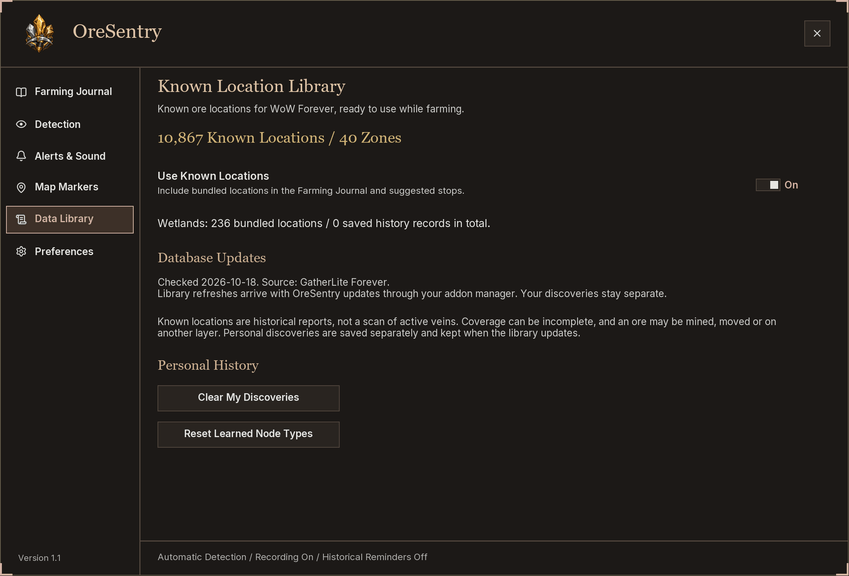
- A bundled library of 10,867 historical ore locations across 40 zones, with no separate database addon required.
- Suggested stops with distance information, ore watchlists, and temporary skipping with clear feedback and Undo.
- Add or remove a native waypoint and tracking arrow for a selected location.
- Show a selected ore location on the world map with a clear highlight, without changing your waypoint.
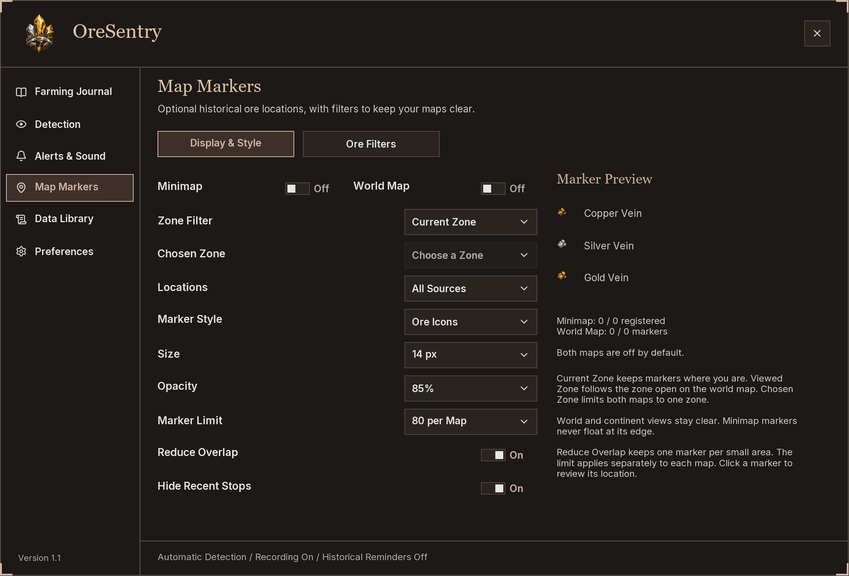
- Optional world map and minimap markers with zone and ore filters, display limits, tooltips, and adjustable size and opacity.
- Ore icons, colored dots and rings for map markers.
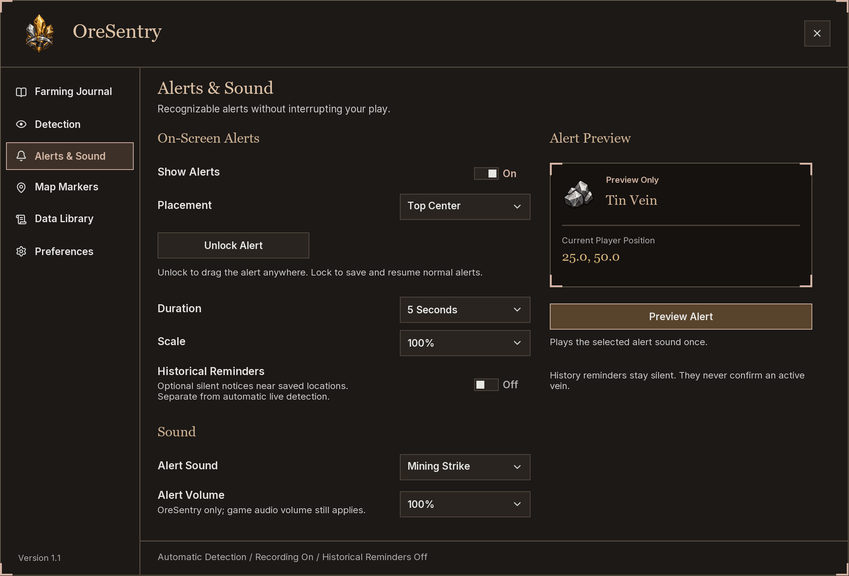
- Movable alert popups with preset positions, duration and scale options.
- A choice of alert sounds, volume levels and playback channels, with a preview button.
- Optional silent reminders near historical locations.
- A draggable minimap icon and a dashboard window scale setting.
How to Use
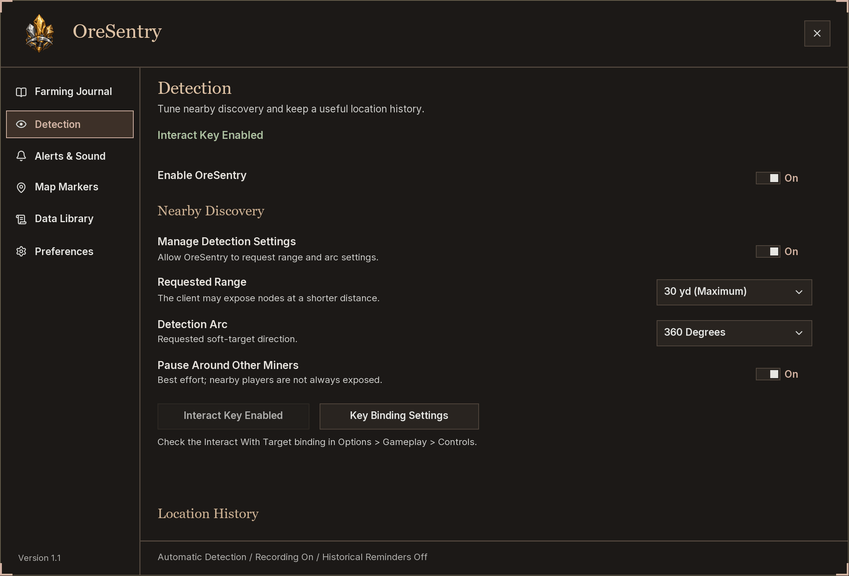
Open Detection and check that the game's Interact Key option is enabled. OreSentry can then alert and record discoveries automatically; you do not need to start a farming session.
Use the Farming Journal to browse your discoveries or known locations. Select a location and choose Add Waypoint to add a native pin and tracking arrow. This replaces your current user waypoint. Remove Waypoint only removes a waypoint matching the selected location.
Use Show on Map to open the selected zone and highlight the ore location while keeping OreSentry open. This temporary highlight leaves your native waypoint unchanged and clears when the map closes.
Skip Stop temporarily hides that location from Suggested Stops and historical reminders. It does not disable live ore alerts, and Undo Skip restores the stop. Enable map markers under Map Markers, and customize notifications under Alerts & Sound.
Click the minimap icon, open Options > AddOns > OreSentry, or enter /ores (also /oresentry).
About Ore Locations
Saved and library locations are historical guides, not confirmation of an active vein. Live detection depends on what the game exposes nearby; OreSentry cannot scan distant ore. Recorded discovery coordinates are your position when the ore was detected.
The bundled location library comes from GatherLite Forever and is included with its MIT license and attribution. Library updates arrive through OreSentry releases; there is no separate account, sharing setup or in-game download.
Made exclusively for World of Warcraft Forever, with compatibility updates for the latest patch as needed.
OreSentry Team