ImmersionGuard
- By
Filters unwanted real-world topics from World of Warcraft chat to help preserve immersion.
04-blocked-log.png
01-protection.png
02-topic-filters.png
03-custom-rules.png
05-blocked-players.png
Description
ImmersionGuard
ImmersionGuard keeps World of Warcraft chat focused on the game by hiding selected real-world discussions.
Features
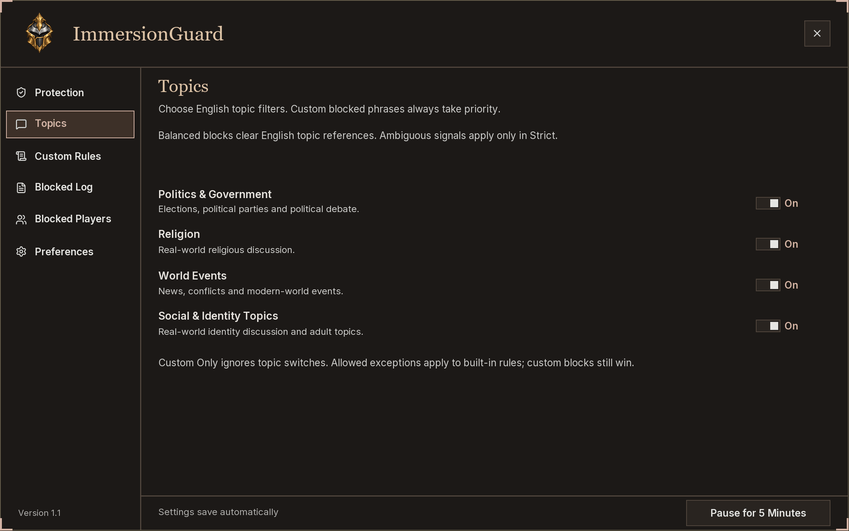
- Filters English discussions about politics, religion, major news, and social or identity topics.
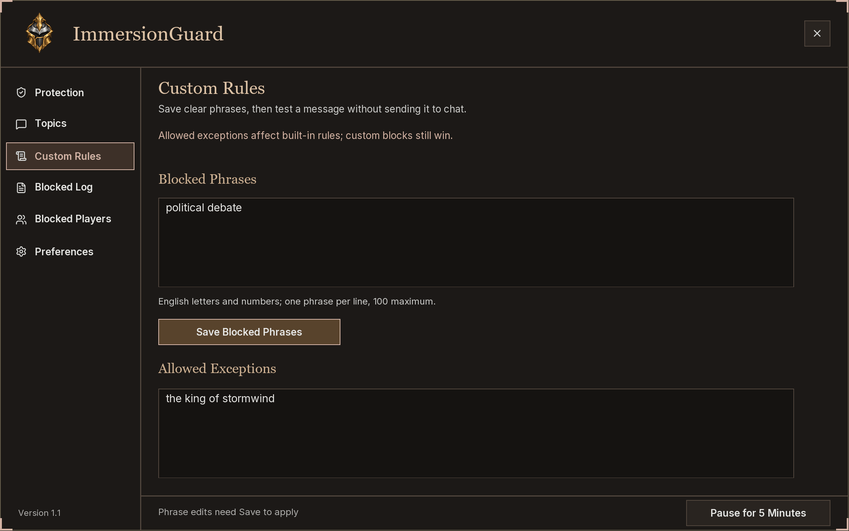
- Supports custom blocked phrases and allowed exceptions.
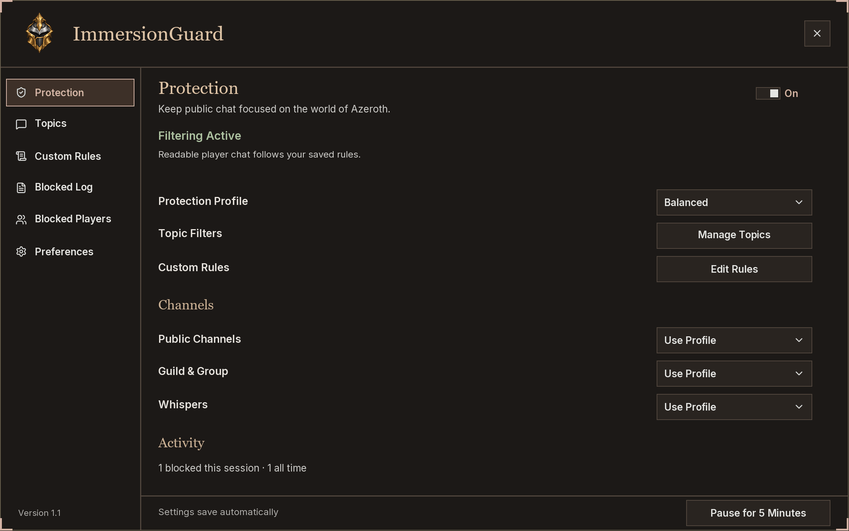
- Includes Balanced, Strict, and Custom Only filtering modes.
- Lets you choose separate filtering modes for public chat, guild and group chat, and whispers.
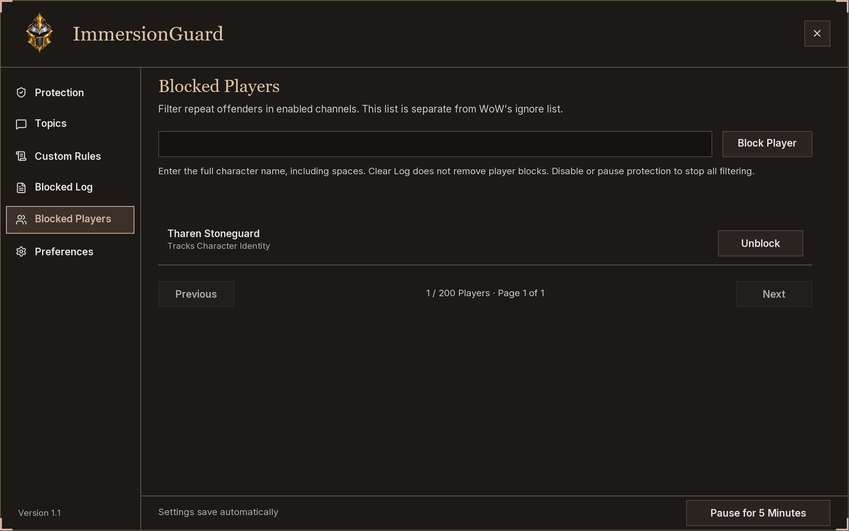
- Blocks repeat offenders through a dedicated player list.
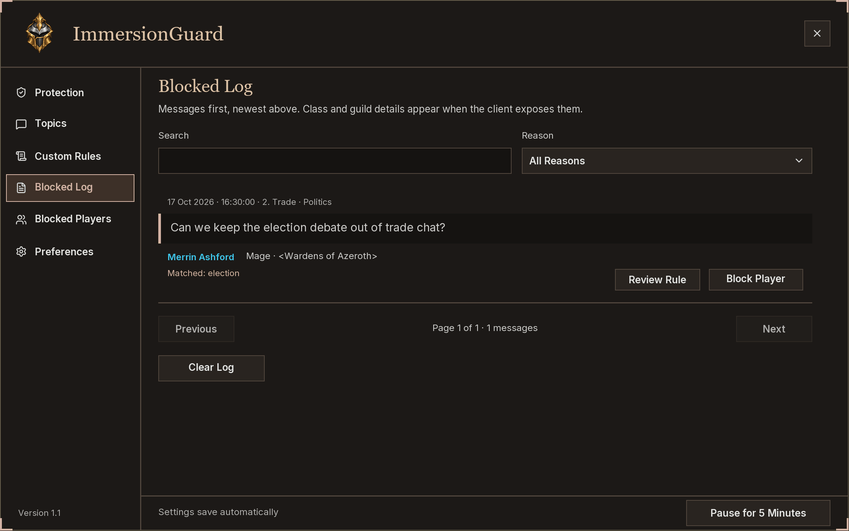
- Shows a local message log with timestamps, channels, filtering reasons and optional class-colored names.
- Keeps the newest 100 blocked messages, with retention choices from one hour to Forever, or counters only (24 hours by default).
- Offers optional blocked-message notices and a five-minute pause.
- Includes a draggable minimap icon and a window scale setting.
- Stores settings and message history locally.
How to Use
Choose a protection profile and the topics you want to filter. Add your own phrases under Custom Rules, and review messages under Blocked Log. You can block a player directly from a log entry.
Click the minimap icon, open Options > AddOns > ImmersionGuard, or enter /iguard.
Made exclusively for World of Warcraft Forever, with compatibility updates for the latest patch as needed. Built-in topic rules use English phrases. Filtering uses text matching, so review your rules and allowed exceptions to suit your chat.
ImmersionGuard Team