Orbs | Diablo-inspired Health & Mana/Resource Frames UI
- By
Diablo-style health and mana orbs with a live-preview designer, combat effects and one-click potion slots.
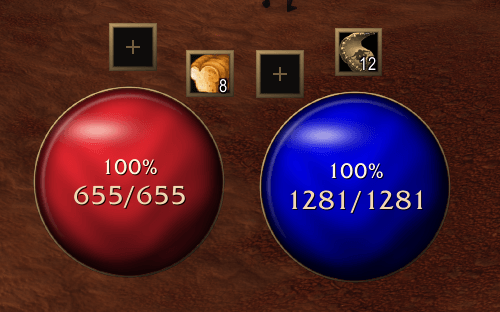
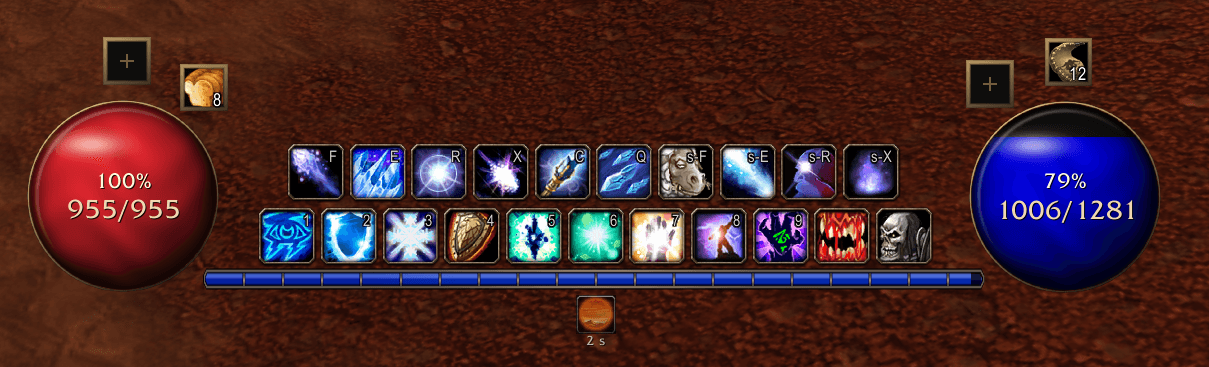
Screenshot 2026-11-17 093218.png
Screenshot 2026-11-17 093229.png
Screenshot 2026-11-17 093235.png
Description
Orbs - Health and Resource Frames
(Optionally) replace your player frame with two glowing, Diablo-style orbs: health on one side, mana or your resource on the other. Style them in a designer with a live preview, and keep potions one click away!
Note: You must hide your player frame (if you wish) yourself in Edit Mode, and edit the HUD positions however you like, my set up is image #2 in gallery!
Features
- Two movable Health and Resource orbs Drag them anywhere, or move them with the rest of your HUD in Edit Mode.
- Five orb design options. An animated 3D globe, three gradients or flat liquid, framed in antique gold, a fine rim or nothing at all, with an optional glass highlight.
- Pick your colours Pick any health colour. The power orb follows your resource (mana, rage, energy and more), or you can force blue or pick your own.
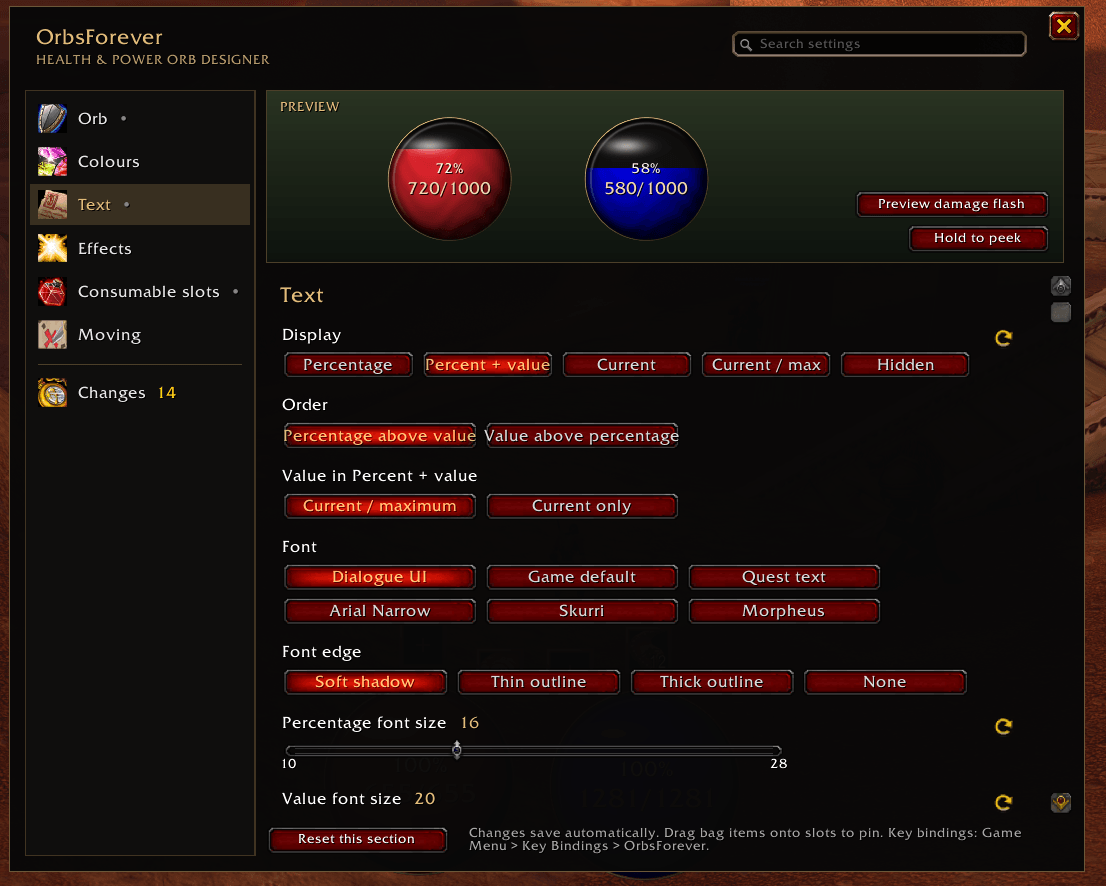
- Show your resource values your way Percentage, current value, current / maximum, or percentage and value on two lines. Choose the font, outline, sizes and spacing.
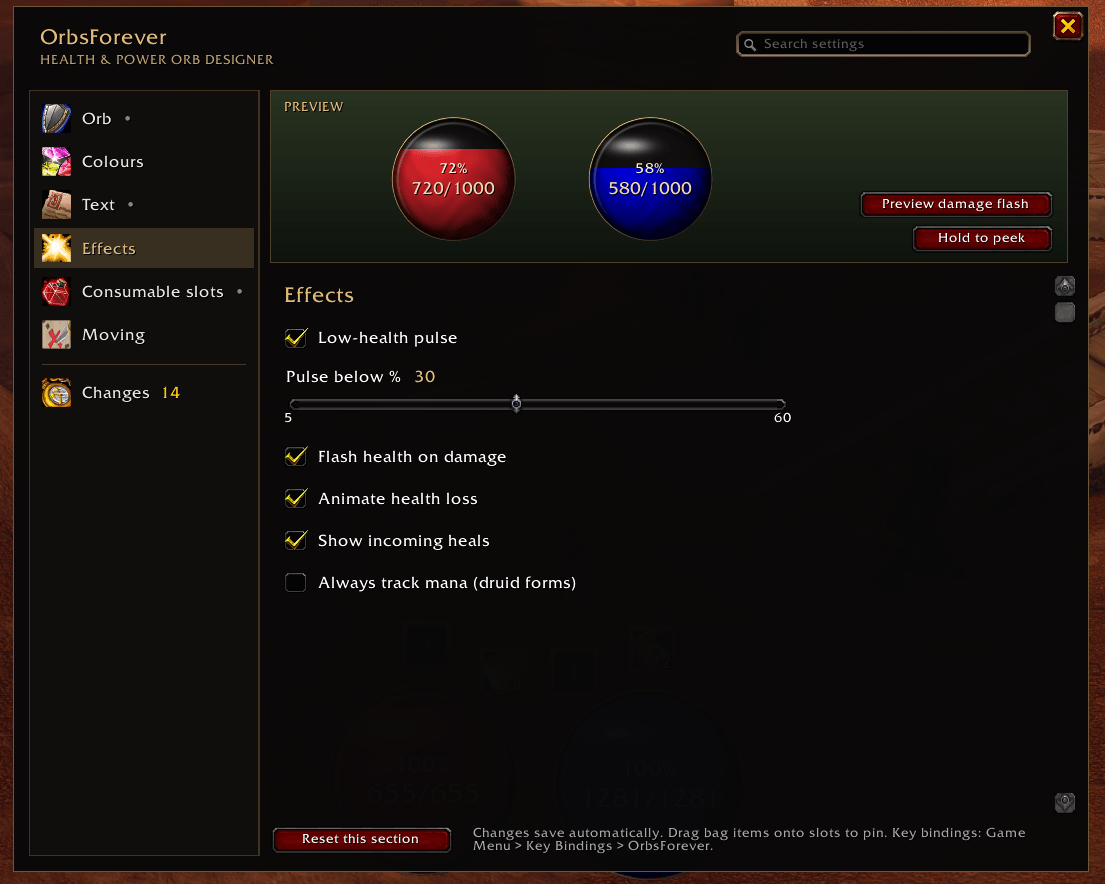
- Combat feedback! Orbs flash when you're hit, an amber trail as health drains away, a pale band for incoming heals, and pulses when you're low on health!
- Dedicated consumable and potion slots. Health and mana potion slots beside the orbs, plus optional food and water slots. Auto picks the best item in your bags. Drag an item on to pin it, and bind keys under Key Bindings > OrbsForever.
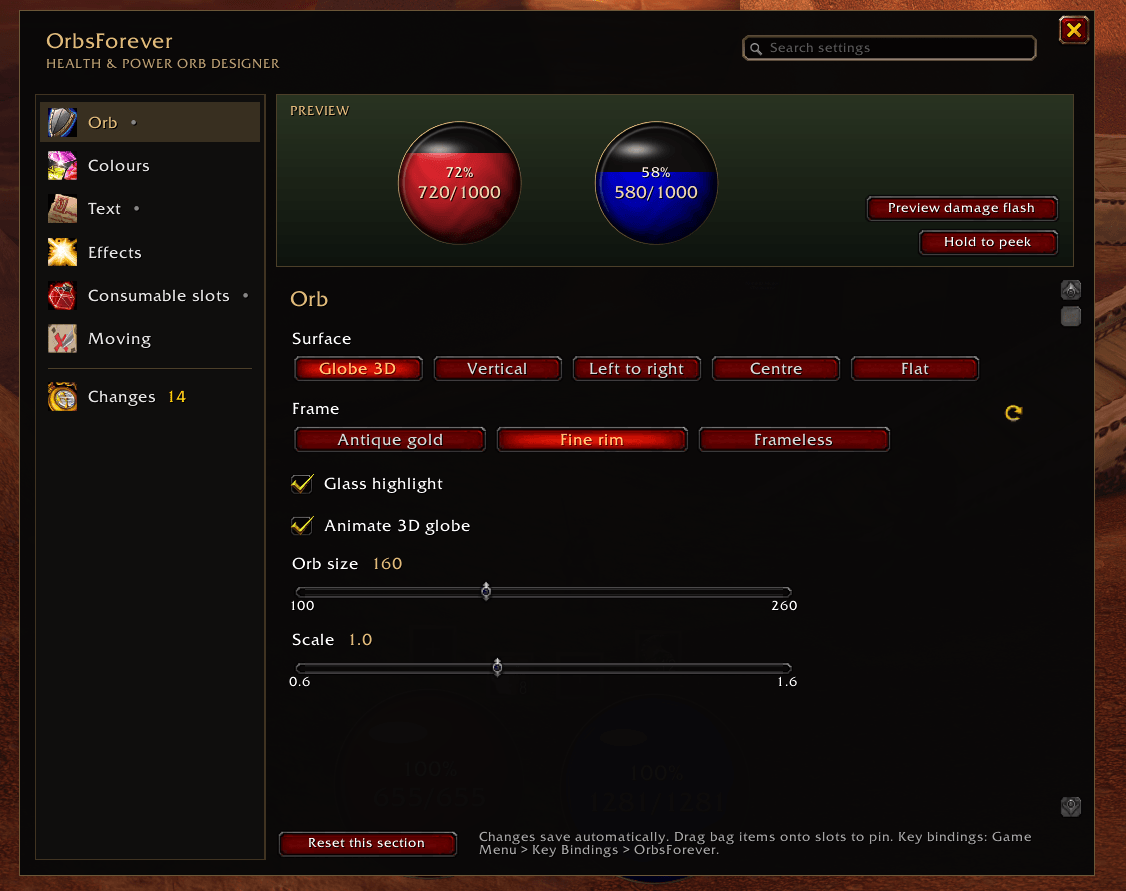
Design menu to customise your Orbs
Type /orbs to open a designer menu to customise the functionality and visuals of your Orbs.
How to use
- Go to Game Menu > Options > AddOns Tab (at the top) > OrbsForever > Open the OrbsForever designer
Commands
- /orbs: open the designer
- /orbs unlock / /orbs lock: move the orbs / lock them
- /orbs reset: put the orbs back in their default positions
- /orbs items: explain which bag items each slot picked
- /orbs debug: client details for bug reports
Found a bug?
Type /console scriptErrors 1, reproduce the problem, and post the first Lua error along with the output of /orbs debug.
Orbs | Diablo-inspired Health & Mana/Resource Frames UI Team