nodebrowser.png
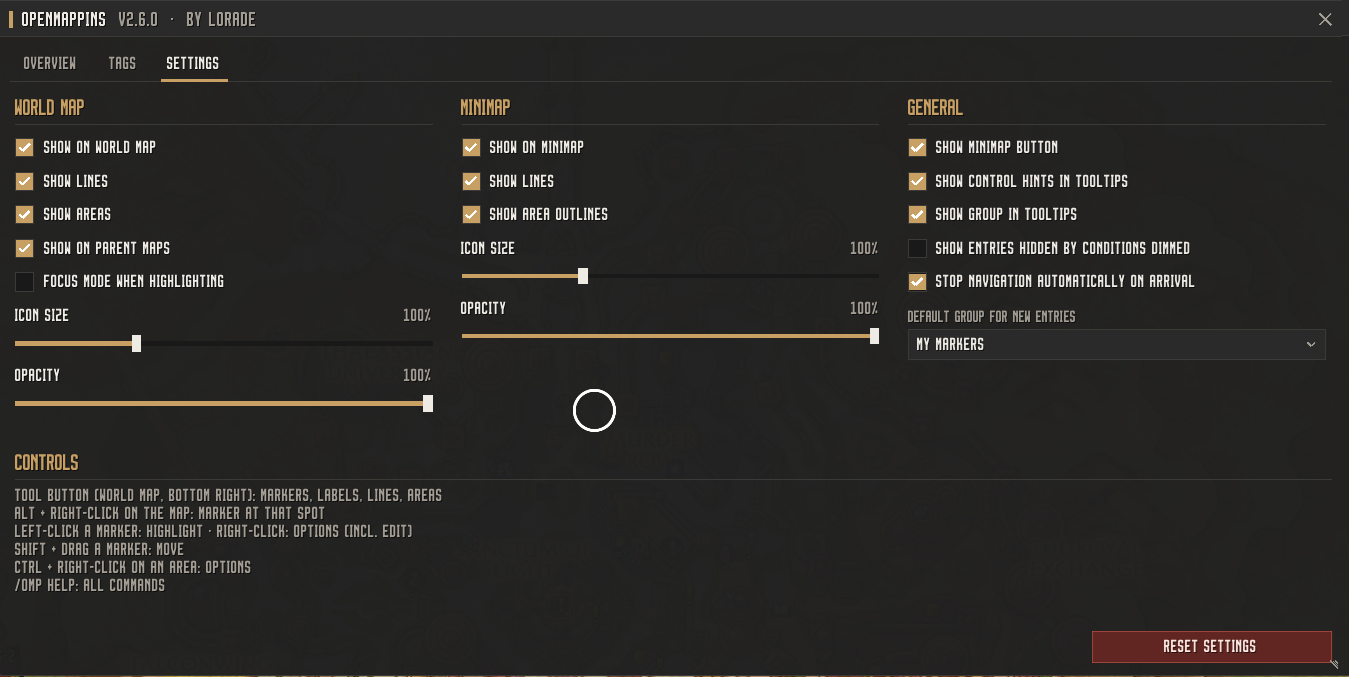
settings.png
Description
OpenMapPins
Your map, your notes. OpenMapPins is a standalone replacement for HandyNotes: place your own pins, draw routes, and paint areas directly onto the world map and minimap – organized into groups, filterable, conditionally displayed, and shareable via import strings or chat links.
No dependencies, no extra modules, no XML templates – a lightweight addon with its own modern interface.
Features Overview
Pins, Labels, Lines & Areas
- Pins with name, description, icon (built-in icon browser with search), customizable color, and size
- Text labels placed directly on the map – customizable color and font size
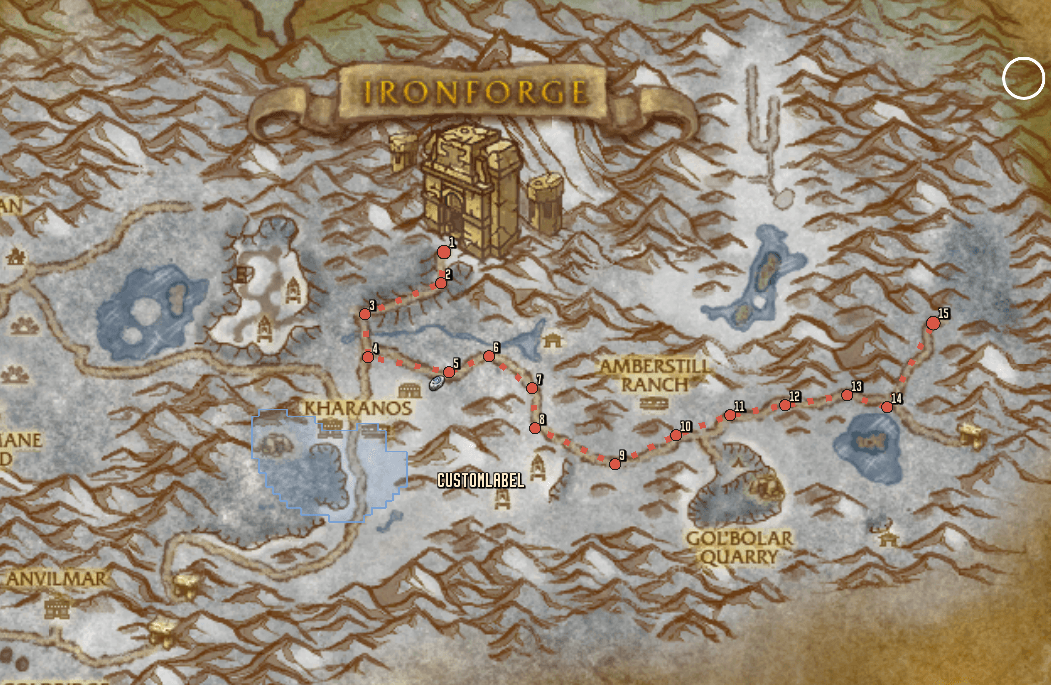
- Lines & routes – solid, dashed, or dotted, optionally with numbered waypoints
- Areas painted and erased using a brush tool, e.g., for farming spots or event zones
- Sub-icons – multiple positions per pin (e.g., all spawn points of a rare spawn), connected and highlighted on hover
- Appears on world map and minimap, optionally displayed on parent maps or strictly on the current map
Staying Organized
- Groups nested at any depth (e.g.,
Draenor / Gorgrond / Treasures), toggleable, lockable, and duplicable - Tags with colors for a secondary level of organization
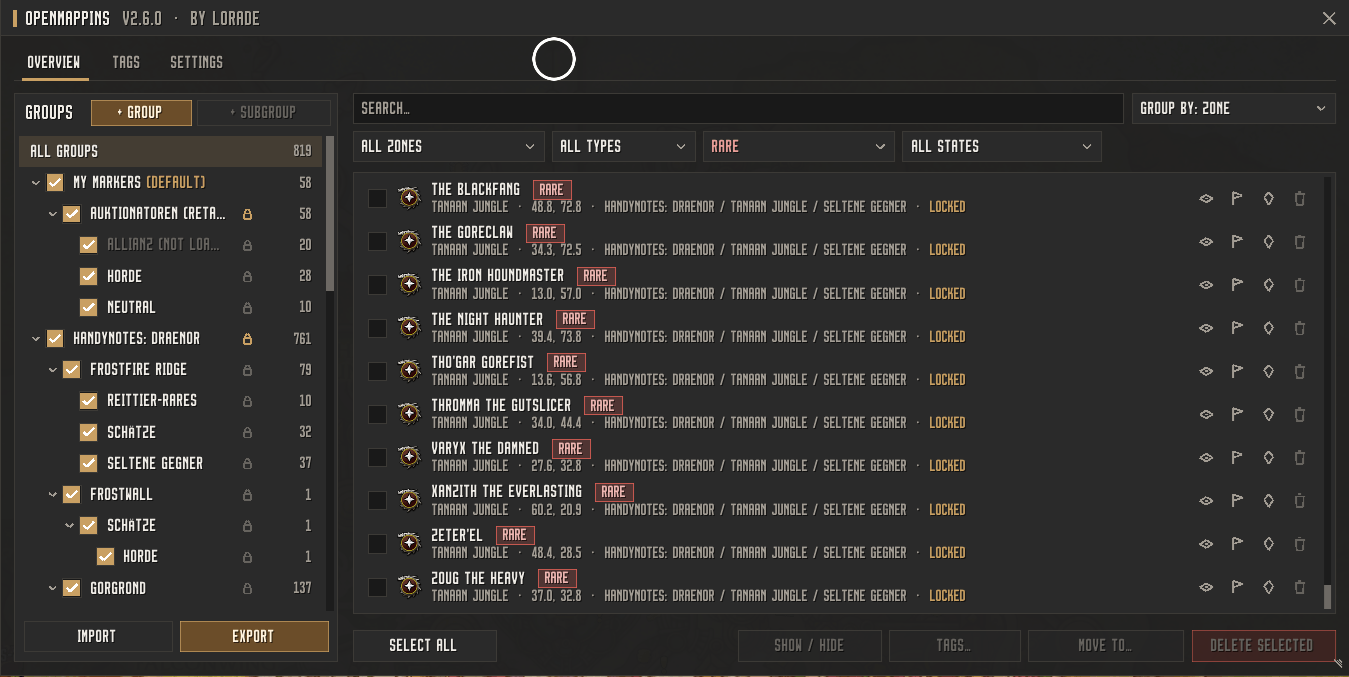
- Management window featuring a group tree, zone and tag filters, multi-selection, and full settings control
- Search with auto-complete covering names, zones, groups, tags, and rewards – one click opens the map and highlights the entry
Map Filters
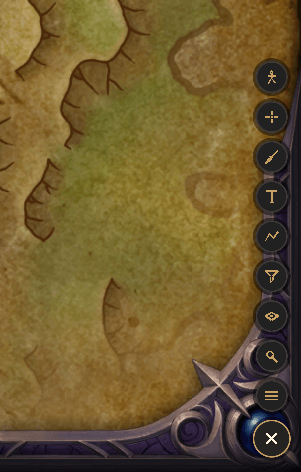
- Use the funnel button to filter and display only pins matching specific tags or symbols – e.g., only treasures or a specific icon
- Applies to both world map and minimap and remains saved
Conditions & Load Conditions
- Hide, fade, or check off entries dynamically based on quests, achievements, achievement criteria, mounts, toys, items, transmog, faction, class, race, or level
- AND/OR logic gates, "fulfilled" or "not fulfilled" triggers – perfect for treasures and rare mobs that should vanish after looting
- Load conditions for groups: e.g., load only for Alliance, only at maximum level, or only in Classic
Rewards & Tooltips
- Attach rewards per entry: items, gold, reputation, currencies, or custom free text
- Detailed tooltips with icons, item sub-types (e.g., Necklace, Mount), and a check mark if already collected
- Gold color-coded in g/s/c format
Placeholders with Live Values
- Dynamic text placeholders such as
%next(13:00, 30)%(next spawn + remaining time),%daily%,%distance%,%quest(id)%, or%itemcount(id)% - Updated live in tooltips – includes built-in documentation
Navigation
- On-screen navigation arrow with distance display, optionally stops automatically upon arrival
- Alternative support for Blizzard map waypoints or TomTom
Sharing & Importing
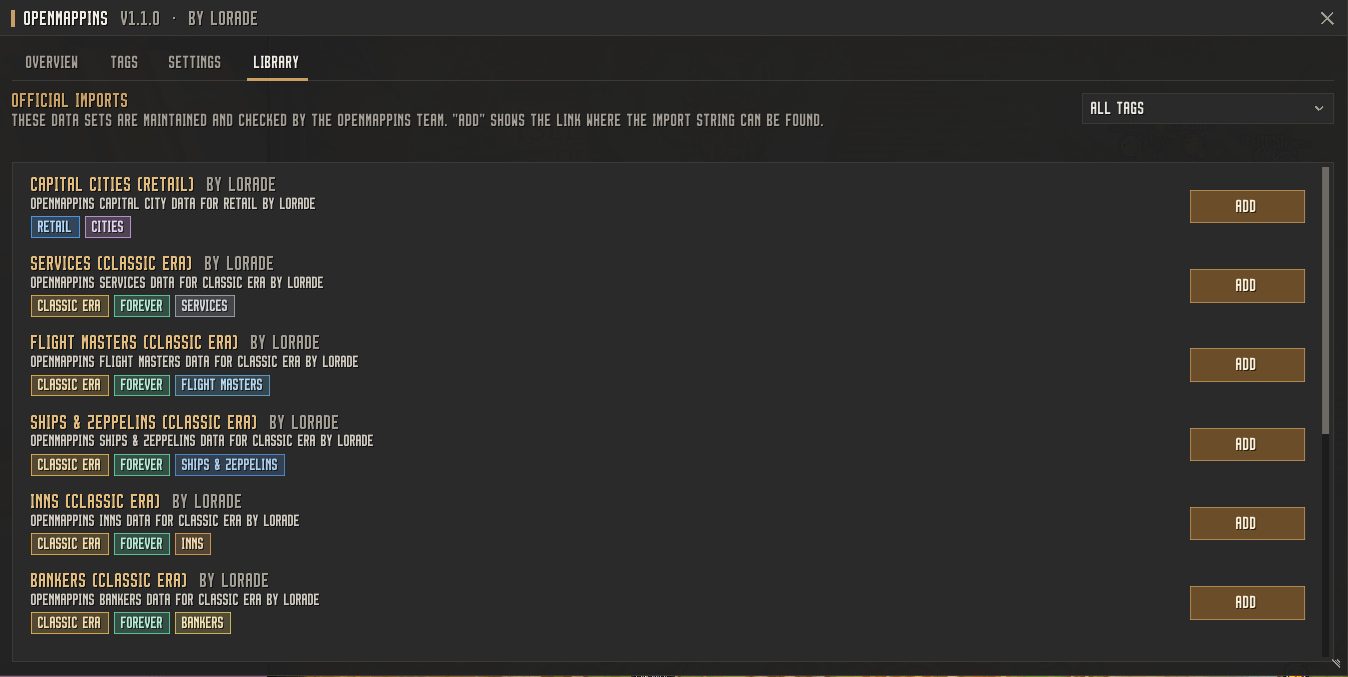
- Import/Export strings for individual entries or whole groups – secured with checksums, fully validated, and never executed as raw code
- Chat links:
[OpenMapPins #id: Name]– other players using OpenMapPins can import the entry with a single click - Handles large datasets with thousands of entries – processed asynchronously in batches with a progress indicator
Controls & Usage
| Action | Result |
|---|---|
| Tool button (bottom-right of world map) | Expand tools: Pin, Label, Line, Area, Filter, Search, Management |
| Alt + Right-Click on map | Instantly place a pin |
| Left-Click on a pin | Highlight (optional Focus Mode) |
| Right-Click on a pin | Context menu: edit, navigate, share, duplicate … |
| Shift + Drag | Move pin position |
/omp |
All commands (/omp search, /omp import, /omp add, …) |
Feedback
Found a bug or have an idea? Feel free to leave a comment – all feedback is greatly appreciated!
OpenMapPins Team

Owner