


OneTap
- By

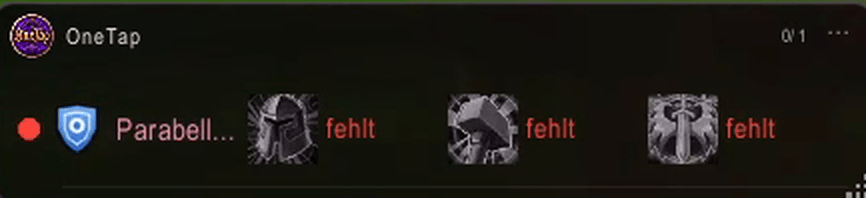
One row per buff or spell, with a traffic light and the status for each one. Here three buffs are missing.
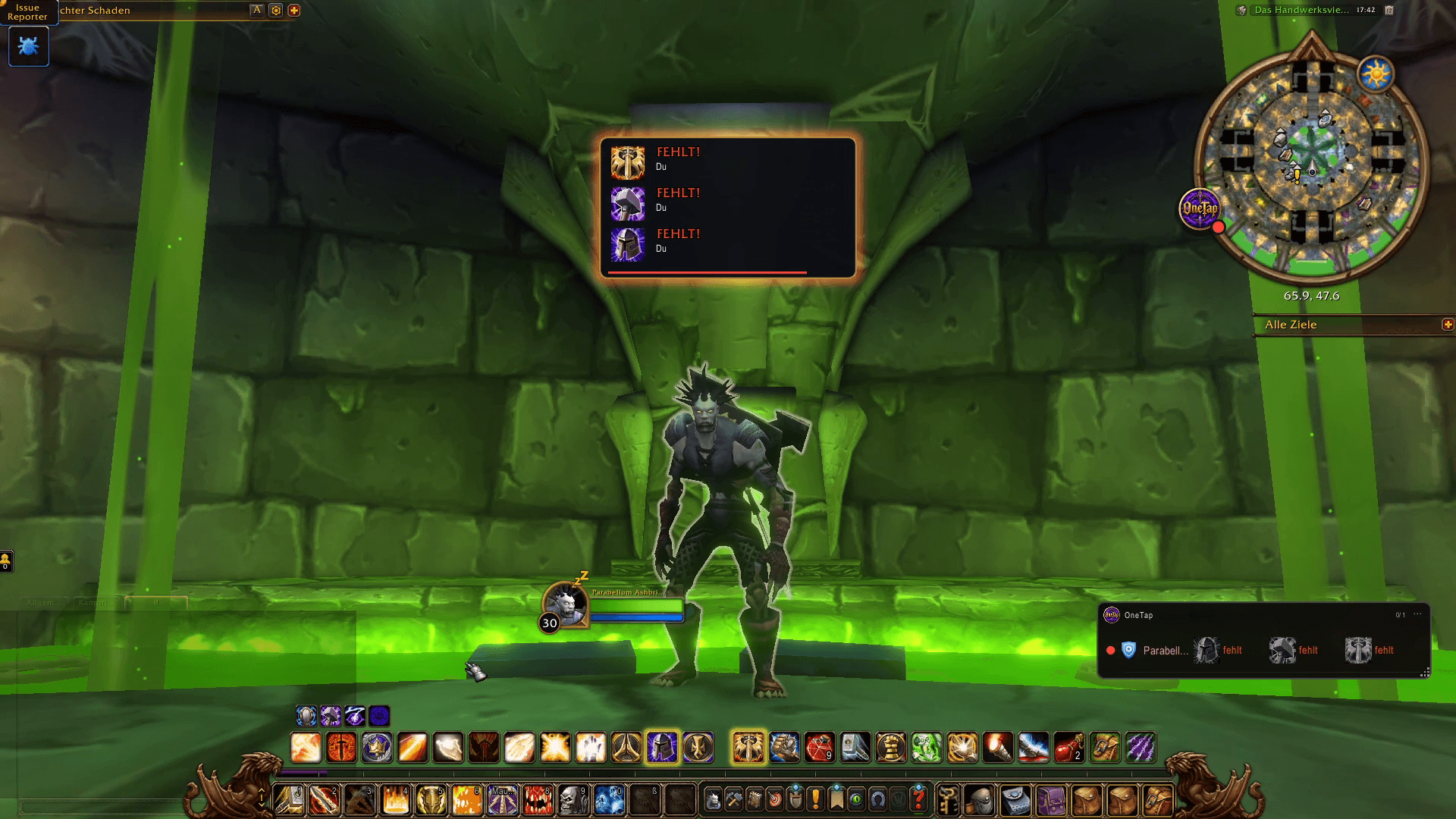
A banner appears on screen as soon as buffs are missing, with the spell icons and who needs them.
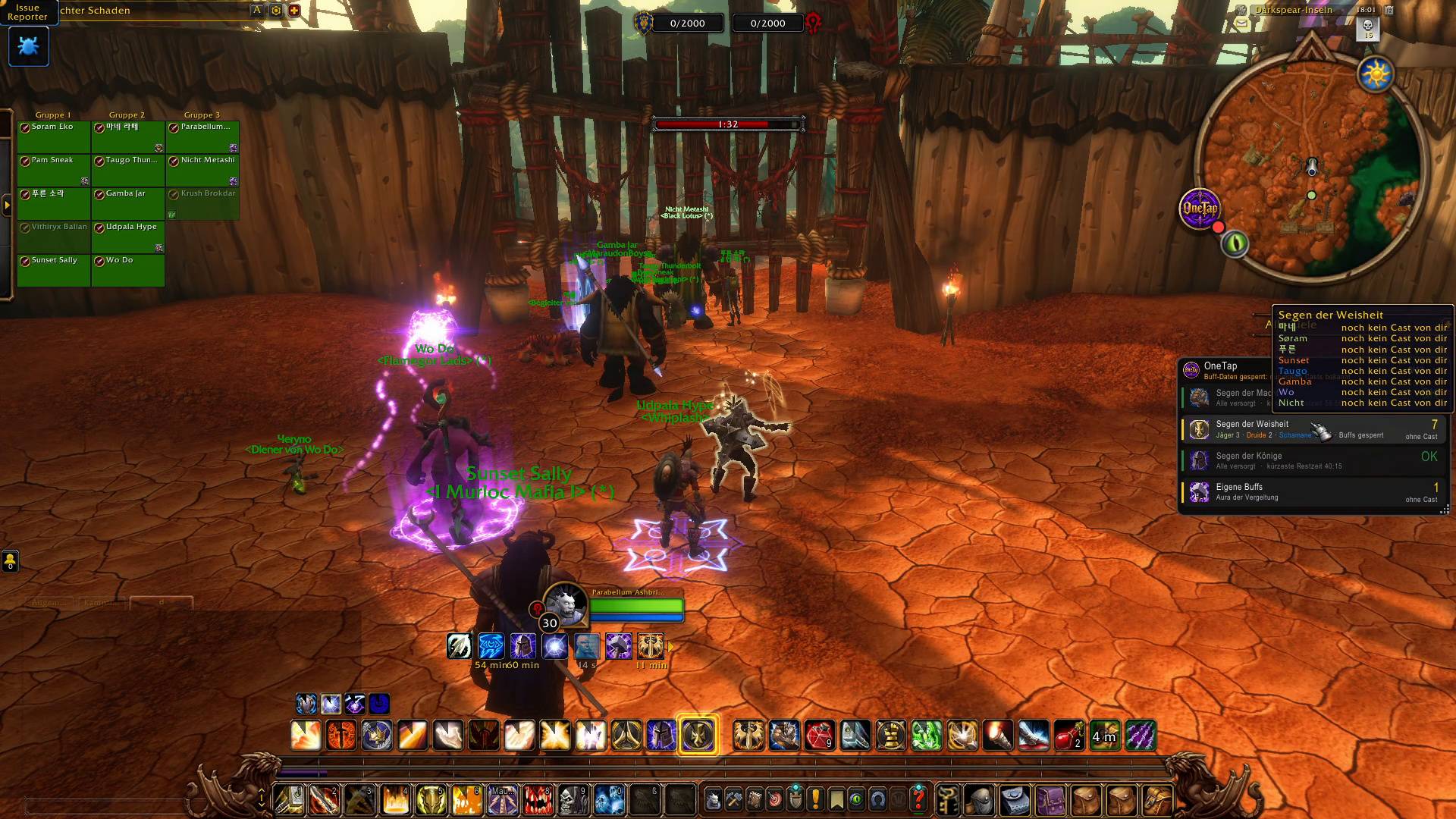
OneTap shows your whole group in a compact window and tells you which blessing is still missing on whom.
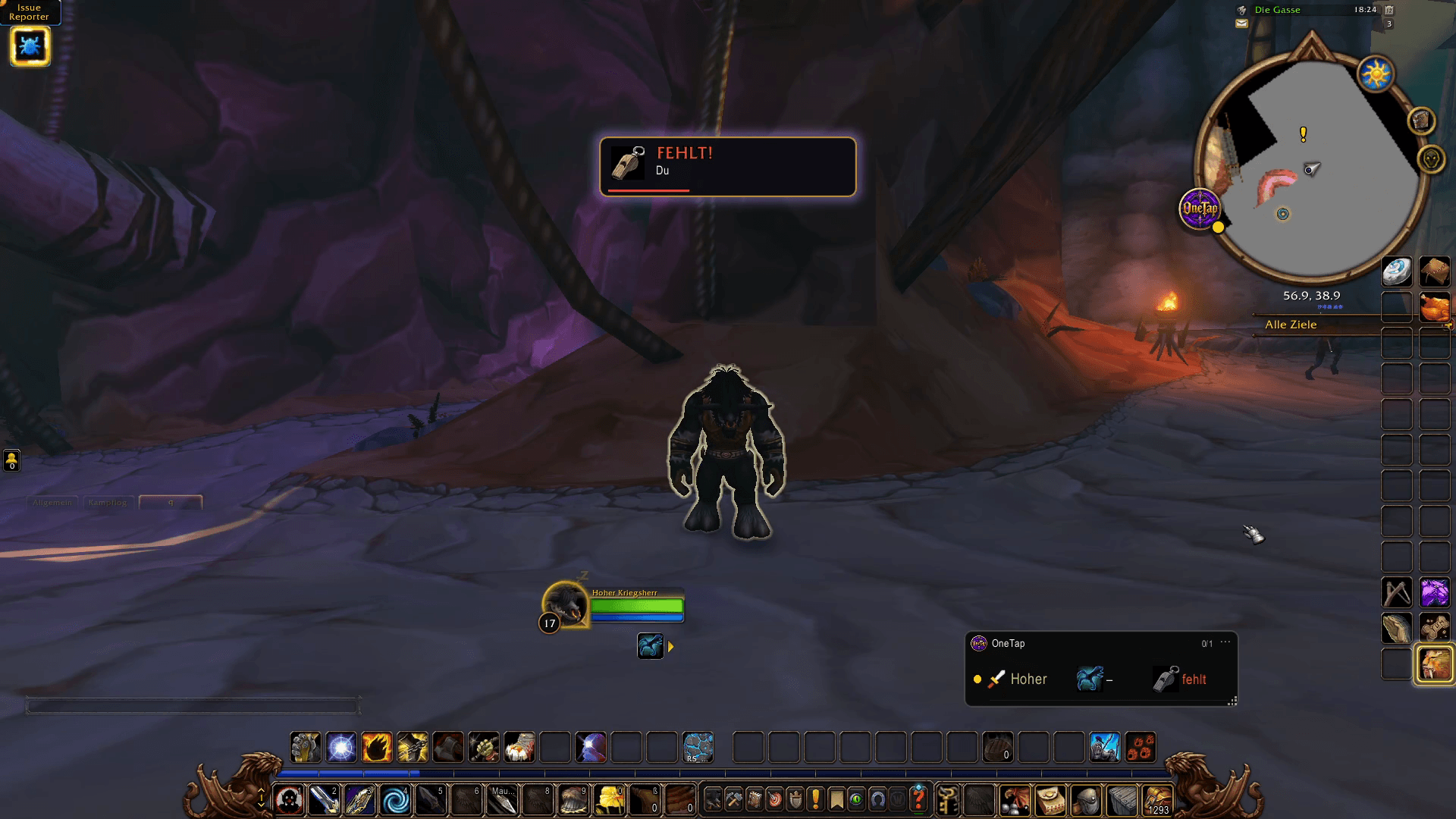
OneTap warns you when your pet is missing, so you never start a fight without it.
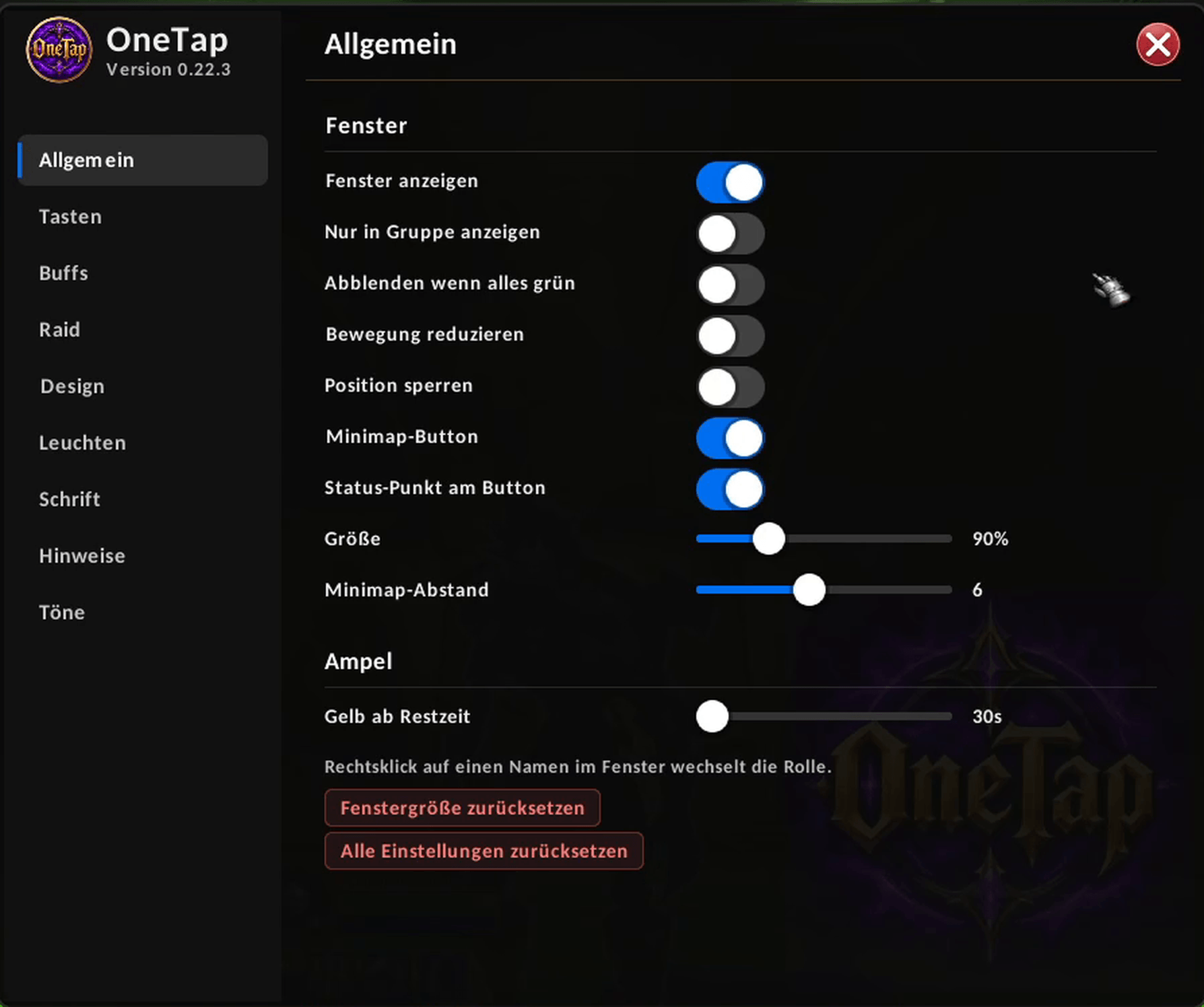
Show or hide the window, fade it when everything is green, lock its position and set the size and the yellow warning time.
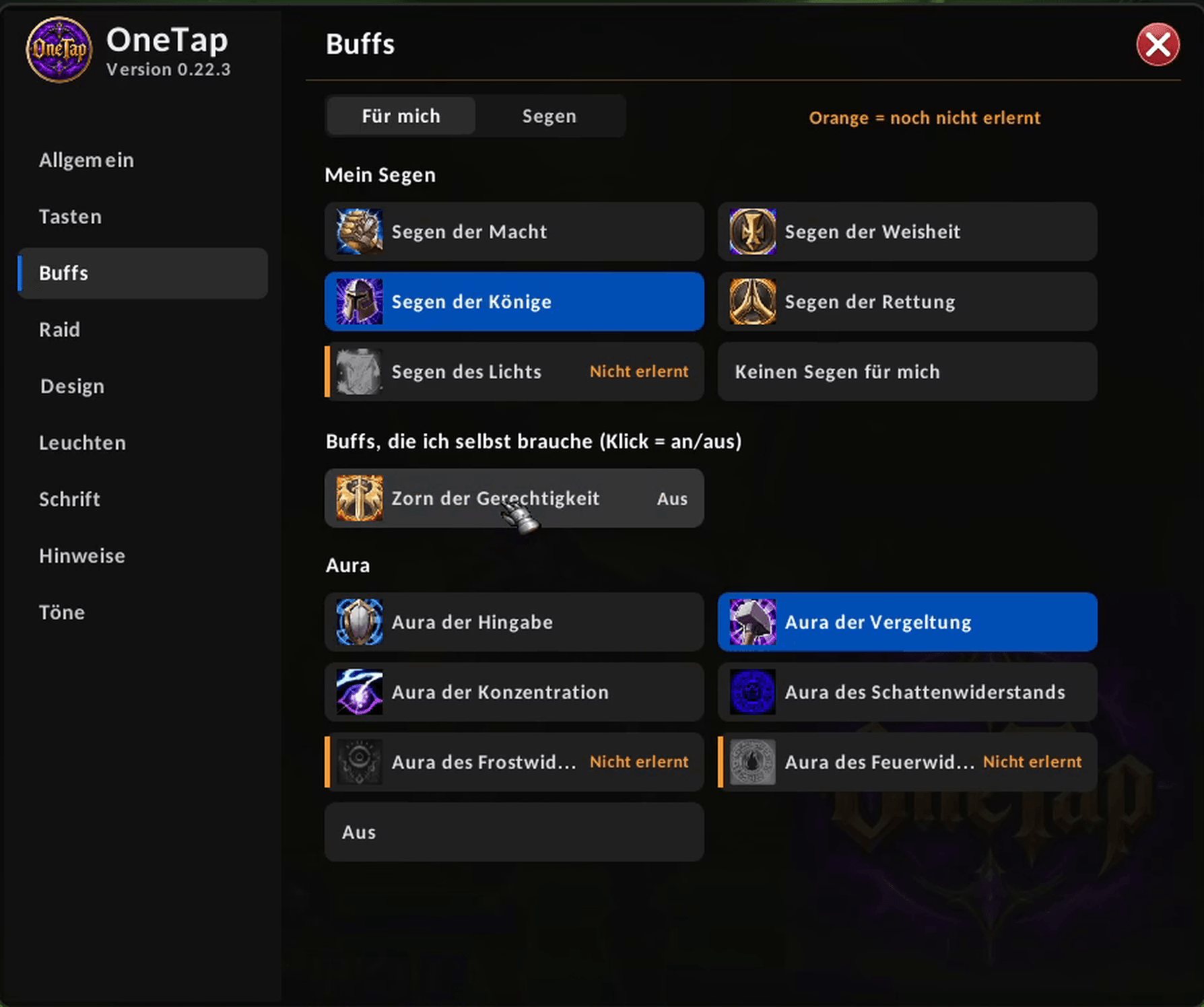
Choose which buffs you want on yourself, such as blessings and auras, and switch each one on or off with a click.
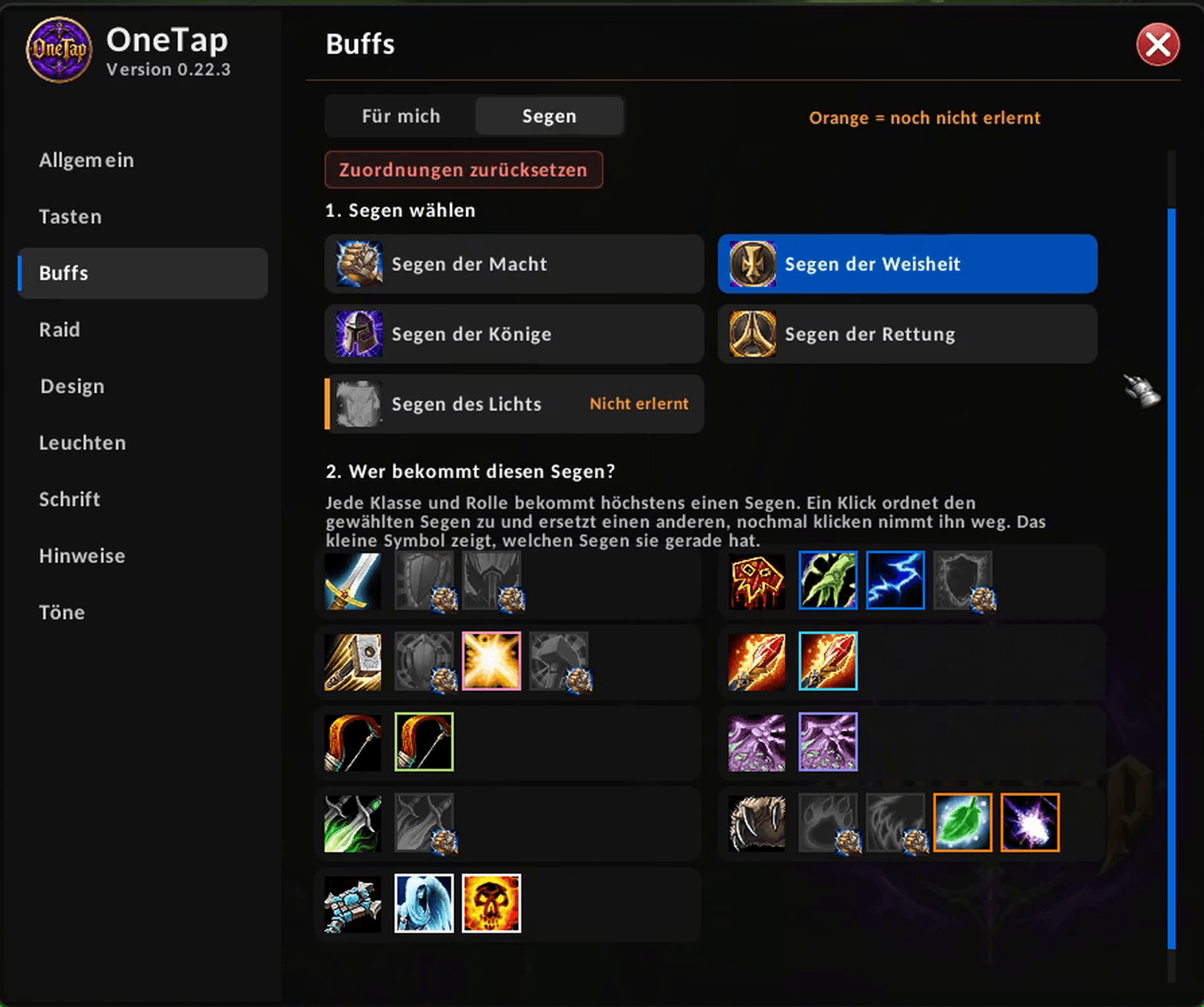
Pick a Buff and assign it to each class and role. Every class and role gets at most one
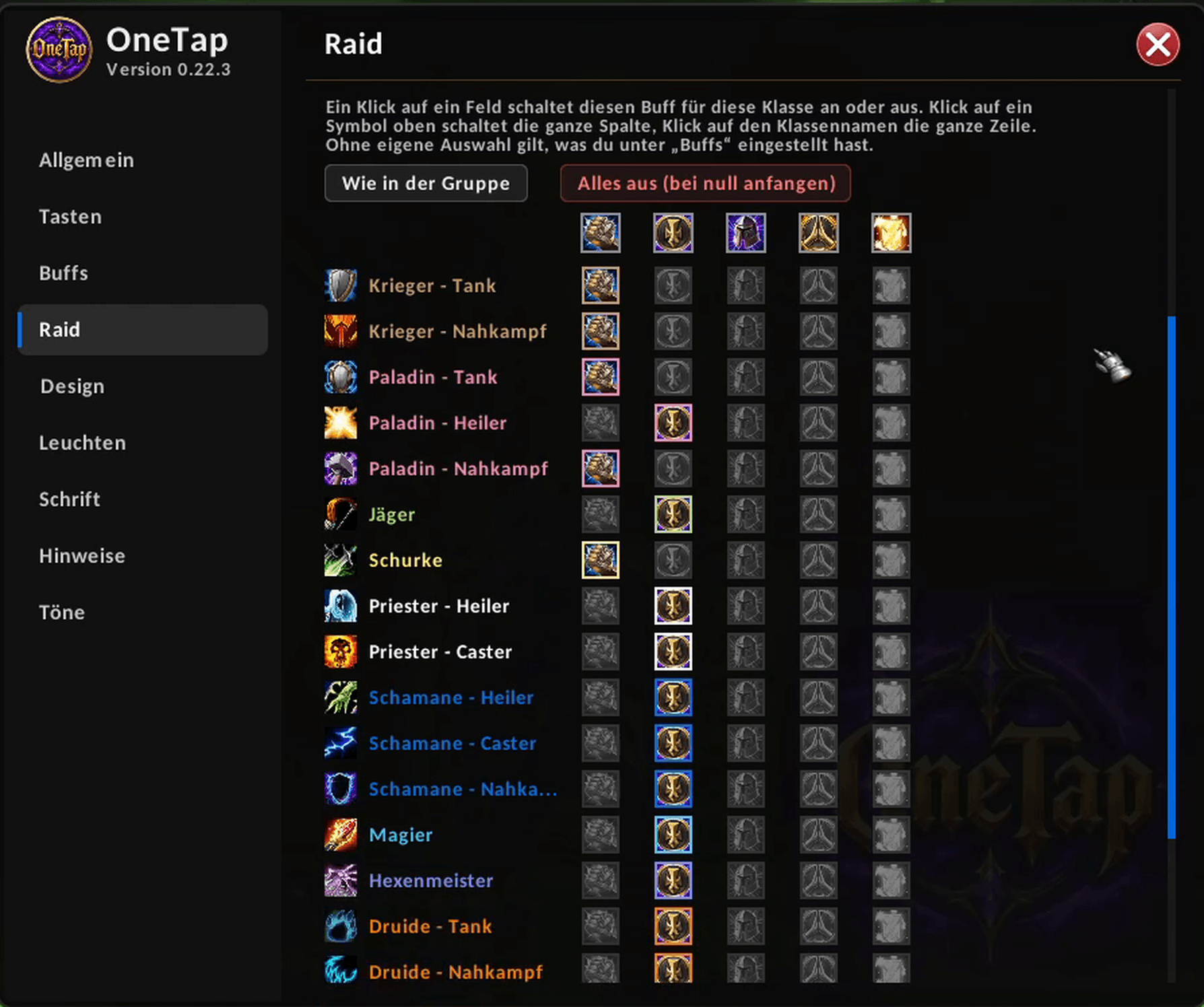
Set separately what you buff in a raid, by class and role, with one click per cell.
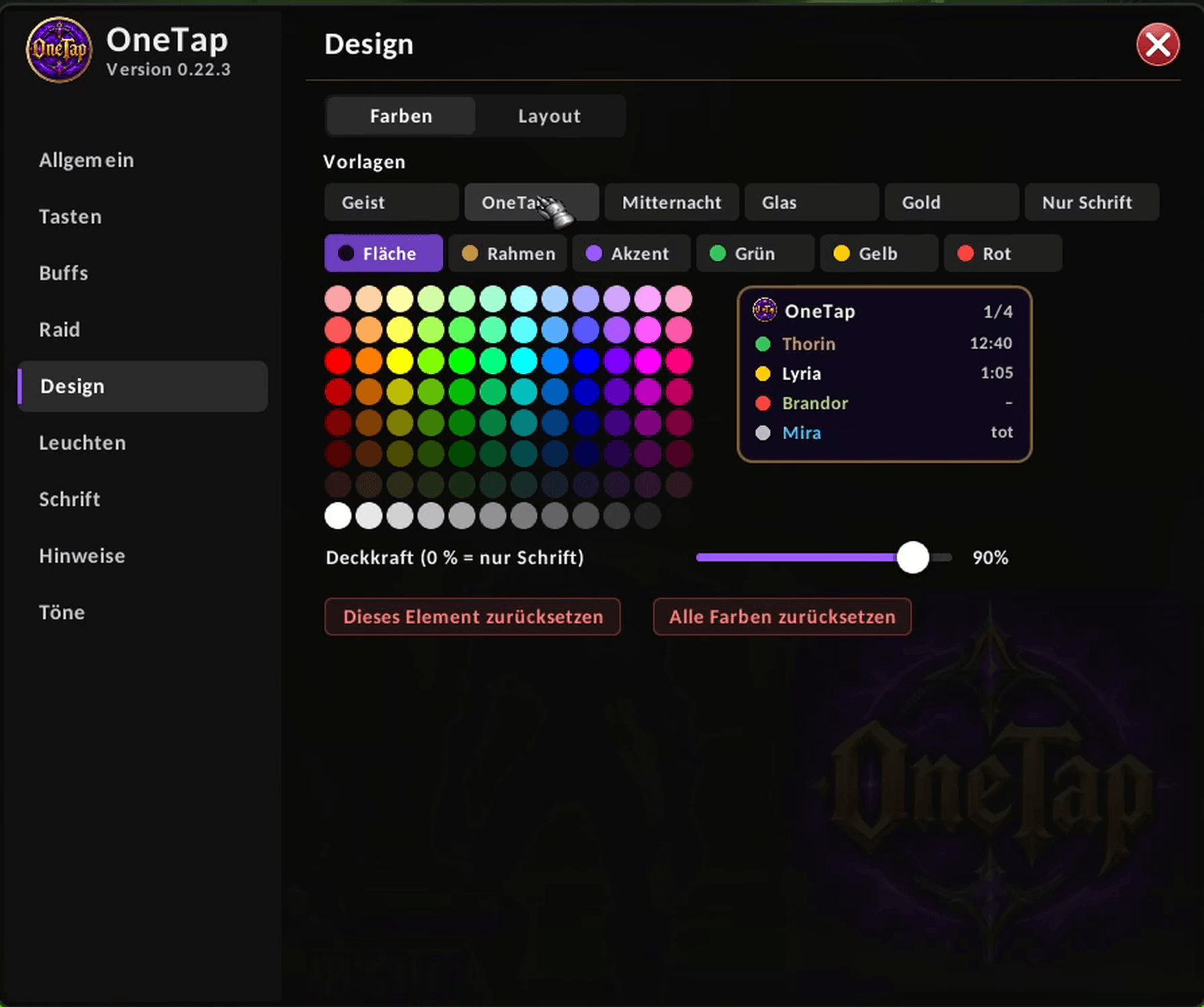
Choose a preset or set your own colors and opacity for the window, the border and the status colors.
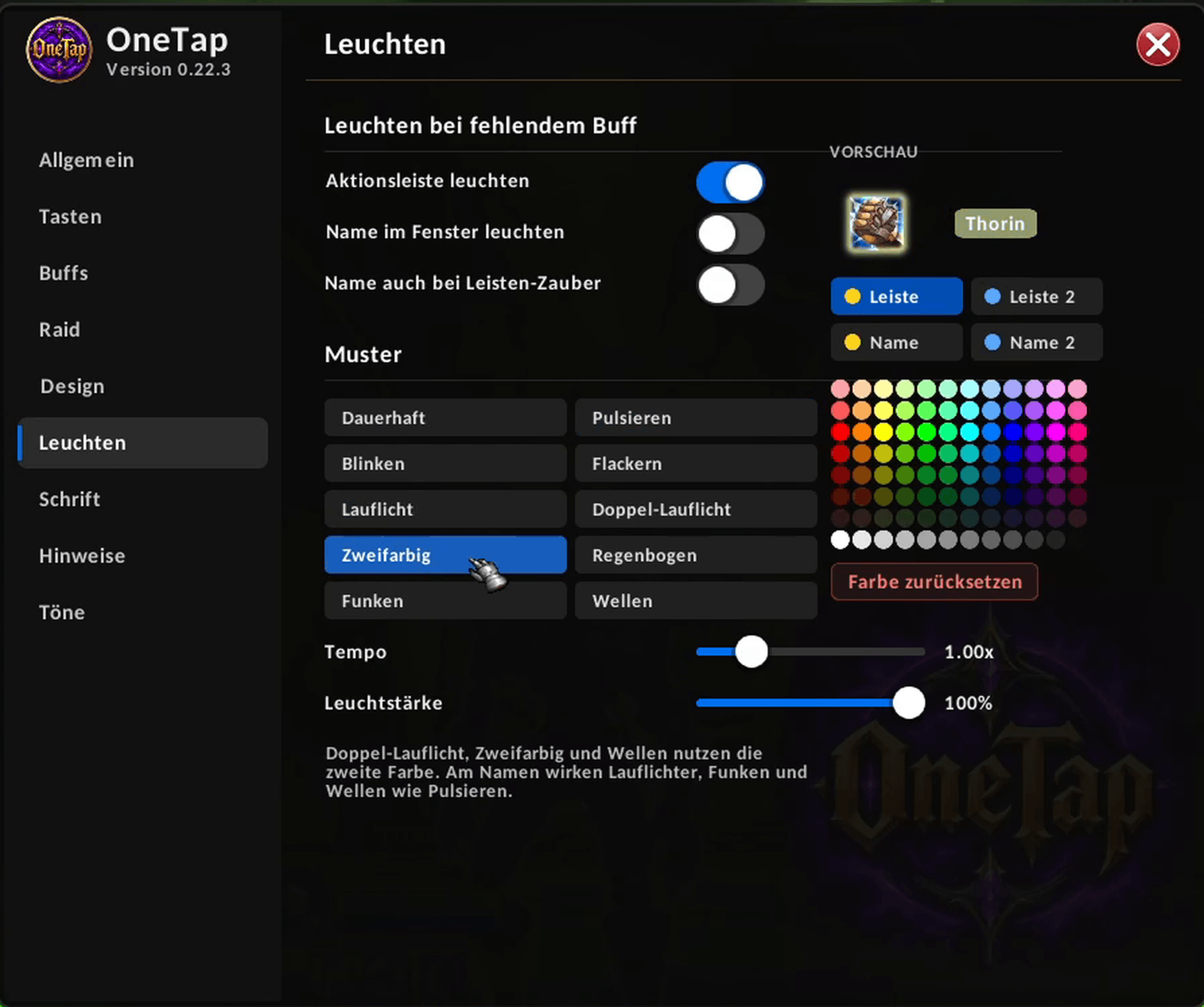
Make action bar buttons and names glow when a buff is missing. Pick a pattern, a color and the speed.
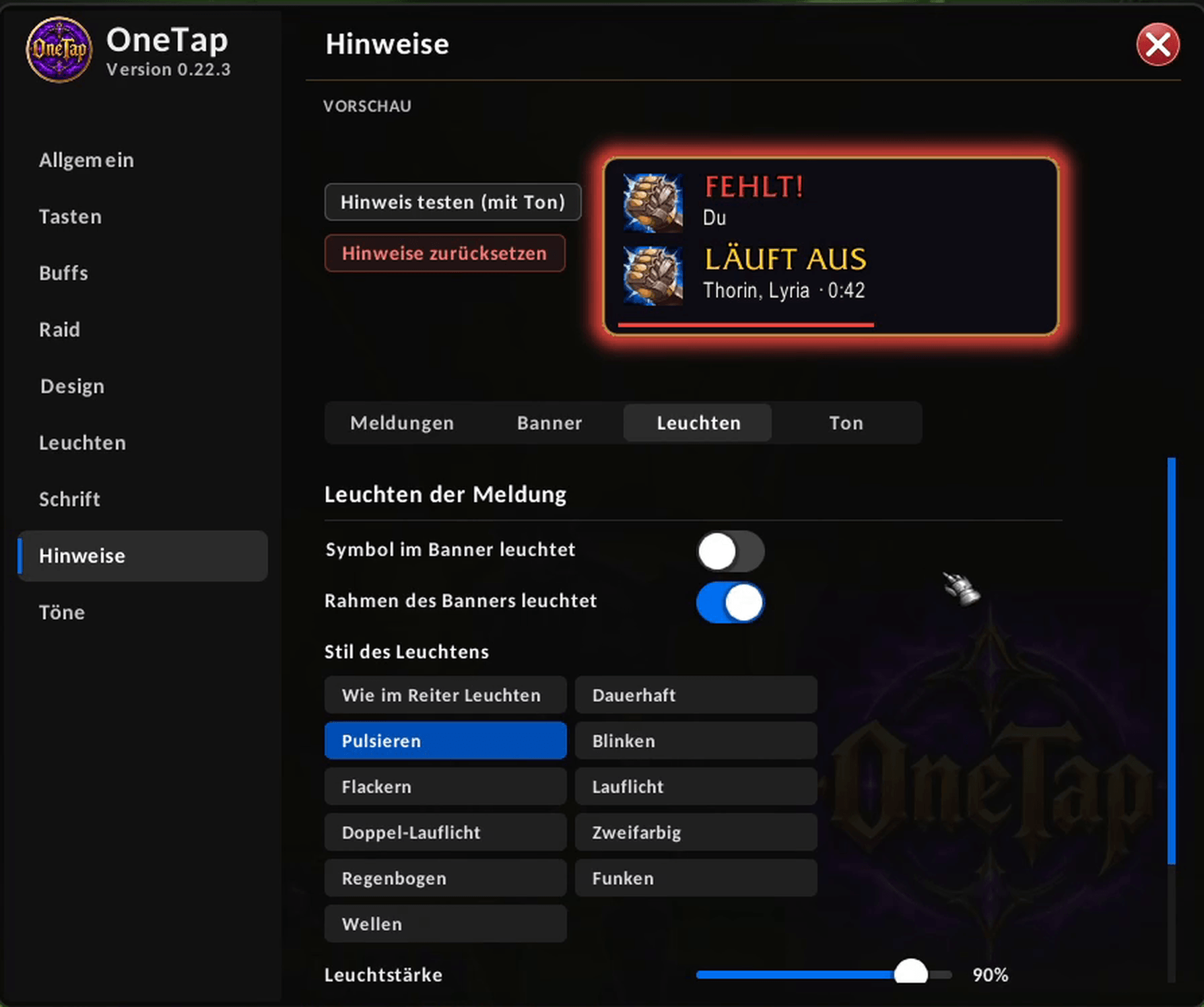
Set when OneTap should warn you, how the banner looks and how it glows. The preview shows the changes right away.
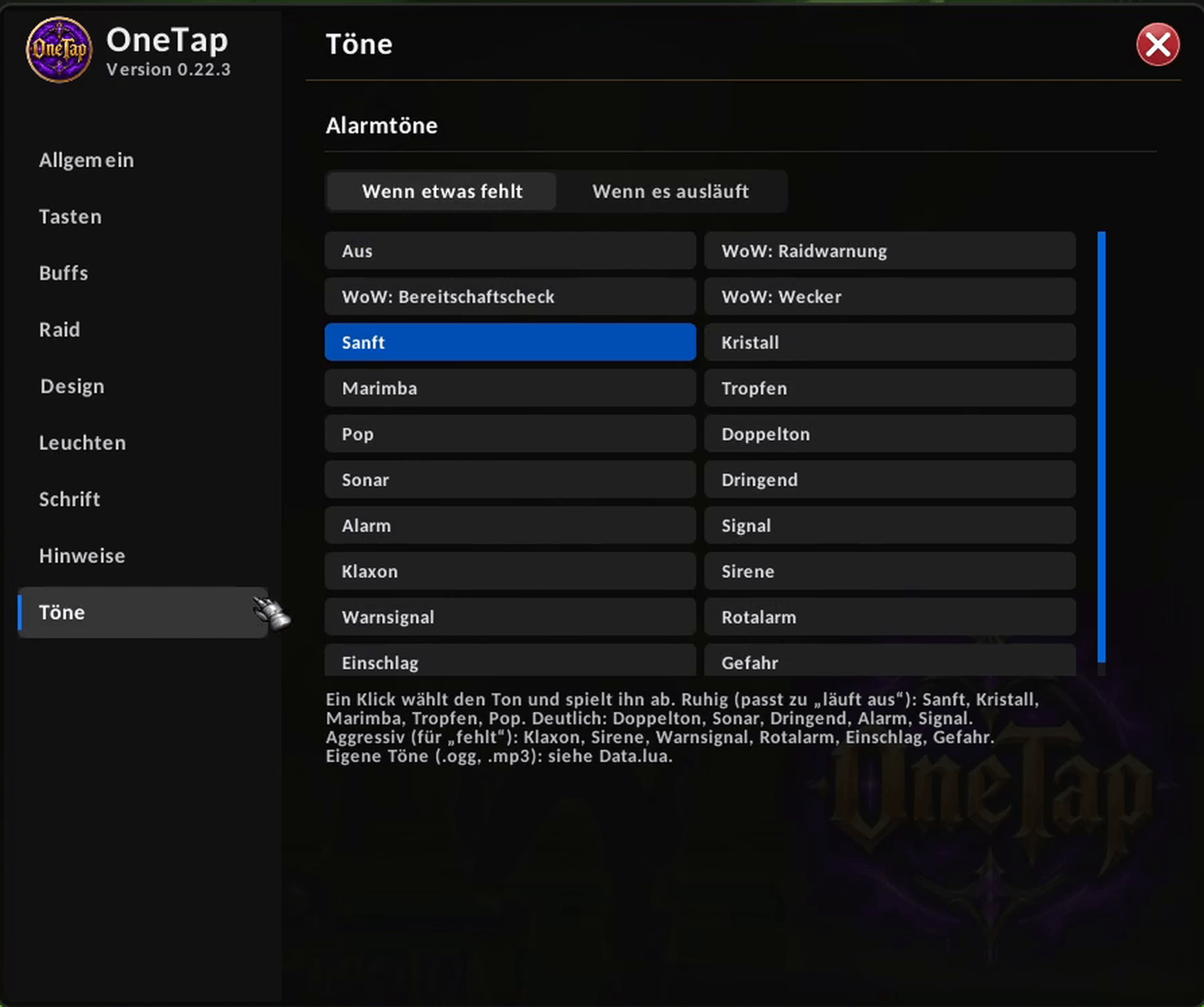
Pick a different sound for "missing" and for "expiring". One click selects and plays it.