OneTap
- By
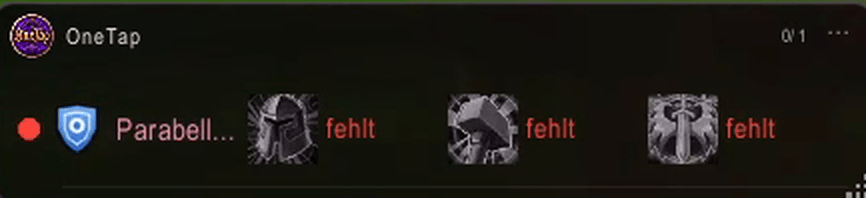
One row per buff or spell, with a traffic light and the status for each one. Here three buffs are missing.
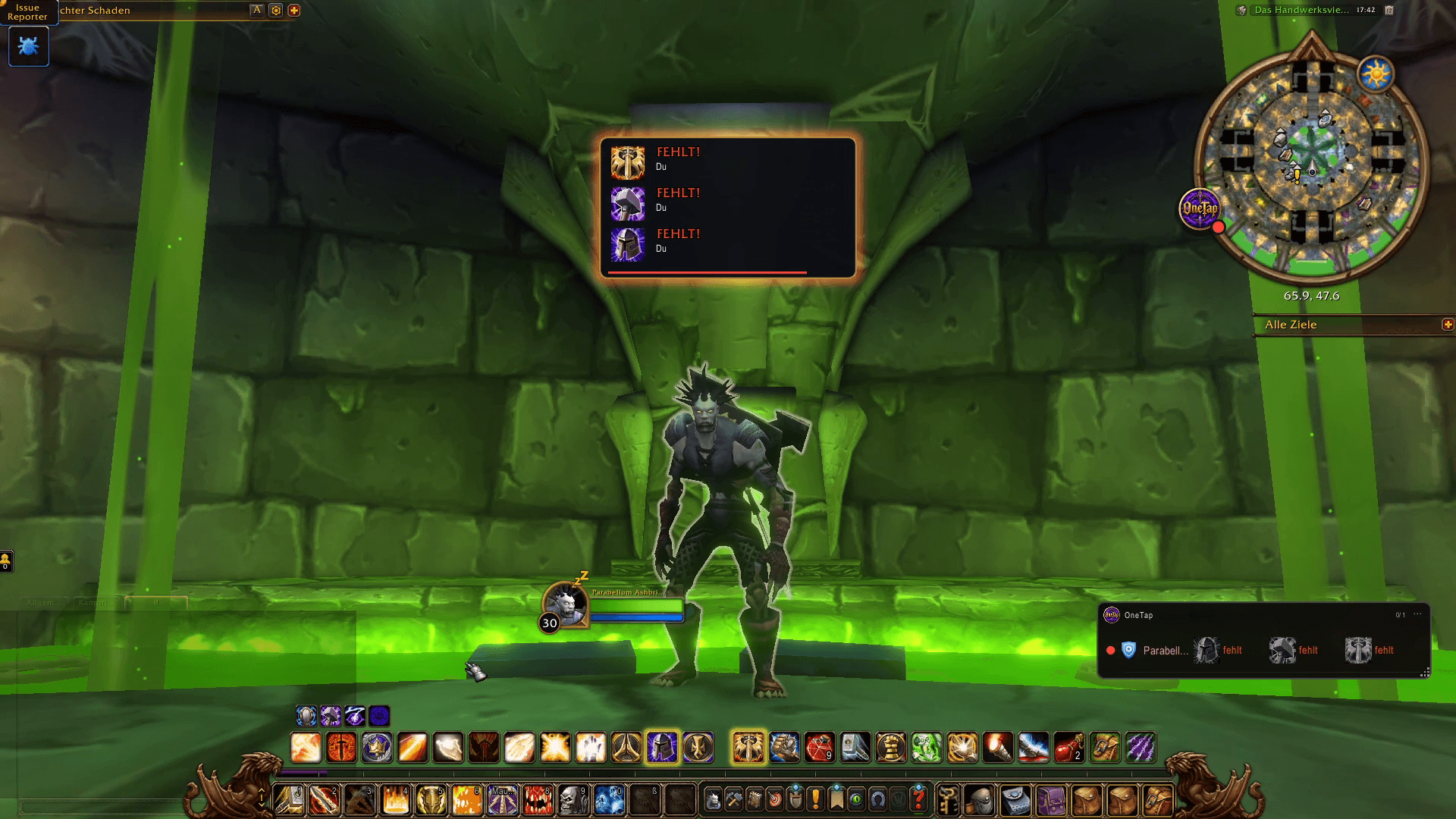
A banner appears on screen as soon as buffs are missing, with the spell icons and who needs them.
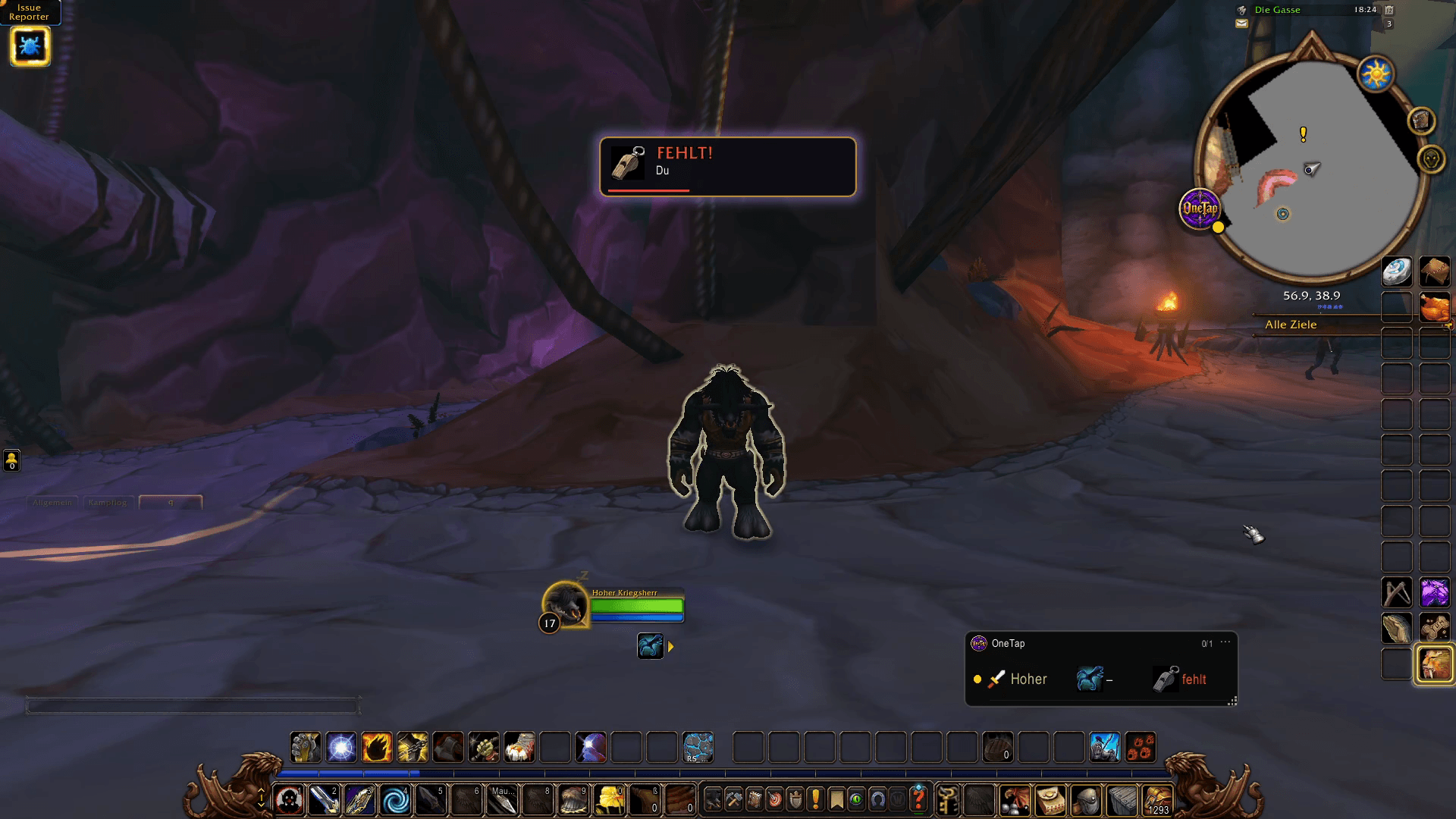
OneTap warns you when your pet is missing, so you never start a fight without it.
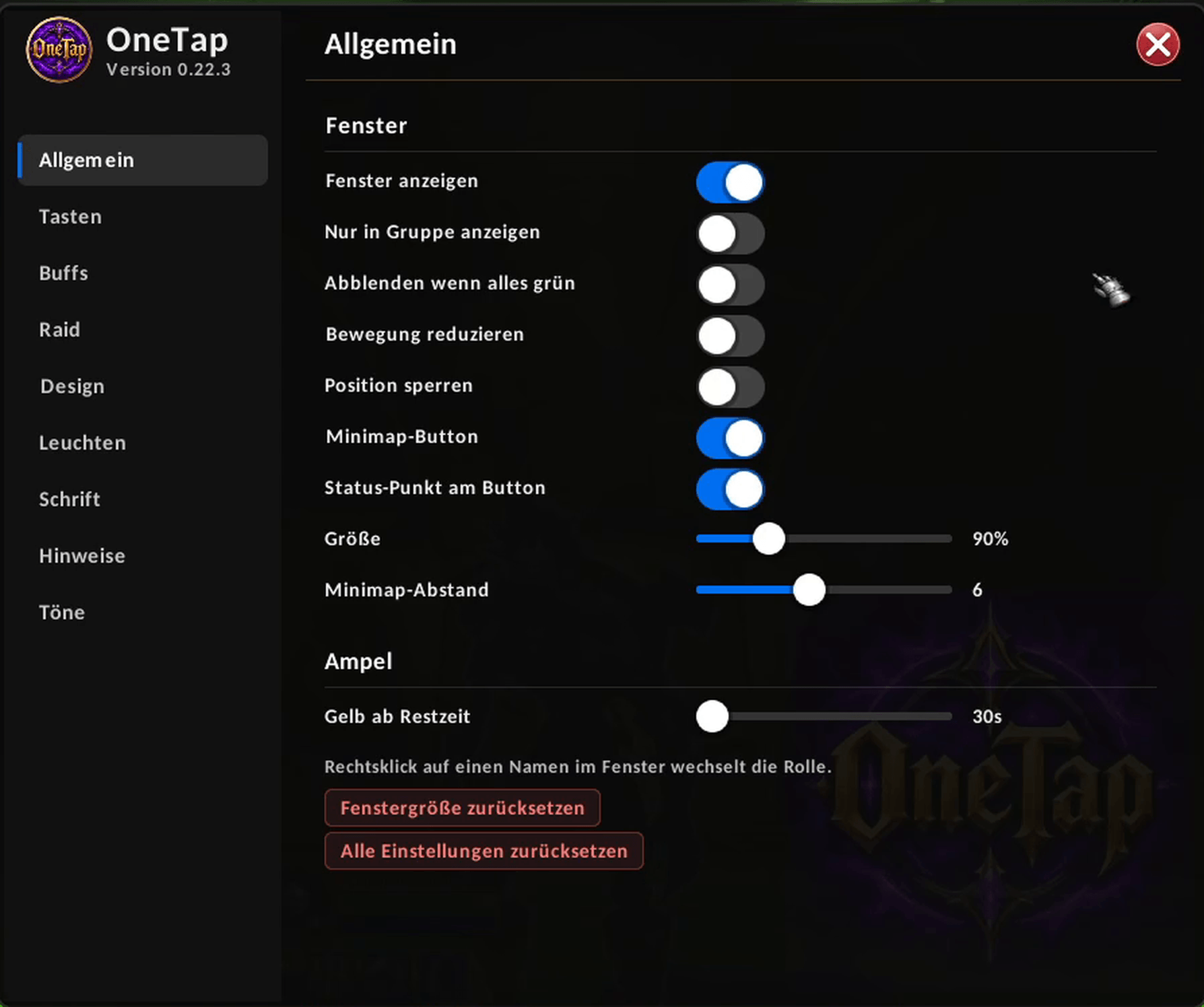
Show or hide the window, fade it when everything is green, lock its position and set the size and the yellow warning time.
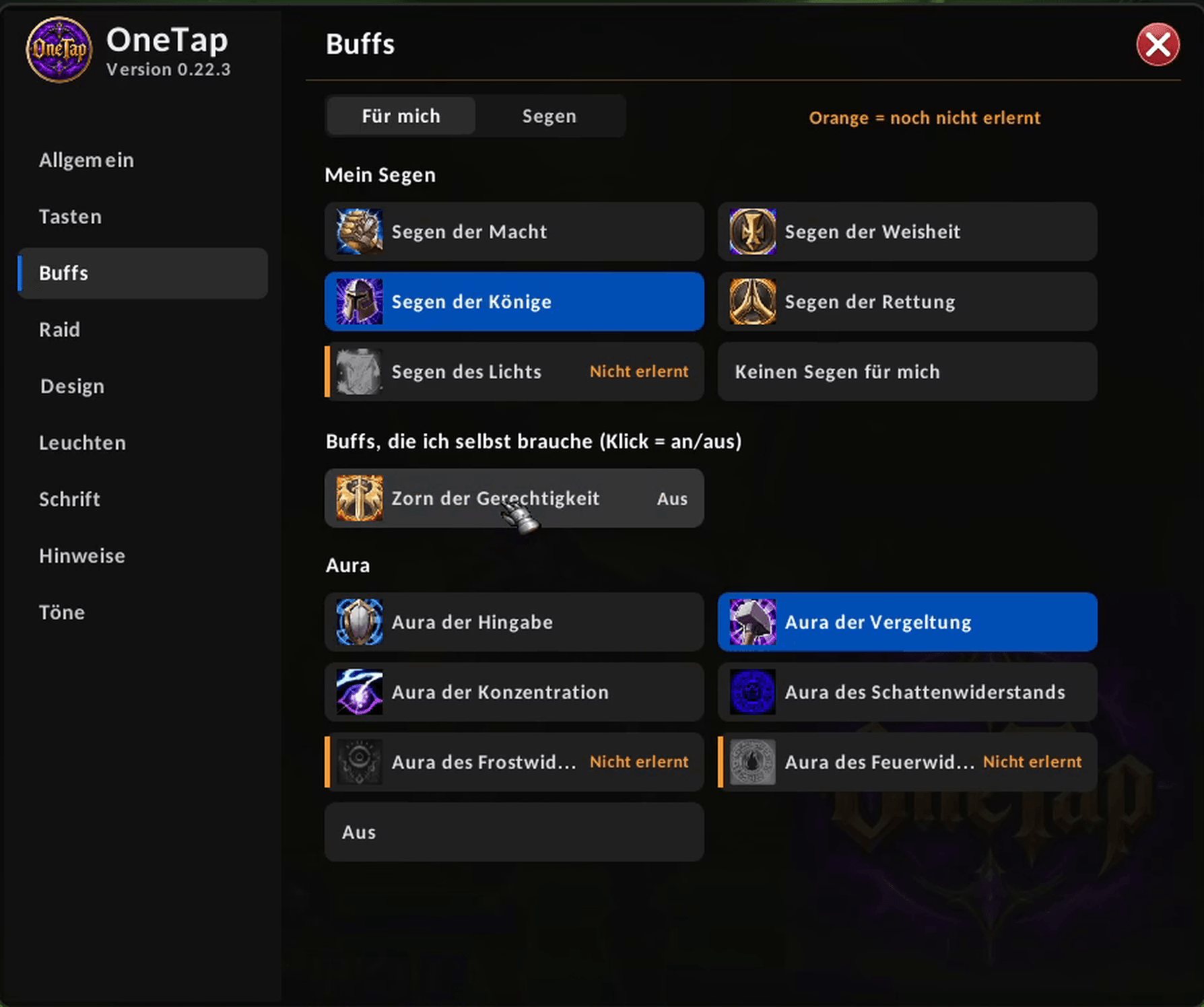
Choose which buffs you want on yourself, such as blessings and auras, and switch each one on or off with a click.
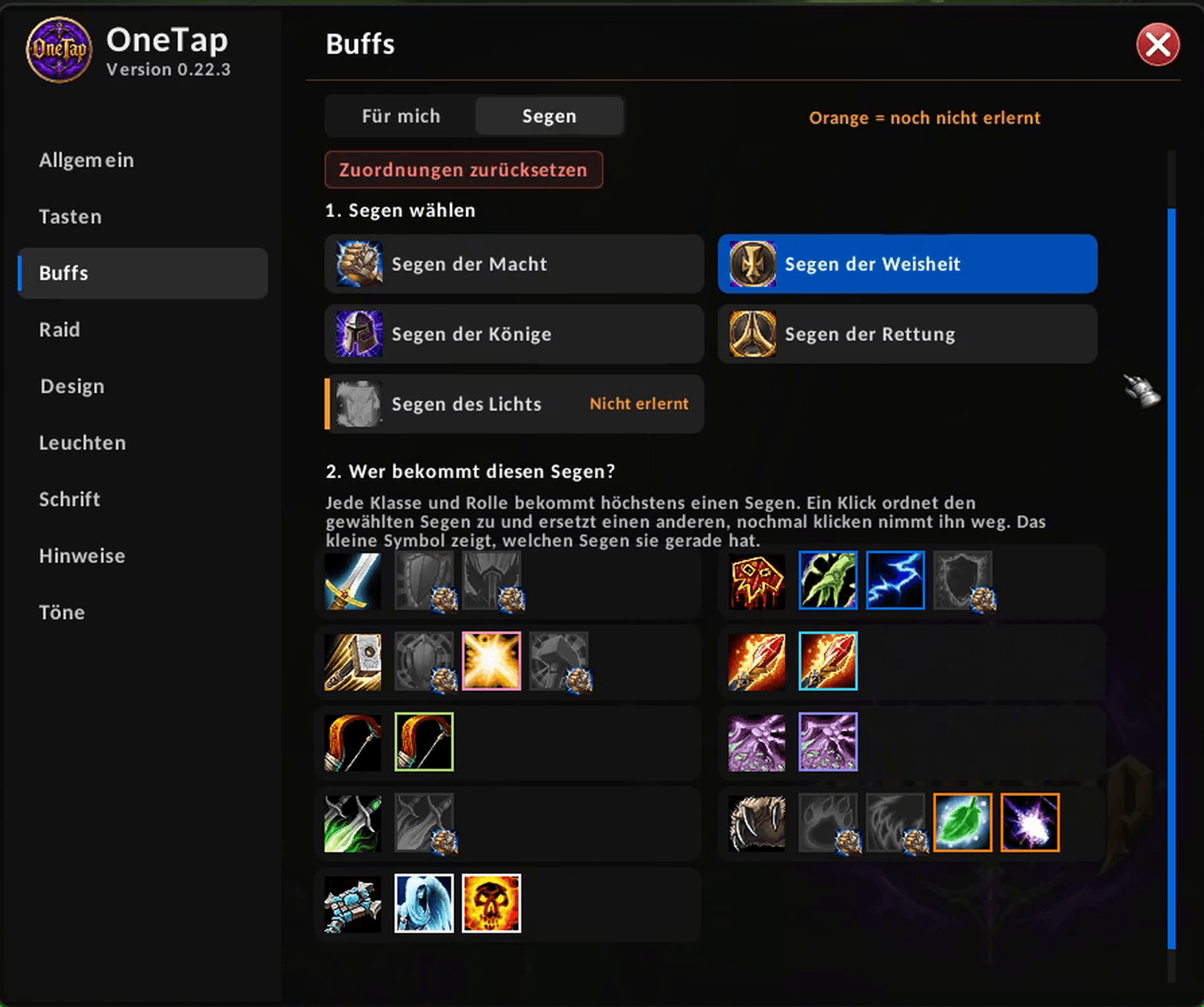
Pick a Buff and assign it to each class and role. Every class and role gets at most one
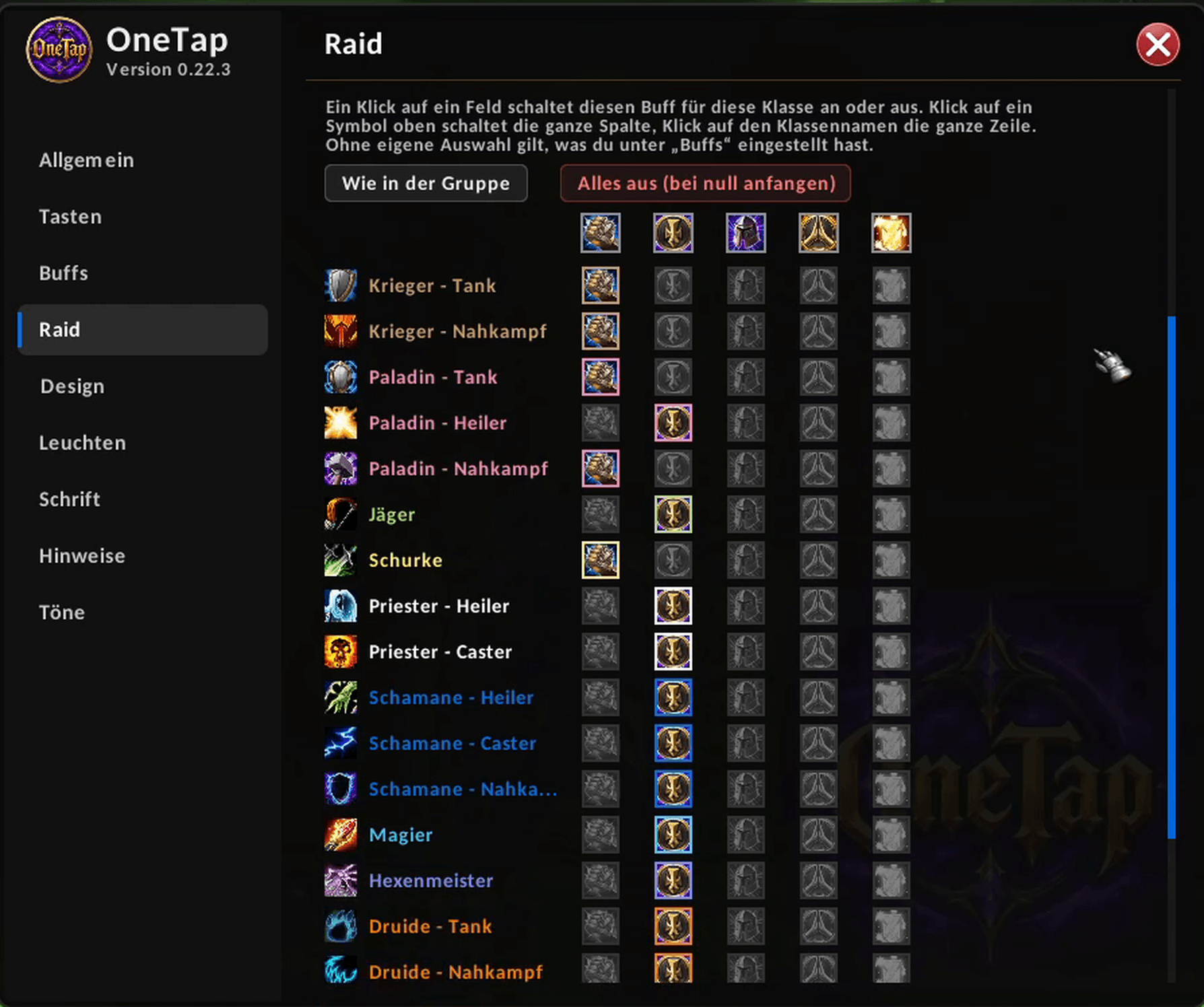
Set separately what you buff in a raid, by class and role, with one click per cell.
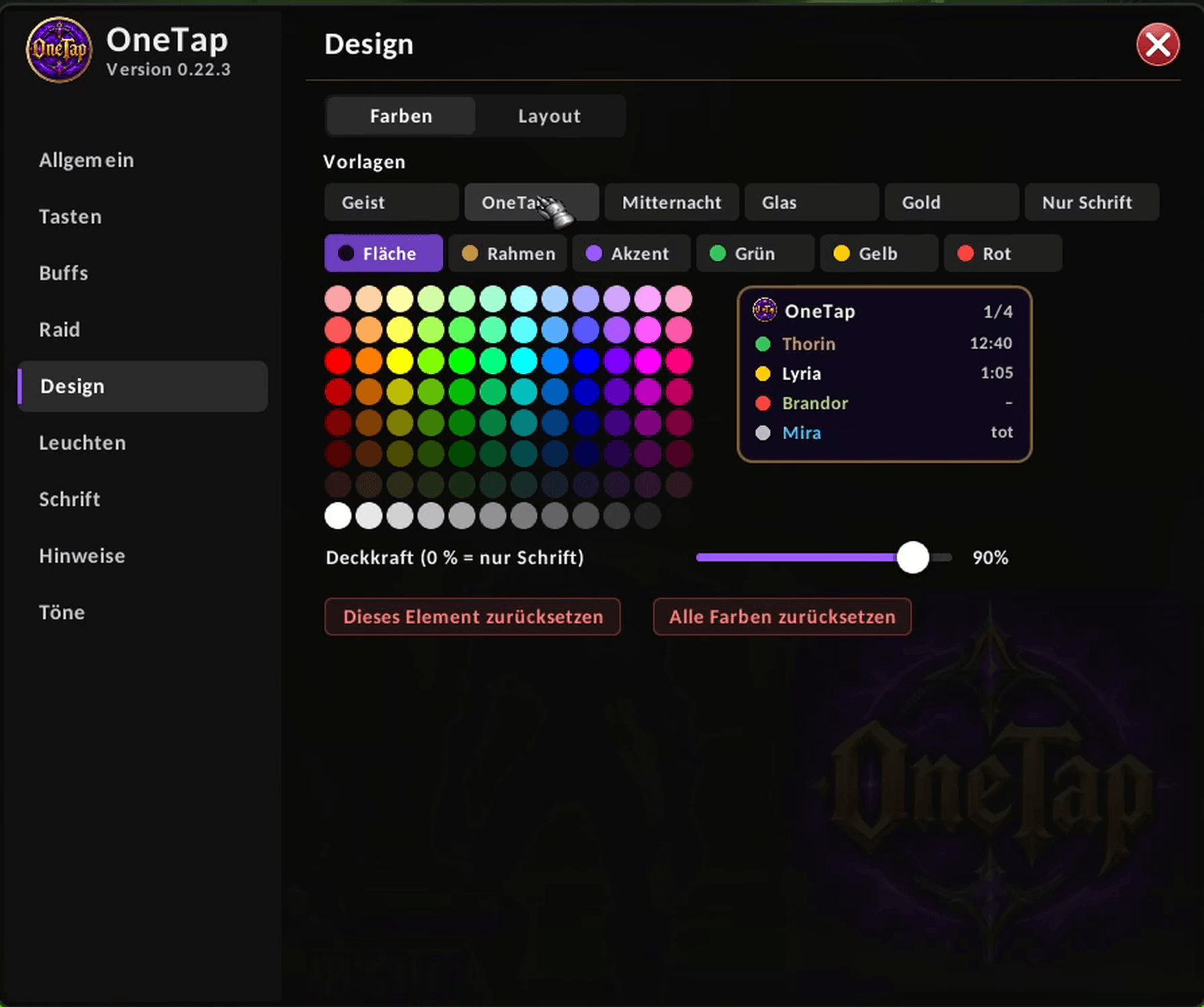
Choose a preset or set your own colors and opacity for the window, the border and the status colors.
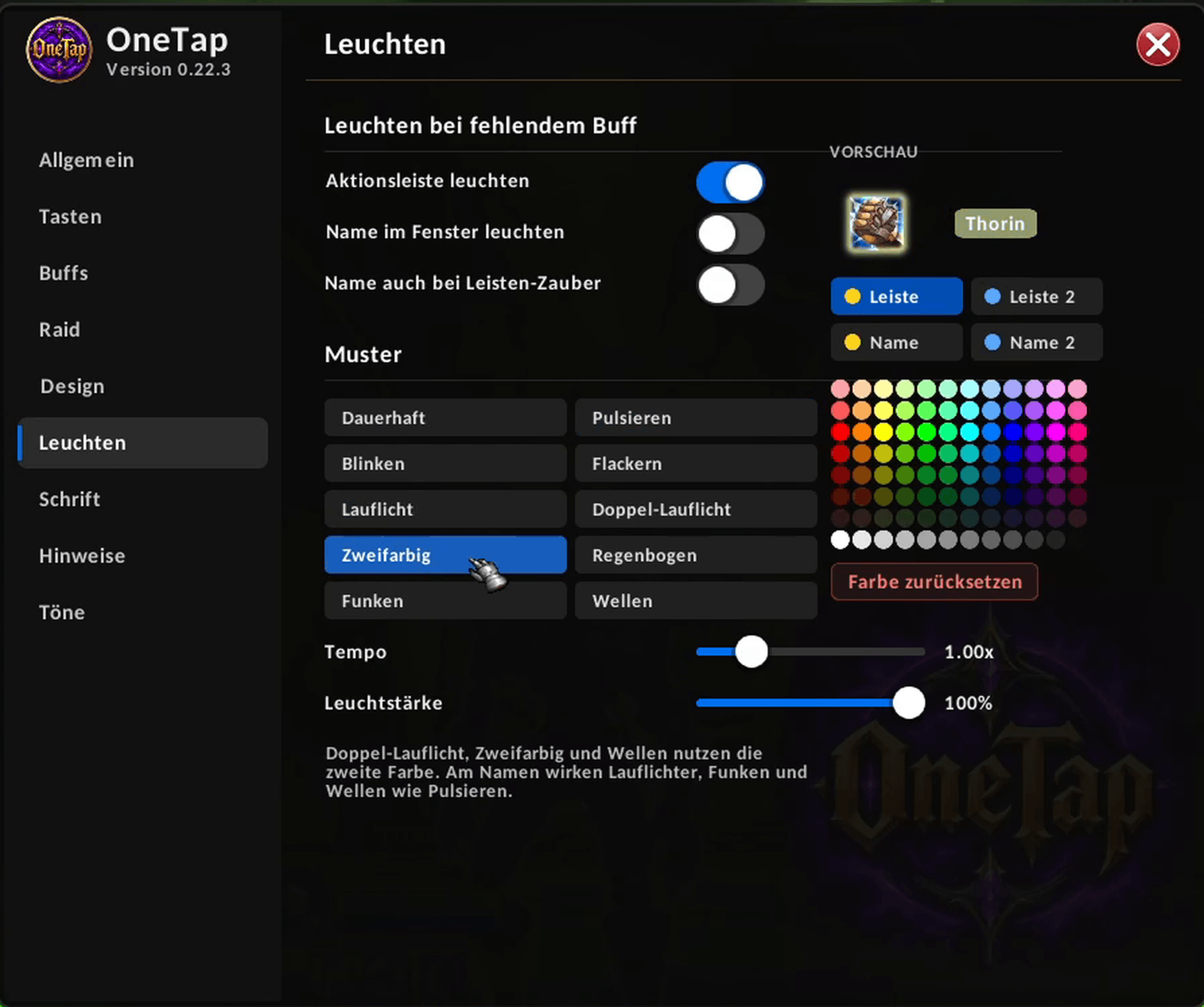
Make action bar buttons and names glow when a buff is missing. Pick a pattern, a color and the speed.
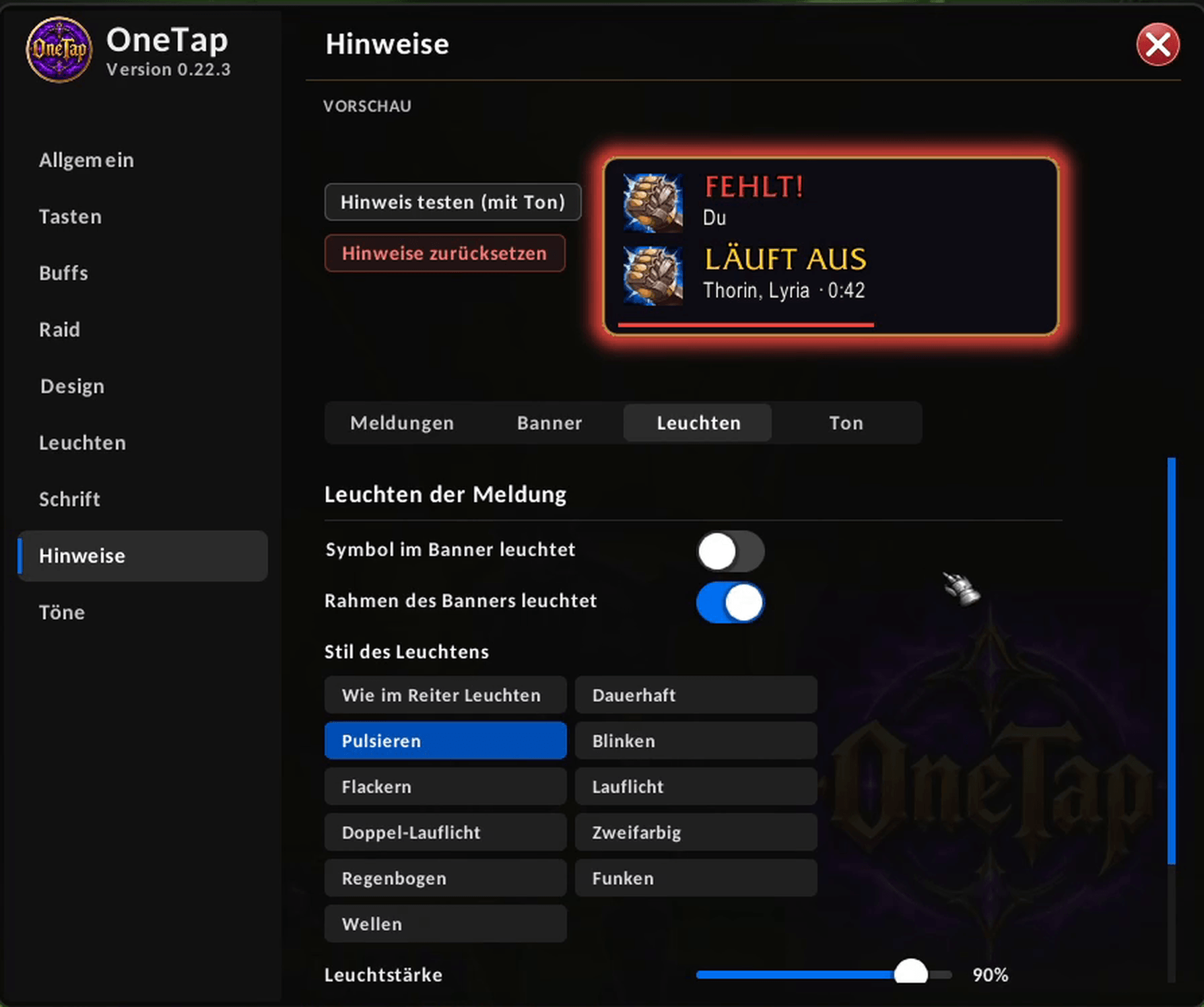
Set when OneTap should warn you, how the banner looks and how it glows. The preview shows the changes right away.
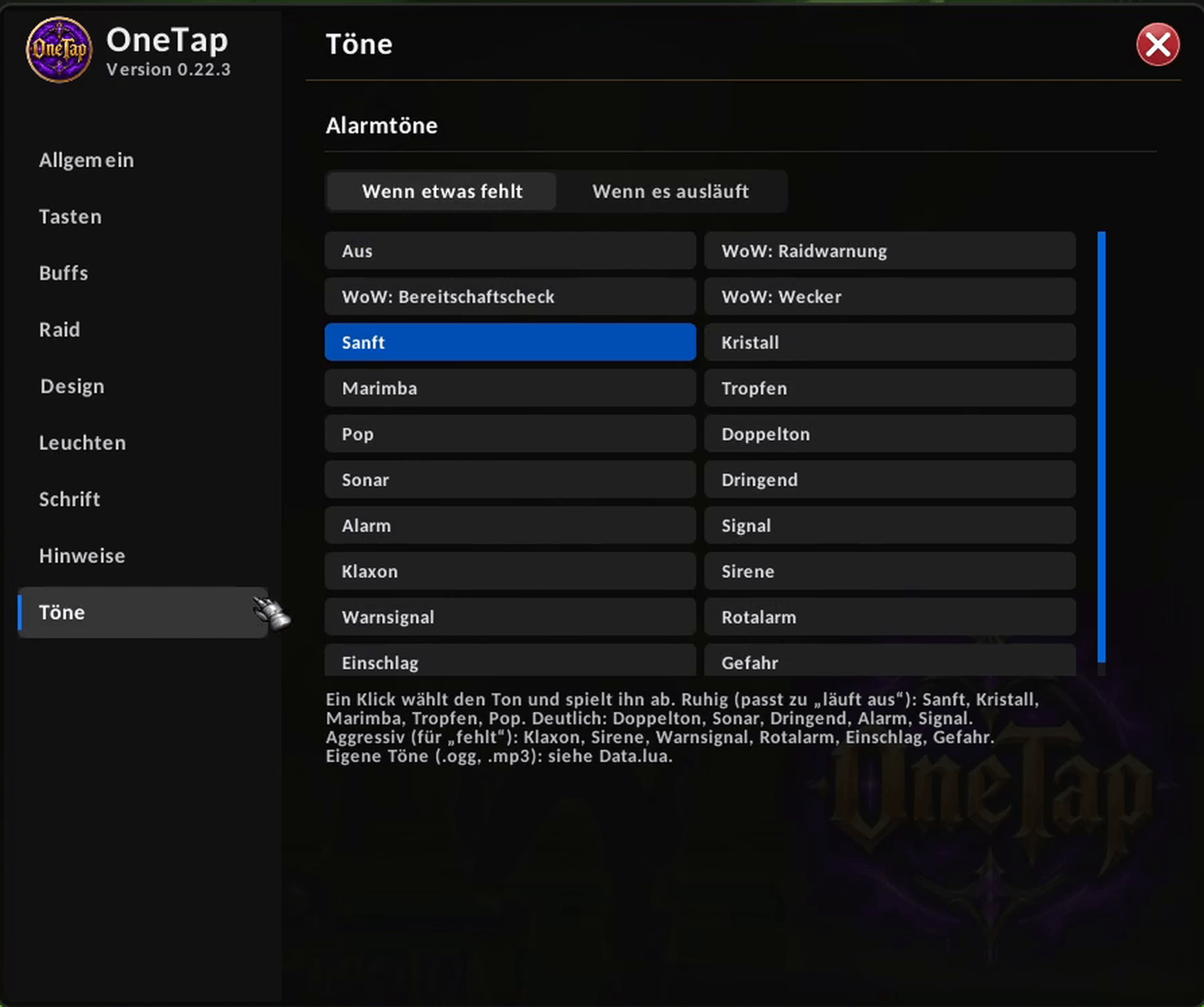
Pick a different sound for "missing" and for "expiring". One click selects and plays it.
Description
OneTap (one-tap group buffing)
Stop scanning raid frames to see who is missing what. OneTap shows your whole group or raid as a traffic light and casts the next missing buff with a single click or key press.
How it works
- A small window lists every buff you can give, together with the players who need it.
- Green = covered, yellow = about to expire, red = missing.
- Click an entry (or press your key) and OneTap casts the next missing buff on the next player who needs it.
- In combat you can still click the icon in the window directly.
Features
- Traffic-light overview for party, raid and battlegrounds, in a compact or a list view.
- One-tap casting via click or key binding, for your group or for yourself only.
- All nine classes: group buffs, Paladin blessings and auras, Warrior stances and shouts, Mage and Warlock armors, Shaman shields and weapon imbues, Rogue poisons and Hunter aspects.
- Pet reminders: warns you when a Hunter or Warlock pet is missing and offers the right call or summon spell.
- Role aware: tell OneTap what you play (tank, healer, melee, caster) and it sets sensible defaults. Right-click a name to change a player's role.
- Paladin blessing planner: one blessing per class and role. OneTap also recognizes blessings cast by other Paladins.
- Separate raid profile: choose what you buff in raids independently of your group setup. It switches automatically by group size.
- Alerts: on-screen banner and screen-edge flash for missing or expiring buffs, optional chat message, a ready check scan and an "all buffed" confirmation.
- Sounds: 16 built-in alert sounds in five volume levels plus WoW sounds, with separate sounds for "missing" and "expiring".
- Glow effects: action bar buttons, player names and the window border can glow when a buff is missing. 10 patterns, your own colors.
- Fully customizable look: presets, colors, opacity, row height, fonts (SharedMedia fonts supported) and a minimap button.
- Spells you have not learned yet are shown greyed out with a hint.
- English and German. The interface follows your game language, spell names follow your client language.
Quick start
1. Install and log in. Type /ot config to open the settings.
2. Under Keys, bind "Cast next buff (group)" and "(self only)".
3. Under Buffs, choose which buffs you want to give. Under Raid, do the same for raids.
4. Join a group and tap.
Commands
/ot – show or hide the window
/ot config – open settings
/ot check – ready check scan
/ot rules – check which spells OneTap found for your class
/ot reset – reset the window position
Good to know
- The game can lock buff data in combat or during boss encounters. OneTap then shows what it can and marks the rest as locked.
- OneTap does not sync with other players. Agree on who buffs what, as usual.
Compatibility
Built for WoW Forever / Classic-era clients (interface 16001).
Feedback
Found a bug or have an idea? Please leave a comment on this page and tell me your class, group type and what you saw. Every comment helps.
Made by Soninox.
OneTap Team