OmniCC - GODMODE - Midnight - Forever
- By
A powerful and highly customizable cooldown timer addon for World of Warcraft: Midnight with advanced nameplate aura tracking and combat-friendly controls.
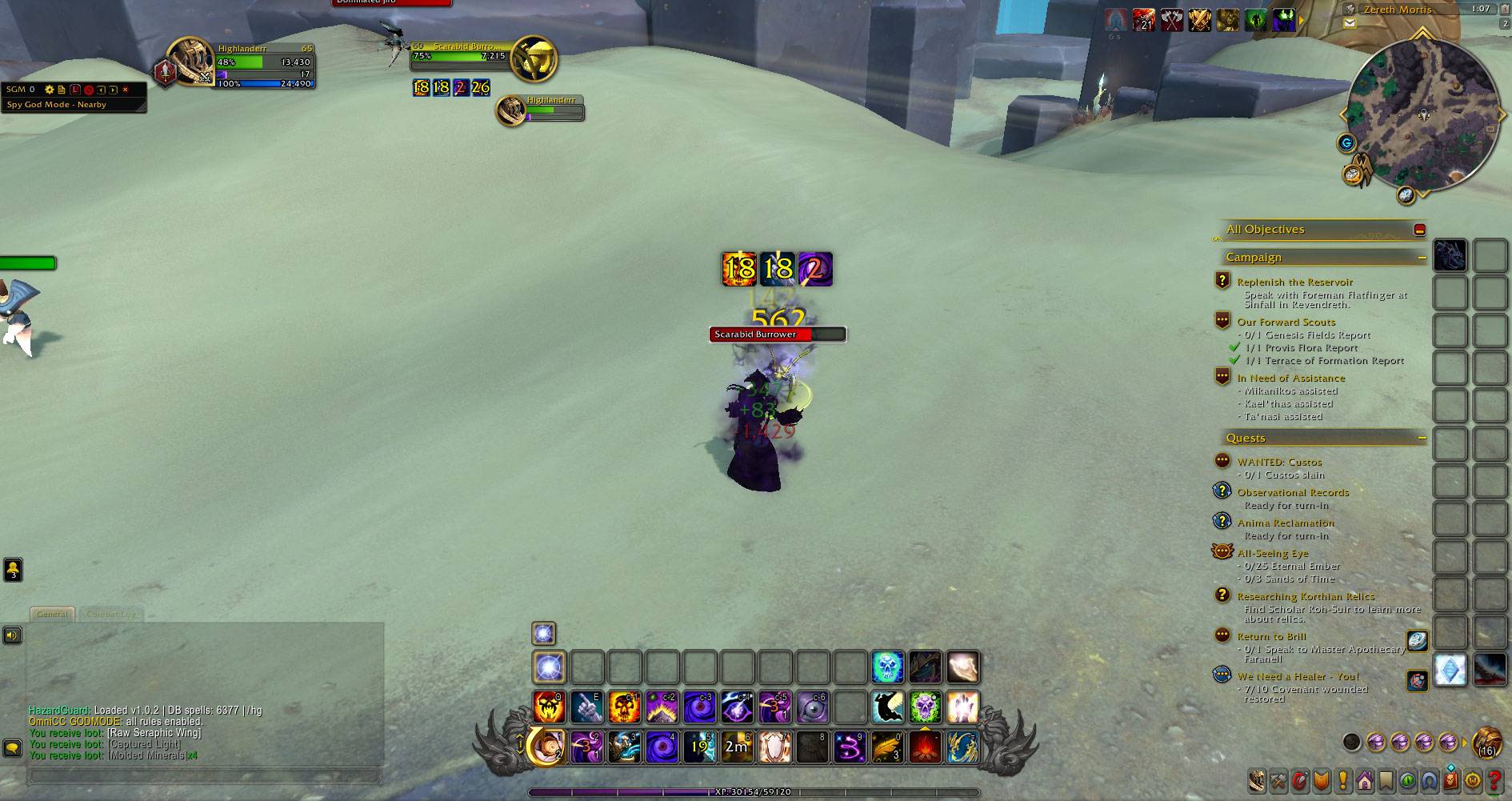
WoWScrnShot_080126_130653.jpg
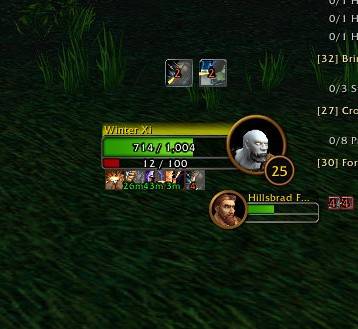
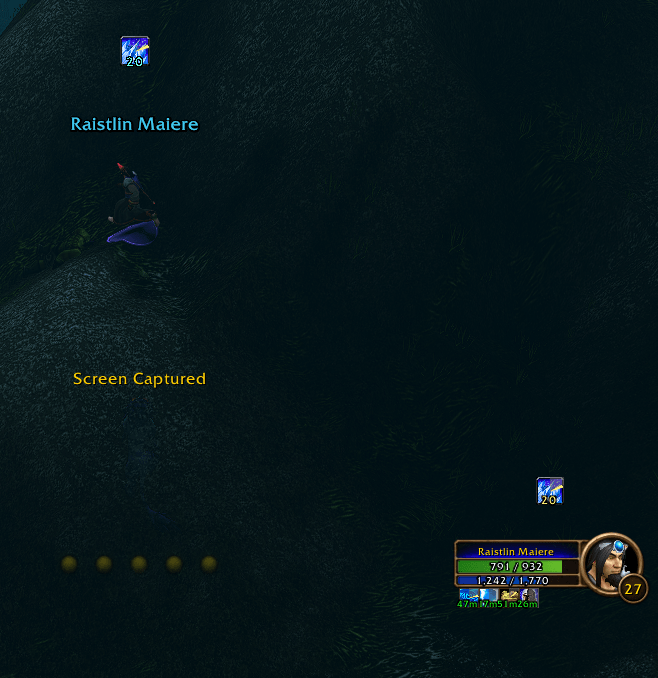
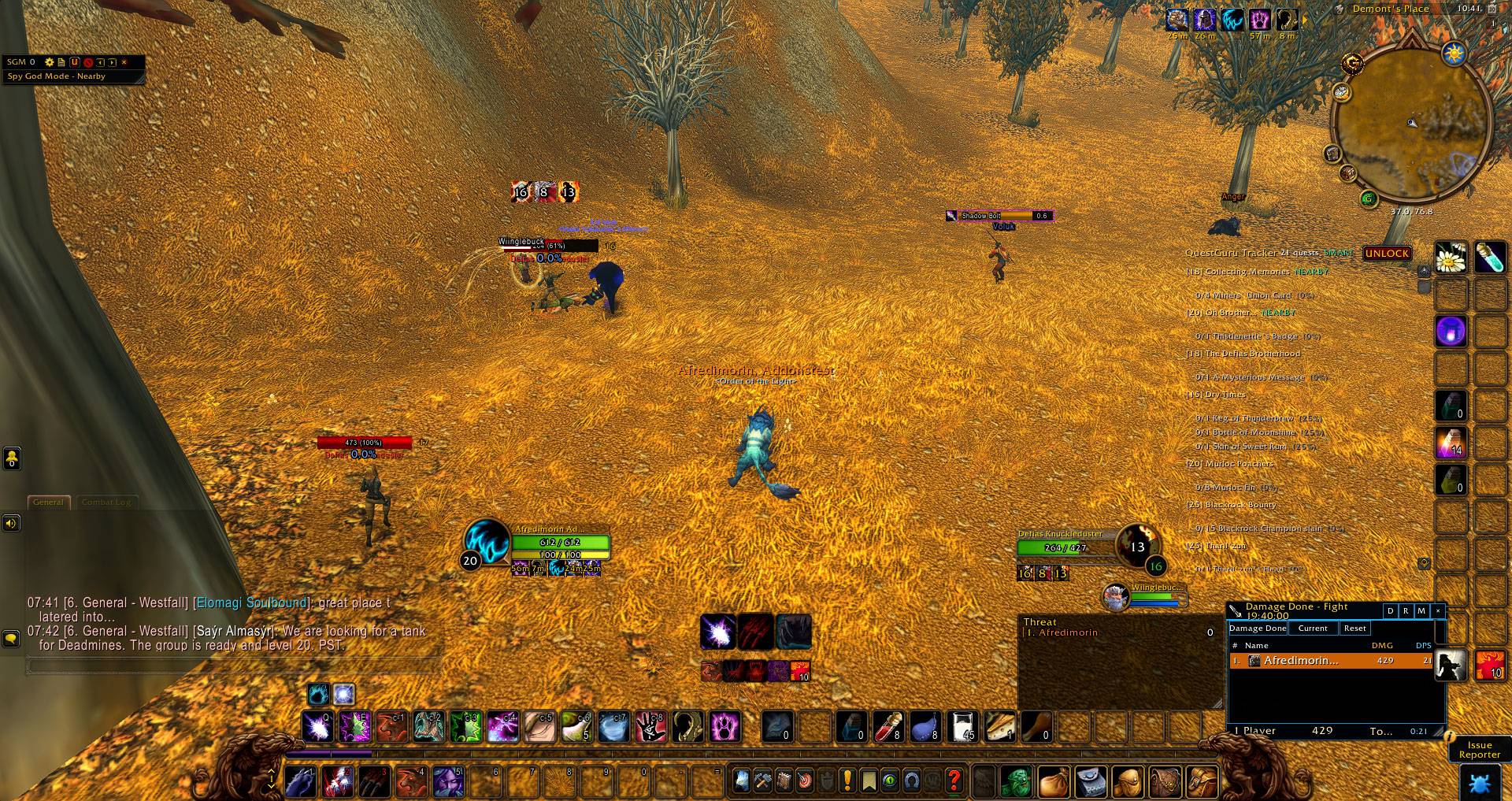
WoWScrnShot_093026_194217.jpg
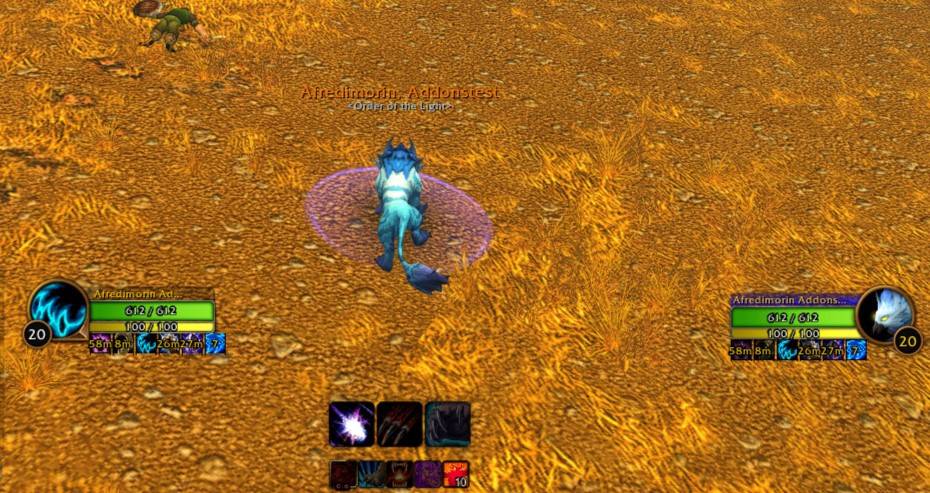
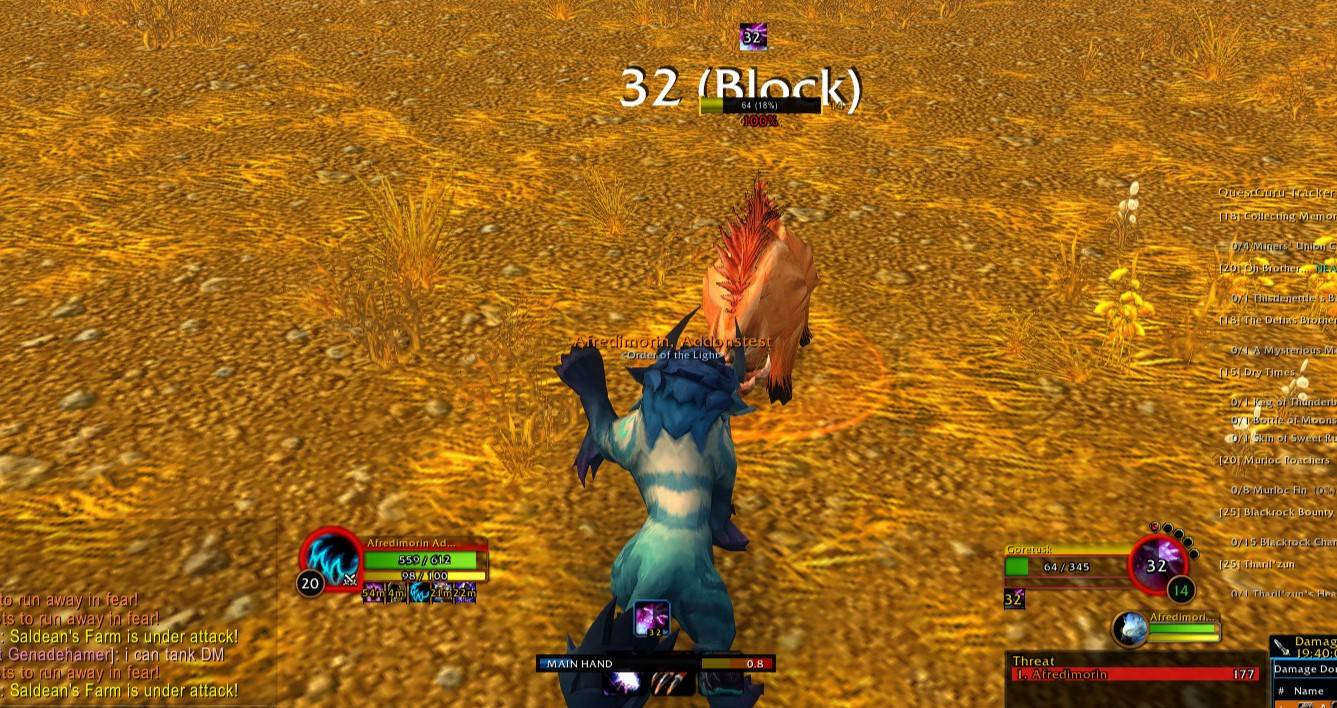
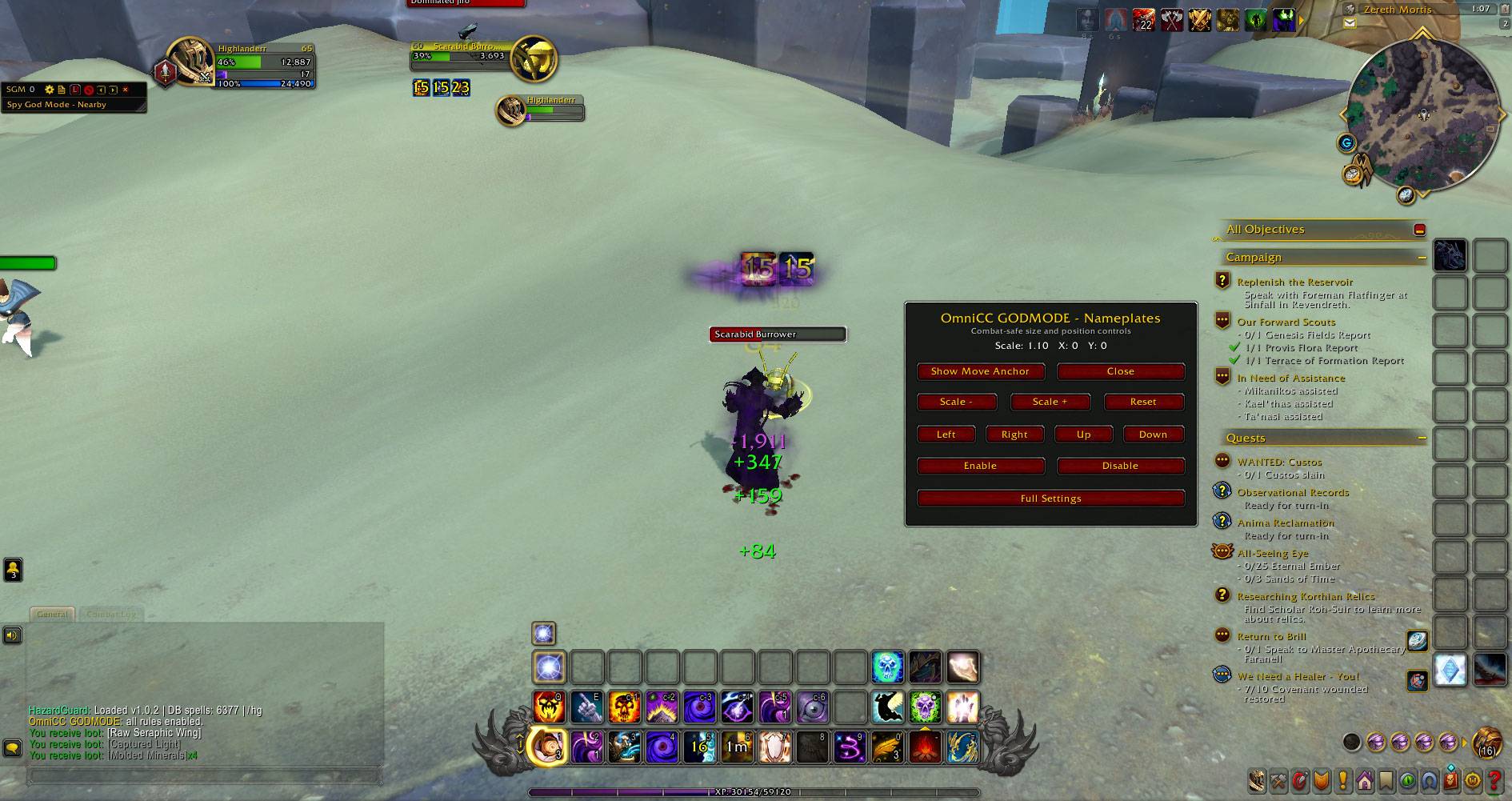
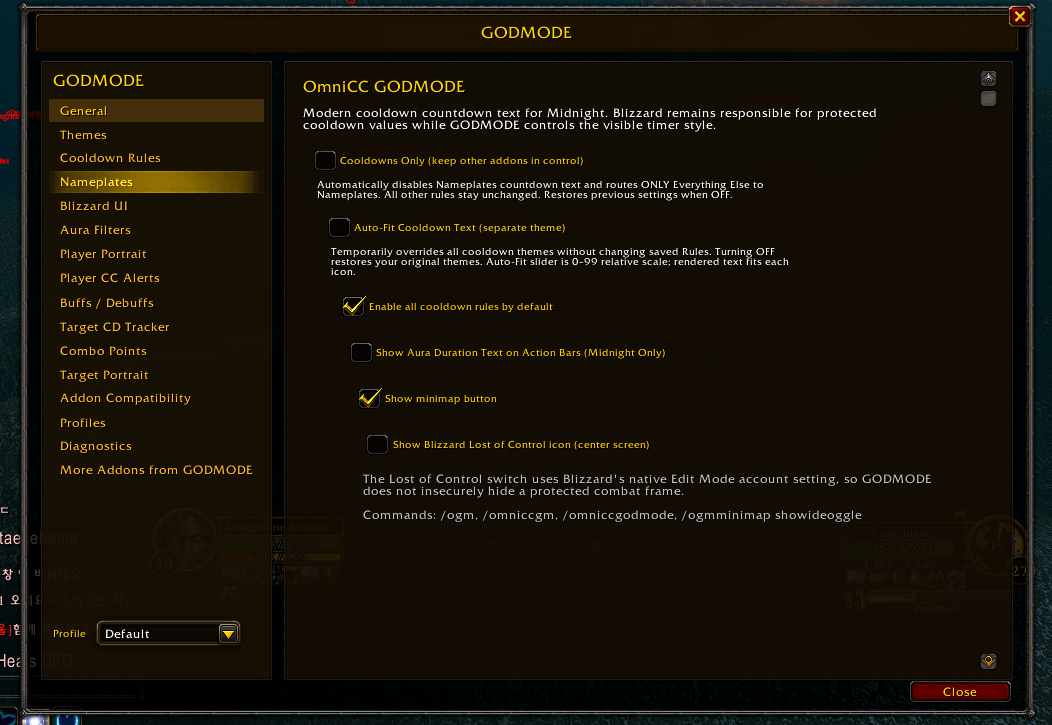
WoWScrnShot_080126_130656.jpg
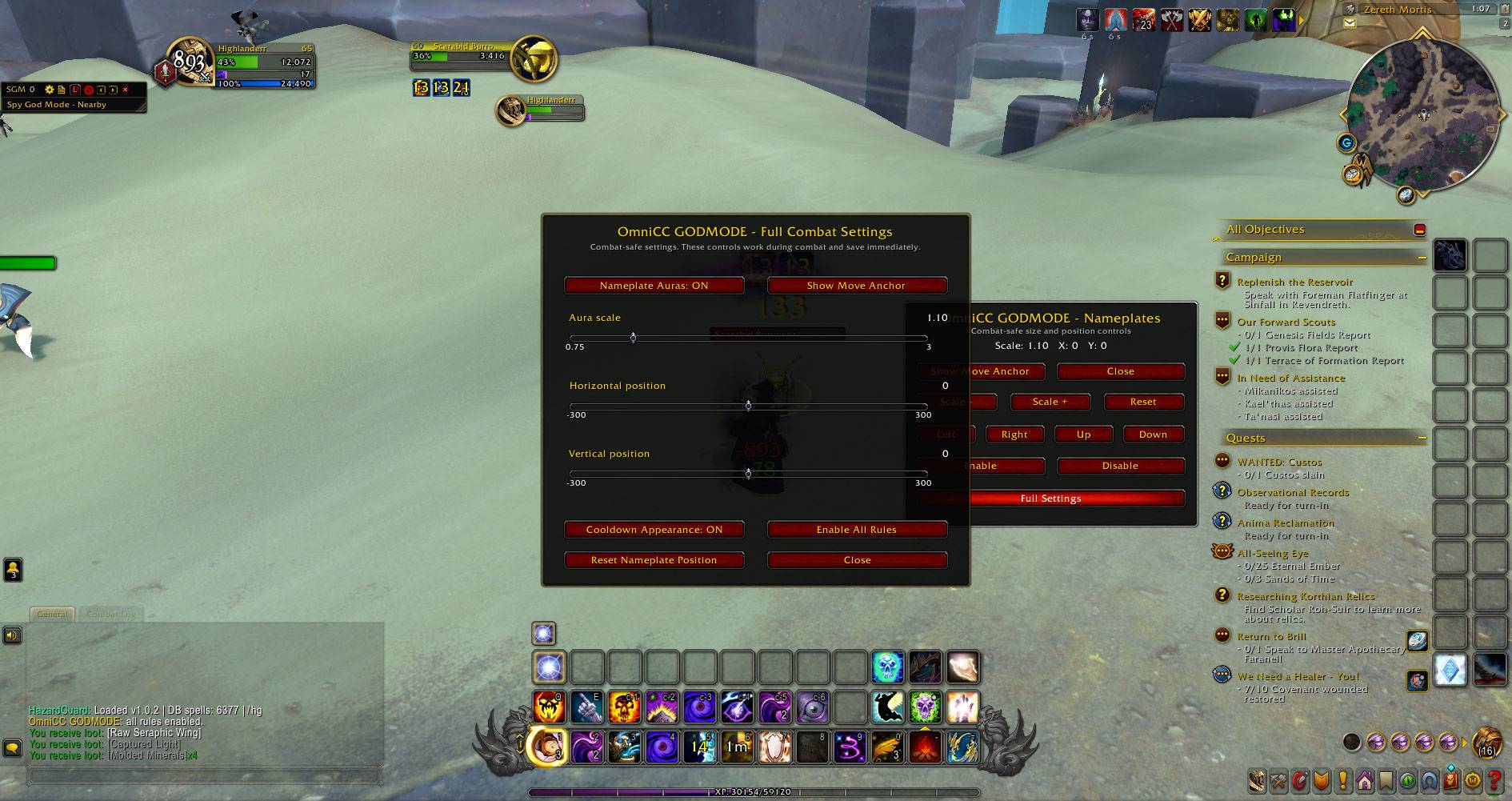
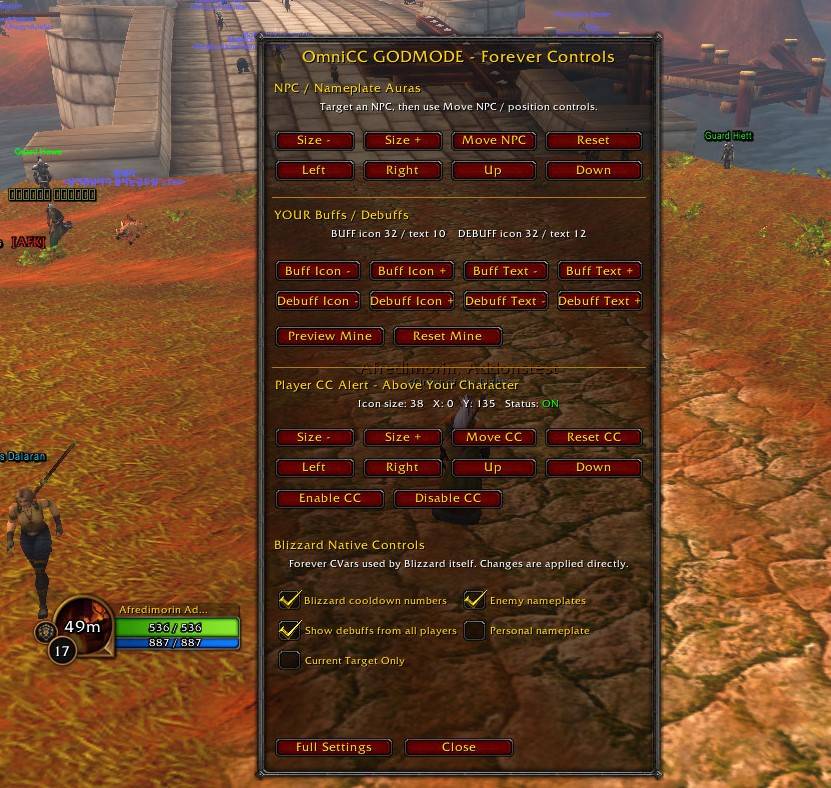
WoWScrnShot_080126_130658.jpg
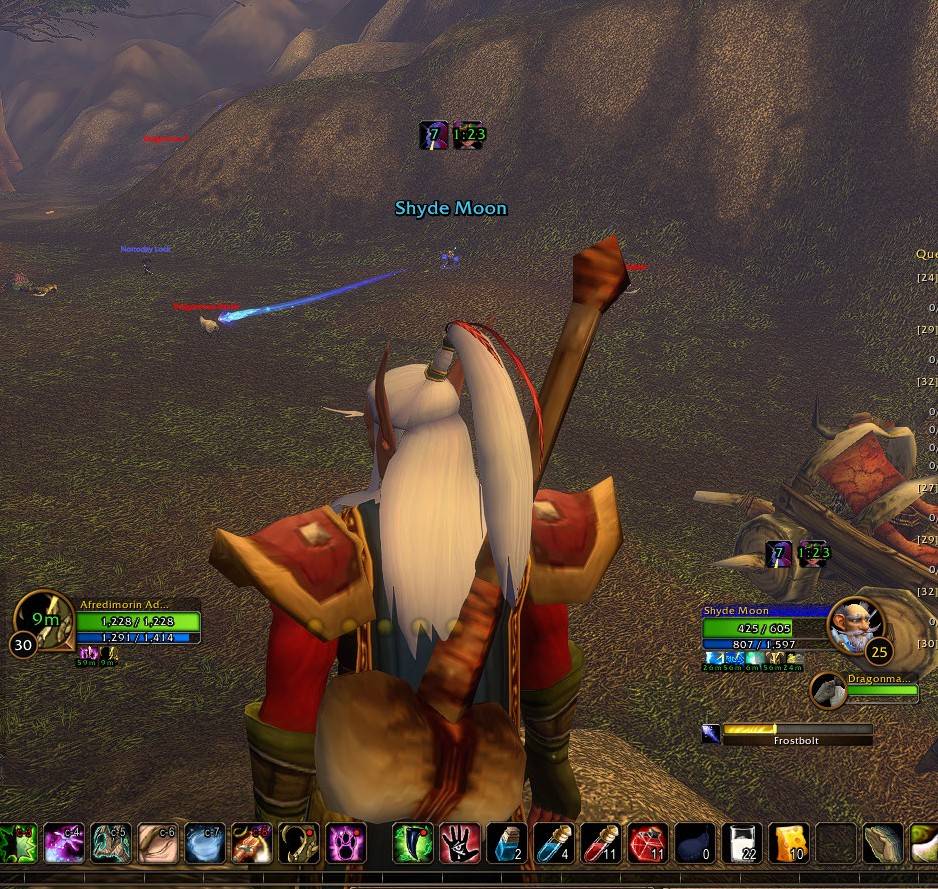
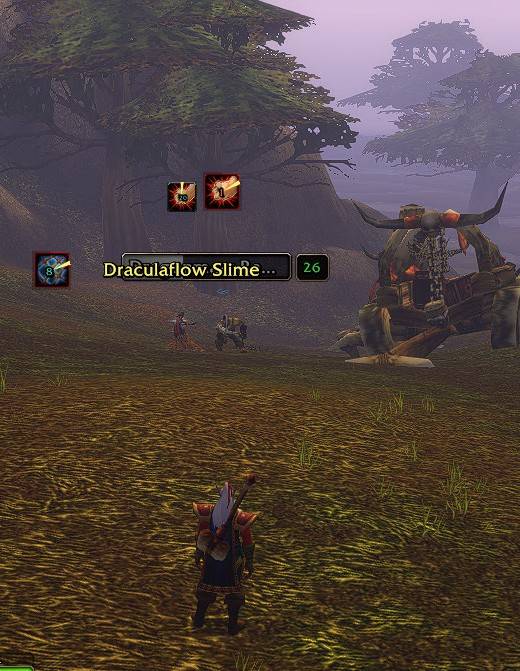
Description
OmniCC GODMODE — Advanced Cooldown & Aura Customization
Take full control of your cooldown timers, buffs, debuffs, nameplates and combat information.
OmniCC GODMODE expands traditional cooldown text into a powerful combat customization system, combining advanced timer styling, aura tracking, nameplate enhancements, enemy cooldown monitoring and extensive appearance controls.
Built for players who want more information, better visibility and complete control over how cooldowns and auras appear during combat.
Supported clients: World of Warcraft Midnight and WoW Forever Beta Camelot.
Advanced Cooldown Timers
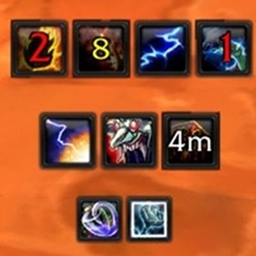
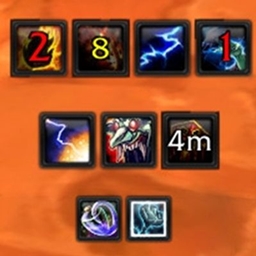
Customize cooldown countdowns across supported action buttons and aura displays.
-
Adjustable cooldown text size, font, color and positioning.
-
Custom cooldown text appearances and thresholds.
-
Different colors based on remaining cooldown time.
-
Advanced cooldown themes and visual effects.
-
Cooldown swipe, reverse, edge and bling customization on supported frames.
-
Short-duration and global cooldown display controls.
-
Customizable cooldown rules for different abilities and situations.
Buffs & Debuffs — Full Aura Customization
Take control of your aura displays with dedicated customization for:
-
Self Frame — Player buffs, debuffs and countdowns.
-
Target Frame — Buffs and debuffs displayed around your target frame.
-
Focus Frame — Dedicated focus buffs, debuffs and timers.
-
Minimap Auras — Cooldown text styling for supported native aura icons.
-
Nameplates — Buffs, debuffs and crowd-control effects above units.
Customize cooldown text, icon appearance, positioning and theme behavior while retaining important combat information.
Advanced Nameplate Aura System
Display useful combat auras directly on enemy and friendly nameplates.
-
Enemy buffs and debuffs.
-
Friendly buffs, debuffs and healing-over-time effects (HoTs).
-
Separate controls for friendly aura categories.
-
Crowd Control, Roots, Slows and Offensive aura filters.
-
Custom icon sizes, positioning and countdown text.
-
Dispel-based and crowd-control border colors.
-
Target Only and All Players display options.
-
Aura filtering and blacklist controls.
-
Custom positioning for different aura groups.
Performance-focused processing: Optimized aura filtering, icon styling, anchor reuse and event-driven updates reduce unnecessary processing when many nameplates are visible.
Enemy Cooldown Tracker
Keep track of important enemy abilities during combat.
-
Tracks supported enemy cooldown abilities.
-
Displays cooldown icons and remaining time.
-
Nameplate and target-related cooldown displays.
-
Detection through supported aura and spellcast events.
-
Class-specific cooldown tracking.
-
Optional sound notifications.
-
Customizable tracking and visibility settings.
Useful for PvP, battlegrounds, arenas and encounters where knowing an enemy's available abilities matters.
Action-Bar Aura Countdown Tracking
On supported clients, GODMODE can display relevant aura countdowns directly on action buttons.
-
Track supported damage-over-time effects.
-
Show remaining aura durations on associated abilities.
-
Update displays when changing targets.
-
Keep aura information close to your normal action-bar layout.
-
Designed to avoid adding duplicate nameplate aura icons.
Advanced Themes & Cooldown Rules
Create a personalized cooldown appearance using GODMODE's theme system.
-
Custom cooldown text appearances.
-
Configurable colors and duration thresholds.
-
Multiple cooldown themes.
-
Per-rule theme selection.
-
Rule enable/disable controls.
-
Customizable cooldown effects and text styling.
-
Persistent configuration across reloads.
Apply the appropriate appearance to different cooldowns and supported aura displays.
Combat Visibility & Alerts
Additional combat-focused systems help you recognize important situations.
-
Player crowd-control alerts.
-
Crowd-control and dispel-category coloring.
-
Target portrait effects.
-
Class-specific combat information.
-
Combo-point display features.
-
Optional combat sound notifications.
Compatibility & Integration
GODMODE includes dedicated compatibility systems for supported UI and nameplate addons, including:
-
Threat Plates
-
Plater
-
BetterBlizzPlates
-
Ellesmere UI
Compatibility behavior depends on the client and installed addon.
You can disable GODMODE's nameplate aura features while continuing to use its core cooldown timers, making it easier to combine GODMODE with your preferred nameplate setup.
Quick Controls & Full Settings
Manage GODMODE without constantly searching through configuration panels.
-
Convenient minimap button.
-
Right-click Quick Controls menu.
-
Full configuration interface.
-
Nameplate display toggles.
-
Aura visibility and positioning options.
-
Theme and cooldown-rule management.
-
Saved profiles and persistent settings.
Fine-tune individual features or disable the systems you don't need.
Performance & Stability
GODMODE includes optimizations intended to keep combat responsive, especially when multiple nameplates are visible.
-
Reduced duplicate aura styling.
-
Cached layout and positioning operations.
-
Reduced redundant aura-filter processing.
-
Reusable nameplate display elements.
-
Event-driven aura updates where supported.
-
Reduced unnecessary work during nameplate updates.
Performance depends on the client, hardware, UI configuration and number of visible units.
Installation
-
Download the latest OmniCC GODMODE package.
-
Extract both OmniCC_GODMODE and OmniCC_GODMODE_Config into your World of Warcraft
Interface/AddOnsdirectory. -
Enable the addons on the character selection screen.
-
Open the GODMODE minimap menu or full settings to customize your experience.
Important: Use the appropriate addon package for your WoW client. Some features and technical implementations differ between Midnight and Forever because of client API restrictions.
Your UI. Your Rules. GODMODE.
Whether you want clean cooldown numbers, advanced aura customization, nameplate debuff tracking or enemy cooldown information, OmniCC GODMODE gives you the controls to build your preferred combat interface.
Developed and maintained by GodModeTeam.
OmniCC GODMODE builds upon the work of Tuller and the original OmniCC project. Credit and applicable license information are included in the addon package.
Feedback, bug reports and feature suggestions are always welcome.
GODMODE — More Control. More Information. Better Combat Visibility.
❤️ Support Development
If you enjoy OmniCC GODMODE and would like to support continued development, every donation helps with:
New features
Faster updates
Future WoW version support
Bug fixes
Compatibility updates
Ongoing development
PayPal
paypal.me/afredimorin
Revolut
revolut.me/gyorevg
Thank you for supporting OmniCC GODMODE! ❤️
OmniCC - GODMODE - Midnight - Forever Team
Owner