


roll-frame.png
master-looter-frame.png
osc-export.jpg
skullprio-companion.jpg
Description
OldSkull Companion
OldSkull Companion is the in-game companion for the OldSkullTuning guild. It runs the guild's loot the way the guild does it — right at the corpse — and feeds the guild's planning tools, so the raid lead spends less time wrangling loot and the raid keeps moving.
Clean, dark and compact, out of the way during a pull, and available in English and German.
For the raid lead — loot rolling
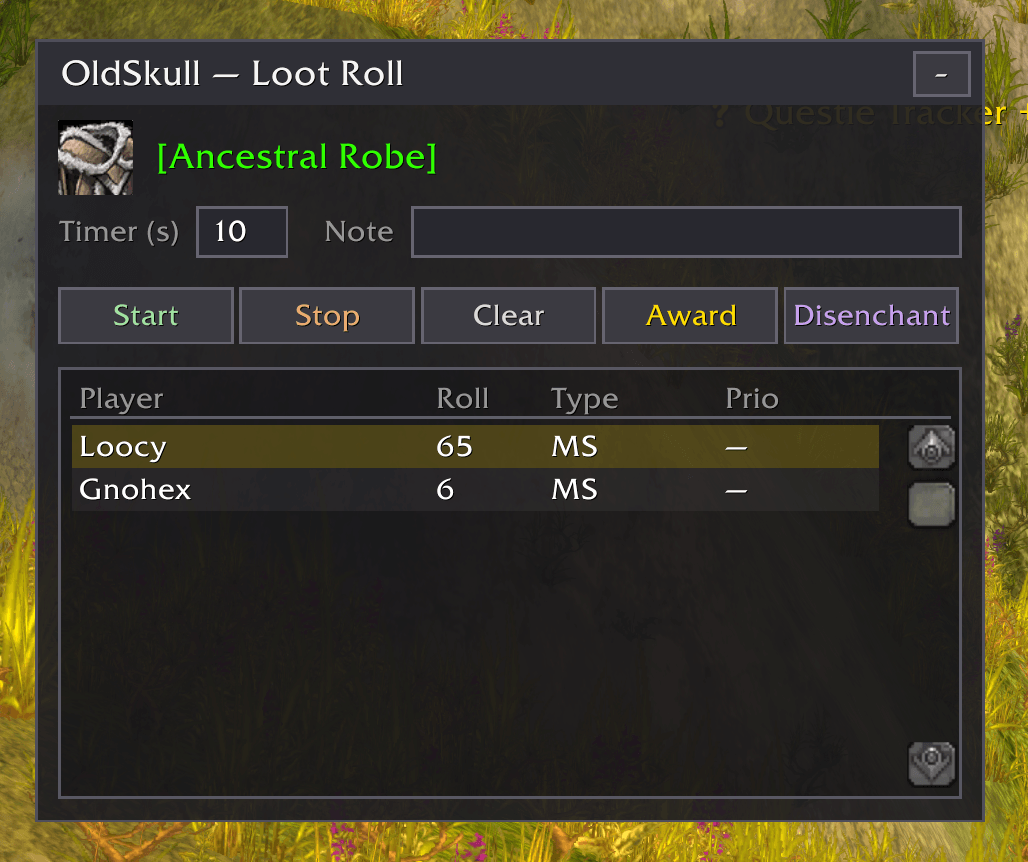
Open a corpse and Alt-click an item to bring up the roll window. Set a timer, hit Start, and the addon reads everyone's /roll — no squinting at chat. Click a name and Award (or Disenchant) when it's decided.
- Priorities up top: everyone who has a priority on the item is listed first, even before they roll — so the raid lead sees at a glance who still needs to roll.
- Late rolls aren't lost: a roll that lands after the timer is kept and marked
(+8s)in grey, so the raid lead can still let it count. - The winner is announced in raid chat and remembered in the loot log.
For the raid — the roll window
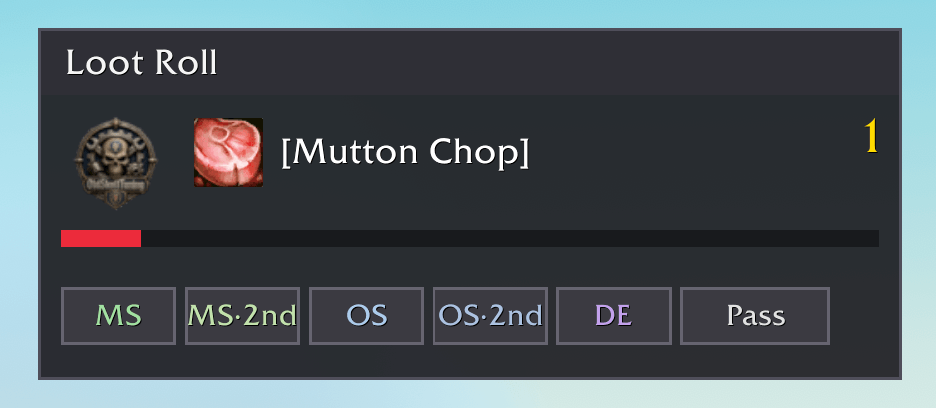
When the raid lead starts a roll, a small window pops up for each raider with the item and a countdown. Click a button — main-spec, off-spec, or one of the guild's penalty rolls — and it rolls. No addon? No problem: just /roll like always. It all works together.
For the raid lead — the loot log
A tidy record of everything that dropped this raid: the item, who's holding it now, who it was awarded to, and when. Hand an item over via trade and the addon updates the log and posts the handover in raid chat, so nobody wonders where a drop went. Starts fresh each new raid.
For the guild — loot priorities
The raid lead brings in the run's priority list from skullprio, and the addon puts it where it's needed:
- Priorities in the item tooltip — hover any drop to see who has P1/P2/P3.
- On looting a corpse, each item is posted to raid chat with its priority holders, or marked free-for-all.
For the guild — character sync
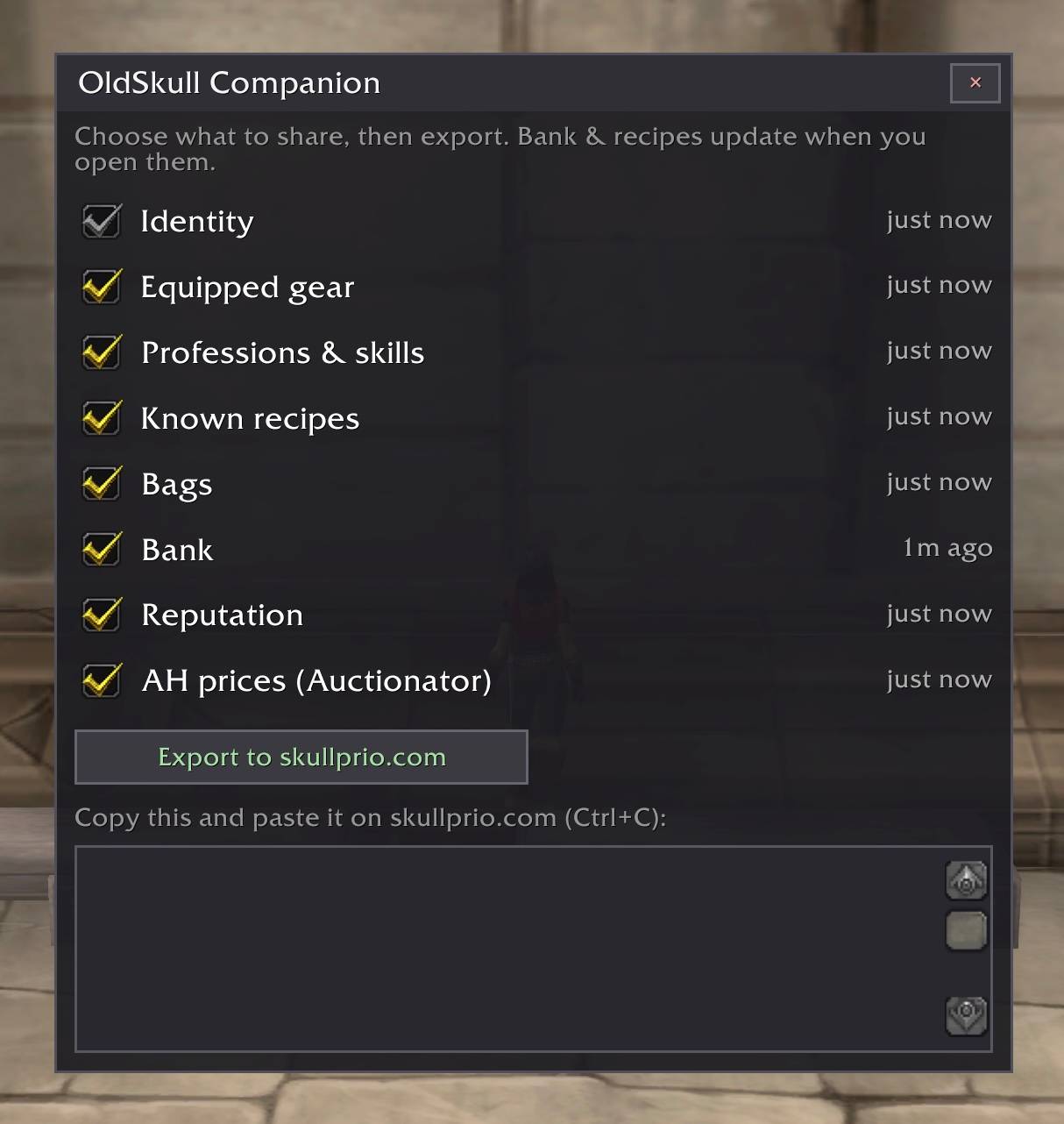
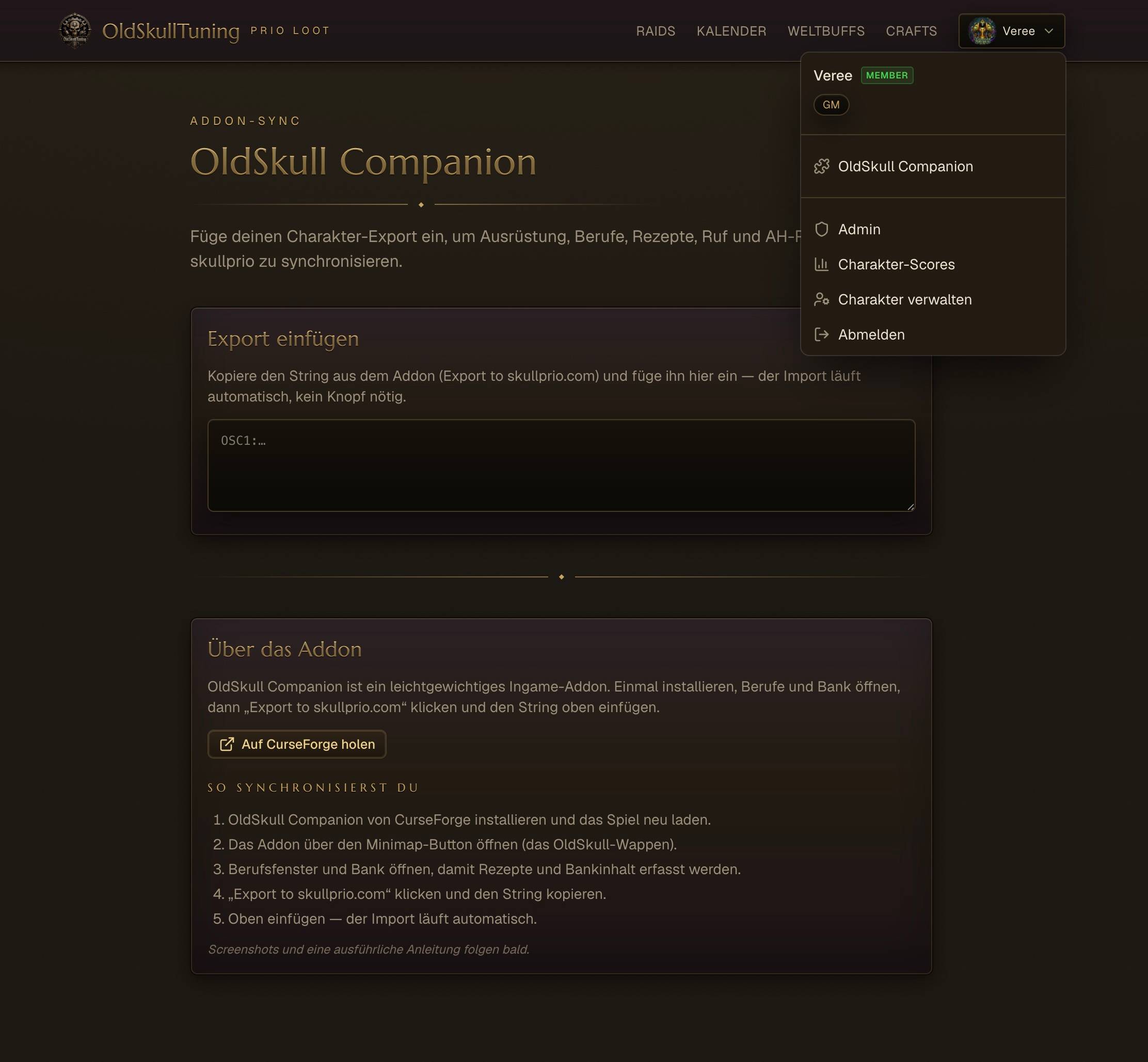
Guild members send their character — gear, bags, bank, professions, known recipes, reputation, and (with Auctionator) auction prices — to skullprio.com with one click, so the guild's raid-planning and crafting tools always know everyone's kit. No armory lag, no manual typing.
Getting around
- Minimap crest — left-click: the character export window.
- Minimap crest — right-click: the loot-priority import & review window.
- Alt-click an item (loot window or bags): the roll window for that item. For the raid's loot master it also opens on its own.
Good to know
Nothing leaves the game on its own. A character export is a simple text string a member copies and pastes on the website — always their choice. Loot and roll data stays on the raider's own machine.
Optional
Auctionator — only for syncing auction-house prices. Everything else works without it.
Made for the OldSkullTuning community · skullprio.com
OldSkull Companion Team
